LS25 GE10 Script – Placeable Importer Prefab V1.0.0.0

LS25 GE10 Script – Placeable Importer Prefab V1.0.0.0
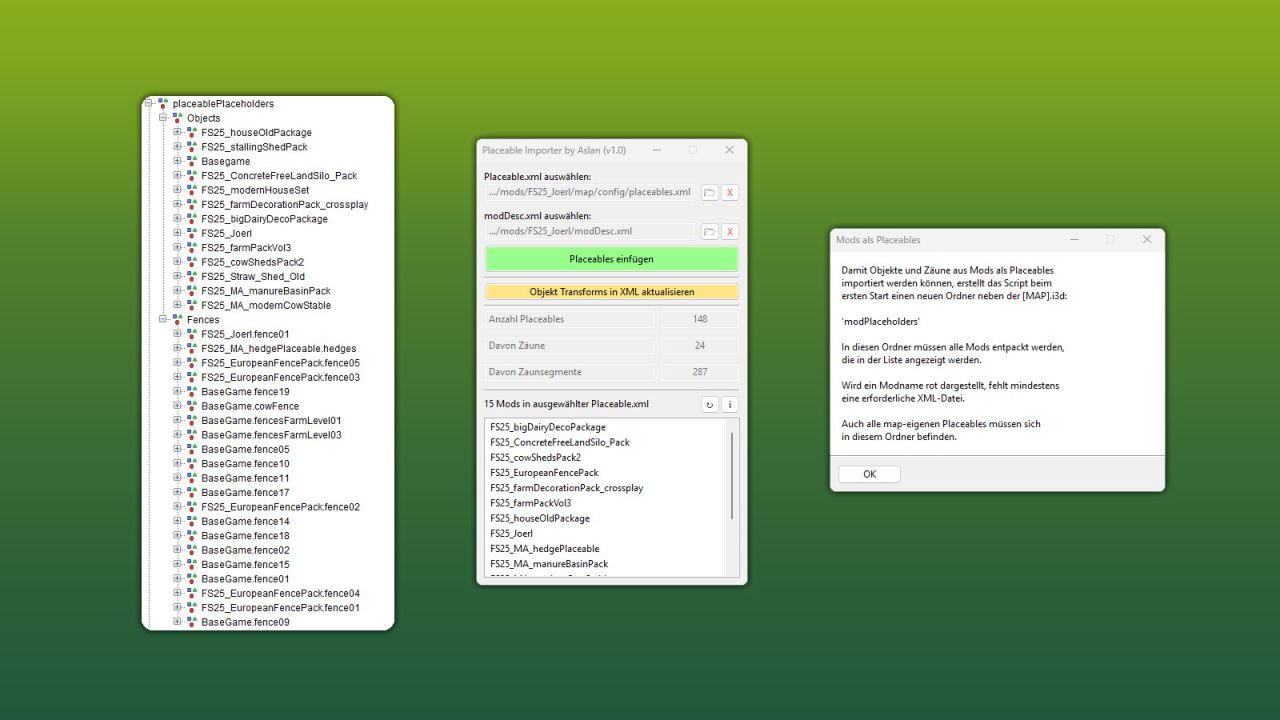
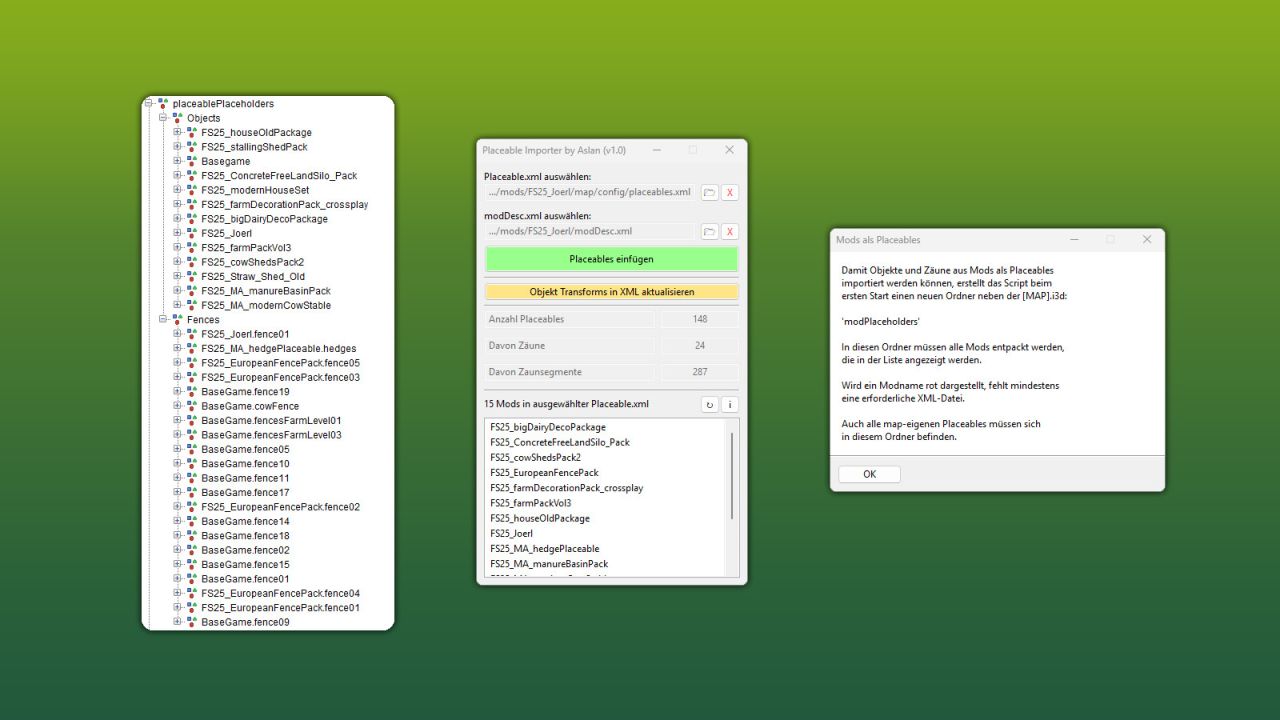
This GIANTS Editor script allows you to import all placeables, including fences, into your map that are defined in a selected “placeable.xml”.
Unlike the official PlaceableToolkit by GIANTS, this script works purely with a visual representation during the map building phase. This means you can first place objects and fences in-game and then import them into the GIANTS Editor using this script to maintain a complete visual overview of all placed elements while continuing map development.
Additionally, the script generates an in-game script that automatically removes the imported visualization placeables from the I3D when the map is loaded in-game, allowing the real placeables to load normally. For this feature to work, a “modDesc.xml” must be selected in the GE script.
Installation:
1.) Locate your GIANTS Editor installation directory. By default:
“C:/Program FilesGIANTS SoftwareGIANTS_Editor_10.X.X/”
2.) Copy the script “PlaceableImporter.lua” from the prefab into the GIANTS Editor script folder.
3.) The script will then be available in the GIANTS Editor via the menu bar under “Scripts”.
INFO:
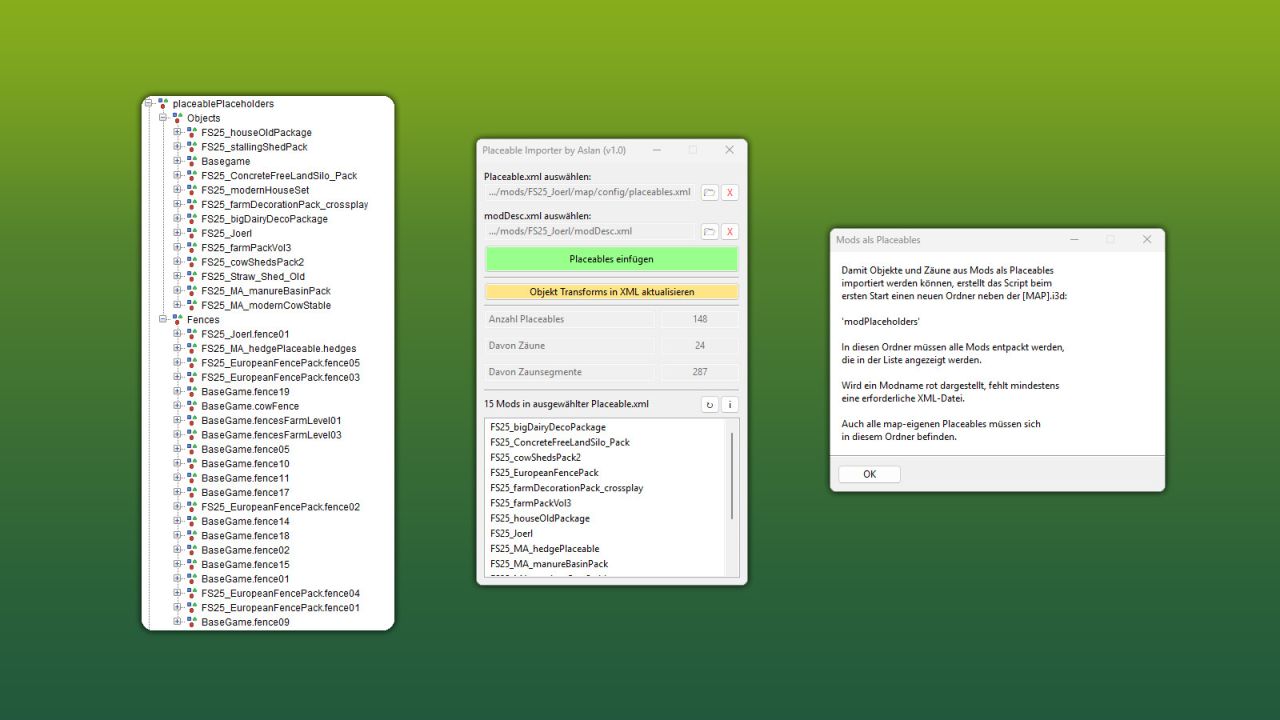
– To load placeables from mods, the script creates a folder named “modPlaceholders” on first launch. All required mods must be extracted into this folder.
– Object placeables can be moved/rotated in the editor and updated back to the .XML via the update button. Make sure the placeables in the .XML contain a “uniqueId”.
– Fences can also be permanently integrated into the map by moving the desired fence objects outside of the “placeablePlaceholders” node. When using mod fences, texture paths may need to be adjusted.