LS25 Hide Help Texts v1.0.0.0


LS25 Hide Help Texts v1.0.0.0
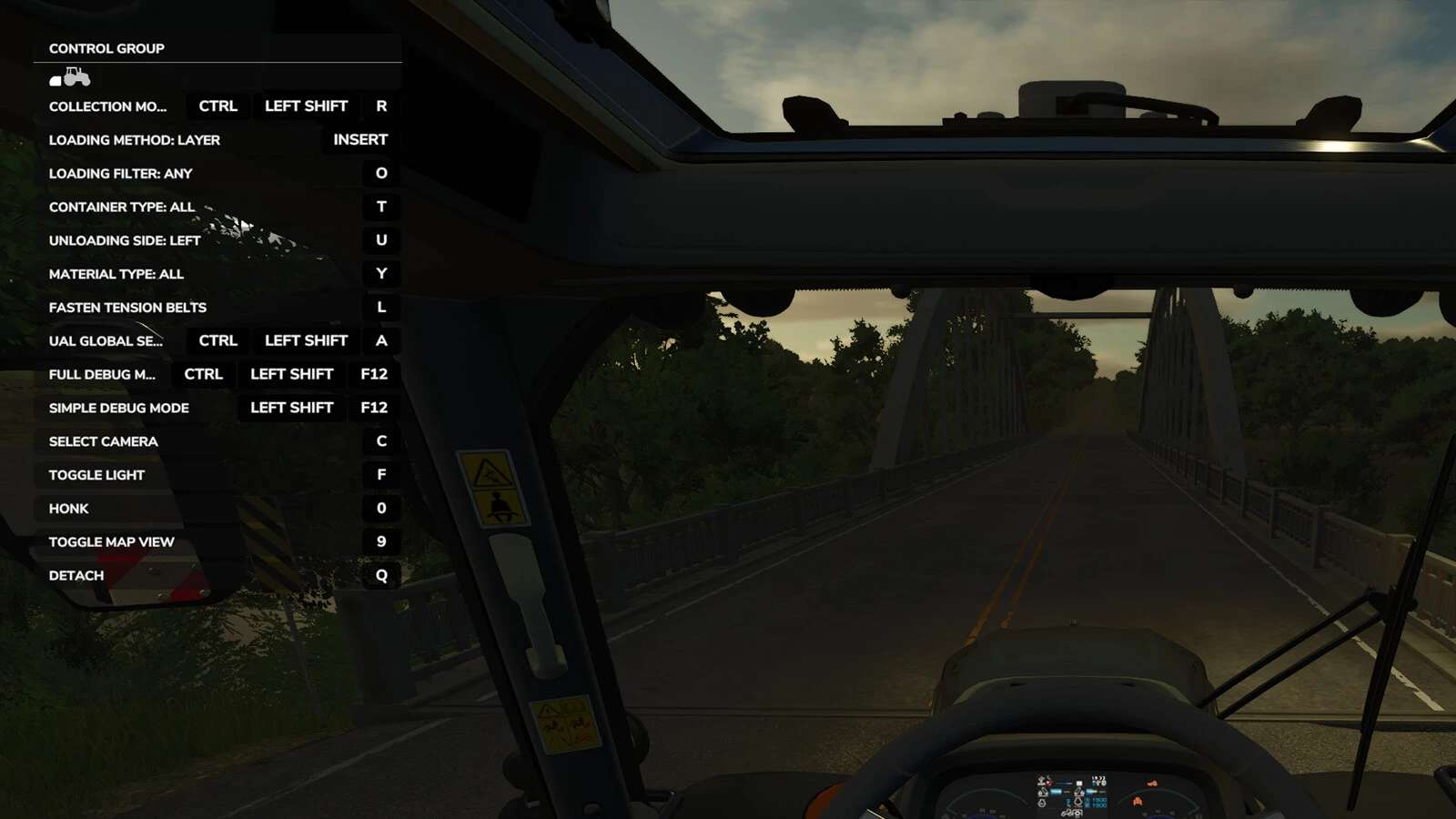
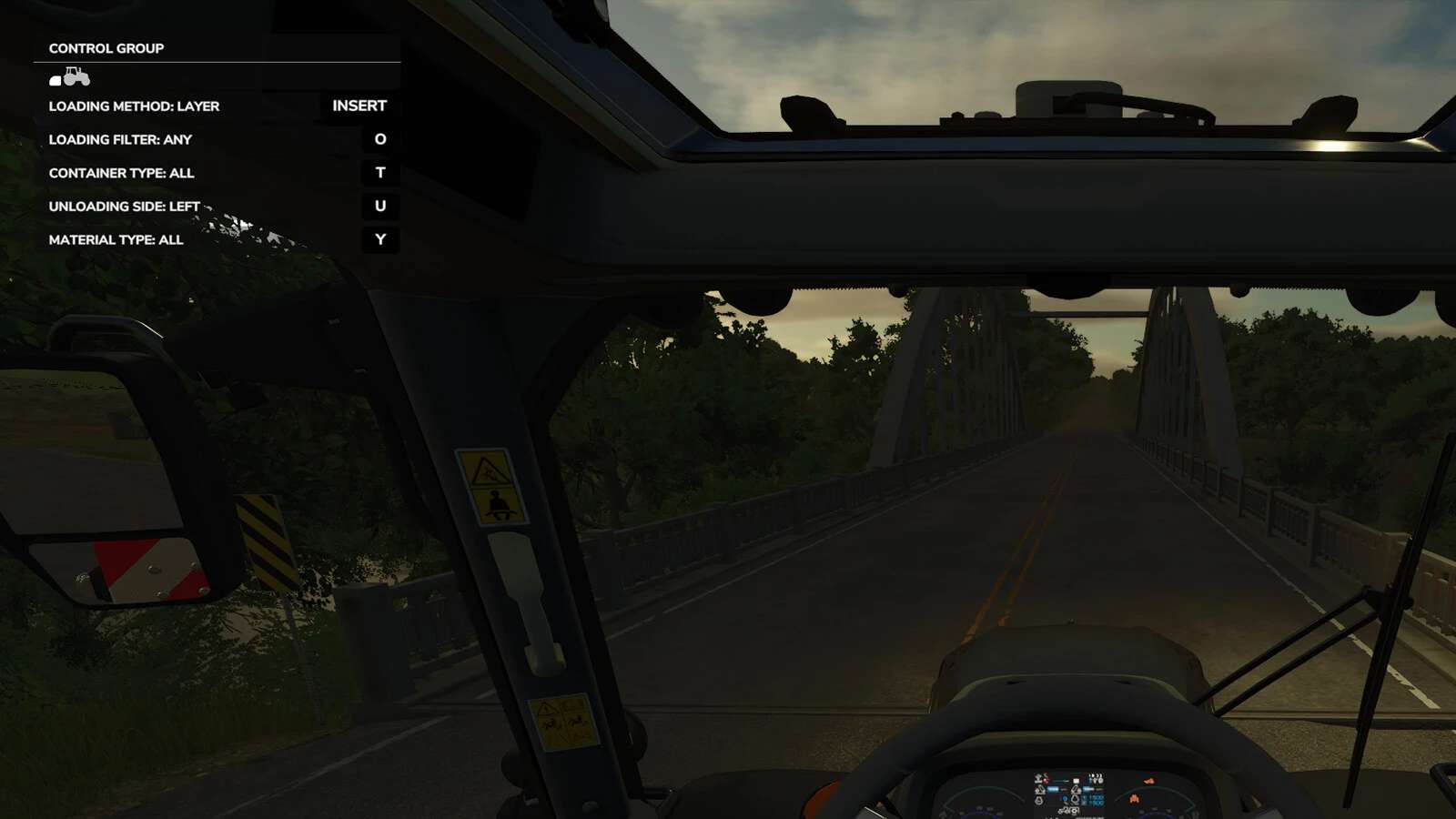
Declutter your HUD by hiding unneeded help texts.
When the game and mods all add their own help texts to the HUD it quickly gets crowded. Do you really need to be reminded that F turns on the flashlight or that there is a keybinding to show Courseplay’s debug channels?
This mod lets you hide the help texts you don’t need so the ones you actually want are more visible.
Supports multiplayer.
Usage:
– Enable the mod and play the game as usual
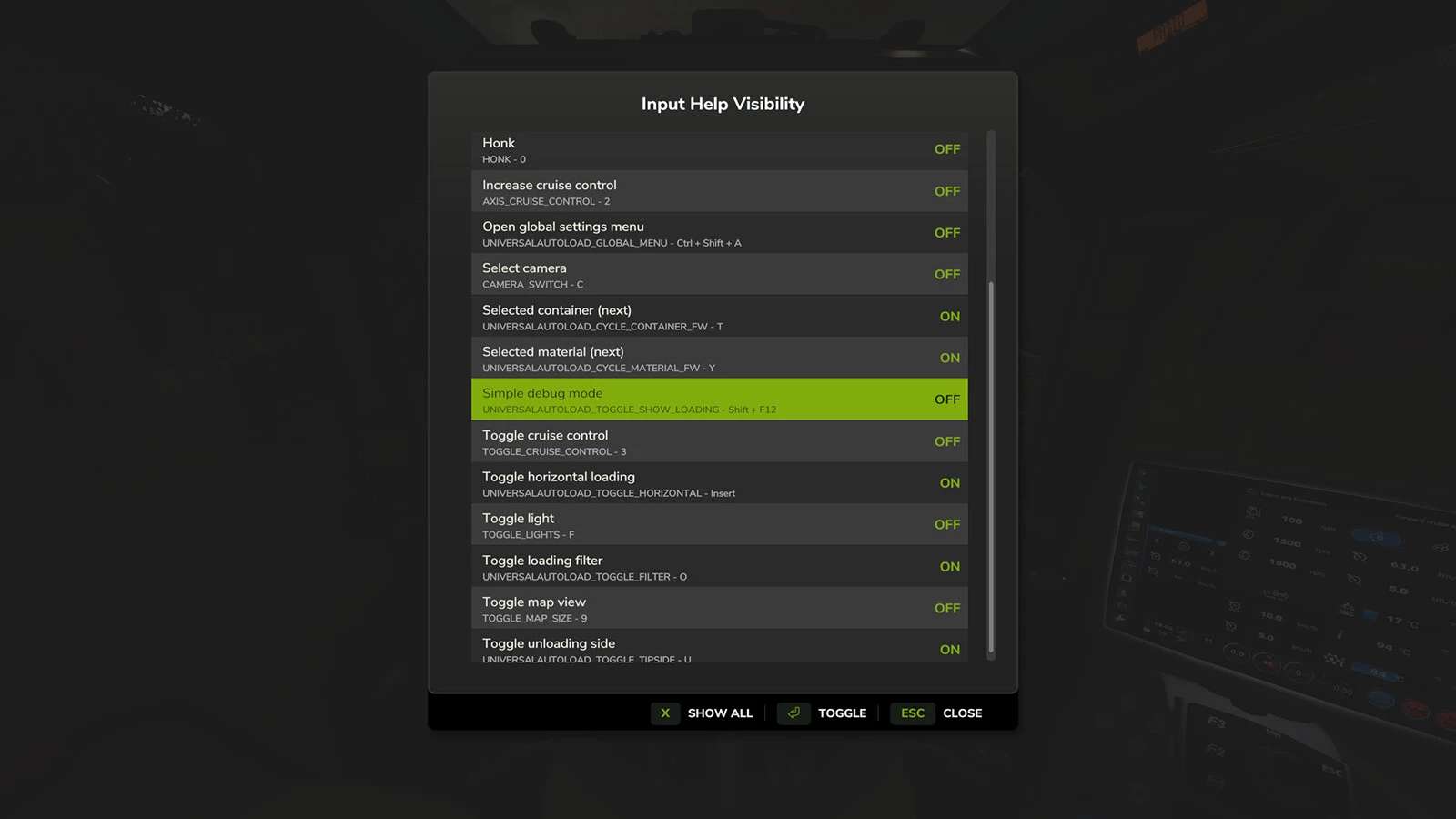
– Press RightShift+H to open settings dialog (configurable)
– Toggle help texts ON/OFF in the dialog
– Changes are saved when closing the dialog
Settings are saved to user settings and work across savegames.