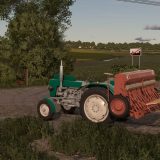
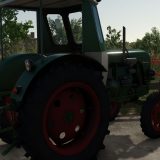
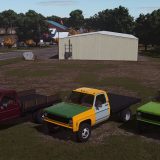
LS25 Main Menu Background Collage v1.0.0.0

LS25 Other

LS25 Main Menu Background Collage v1.0.0.0
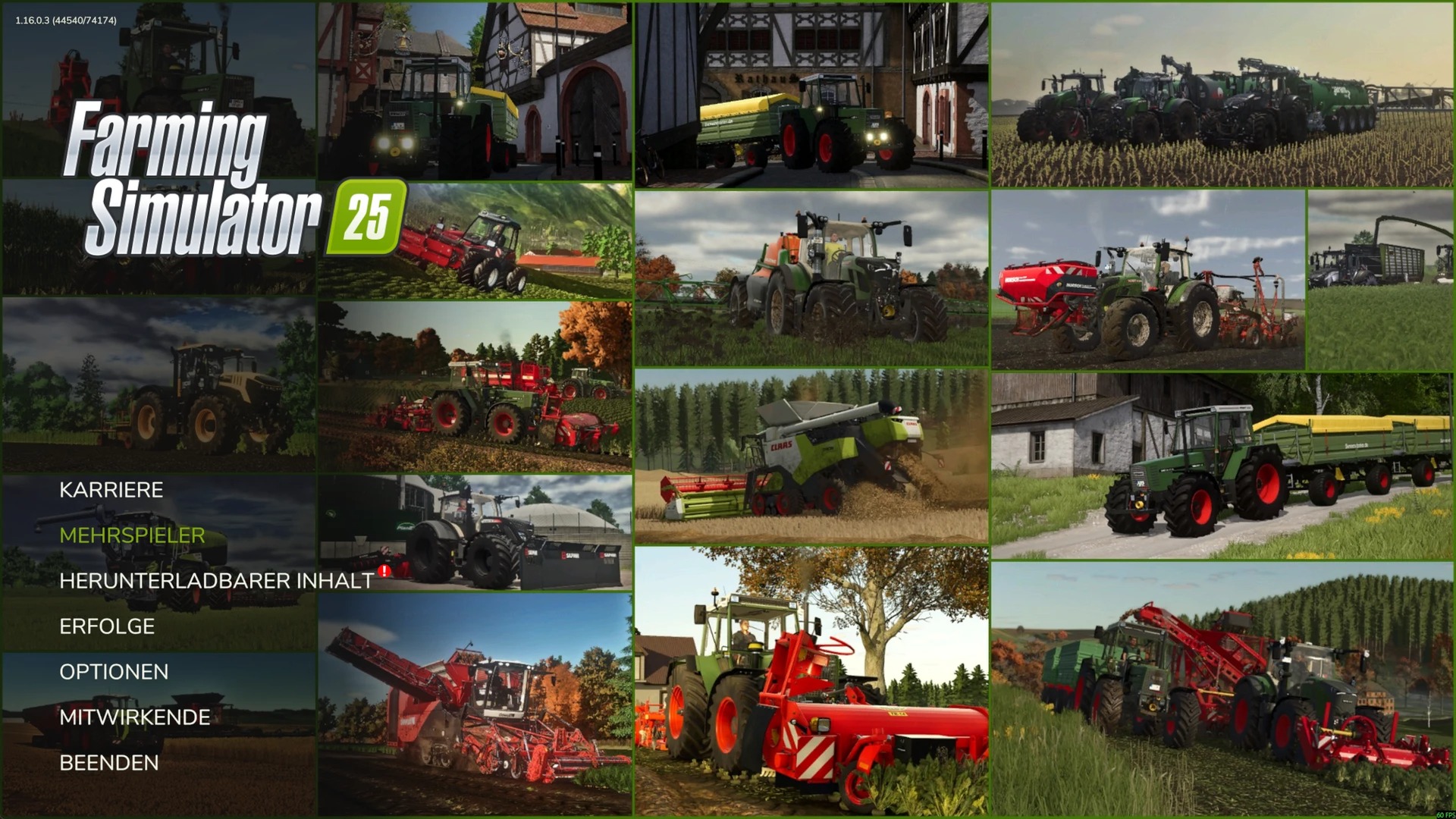
This is a custom background collage that must be extracted first.
After that, copy the included files into the correct game folder and replace the existing files.

Non-Steam version:
C:/Program Files (x86)/Farming Simulator 2025/shared

Steam version:
C:/Program Files (x86)/Steam/steamapps/common/Farming Simulator 25/shared

Steps:
Extract the file.
Copy the contents into the correct shared folder.
Confirm “Replace/Overwrite” when prompted.
If needed, run as Administrator and close the game first.
Authors:
Trackmax


Why & How to use FS25 mods

Have you tried Farming Simulator 25 Mods already? Downloading FS25 / FS22 mods is one of the best ways to upgrade your Farming Simulator 25 / 22 game by just installing it. All that you need is to select Farming Simulator 25 / 22 mod and upload it to your game mod folder. Here you will find modifications such as Tractors, Maps, harvesters mods for FS22 / FS22. However, the best way to see how it works is just to try and explore these LS25 / LS22 mods right now.


LS25 Other

Leave a Reply

Do you need help or to say thanks for mod author? Just leave a comment bellow!