LS25 Missions Display v1.0.0.2

LS25 Missions Display v1.0.0.2
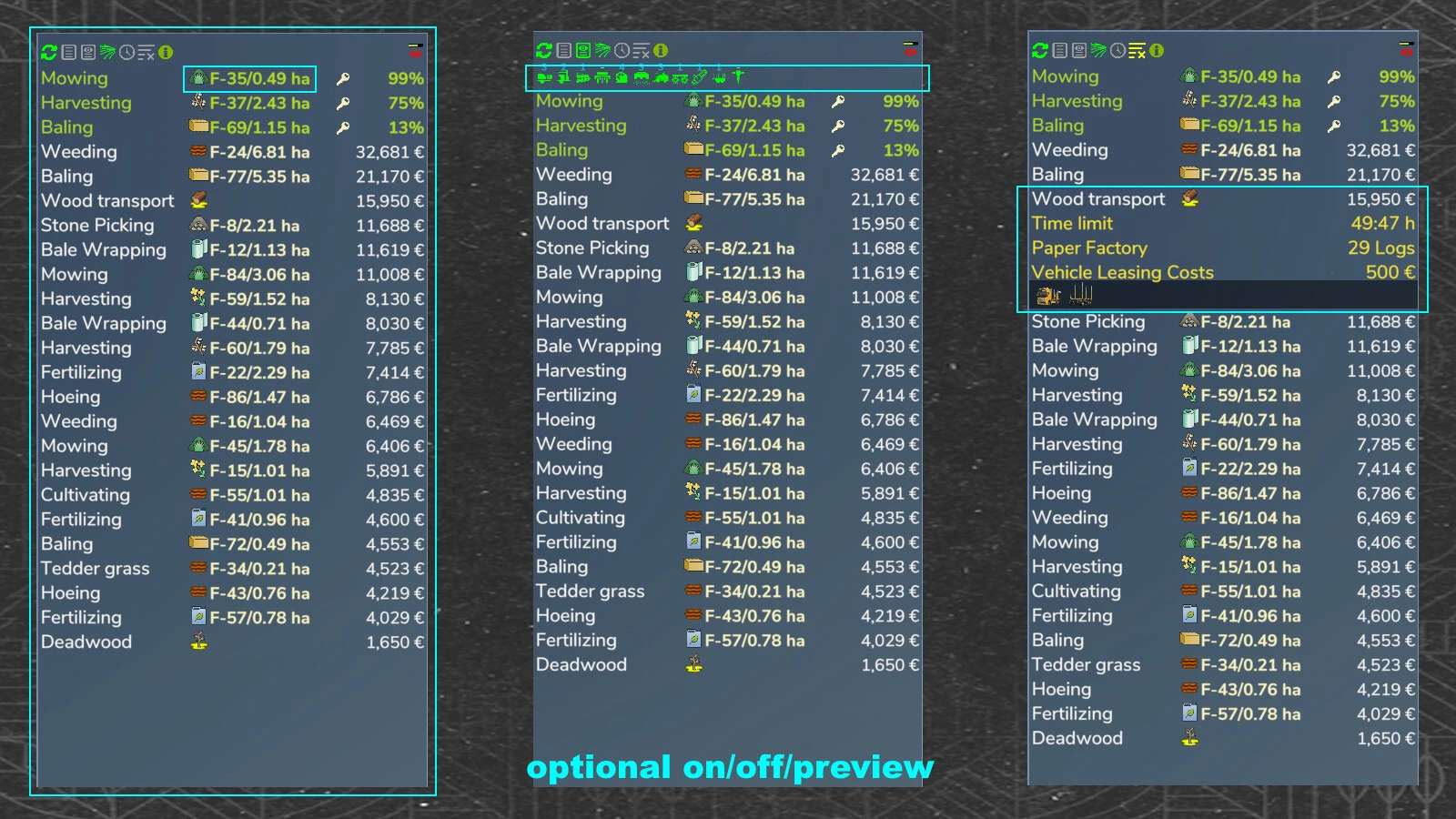
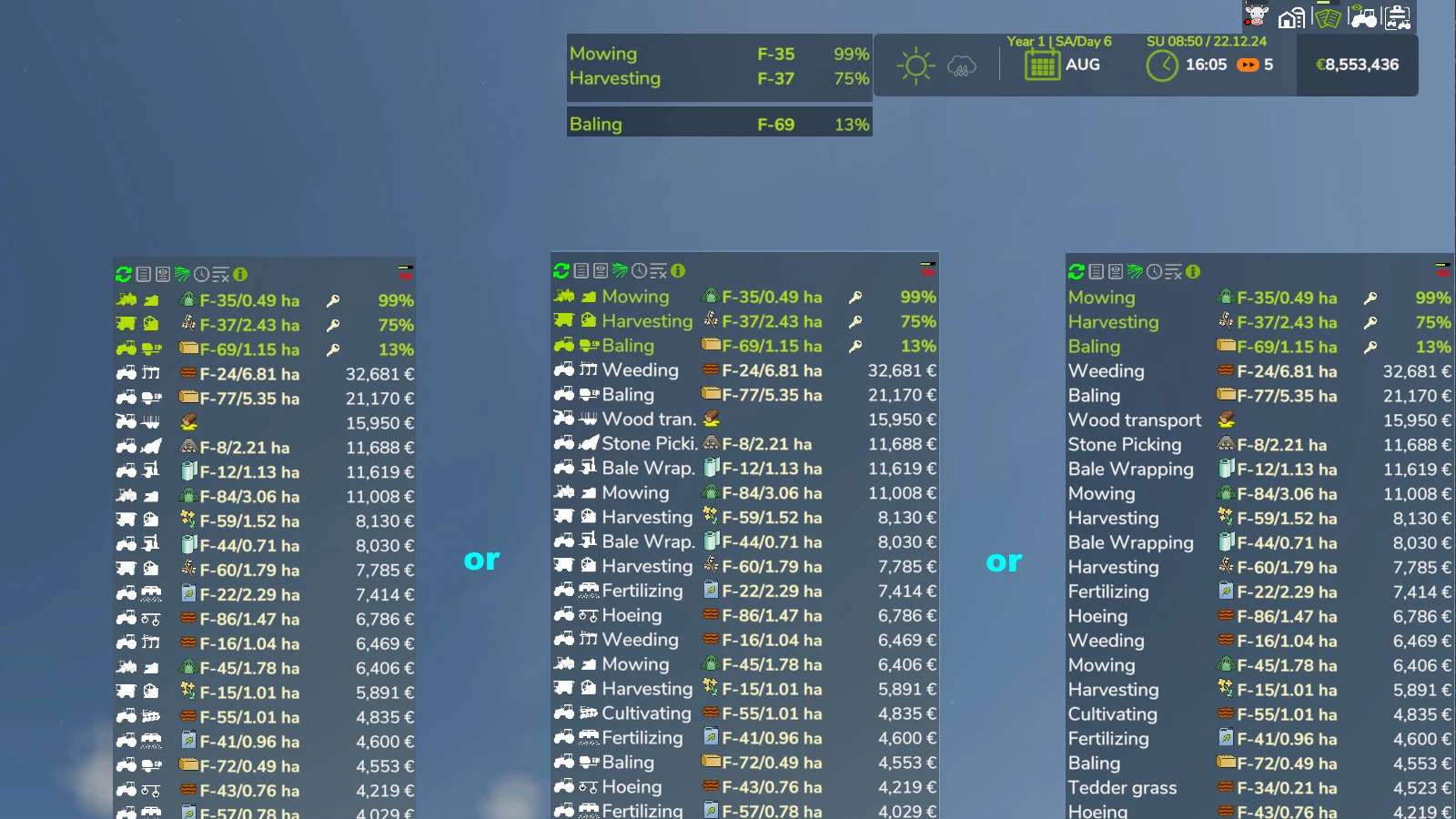
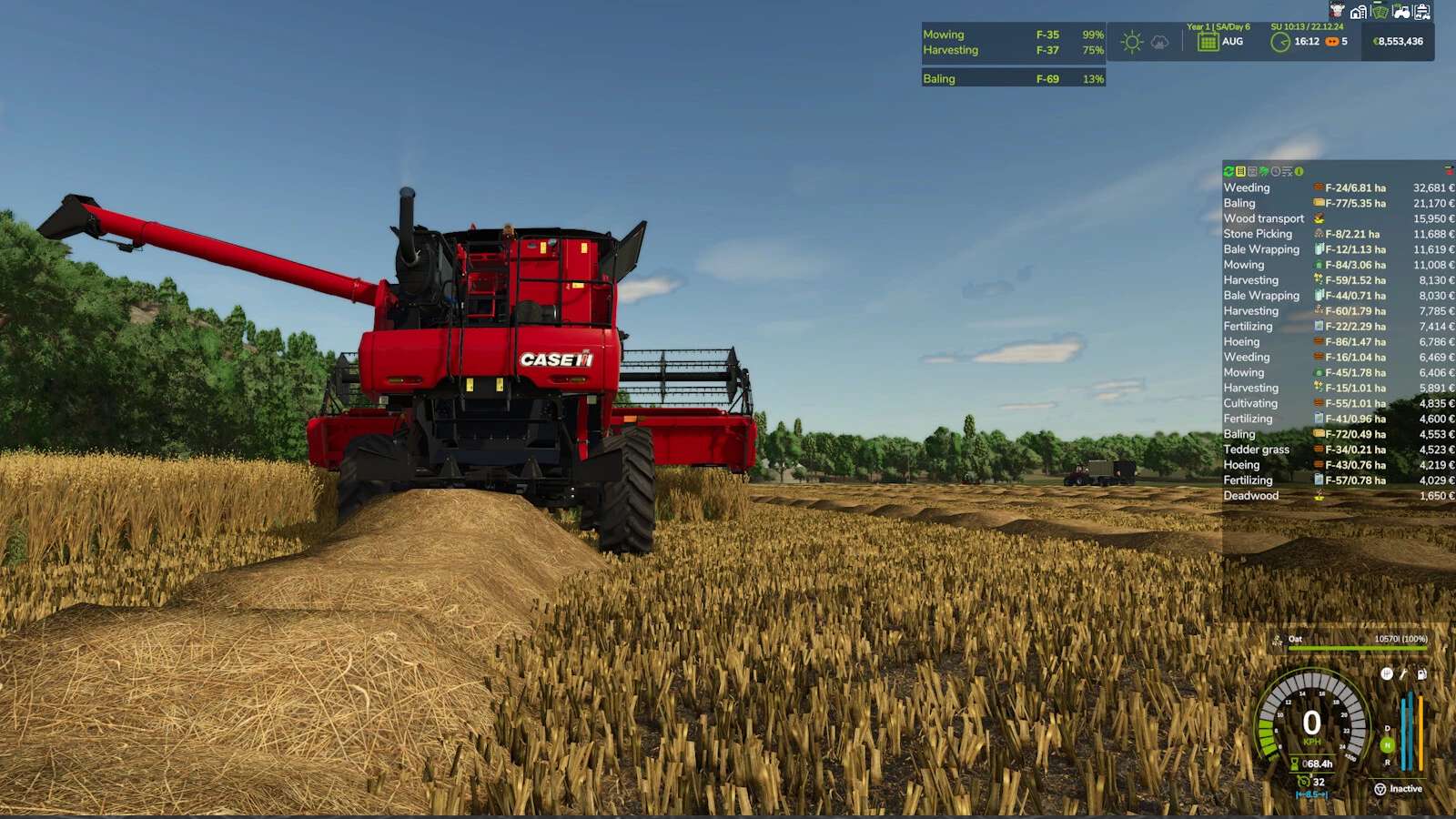
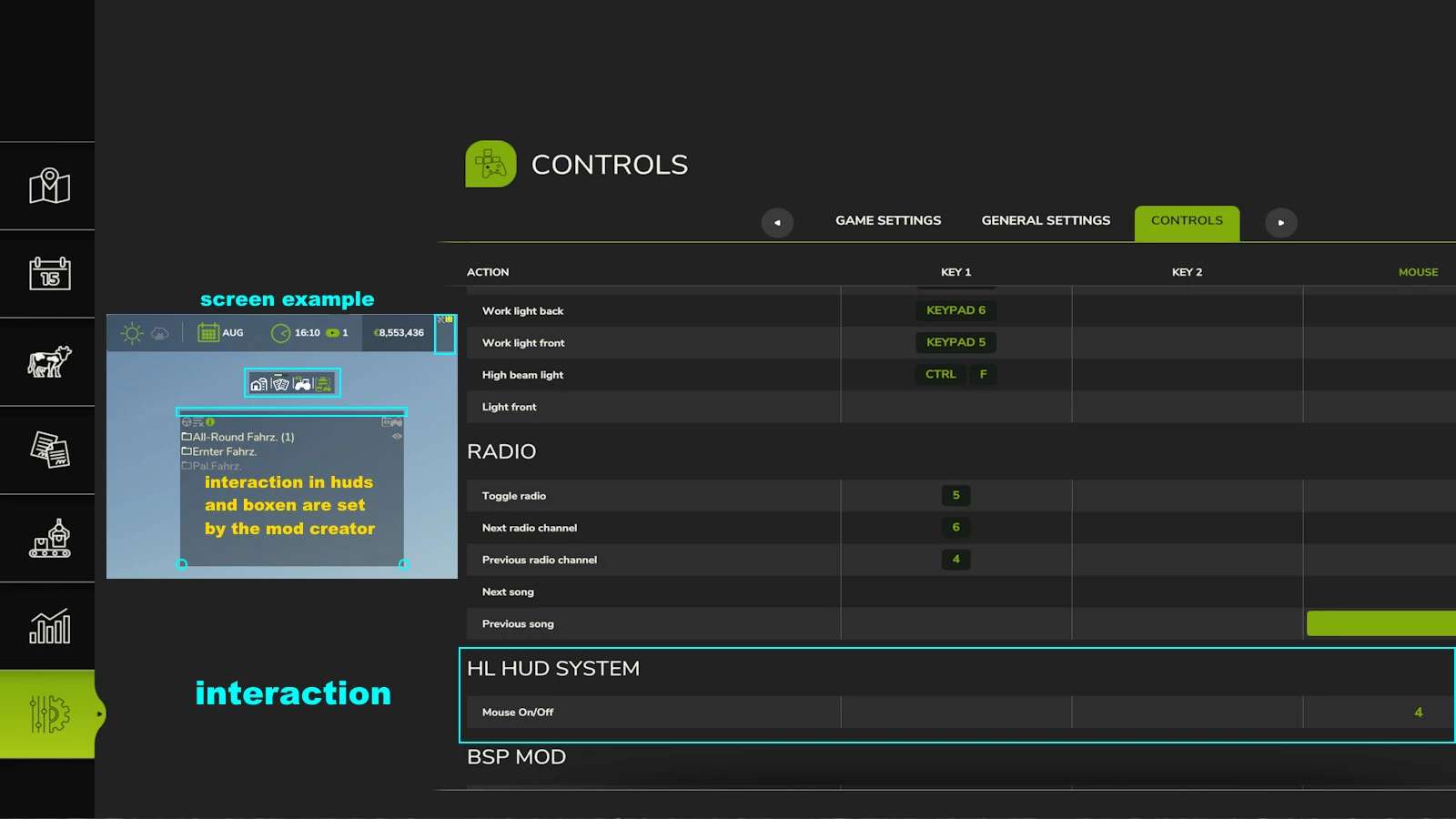
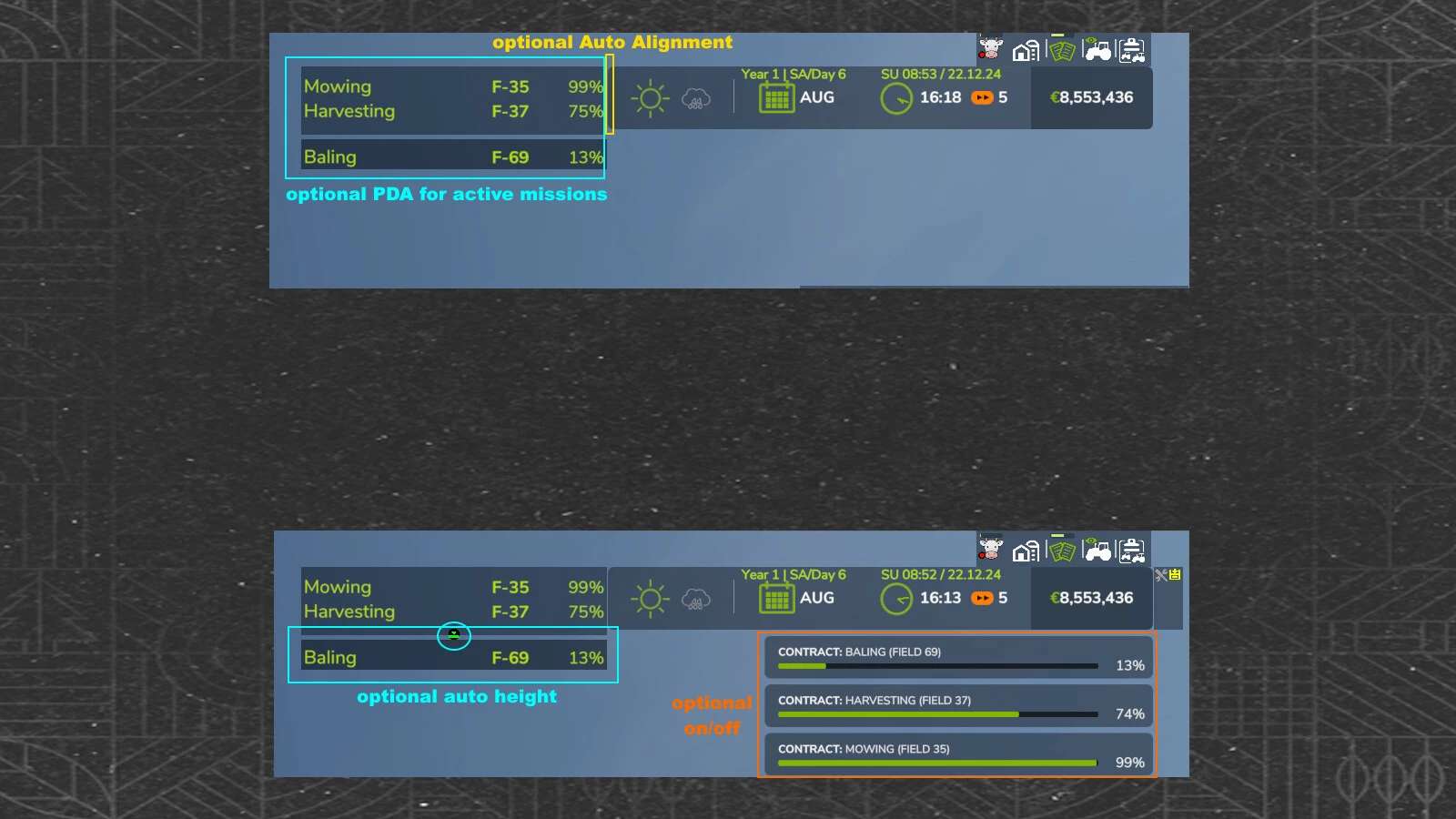
Shows you the current/running missions or … in real time in a display box. You can customize the display box and optionally align it.
– visible vehicle information, that can be switched on and off
– Mission sorting according to your wishes
– hideable missions and much more
Changelog 1.0.0.2:
– new, view + /Q or /R BaleMissions and not view FillTypeIcon
– new, see marker for new mission (ca. 15 sec.)
– new, supports for Additional Contracts Mods
– new, scroll left/right missions typ line
– replace, mowbale mission icons
Changelog 1.0.0.1:
– some setting icons moved
– new, view Missions Time Limit On/Off or view AutoSwitch for 20 sec
– new, distance to sellingpoint
– new, fruitName/fruitIcon/otherIcon in active pda On/Off
– new, missionstimes warning