LS25 No Sell Dialog V1.0.0.0

LS25 No Sell Dialog V1.0.0.0
Tired of pressing Enter twice every time you sell a building?
WHAT IT DOES
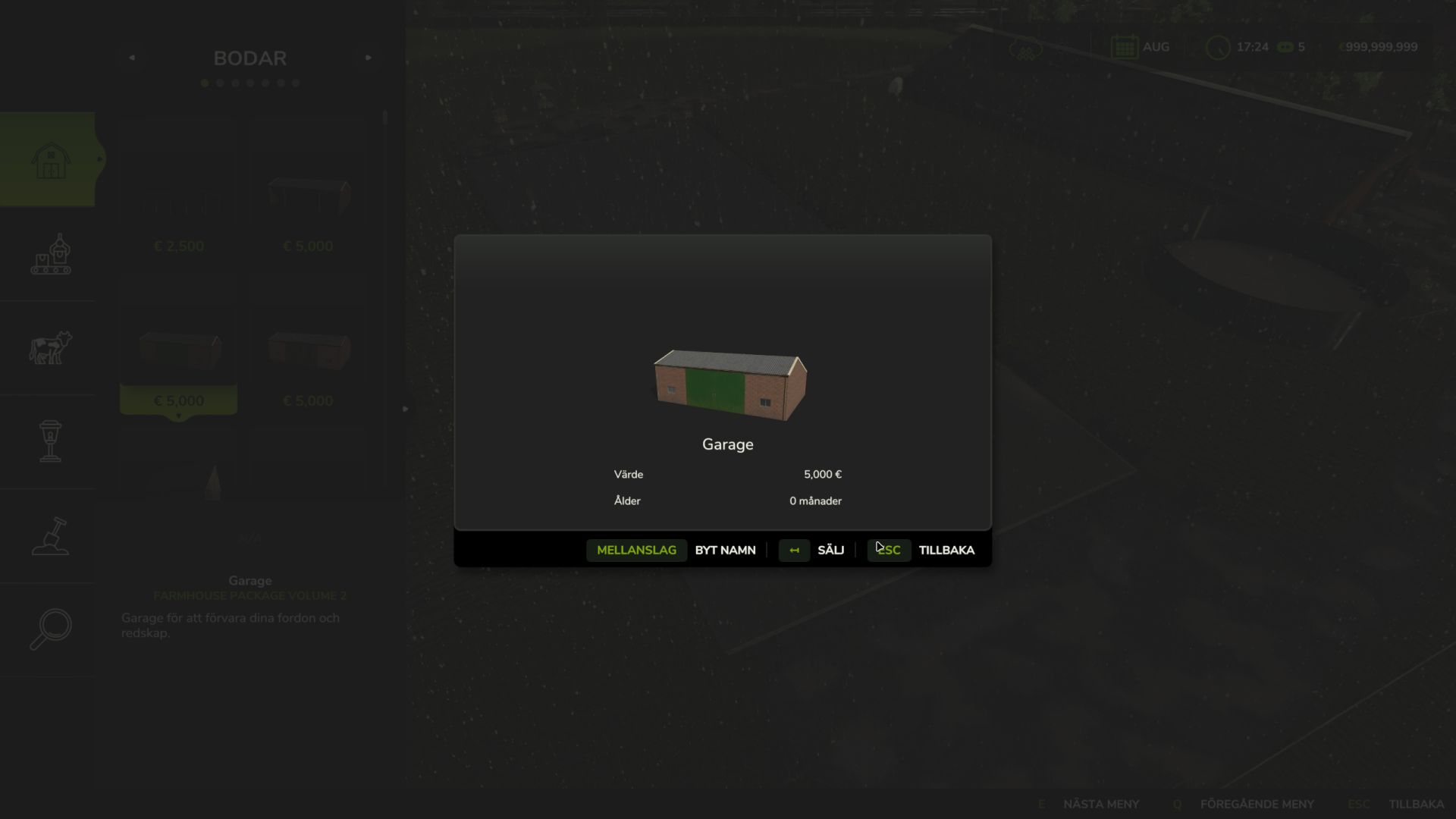
This mod removes both popups that appear when selling a placeable in the construction screen:
The “Are you sure you want to sell?” confirmation
The “The item has been sold” info popup
The sale happens instantly with a single click — no extra keypresses needed.
FEATURES
Instant selling — no confirmation dialogs
Toggleable on/off with a keybind (default: Left Alt + S)
ON/OFF status shown in the construction screen input bar
Toggle visible in the game settings keybindings menu
Ingame notification confirms toggle state change
Multiplayer compatible
Zero performance impact
HOW TO USE
Install the mod and sell placeables as normal — dialogs are gone automatically.
Press LEFT ALT + S to toggle on or off.
NOTE
Sell price, refund calculation, and all game logic remain completely unchanged.