LS25 Ringwood’s 4X By Stevie PC v1.0.0.0
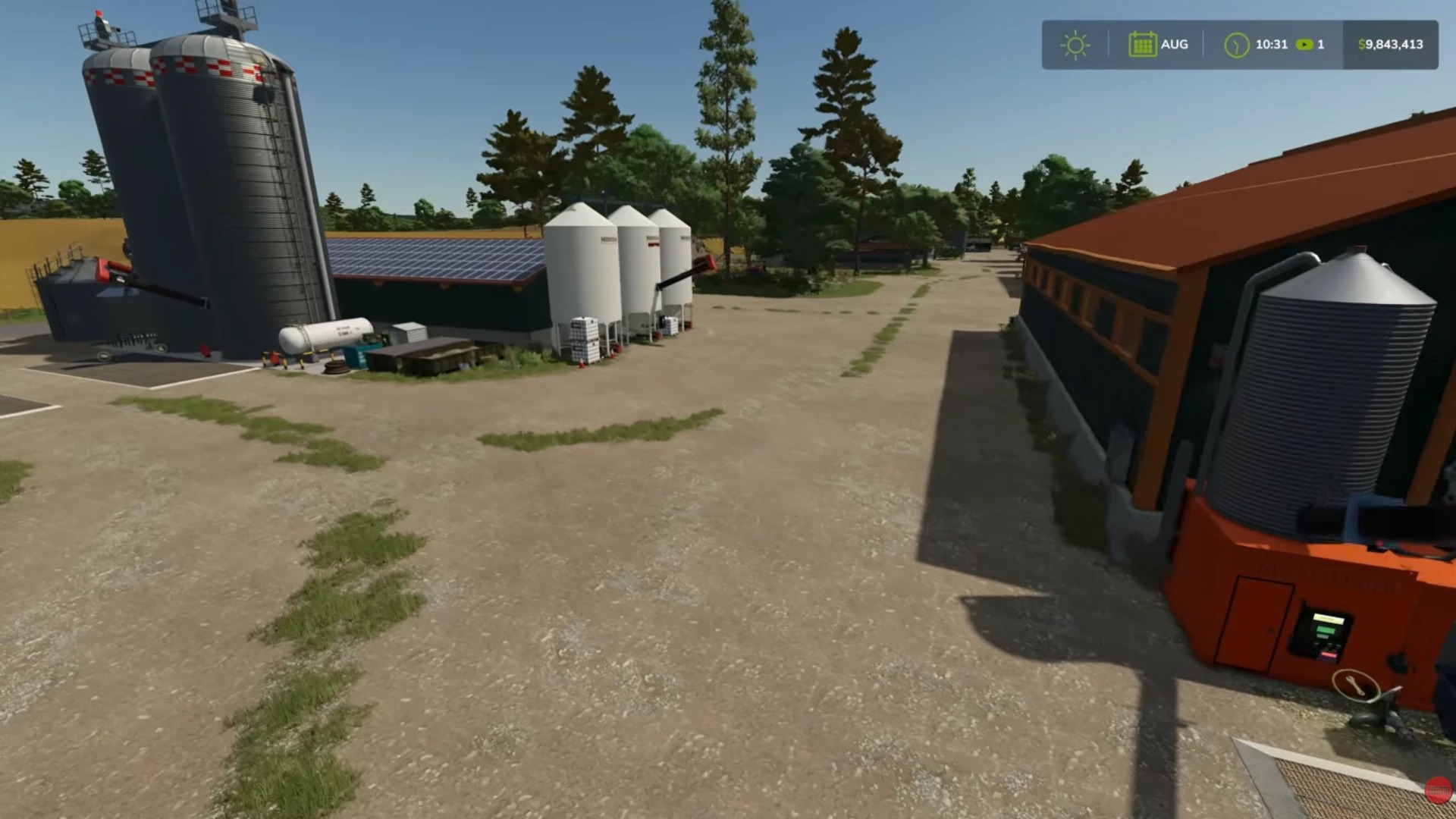

LS25 Ringwood’s 4X By Stevie PC v1.0.0.0
Welcome Folks to my new FS25 Ringwood’s 4X Pc Mod map for Farming Simulator 25.
Many know the old map from FS15 to FS22 well that was thrown out for FS25 and the map has been created from the ground up as a new 4X sized map whilst feeling familiar its all new now have fun with it.
Small update 17:15 UK Time 27/02/2026.
Links 2 and 3 did not contain a zipped map file its was actually unzipped inside. This has now been fixed and all 3 links have a zipped map file inside.
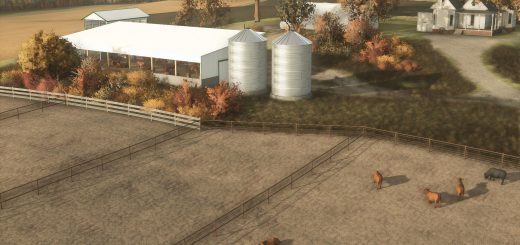
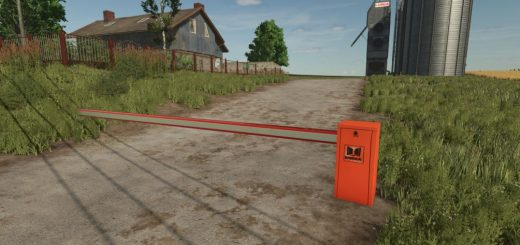
The map has 52 Fields various shapes and sizes many fields can be enlarged further by merging them together, large central town with sell points and custom productions, custom filltypes, foliage, ground textures, railroad, rolling hills, multi angle terrain, multifruit, 50 collectibles, large placeable areas, full farmland mapped to fields and other areas of the map, soil map, masking, missions, constructable items, large installed farm which can now be selected in all 3 game modes, huge forest area surrounding the full 4X size map with its own access dirt tracks with over 28000 trees. The map is fully splined for AI drivers including the main farm and switchback lane. The grass foliage lines mark where the splines are. The Farm can all be fully deleted by the user in the construction menu. If you own the land and placeables in the town blocks they can also be removed. Due to the maps size the vehicle reset point is at the vehicle shop yard a short drive from the main farm. The forestry missions NPC is at the sawmill and the Farmer mission NPC is inside the vehicle shop by the Xerion along with another NPC by the vehicle lifts. Another NPC is at the animal dealers and Walter has his own sell point in town. The logging and wood transport missions are all in the maps forestry area. Custom vehicles are supplied for compost spreading, root crops and the Kotte Multi Tanker can be found in the stores animals section.
You need the very latest Giant’s Software game update patch to play this map.
The same map file is on all three of my Google Drive download links below, download from any of them then unzip the file to get to the map zip file inside. Place the map zip file into your mods folder load and play.
Many many thanks for all the support, follows and subs Stevie.