LS25 Roundabout texture for advance direction signs from the R5 Tool v1.0.0.0
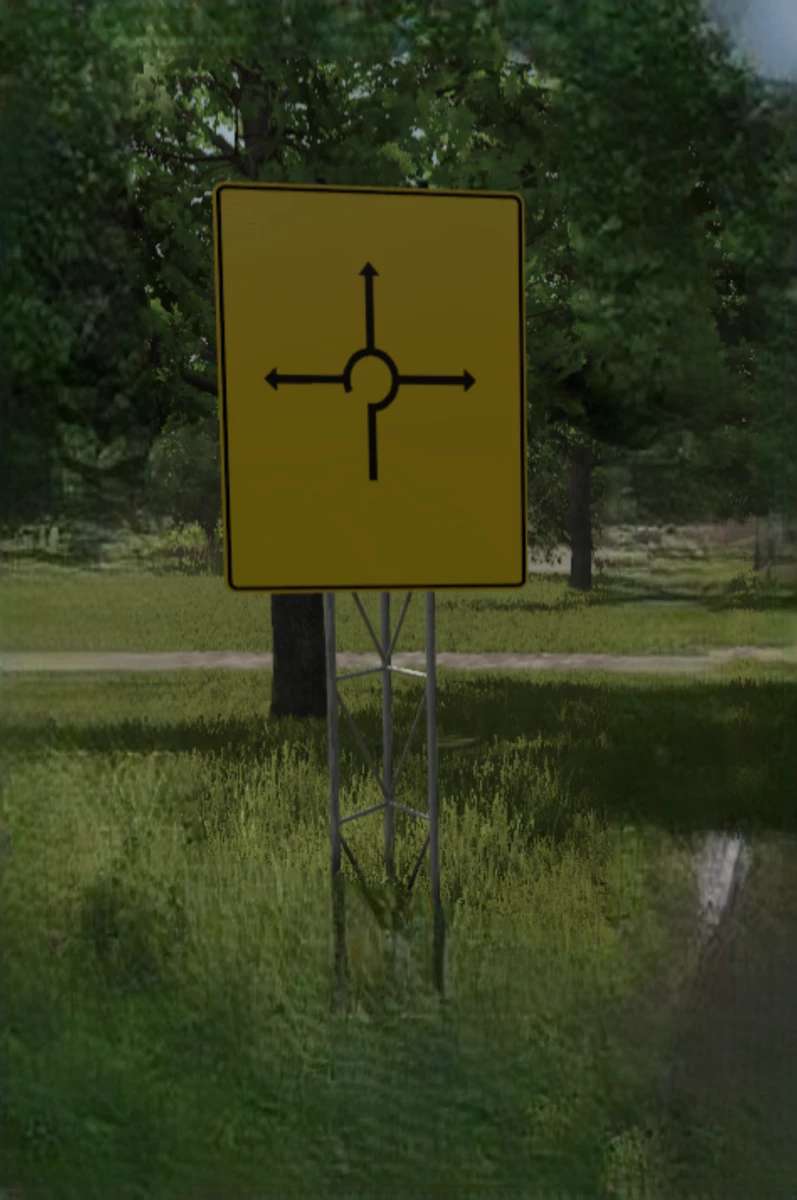

LS25 Roundabout texture for advance direction signs from the R5 Tool v1.0.0.0
Roundabout texture for directional signs from the R5 tool, allowing you to include roundabouts on the signs. Need support? Just join our Discord!
This simplifies creating signs in the Giants Editor for roundabouts on directional signs that already have the texture.
Included is the “specular” version.
For this, you simply need to add the textures and city names to the directional signs in the R5 (Modding World), and you’re all set.
If you encounter any problems, please create a support ticket on our Discord!