LS25 Seasonal Crop Stress V1.0.3.0


LS25 Seasonal Crop Stress V1.0.3.0
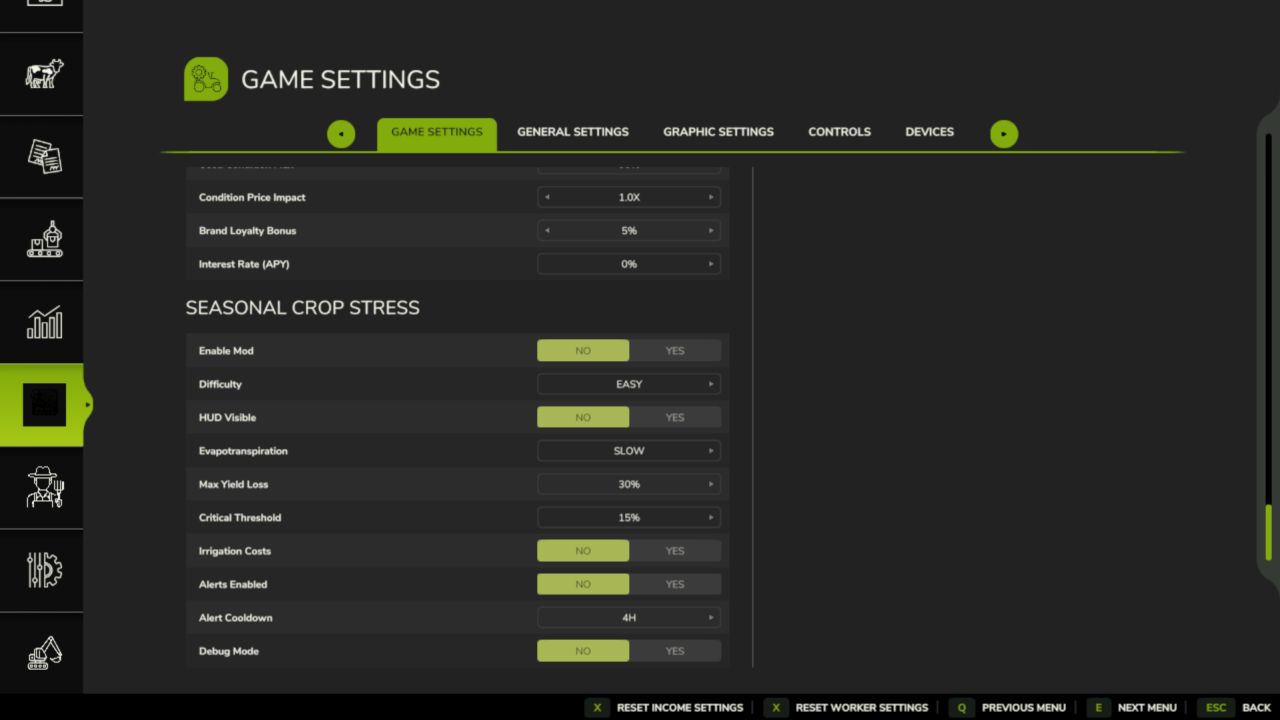
FS25 farms look lush even when your crops are quietly dying of thirst. This mod changes that.
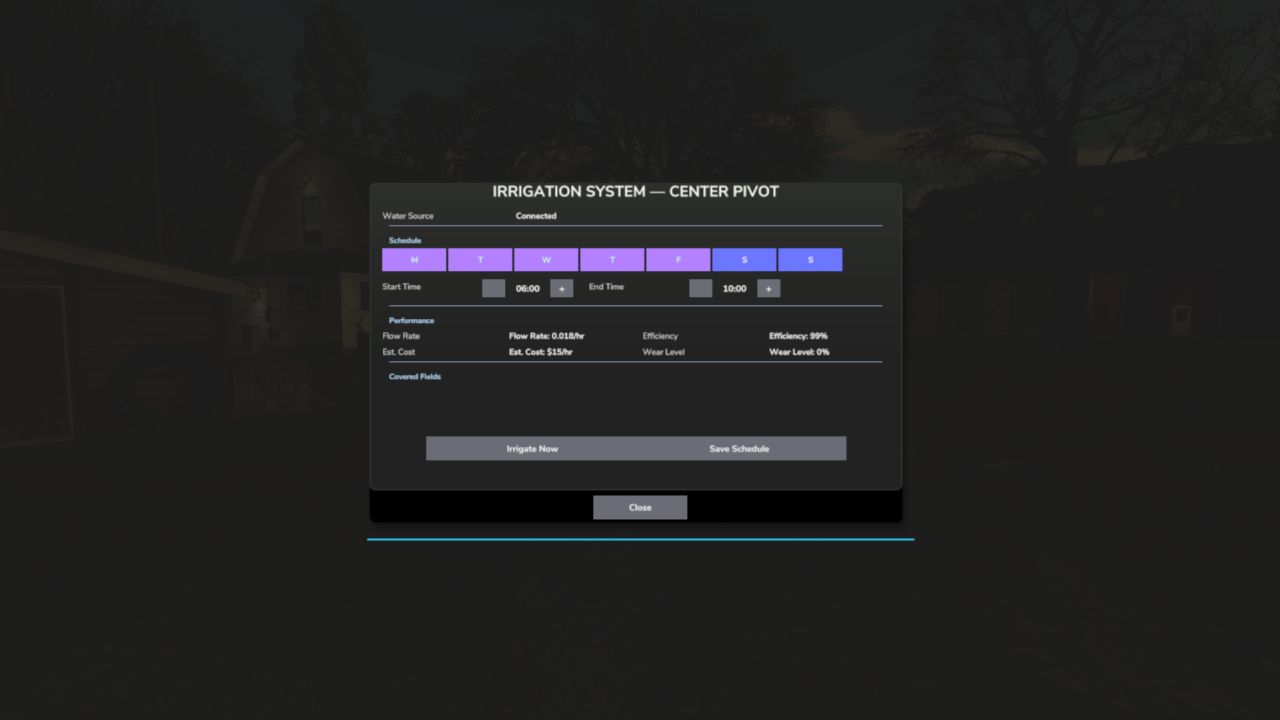
Real soil moisture physics. Heat evaporates. Rain replenishes. Sandy soil drains fast; clay holds longer. When moisture drops below critical thresholds during the windows that matter most — wheat during heading, corn during pollination — stress accumulates and your yield shrinks. Place a center-pivot irrigator, schedule it, and protect what you’ve grown.
Singleplayer, Multiplayer (host-authoritative), Persistent saves
QUICK START:
1. Load your farm — moisture monitoring activates immediately
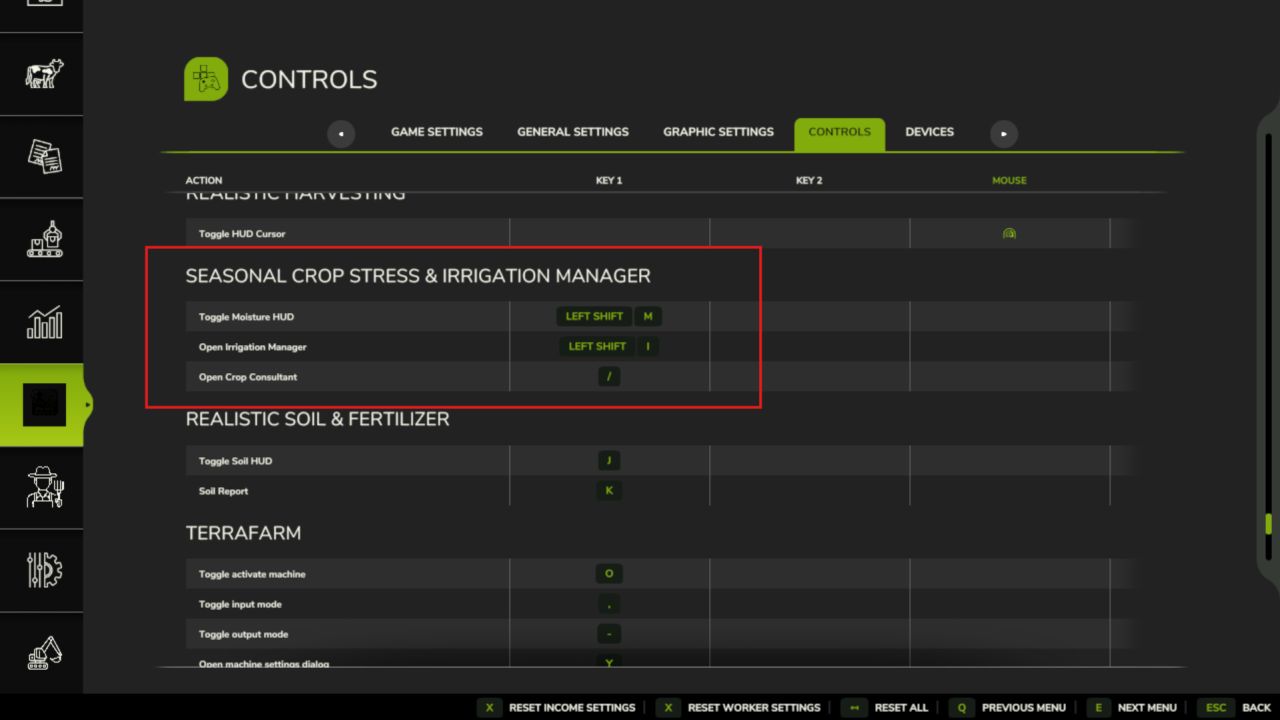
2. Press Shift+M → open the Field Moisture HUD
3. Click a field → see its 5-day moisture forecast strip
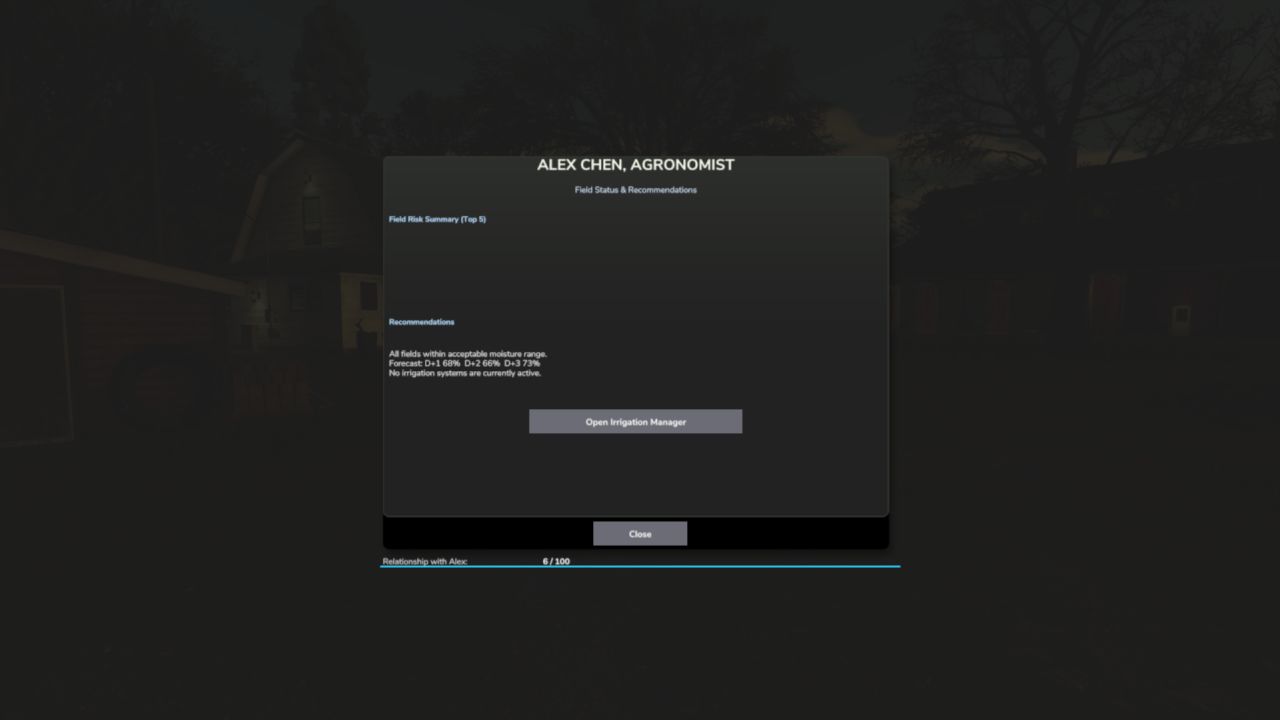
4. Press Shift+C → open the Crop Consultant for risk summary
5. Green = healthy · Yellow = needs attention · Red = irrigate NOW
6. Place a Water Pump near water, then a Center Pivot within 500m
7. Press E near the pivot (or Shift+I) → set your irrigation schedule
8. At harvest, drought-stressed fields yield less — plan ahead
Water your fields or lose your harvest.
V1.0.3.0
Moveable HUD, Forecast Fix & More Crops
The forecast strip was overlapping itself, and right-clicking to move another mod’s HUD was accidentally dragging this one too. Both are fixed.
The HUD can now be freely repositioned and resized.
What’s fixed:
– Forecast strip day labels and percentage bars no longer overlap each other
– Right-clicking NPCFavor or SoilFertilizer HUDs no longer affects this panel
– Settings now sync correctly to all players in multiplayer
What’s new:
– Right-click directly on the moisture panel to enter move mode, drag it anywhere on screen
– Drag any corner handle to resize the panel (60% – 160% scale), position is saved between sessions
– Crop library expanded to 34 entries with corrected soil moisture absorption values