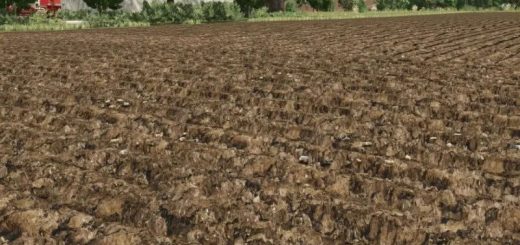
LS25 Soil Textures v2.0.0.0
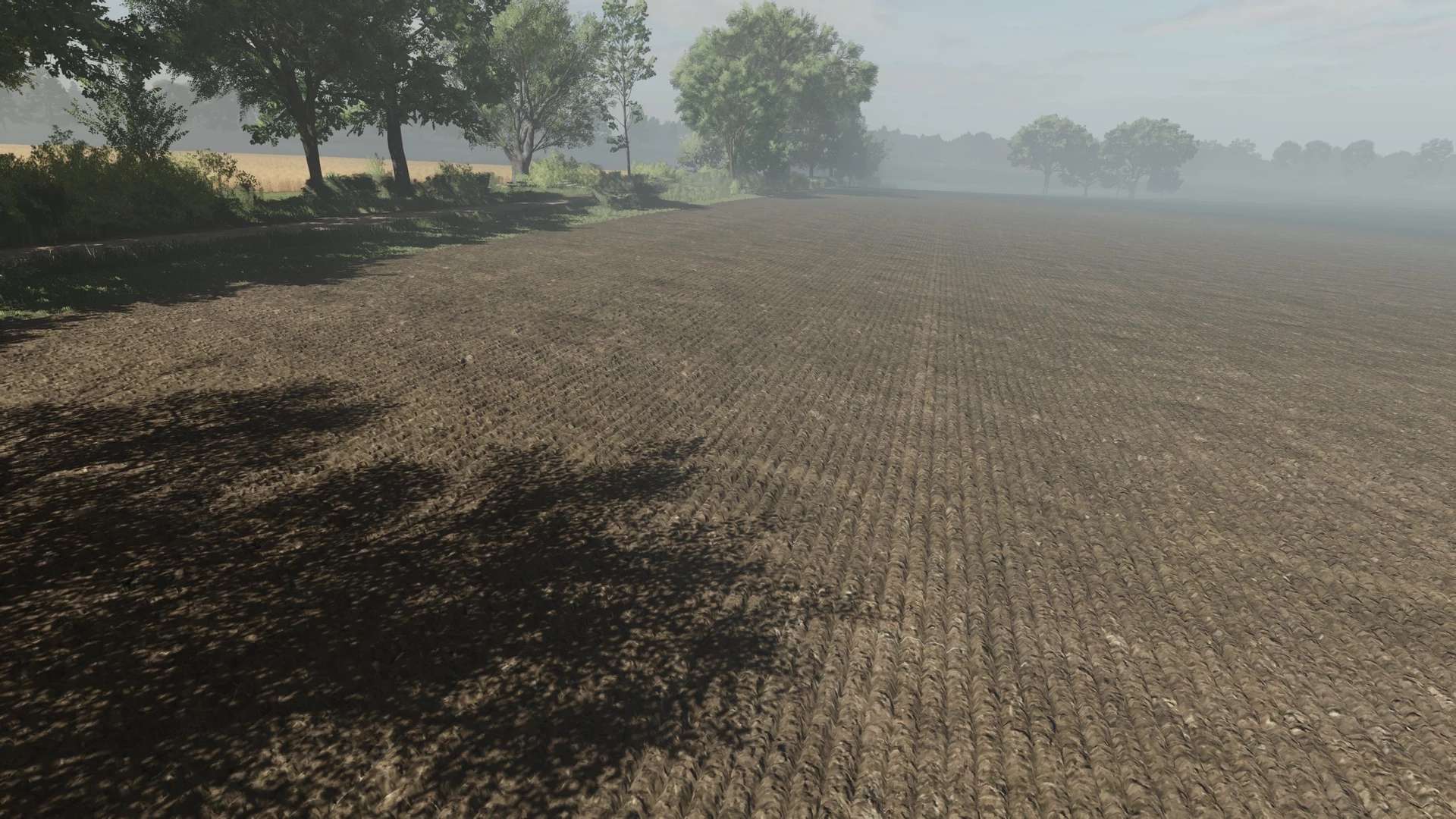

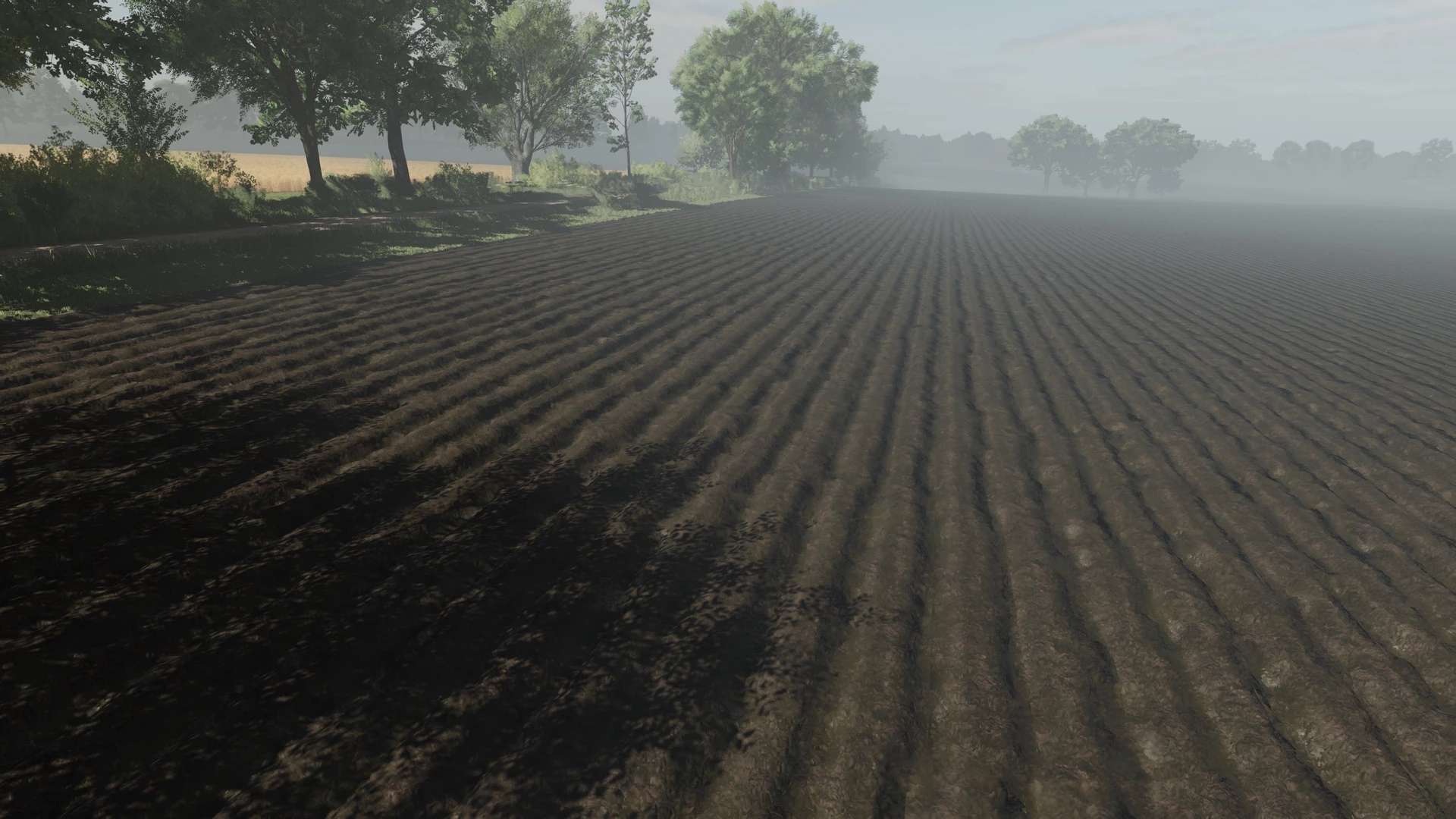
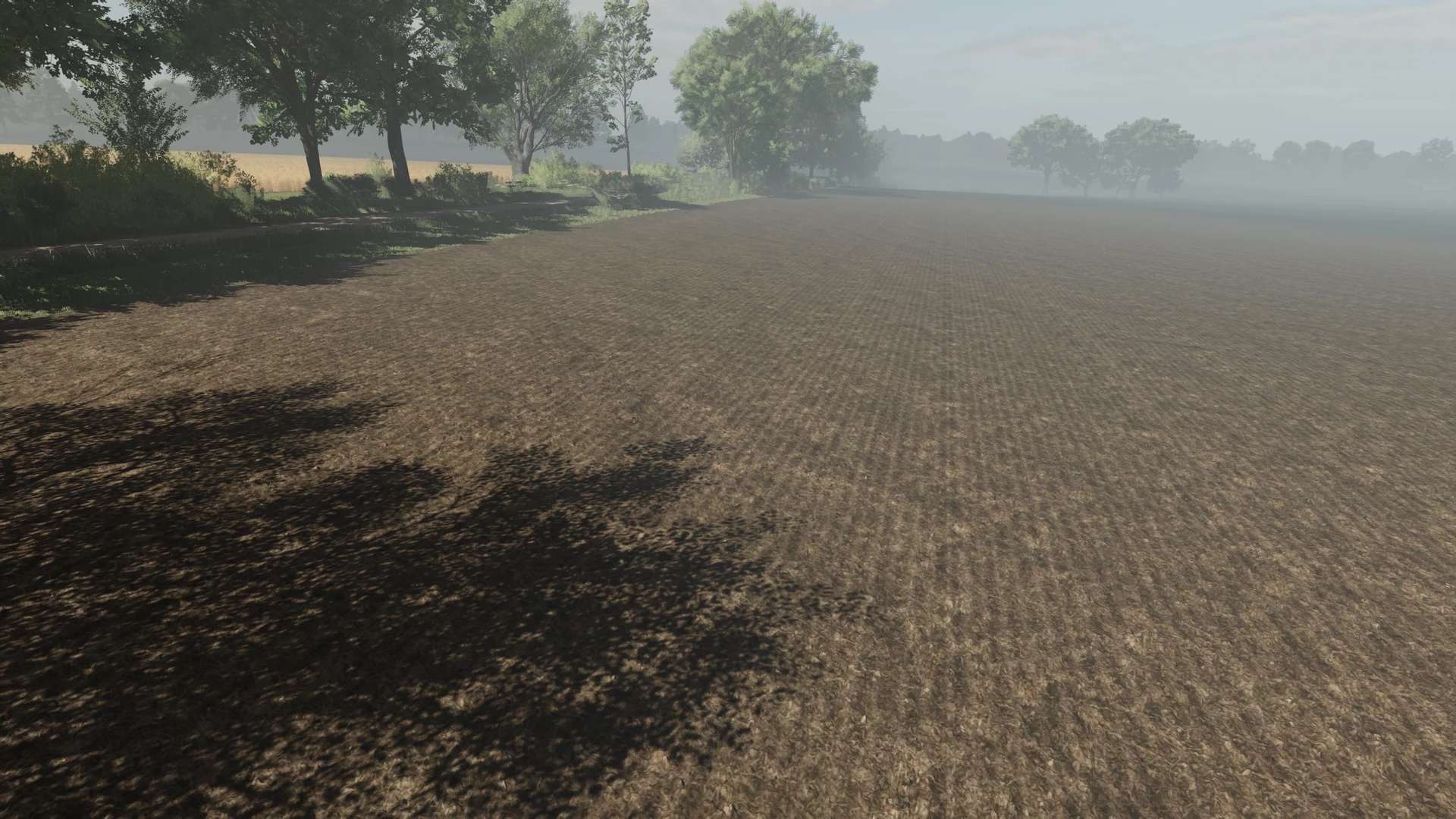
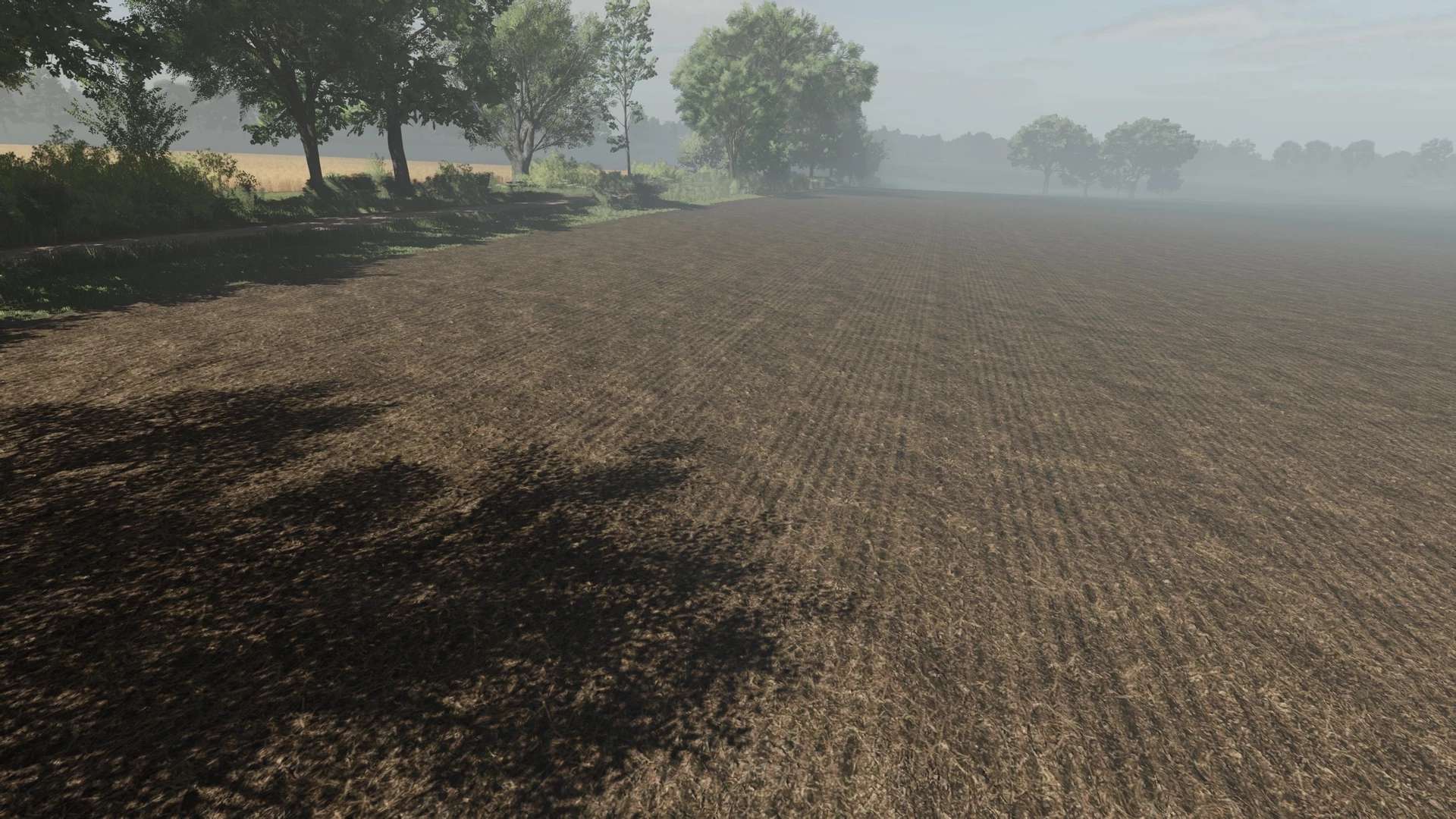
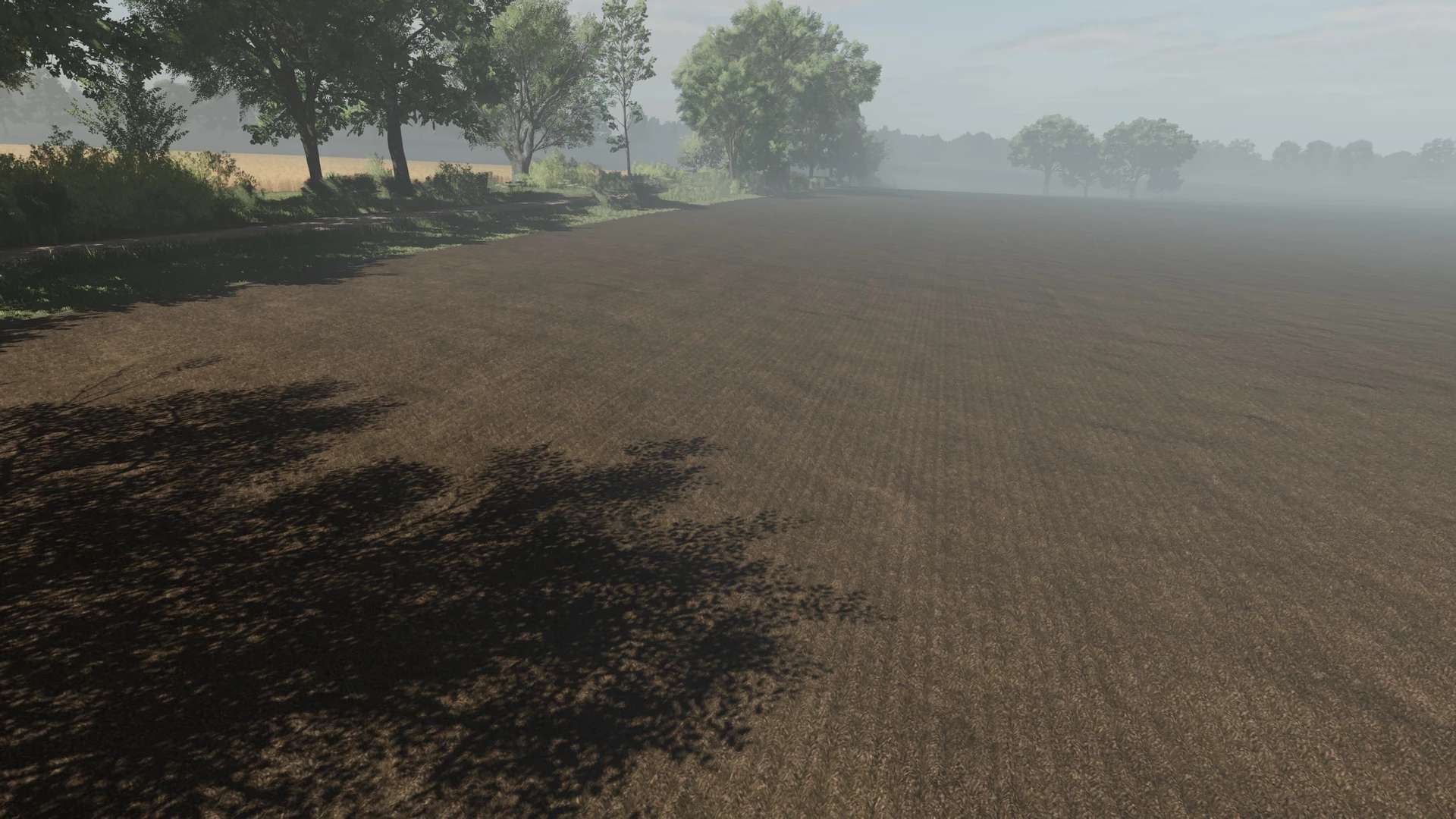
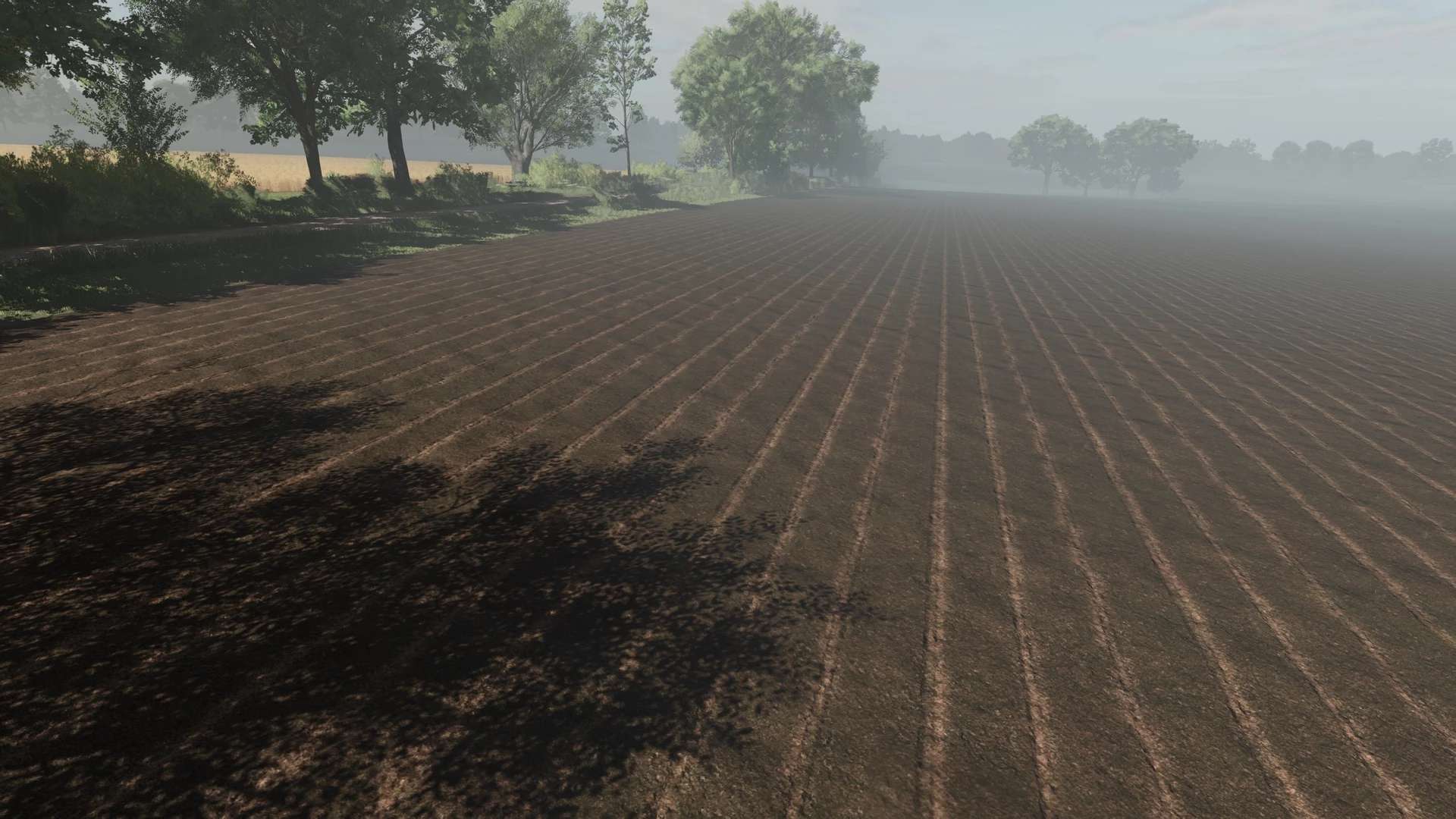
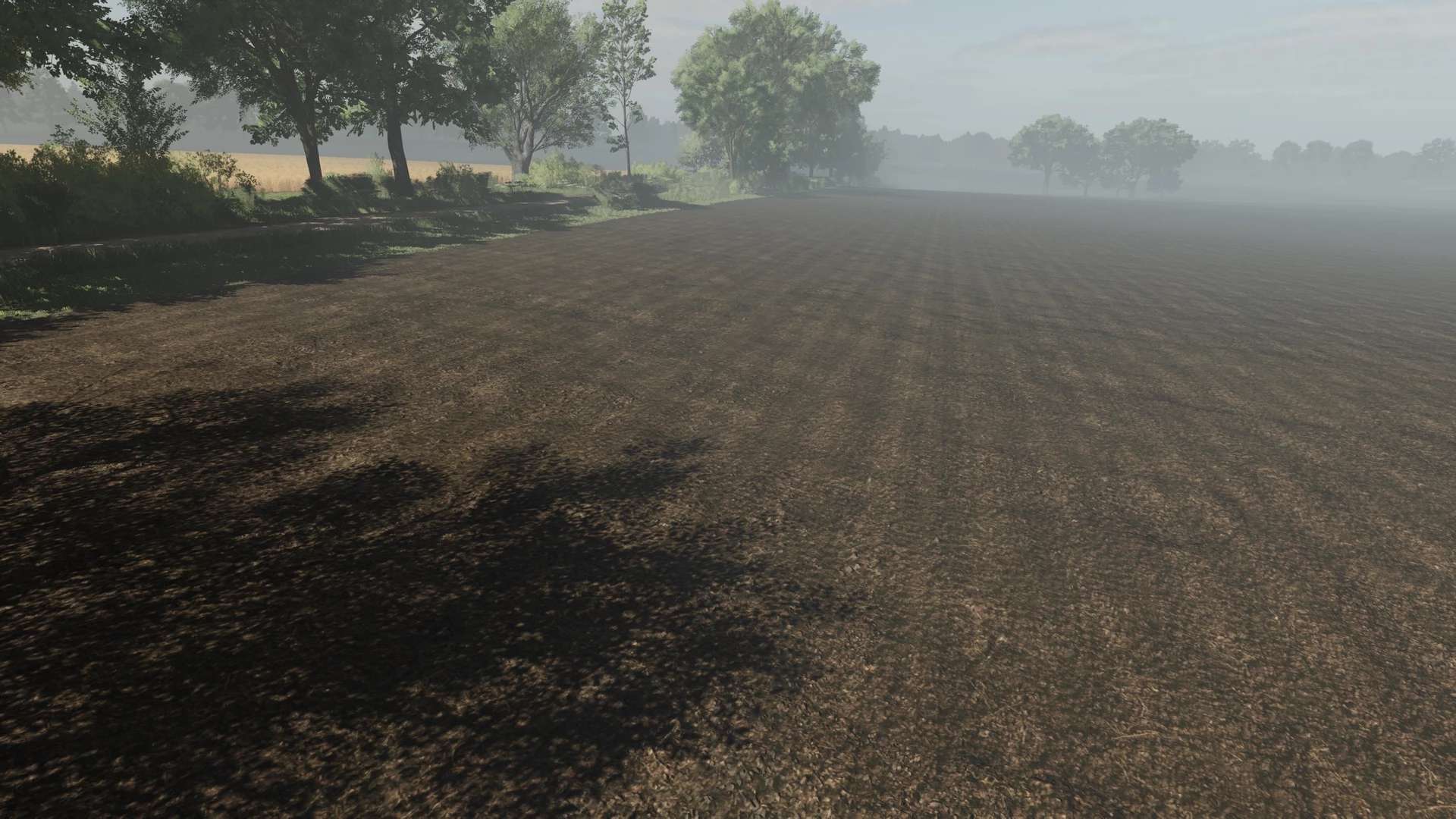
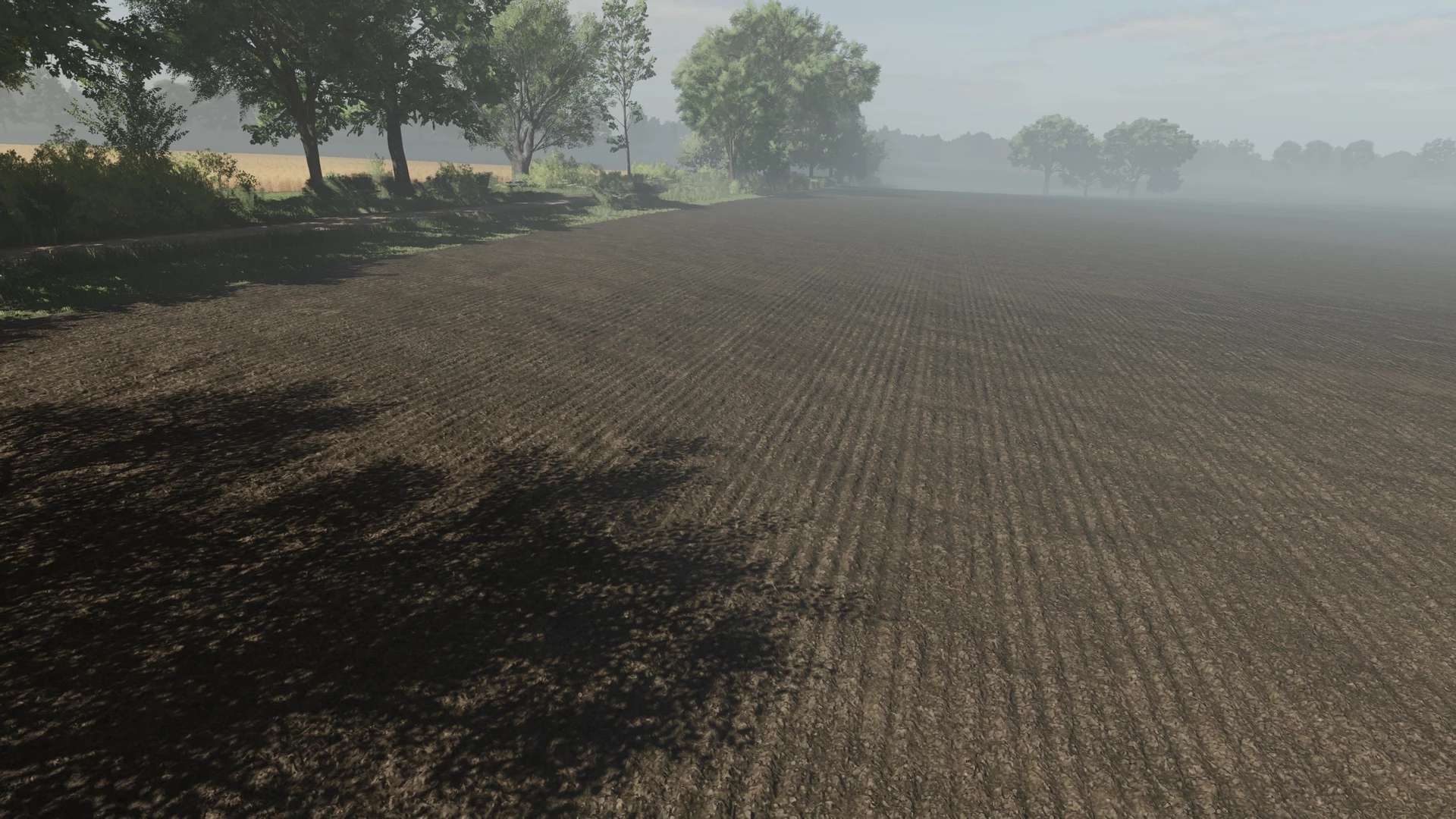
LS25 Soil Textures v2.0.0.0
Soil Textures 2.0 – Realistic Field Cultivation for Farming Simulator 25
With the Soil Textures 2.0 texture pack, you can bring significantly more realism to your fields.
All included textures were created with a focus on detail, naturalness, and smooth transitions – perfect for a cohesive overall look in the game.
Whether it’s fine rows of seeds, aggressive stubble cultivation, or a neatly prepared seedbed: every soil cultivation process has its own clearly recognizable look.
Textures included:
Stubble cultivation, cultivator, sowing, direct seeding, plowing, precision seeding, rolling, mulching, and seedbed preparation.
The textures are optimally coordinated and ensure a realistic appearance at every stage of cultivation.
Installation is very easy: Option 1:
Simply follow the specified path to the Ground folder. Copy this folder and paste it into your game’s main directory, i.e., where the game is installed on your PC.
Option 2:
You can also use the All-in-One Easy-to-Install Texture Pack. I’ve included an additional folder with individual textures for this purpose.
Simply take all the textures from it and copy them into your existing Ground folder in the game directory.
Alternatively, the textures will look exactly the same for you as they do for me.
You’ll need to download the Easy Pack. It contains two folders: Install and Uninstall.
Go to the Install folder and follow the path to the Ground folder.
Copy this Ground folder and replace the existing folder in your game directory with it.
Then take the remaining 19 files from the additional texture folder and add them to the Ground folder as well.
Done – the textures should now look exactly like mine.
Don’t forget to make a backup.