LS25 Starbuck, MN V1.2.0.3

LS25 Starbuck, MN V1.2.0.3
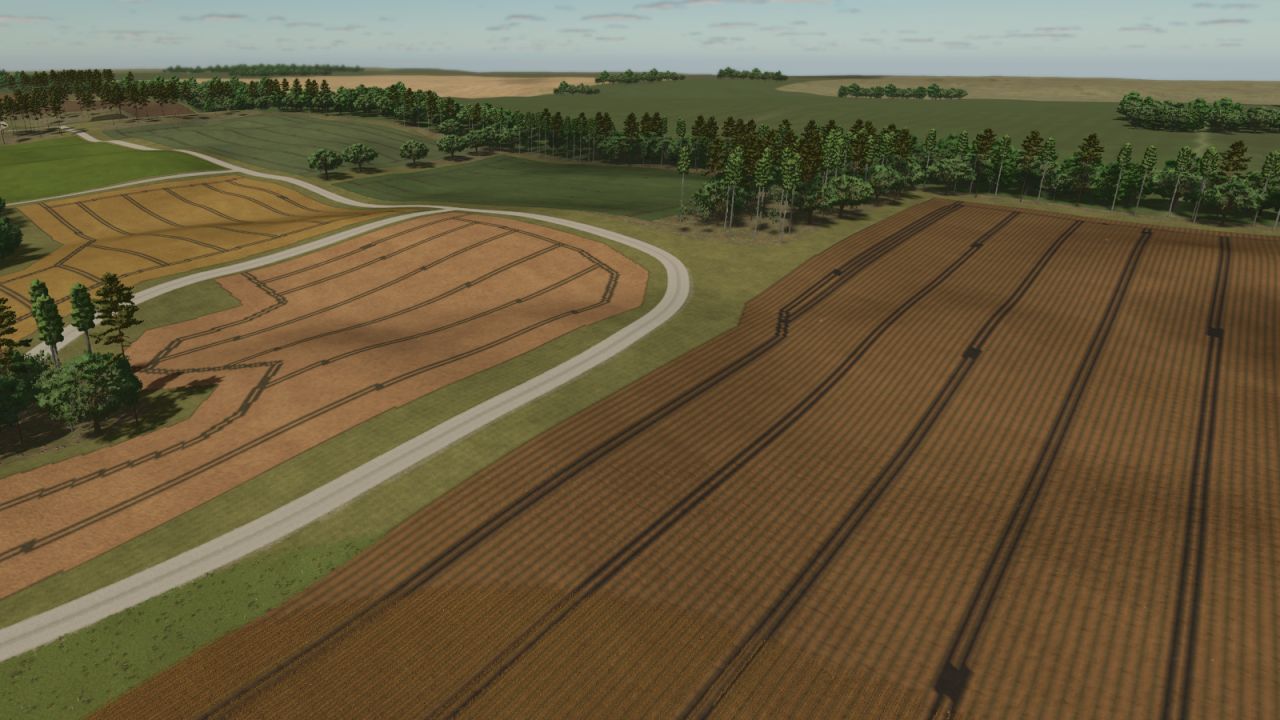
Welcome to Starbuck — a rich slice of Minnesota farmland reimagined for Farming Simulator 25.
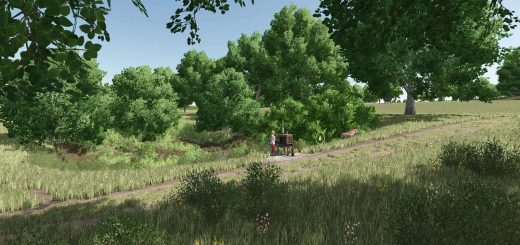
This mid-sized map blends scenic realism with versatile gameplay. Featuring rolling terrain, authentic field shapes, and a small-town charm inspired by the real Starbuck community, the map supports arable farming, forestry, and animal husbandry right out of the gate.
Key Features:
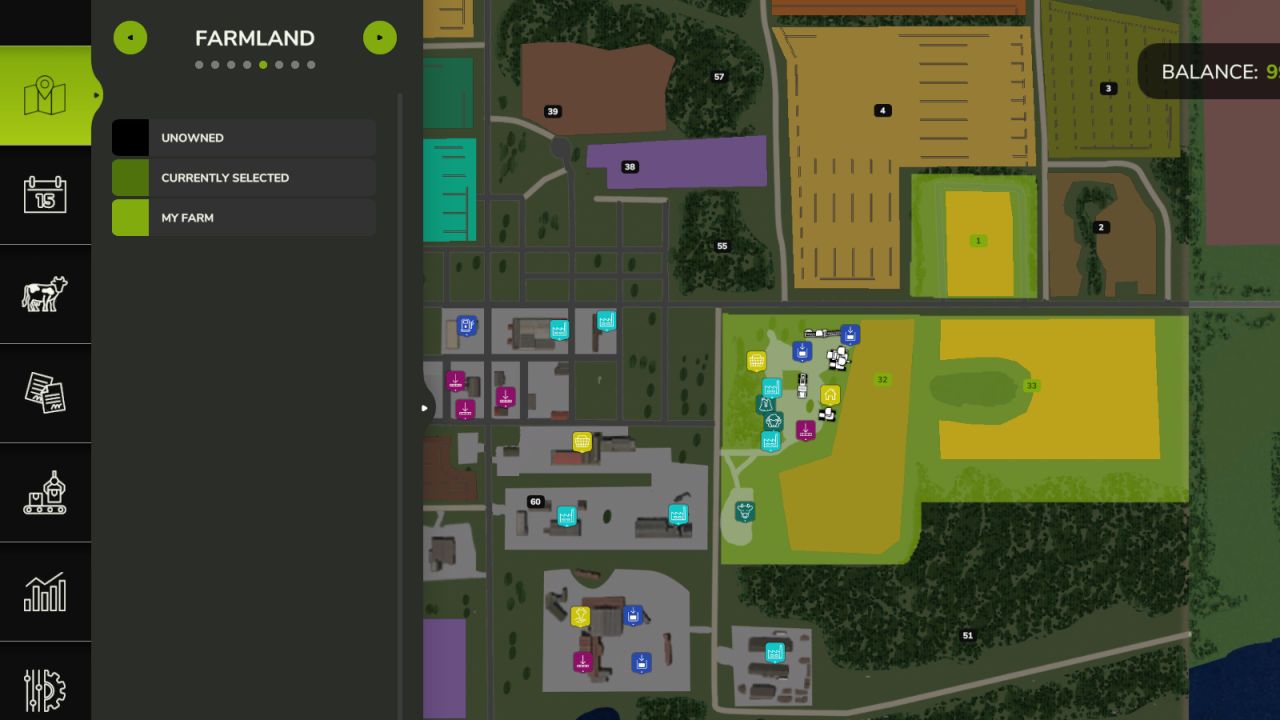
– 50+ buyable farmlands with varied sizes fields and shapes
– Dynamic terrain for immersive machinery use
– Production chains (dairy, grain mill, carpentry etc..)
– Custom PDA map overview and road layout
– Fictional farms ready for solo or multiplayer play
Whether you’re tending crops solo or building a co-op operation, Starbuck Valley offers a serene yet productive escape into the heartland.
Map size: Standard
Created with care by Denis aka (freeze). Inspired by the land. Built for the community. Hello, Flixy, Ari, and Elvis.
V1.2.0.3
– Removed all unlicensed brands for crossplay certification
– Added Alfalfa as a new crop
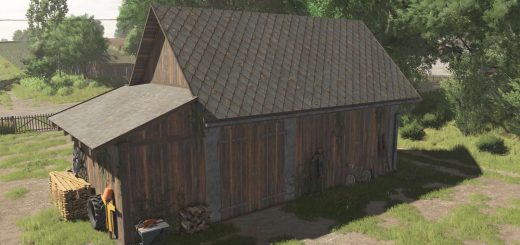
– Starter farm barn and silo now sellable
– Entire map now ownable—Farmland 60 offers discounted access to city and roads
– Fields touched up and resized to better utilize available land
– Roads refined across the map for smoother navigation and improved visual flow
– Map boundary blended for improved visual feel
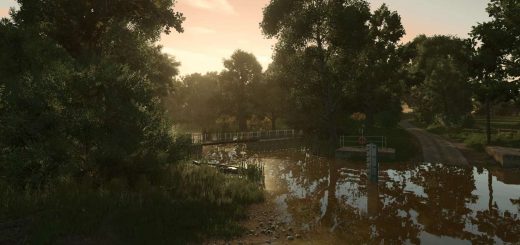
– Extended lake into boundary for natural integration
– Toned down foliage for better performance
– Enhanced environmental soundscapes for a more immersive experience
– Fixed floating sign near the Starbuck Depot Museum
– Added street lights to starter farm
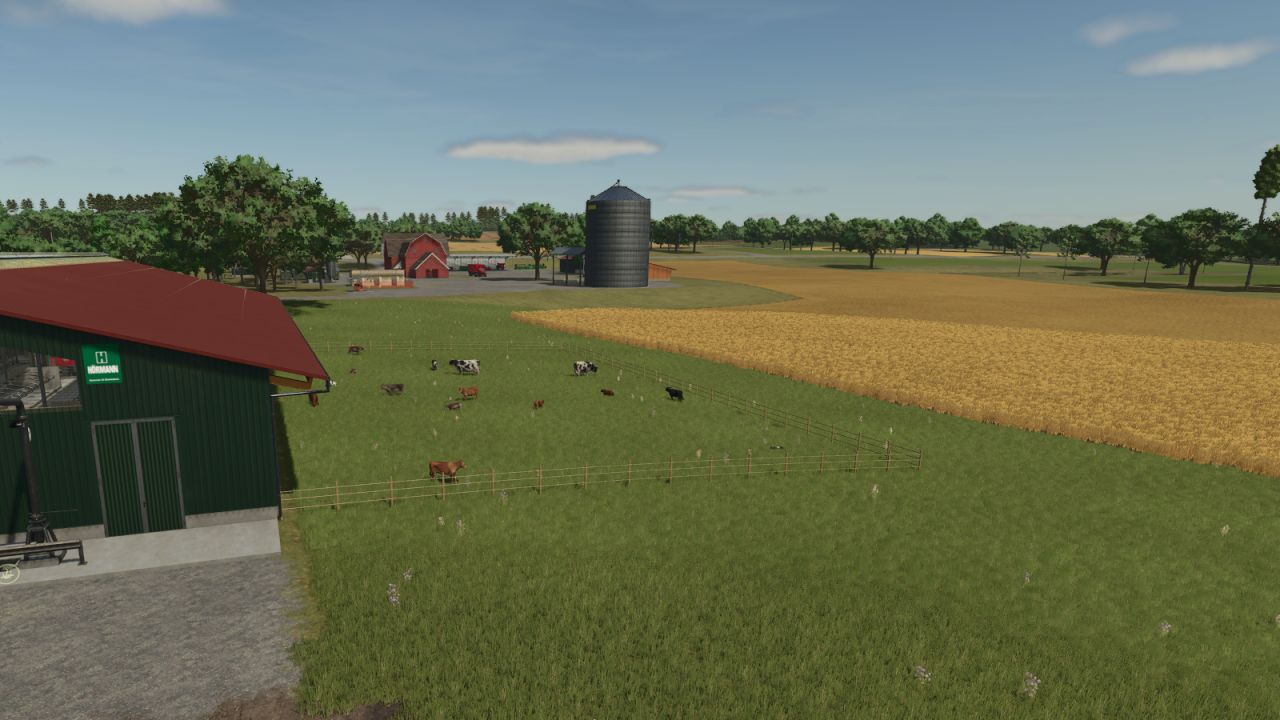
– New Farmer mode farm now includes a cow barn, larger silo, and two additional fields (three total)
– AI parked cars touchup
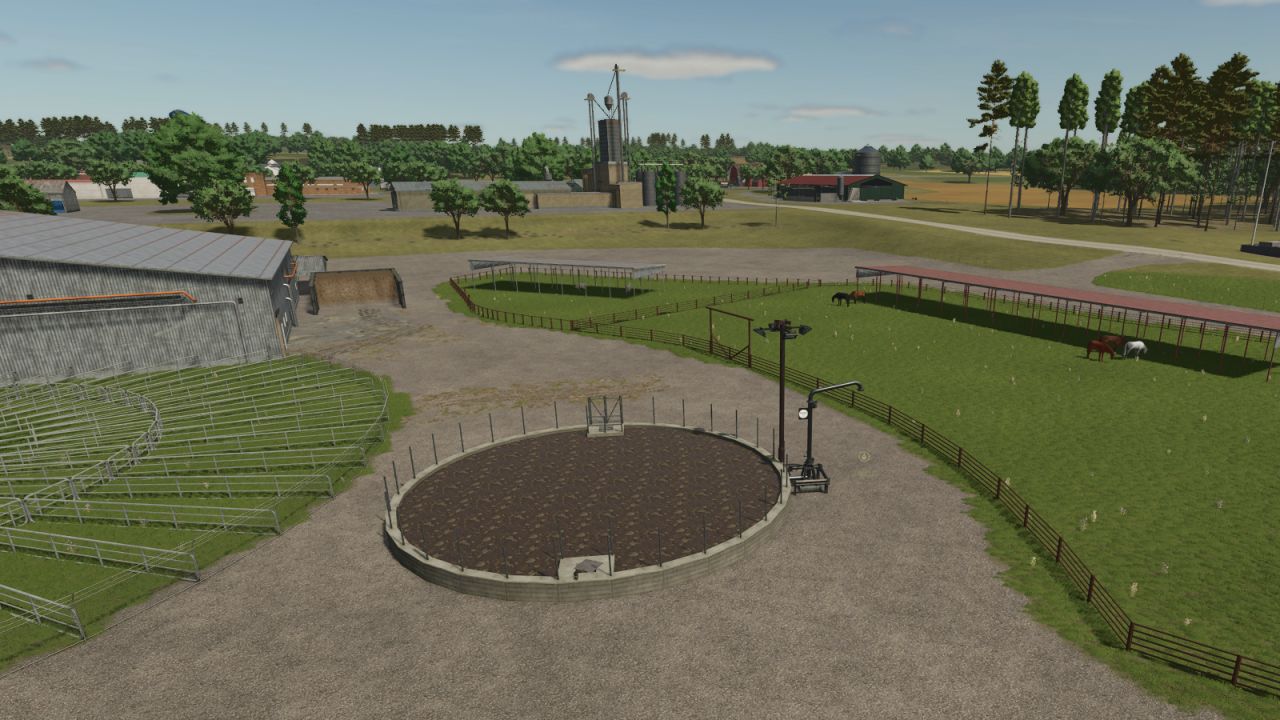
– Animal dealer has some life: sounds, animals, etc.
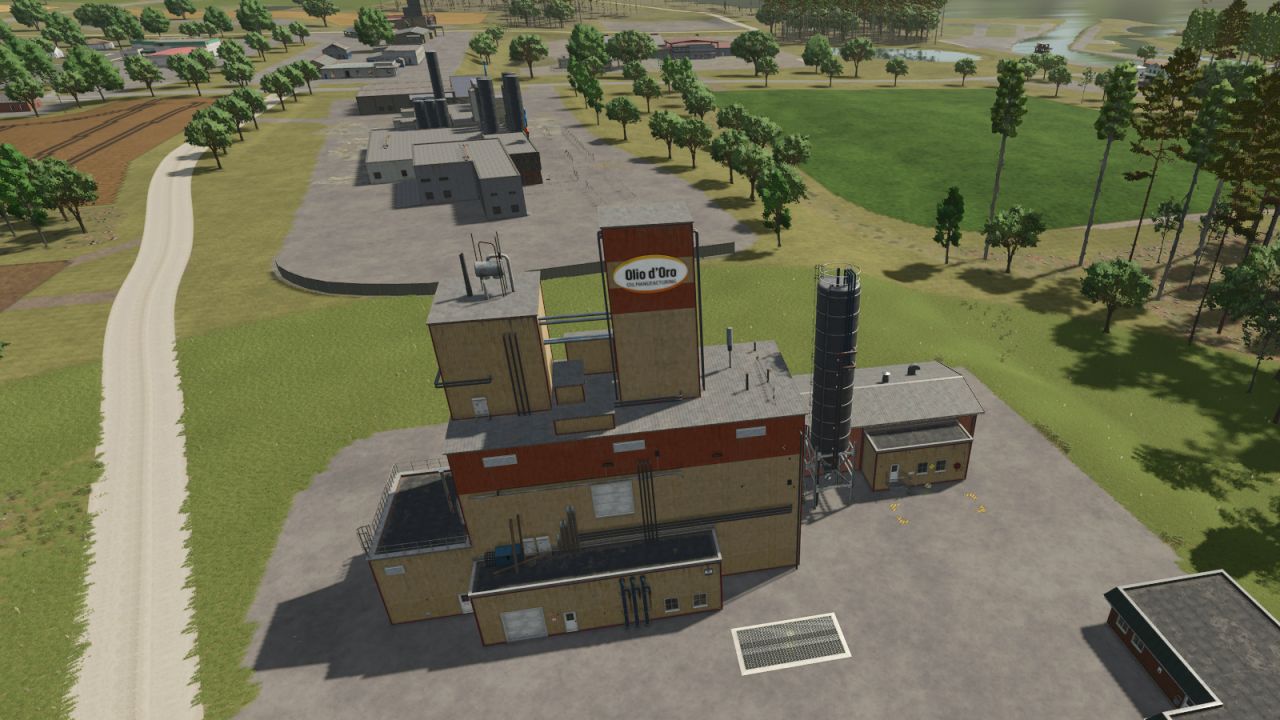
– Oil mill added
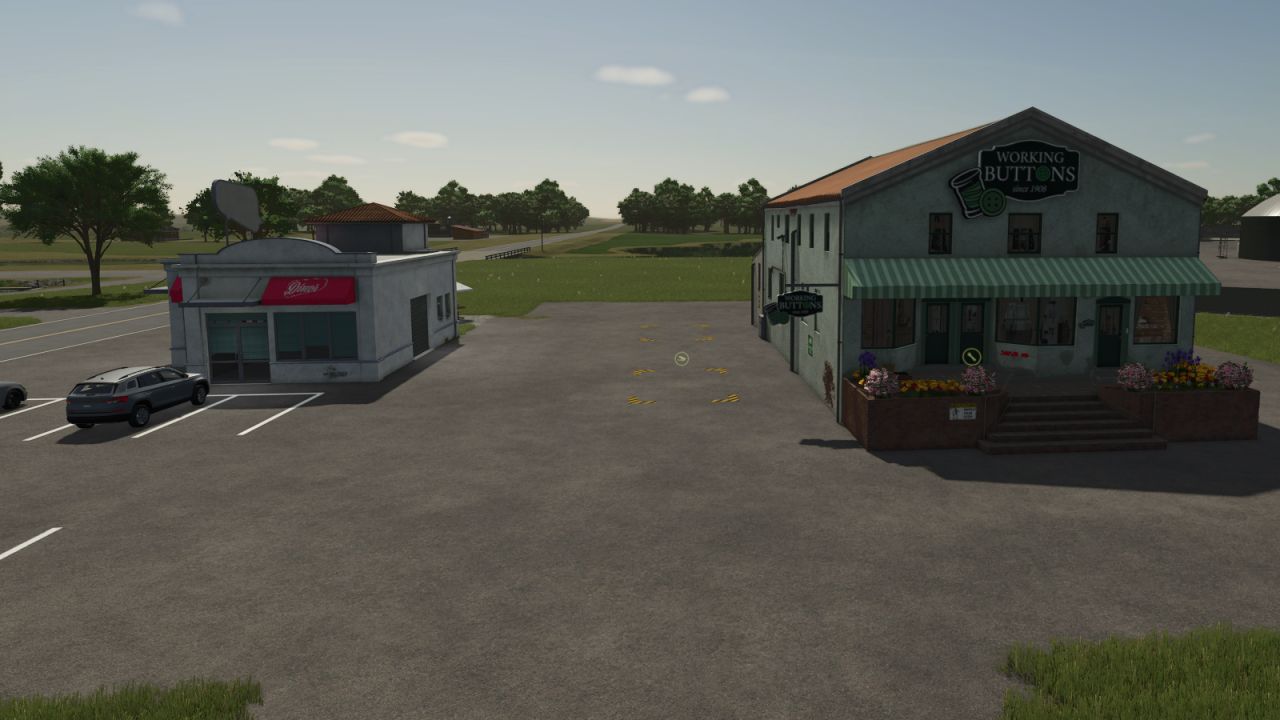
– Tailor added
– Dairy Factory touchup
– 20 Cows to get you started with 28,000 L TMR for food (New Farmer)
NEW SAVE REQUIRED
As of today, the Modhub version is older. If you’re on PC and want the latest without waiting for Modhub approval, download this one. Only update in-game if that version is newer.