LS25 Tax Mod V1.1.2.0

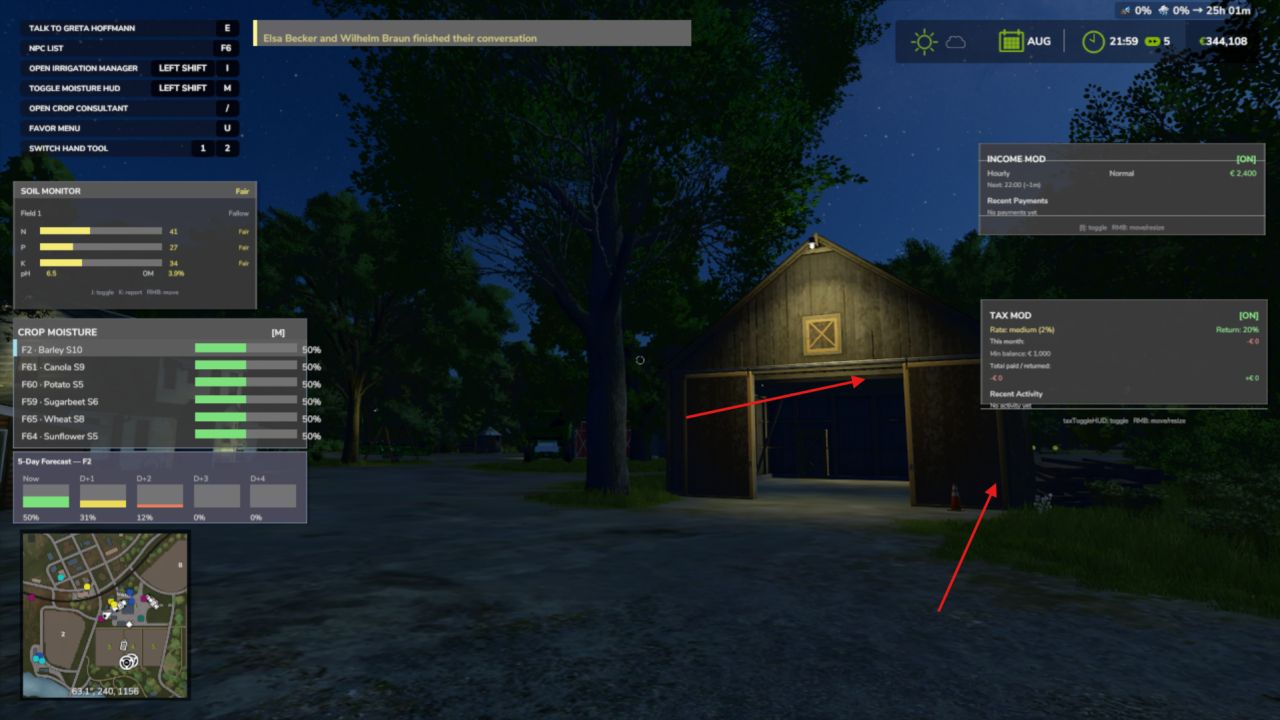
LS25 Tax Mod V1.1.2.0
V1.1.2.0
– Bumped version
– Fixed issue since last HUD fix
(Converted from FS22_TaxMod)
Adds realistic tax system to your farm.
Features:
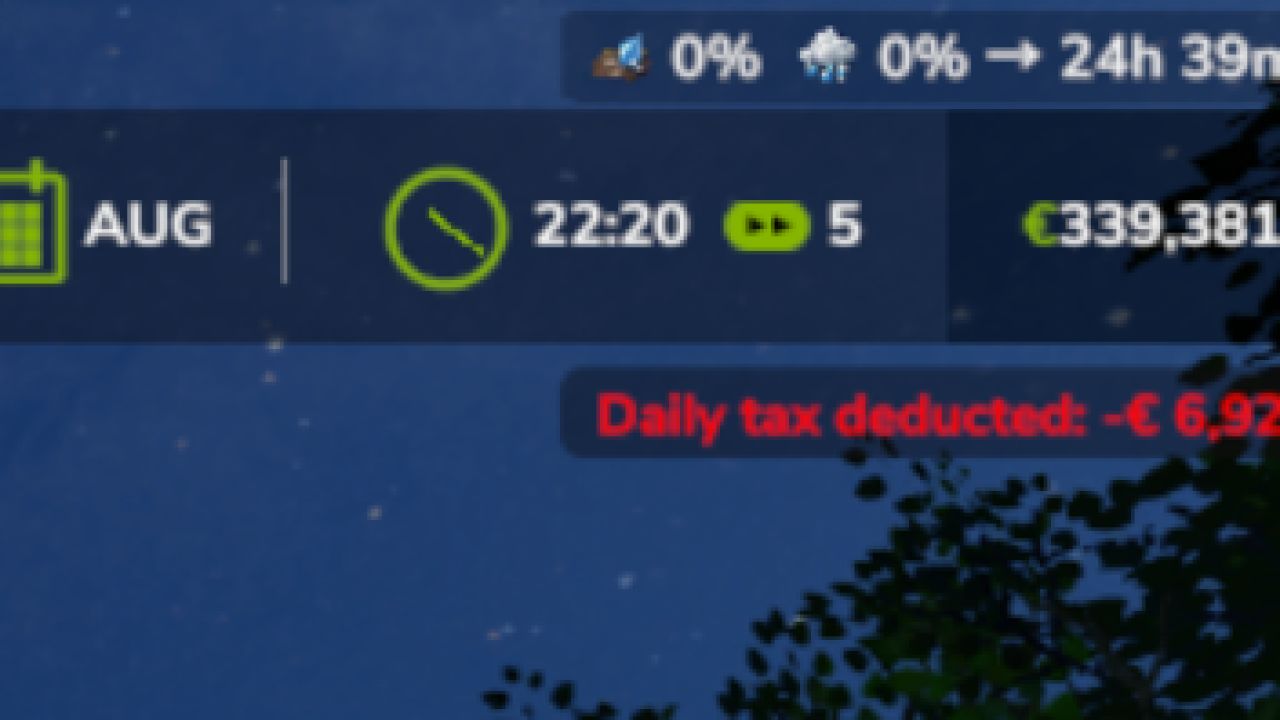
Daily tax deductions based on farm balance
Monthly tax returns (percentage of taxes paid)
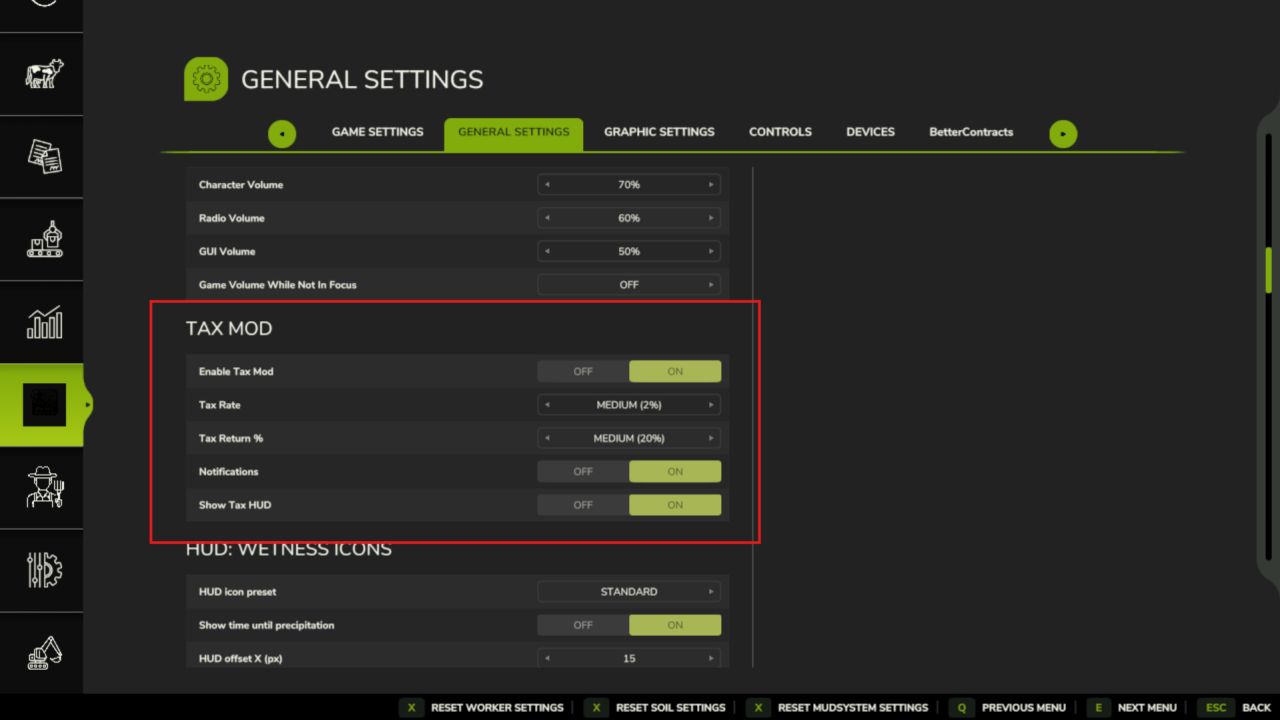
Three tax rate levels: Low (1%), Medium (2%), High (3%)
Configurable minimum balance threshold
Tax history and statistics tracking
Professional in-game notifications
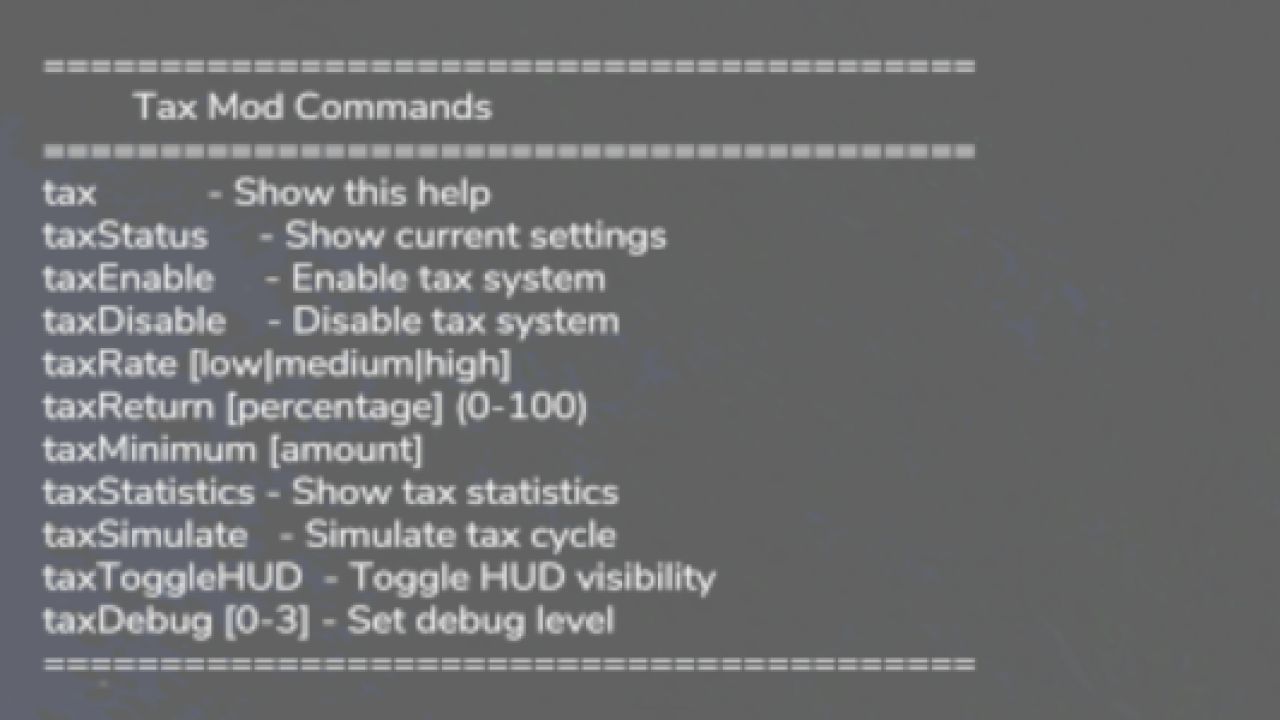
Fully configurable via console commands
Multiplayer compatible
Settings saved per savegame
Type ‘tax’ in console for commands
Please be aware:
You need to have developer mode enabled in order for you to open the console.
This can be done in your FS game folder, then look for the “game.xml”.
Change <development><controls> to “true”
Enjoy you farming experience with my Tax Mod <3
V1.1.1.0
The Tax HUD previously could only be toggled via the developer console. Now you can show or hide it with a single keypress while playing.
What’s New
– Press T to toggle the Tax HUD on/off (rebindable in Controls settings)
– HUD hint text updated to reflect the new key
No save migration needed existing saves work as-is.