LS25 V22 Osprey v1.0.0.0
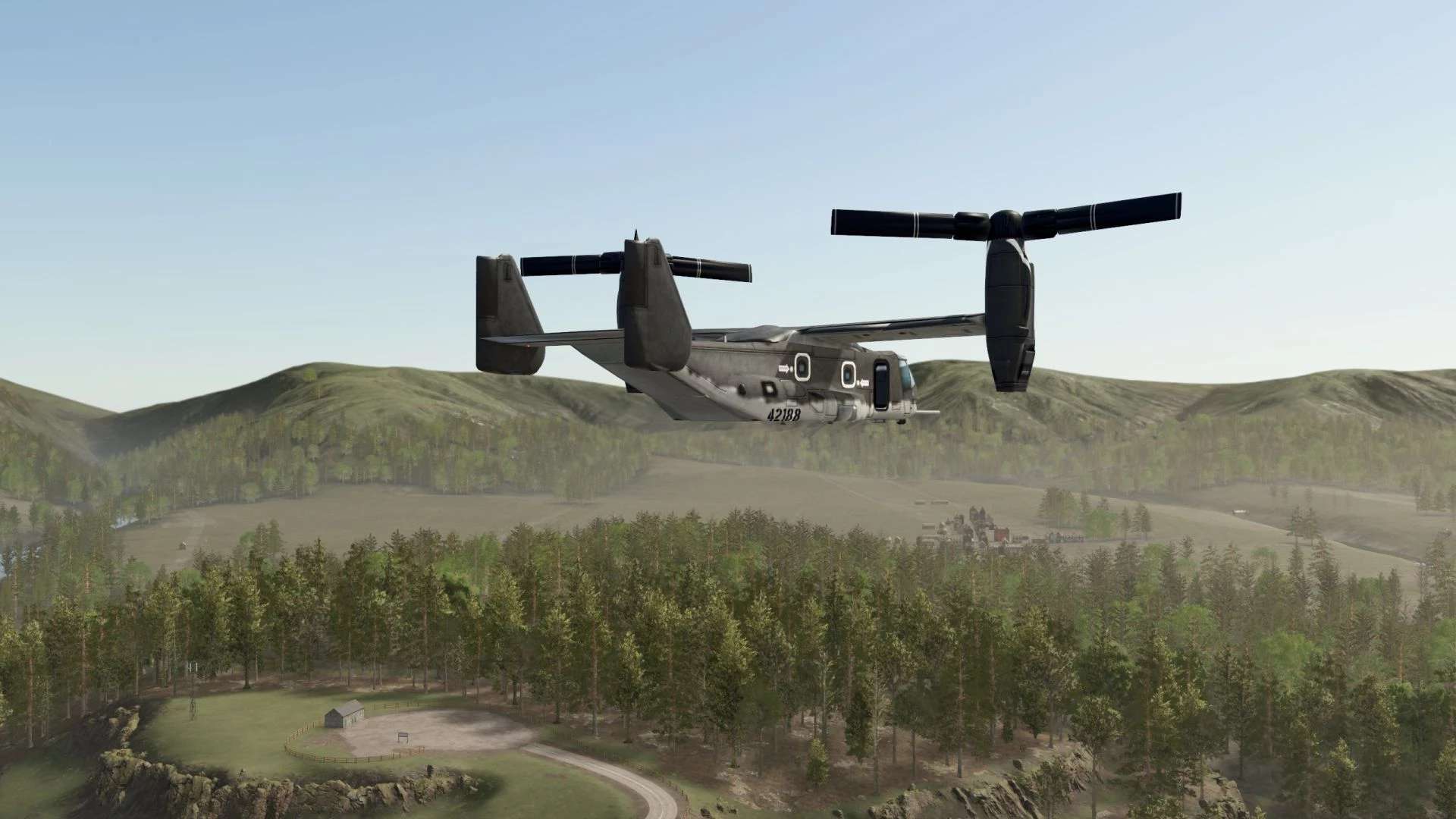

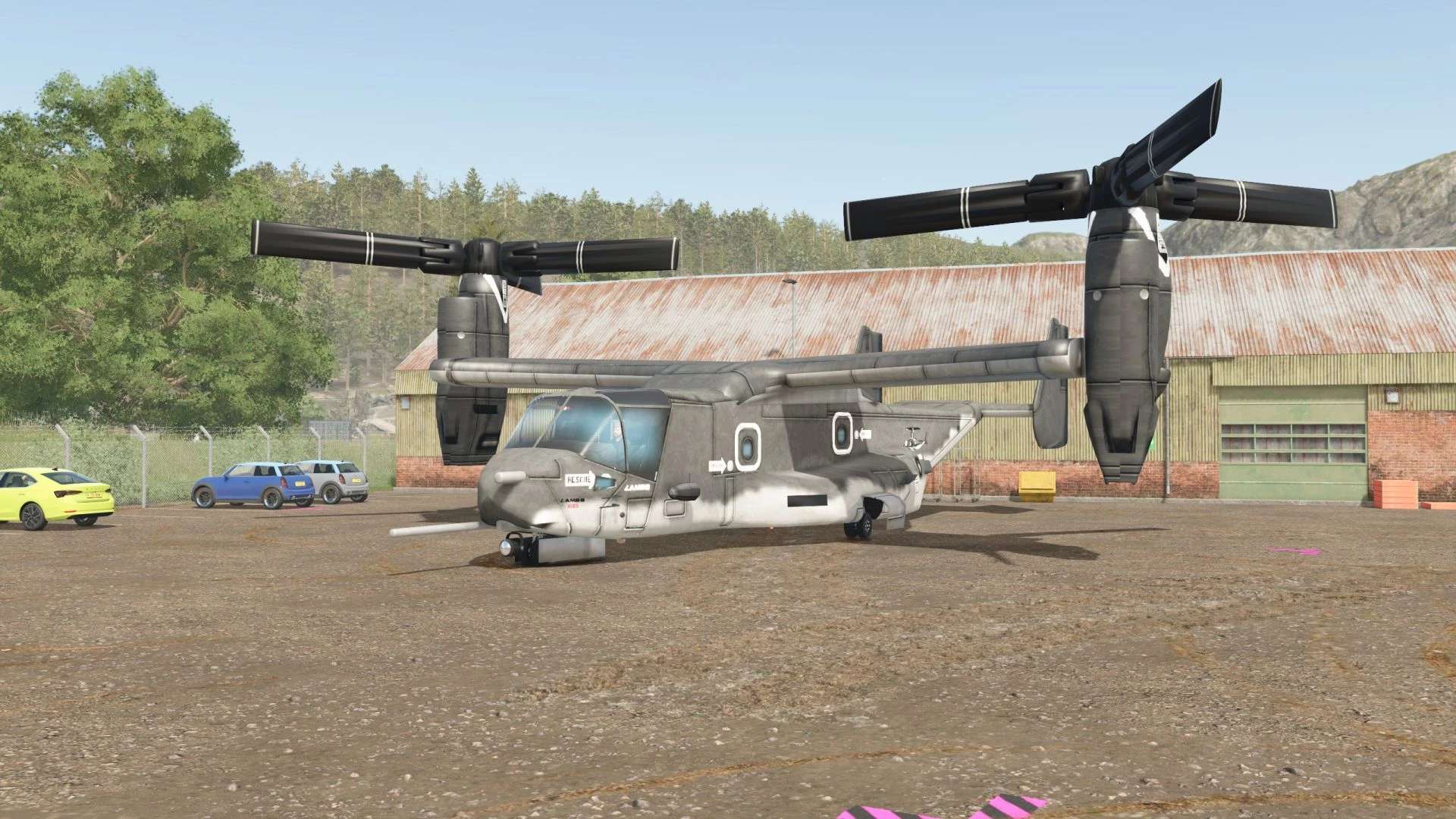
LS25 V22 Osprey v1.0.0.0
This helicopter mod is actually 8 years old. One of my very first…
When you get in and the automatic engine start is activated, the propellers will spin before unfolding.
You can either deactivate the automatic engine start or simply leave the helicopter unfolded.
Controls – Keyboard only: (I’m trying to create a game pad version, but I can’t promise anything.)
W/S – forward/backward nodding
A/D – left/right lateral movement
Q/R – yaw rotation
Left mouse button – Collective ascent (climb)
Right mouse button – Collective descent (descend)
Left Shift key – Boost mode
Left Ctrl key – Enable/disable altitude hold
Script restrictions:
The helicopter cannot take off while in contact with the ground.
On bridges, buildings, or platforms, you must disembark or activate/deactivate altitude hold using the left Ctrl key; otherwise, it will slowly take off.
If “TAXI” is displayed, you are on the ground.
Features:
Transports goods through the doorway.
Flight dynamics (Lua) rewritten for FS25 – some ideas are from Mr. Chow, but this is not his flight script.
Animated doors with an icon when open.
Capacity: 10,000 units of the product category.
The unloading node is located under the helicopter; pallets can be ejected to the left by pressing the “I” key.
Textures included – no additional texture packs required.