LS25 Wirtgen W200 I v1.0.0.0
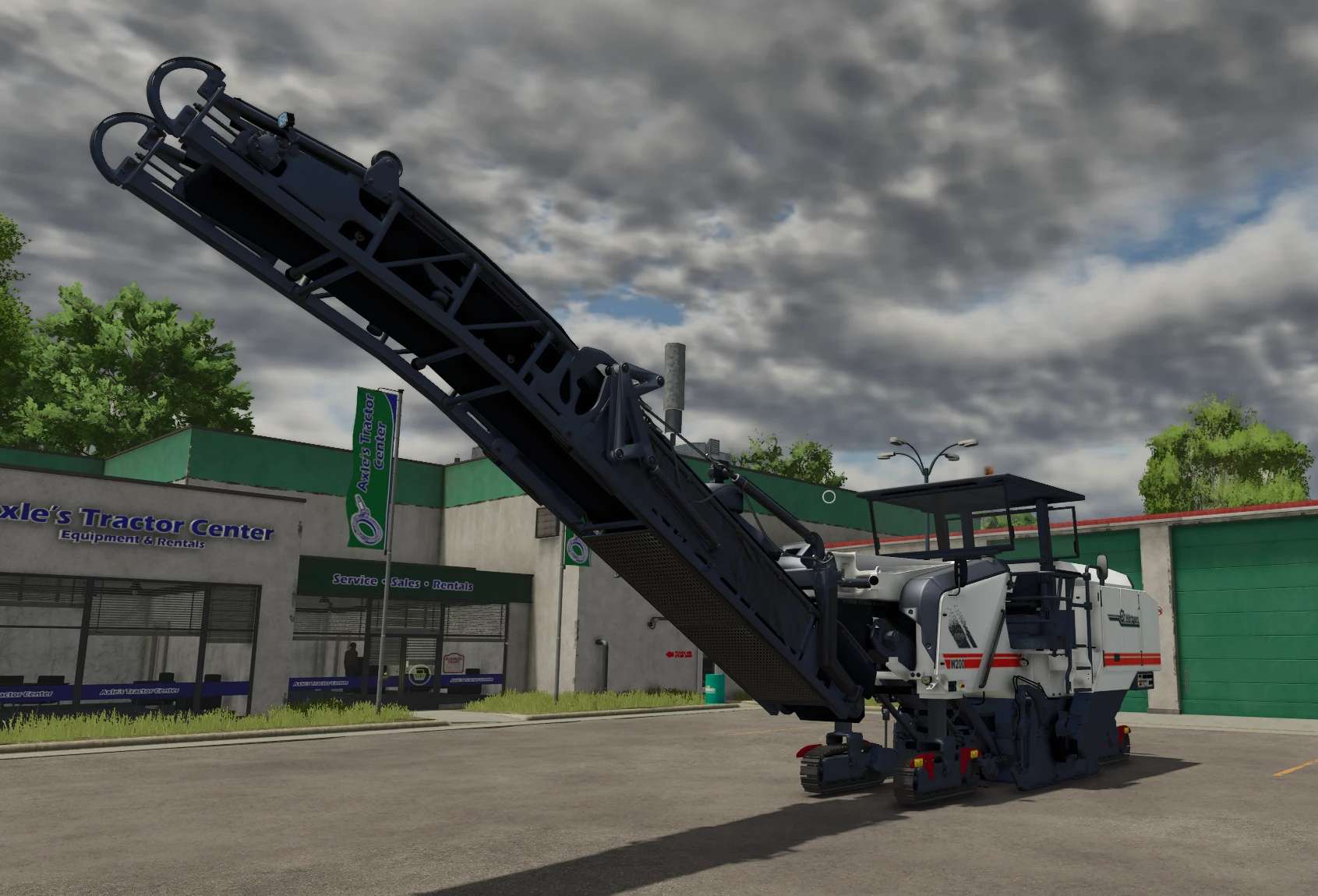

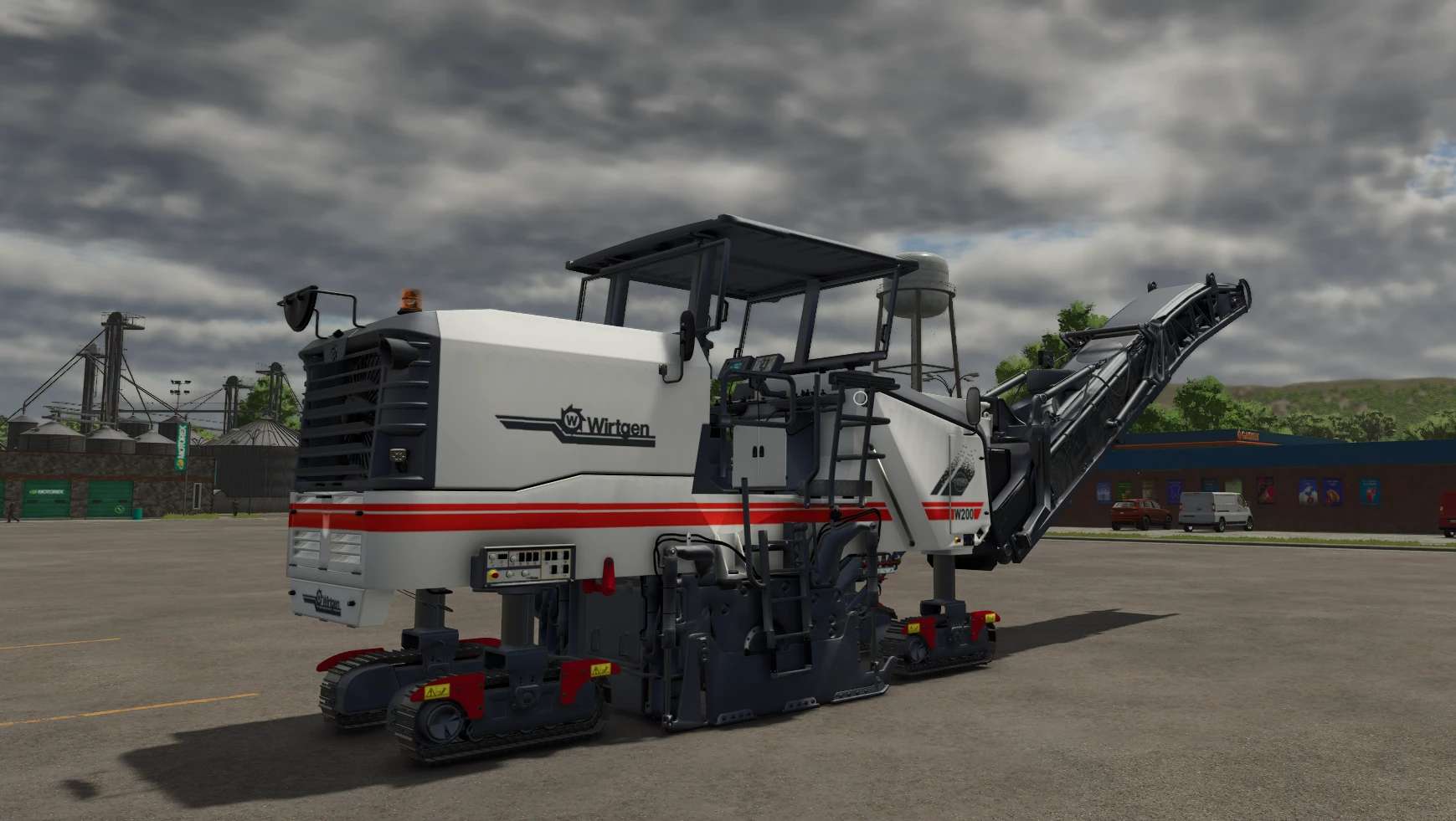
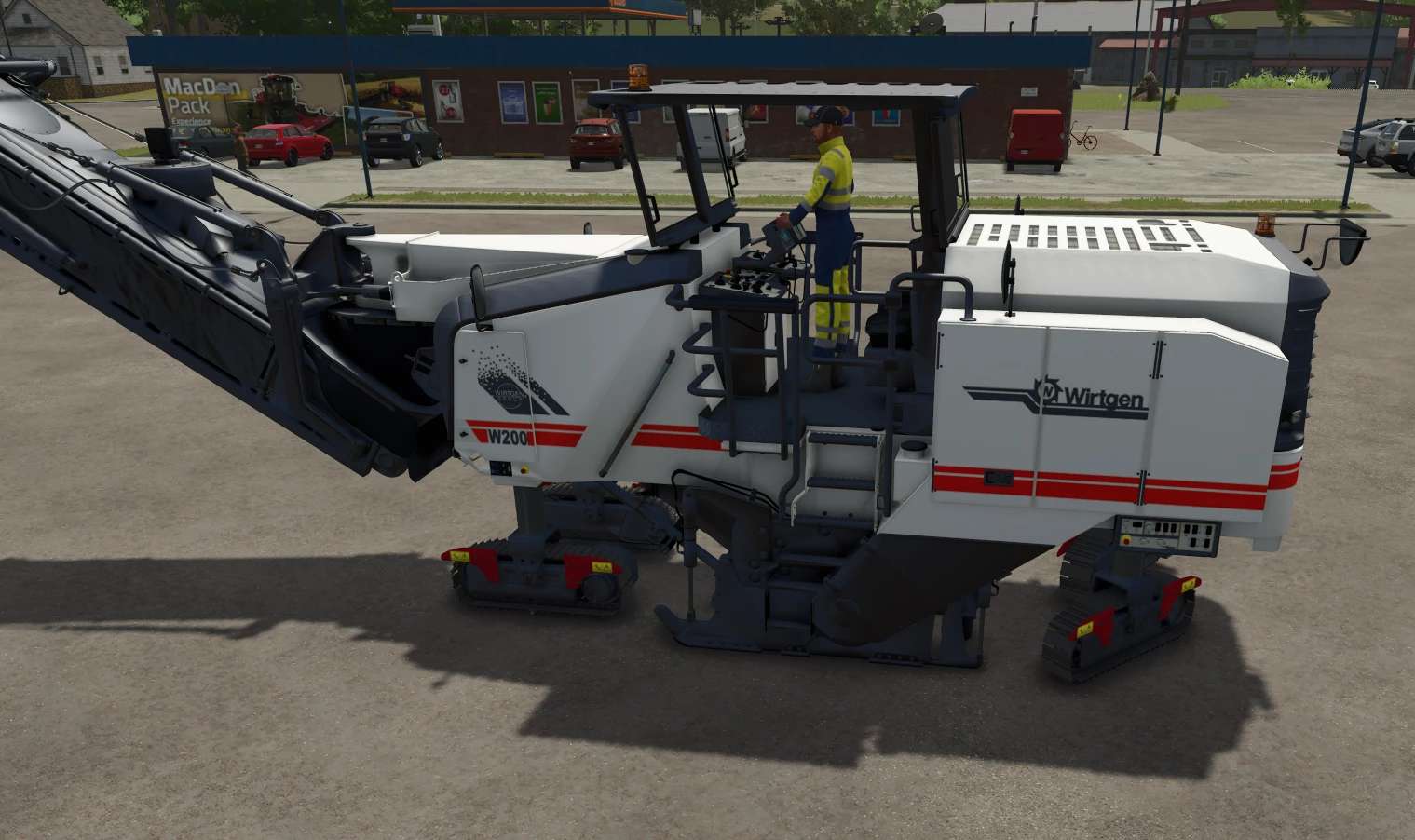
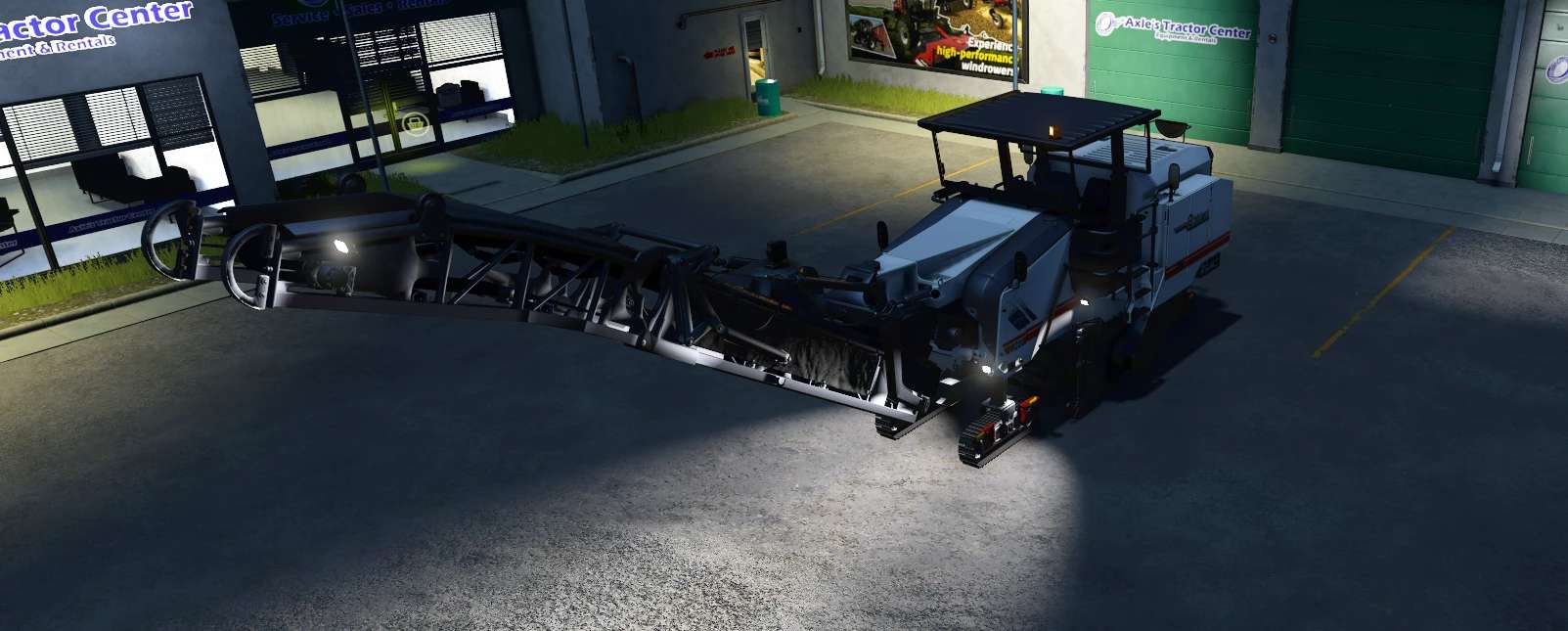
LS25 Wirtgen W200 I v1.0.0.0
ls25 The Wirtgen W200 Hi takes road construction to a whole new level. Packed with features, animations and gimmicks – including my first skinned meshes and lots of attention to detail.
Configurations:
– Rotating light at the rear
– Rotating light on the roof
Driving modes
– All-wheel steering
– Front-wheel steering
– Rear-wheel steering
– Crab steering left
– Crab steering right
Control groups:
1 – Undercarriage
– Left mouse button → Front undercarriage individually
– Right mouse button → Rear chassis individually
– Mouse wheel → All chassis synchronised
2 – Conveyor belt / attachment
– Left mouse button left/right → Swivel
– Left mouse button up/down → Raise/lower
– Right mouse button up/down → Fold conveyor belt (transport mode)
3 – Cutter
– Try it out – the description is difficult
4 – Cab
– Left mouse button left/right → Fold roof in and out
Light modes:
1. Front roof light
2. Rear roof light
3. Cab interior lighting
4. Additional rear lighting
5. Cutter lighting
6. Additional lighting front
7. Lighting on the boom
Highlights:
– Colour selection
– Interactive control
– Chassis adapts to the ground
– Own tracks
– Water consumption during milling
– Asphalt production when switched on
– Information can be read on the displays
– High-pressure cleaner
– Terrafarm
– Pointed hammer function