LS25 Workplace Triggers V1.0.1.0


LS25 Workplace Triggers V1.0.1.0
V1.0.1.0
Some players reported the mod failing silently on load, and others were confused about needing to buy something from the shop. This update fixes both and clarifies how the mod actually works.
What’s fixed:
– Fixed a crash on load that caused all mod files to appear missing in the log — no functionality was available until this was resolved
– Removed the Work Trigger Zone from the shop — it was never supposed to be there and was confusing people looking for an item that didn’t behave like a normal placeable
– Updated the in-game Help screen (ESC > Help > Workplace Triggers) to explain the correct way to create triggers
– Removed raw texture warnings for the mod icon
How to create a trigger (if you weren’t sure):
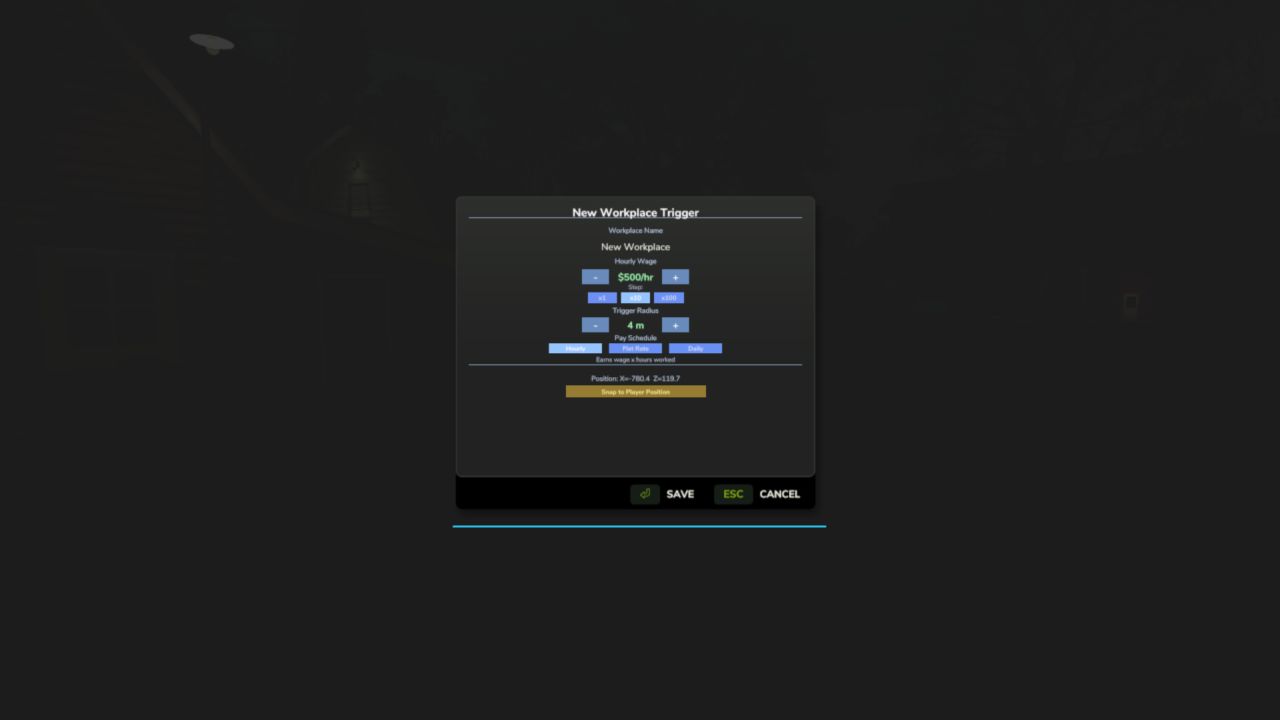
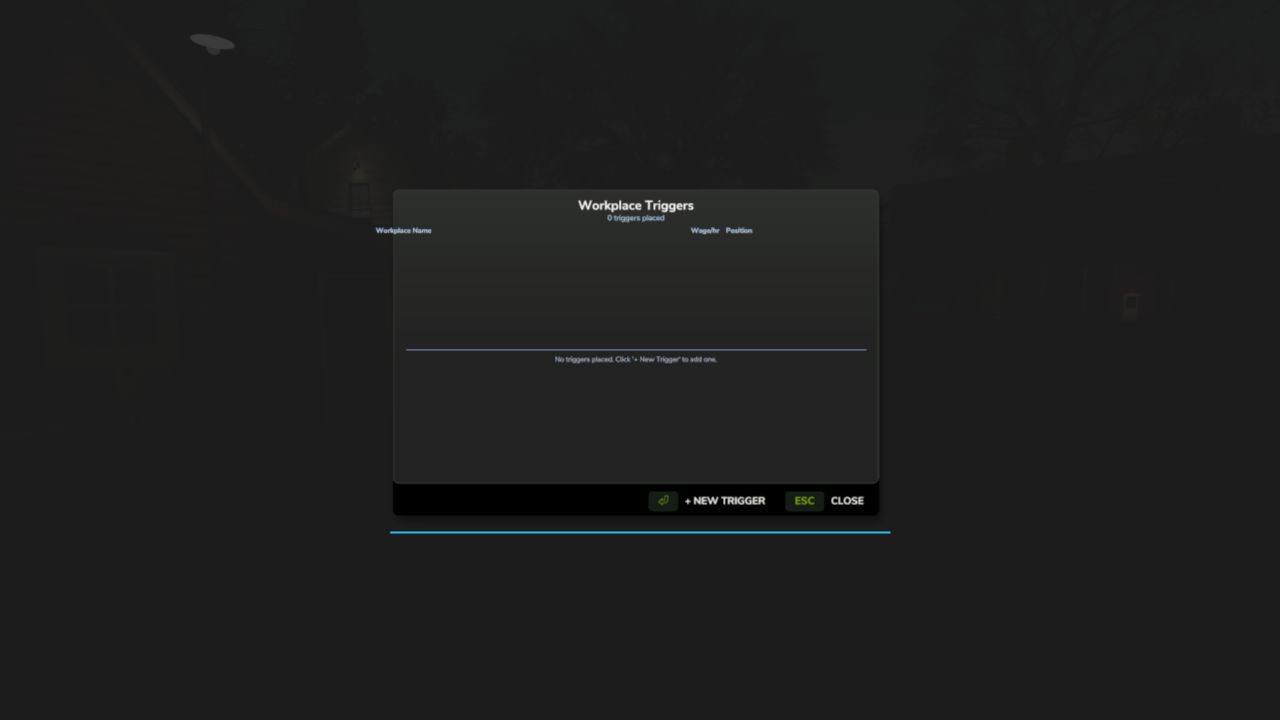
1. Press F4 to open the Workplace Manager, click Add New Trigger, set a name and wage, and confirm.
2. The trigger is placed at your current position — no shop required.
No migration needed. Existing saves load as normal.
Turn any location on any map into a legitimate workplace. Open the Workplace Manager, add a trigger, give it a name and a wage, place it anywhere on the map — then walk in and clock in. Perfect for roleplayers who want their farmer to have a side job, or anyone looking to supplement farm income with off-farm work.
FEATURES
– Placeable trigger zones — invisible zones you drop anywhere, indoors or outdoors
– Three pay schedules per trigger: Hourly, Flat Rate per shift, or Daily rate
– Shift tracking HUD — live workplace name, time elapsed, and current earnings; drag and resize it anywhere on screen
– Workplace Manager (F4) — view, edit, and delete all your triggers from one screen
– Shift history log — last 50 completed shifts saved with name, duration, payout, and in-game day
– Persistent saves — all triggers, names, wages, and schedules survive reloads; each savegame has its own set
– Multiplayer — each player tracks their own shifts; earnings go to the shared farm account
– Optional FS25_NPCFavor integration — completing shifts builds NPC relationships
– Optional FS25_WorkerCosts integration — off-farm income tracked alongside AI worker wages
HOW TO USE
1. Press F4 to open the Workplace Manager and click Add
2. Name the workplace, set a wage, choose a pay schedule, then confirm
3. Place the trigger at any location on the map
4. Walk into the zone and press E to start your shift
5. Press E again to end your shift and collect your wages
CONTROLS
E – Start / end shift (when inside a trigger zone)
F4 – Open / close Workplace Manager <- can be rebind
Left Shift – Toggle HUD edit mode (drag and resize the panel)
SETTINGS
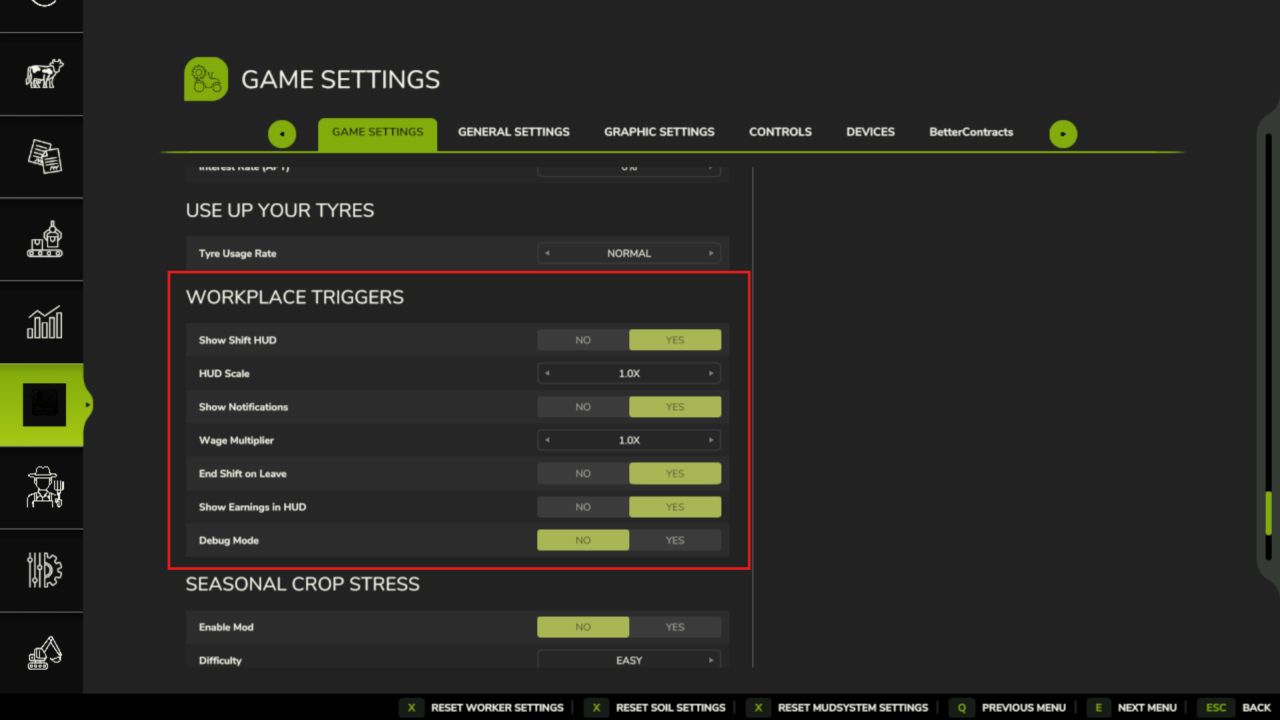
Found under ESC > Settings > General Settings > Workplace Triggers:
– Show Shift HUD
– HUD Scale
– Show Notifications
– Wage Multiplier (global modifier on top of per-trigger wages)
– End Shift on Leave (auto-end shift when leaving the zone)
– Show Earnings in HUD
– Debug Mode
Languages: EN / DE / FR / IT / NL / PL
Multiplayer: Yes