LS25 Mud System Physics V1.0.3.0

LS25 Mud System Physics V1.0.3.0
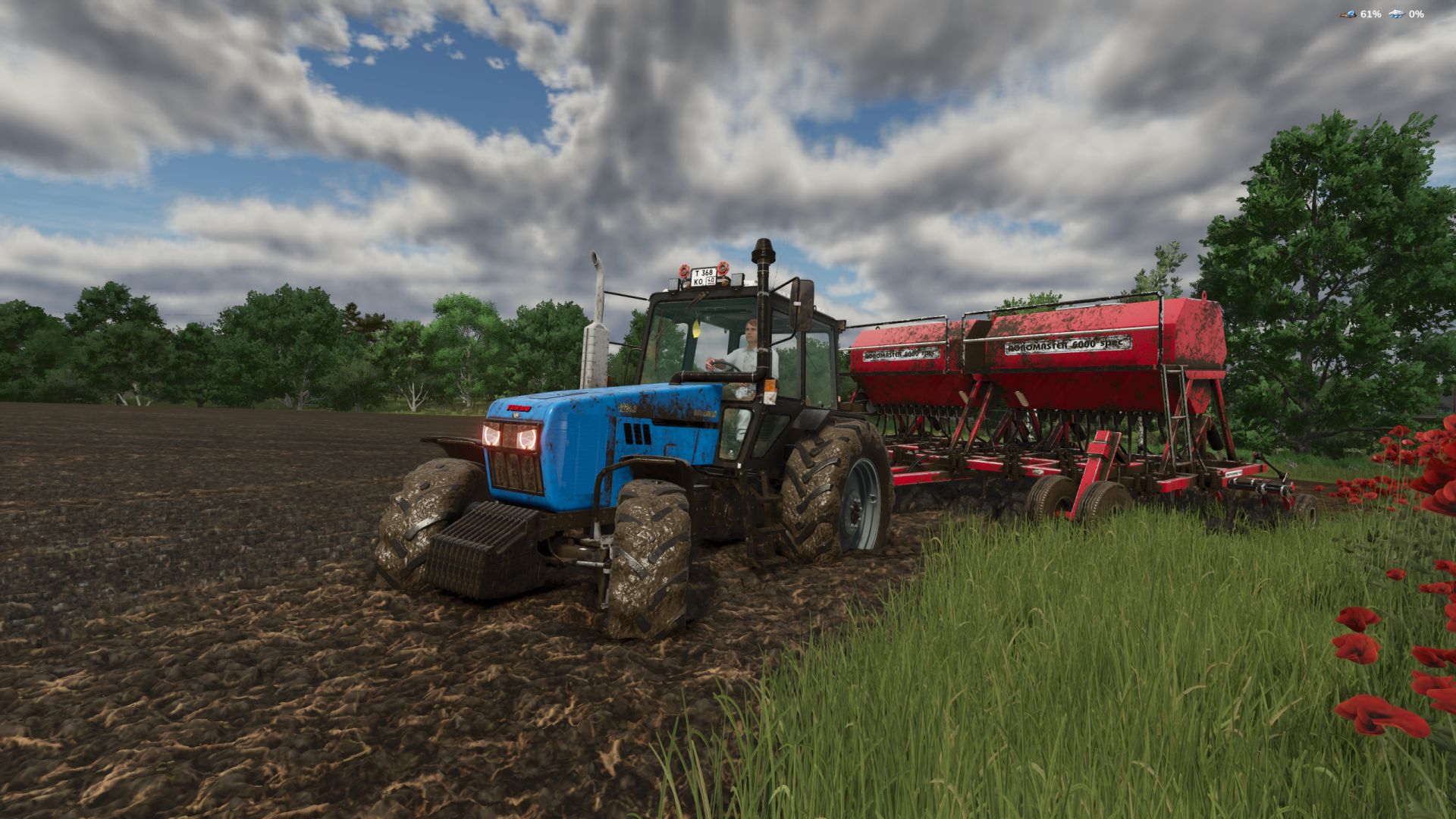
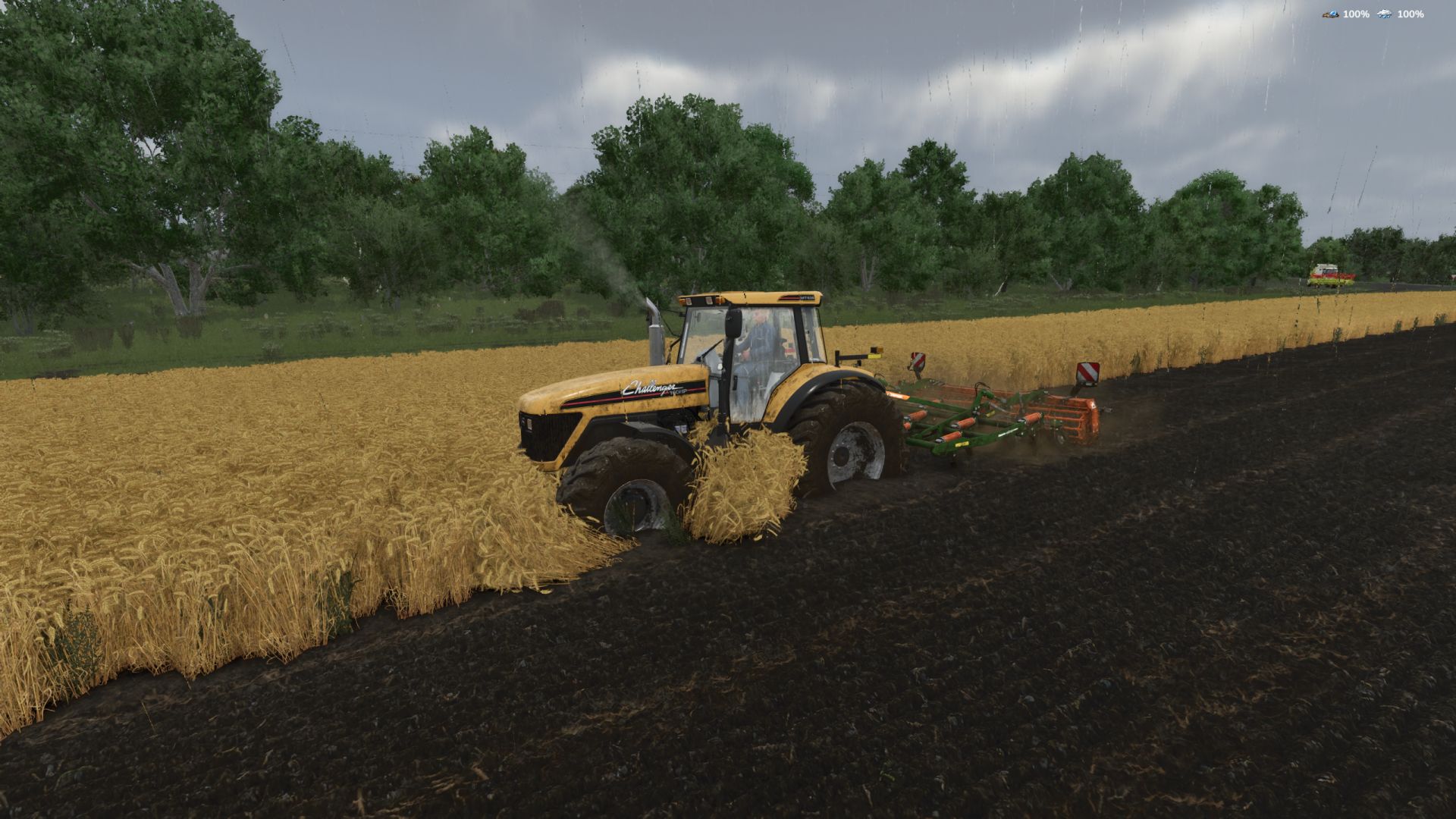
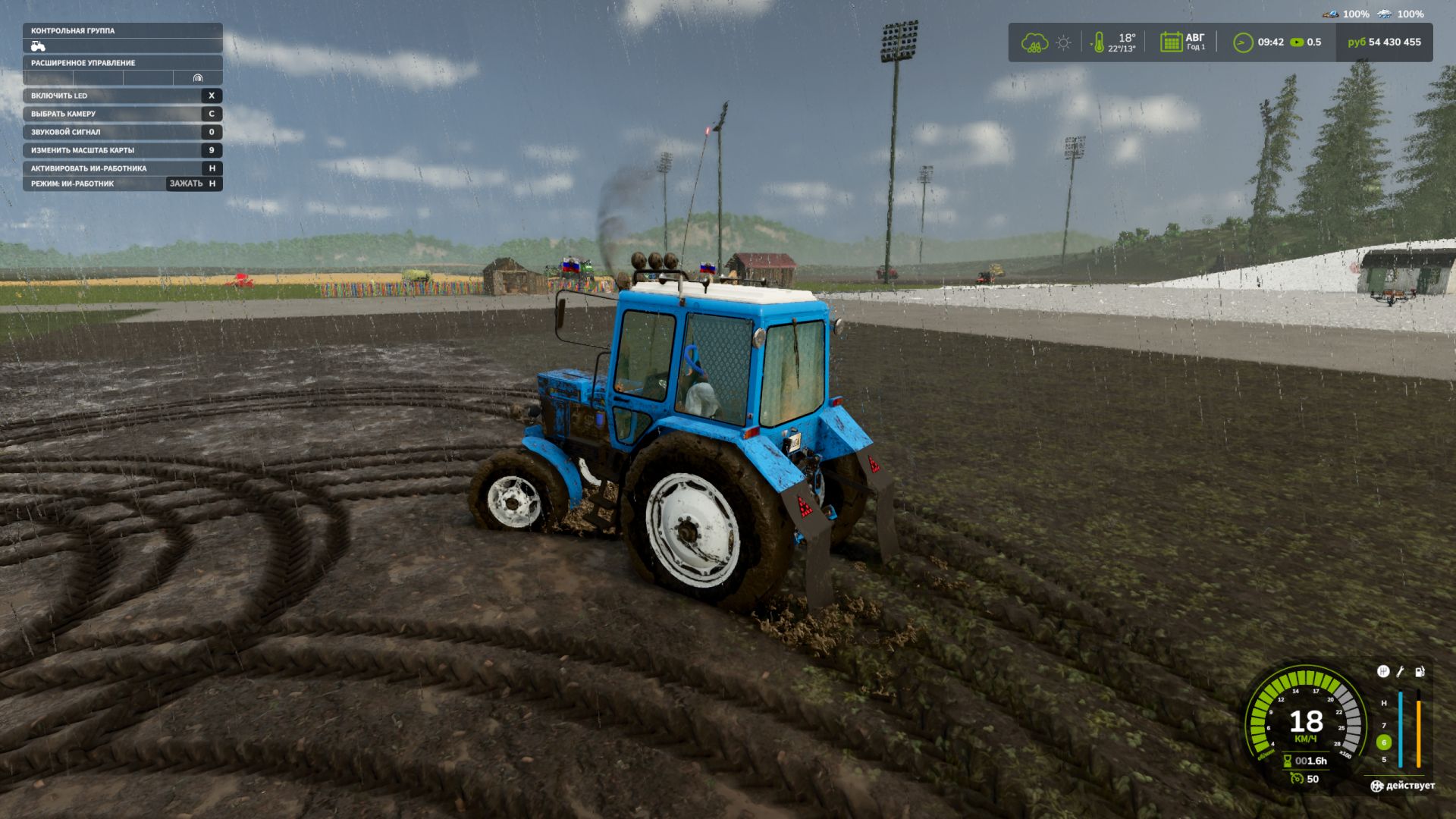
Mud System Physics is an advanced physics mod for Farming Simulator 25 that completely rethinks how equipment interacts with the soil during rainy weather.
What does the mod do?
The mod adds a dynamic dirt system that affects:
– Wheel behavior
– Surface grip
– Visual effects
– Vehicle cross-country ability
– Condition of fields and soil
Every trip in the rain or on a damp field is a risk of getting stuck, and not just a pretty picture…
Key features!
“Real” mud physics
Dirt is calculated from humidity in real time!
Wheels can:
– slip
– Lose grip
– Get stuck in the mud
The heavier the equipment, the higher the risk of getting stuck
Interaction with fields
Mud behaves differently on different types of field soil, for example, plowed fields are the most viscous!
Possibility of removing vegetation in deep mud (optional)
Flexible settings!
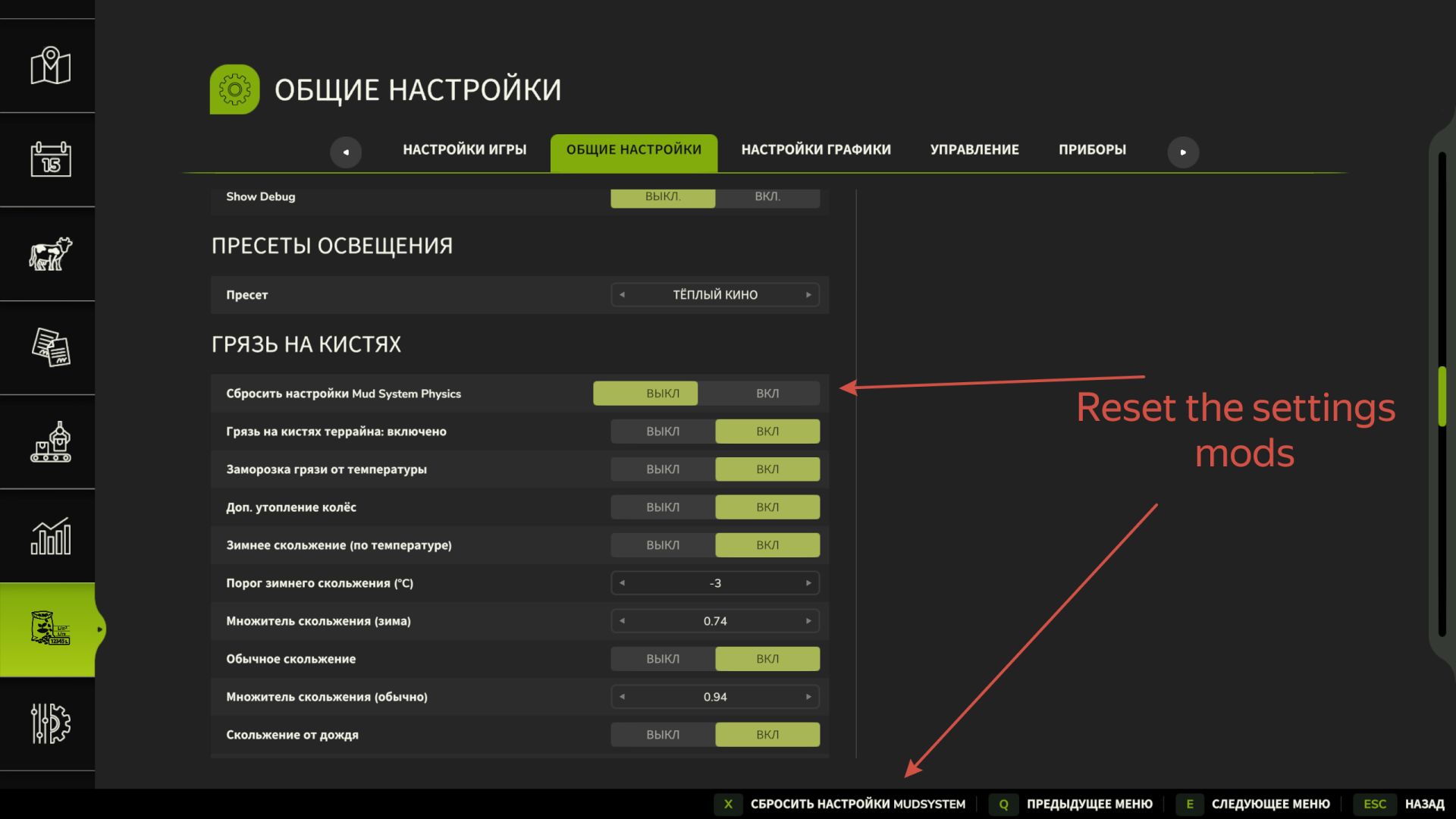
The mod is fully customizable through the game menu:
– turn on/off the mud system
– strength of the viscosity effect
– influence of rain
– visual effects
– removal of vegetation
– And much more. (there are more than 20 different knobs and switches)
All parameters can be changed on the fly, without restarting the game.
Have a nice game!
If on the maps where you play, under physical asphalt, the terrain brushes are drawn not of asphalt, but of mud or dirt, then in the rain the asphalt will look like dirt, turn off dirt on the terrain brushes in the settings.
V1.0.3.0
– Improved hud mod. (Thanks to Sergey RMG)
– Some aspects of the script have been reconfigured. (now dirt on all types of field soil should stick normally)
– In the game settings, an item for selecting hud fashion icons has been added
– Added selection of the position of the mod icons by setting coordinates on the screen
– Added Spanish translation
Known Issues: Some players do not have mod settings in the general settings. (It’s not clear why yet. I didn’t find a conflicting mod)
ATTENTION! IF YOU WANT TO FEEL THE UPDATE CHANGES, BE SURE TO RESET THE MOD SETTINGS BY CLICKING IN SETTINGS, RESET BUTTON, OR DELETE THE FILE MudSystemPhysics.xml FROM modSetting.