LS25 Reset + Look Back Cam Position V1.0.0.0

LS25 Reset + Look Back Cam Position V1.0.0.0
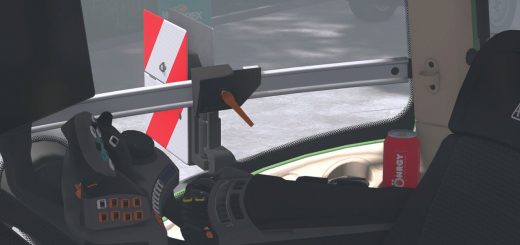
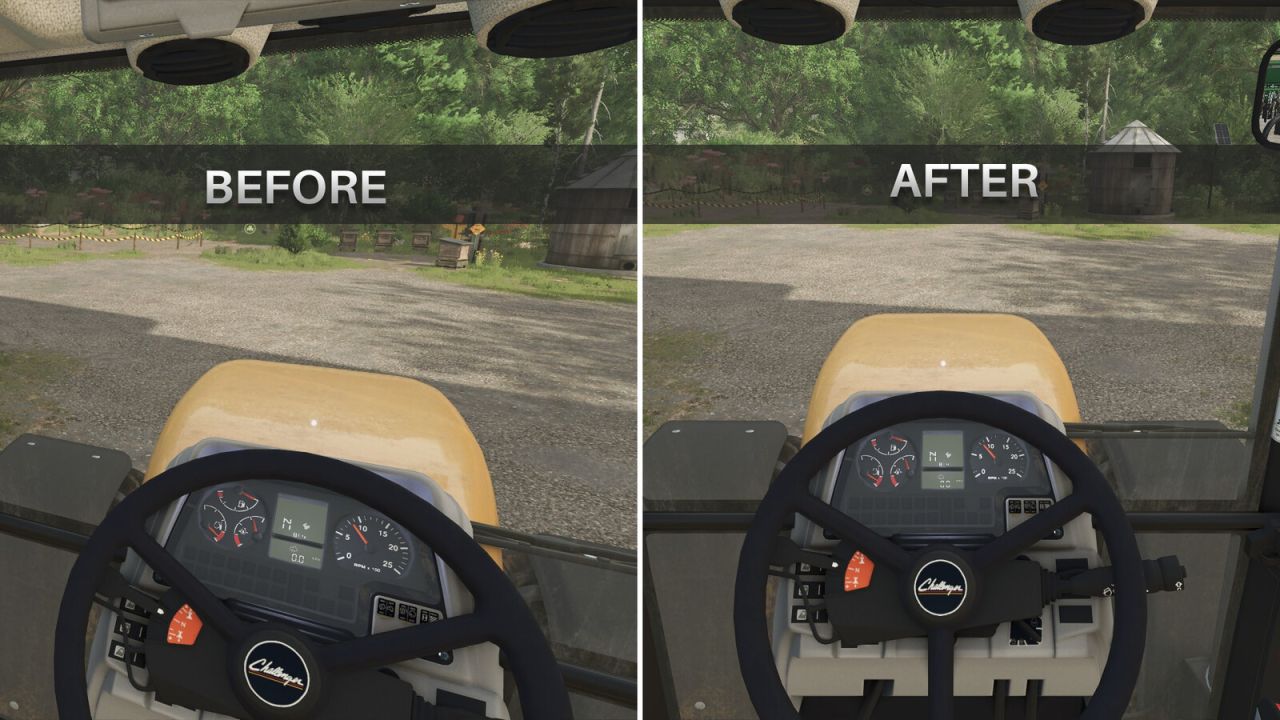
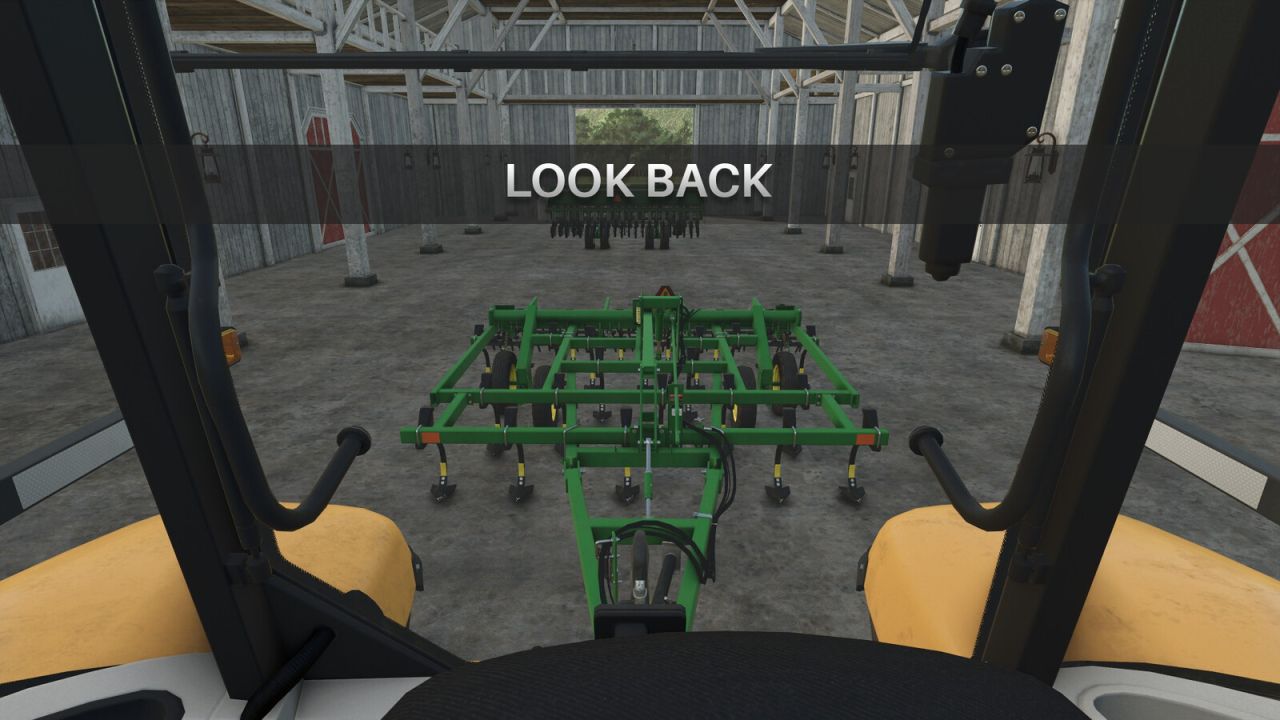
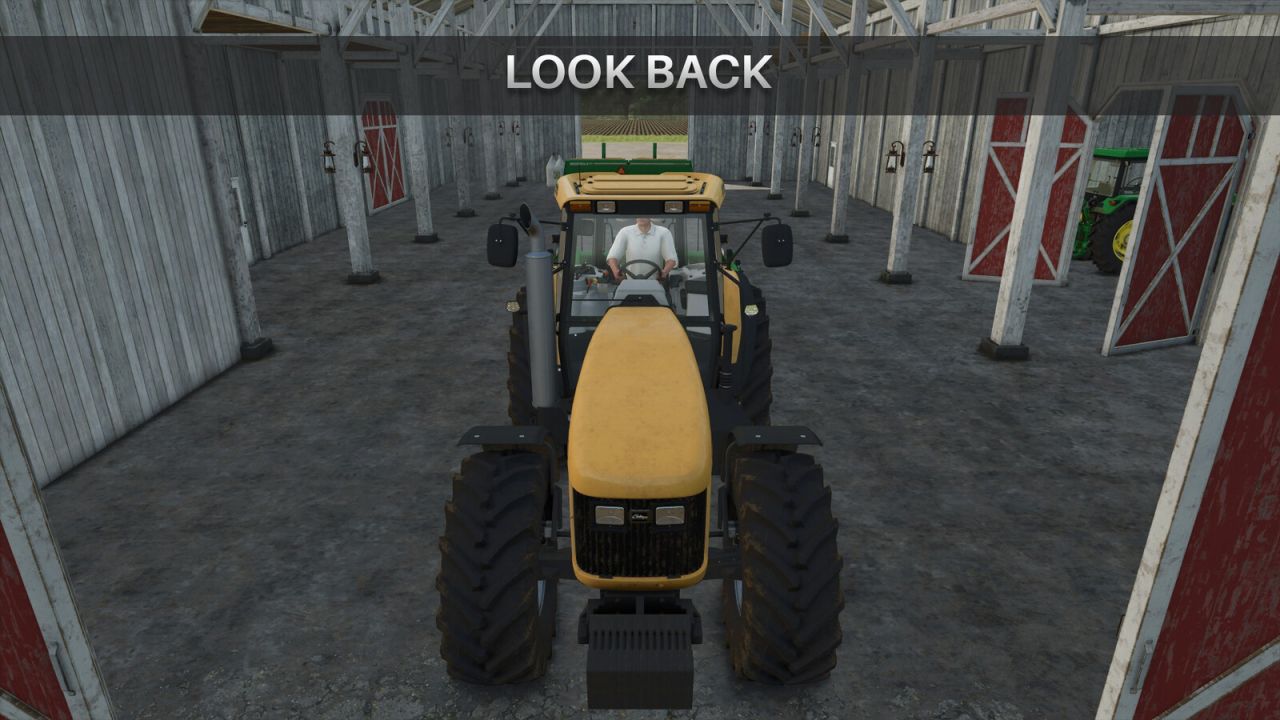
If you play with the “Reset camera on vehicle switch” setting turned off, the camera keeps whatever position and zoom you left it in. This mod adds keys you can press at any time to snap the currently active vehicle camera (interior or exterior) back to its default position, rotation and zoom – without changing the game setting itself.
Default keys:
Left Shift + C: reset camera to its default position
Left Shift + S: reset camera to its default position but rotated 180° to look backwards
Both keys can be freely rebound in Options > Controls.