LS25 BUG ModManager V2.0.0.1

LS25 BUG ModManager V2.0.0.1
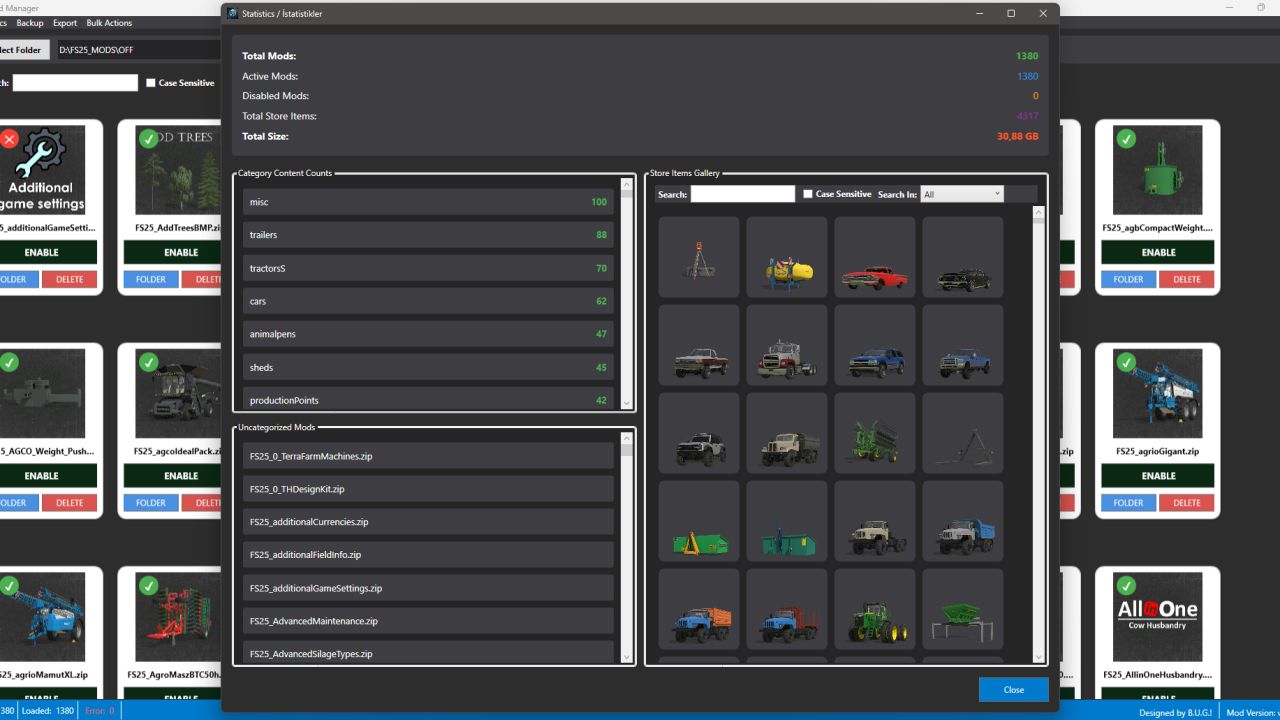
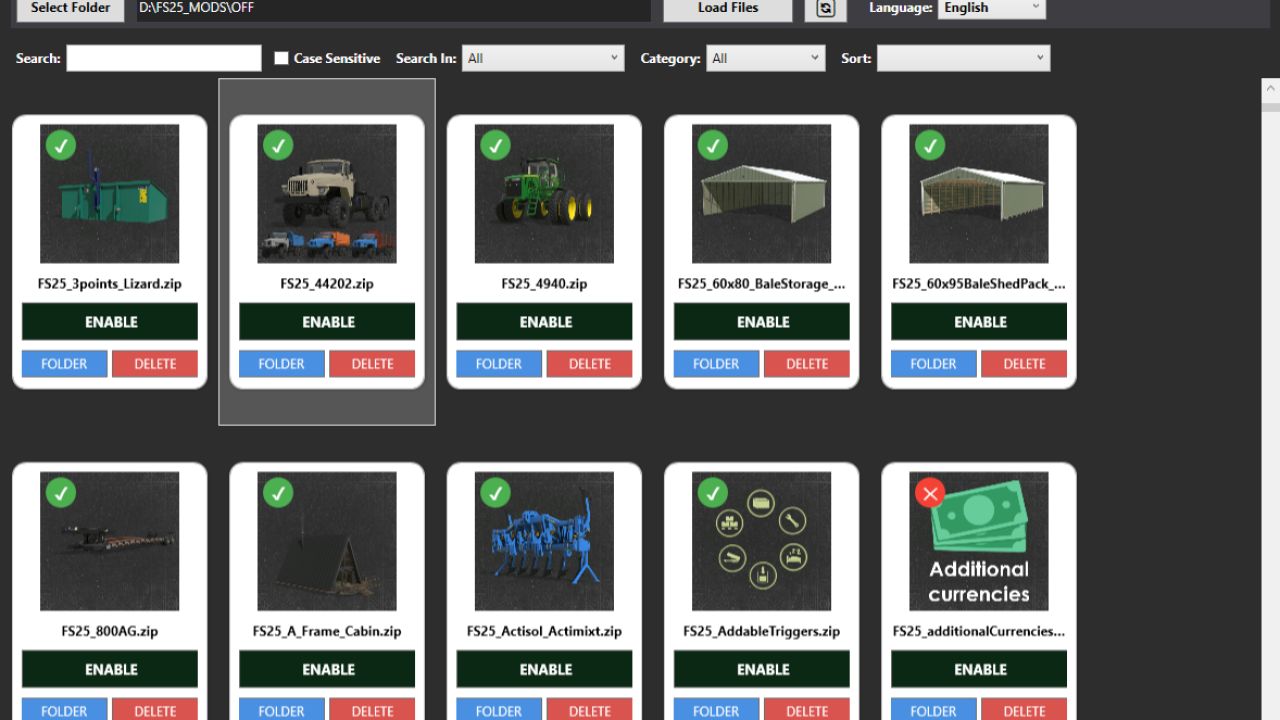
This is NOT a MOD! It’s a program for managing your mods before starting the game. Keep the program in a different location than your mod folder. Please read the “Readme.txt” document in the file.
Technically, it works like this:
All mods contain a file called modDecs.xml. The game first reads this file and then, using the relevant instructions within the file, accesses other files it needs to read. The program works on a similar principle. First, it finds the modDecs.xml file within the mod’s ZIP file. Then, it retrieves what it needs from this file and performs its functions. If the program displays an ERROR window upon startup, it means that the modDecs.xml file is either missing or contains an unreadable error in the relevant MOD file. It can work in all FS games with this structure. I developed and tested it for FS25.
V2.0.0.1
Initially, searching for the default mod folder location and related processes were added.