LS25 Dashboard Live V2.1.2.0

LS25 Dashboard Live V2.1.2.0
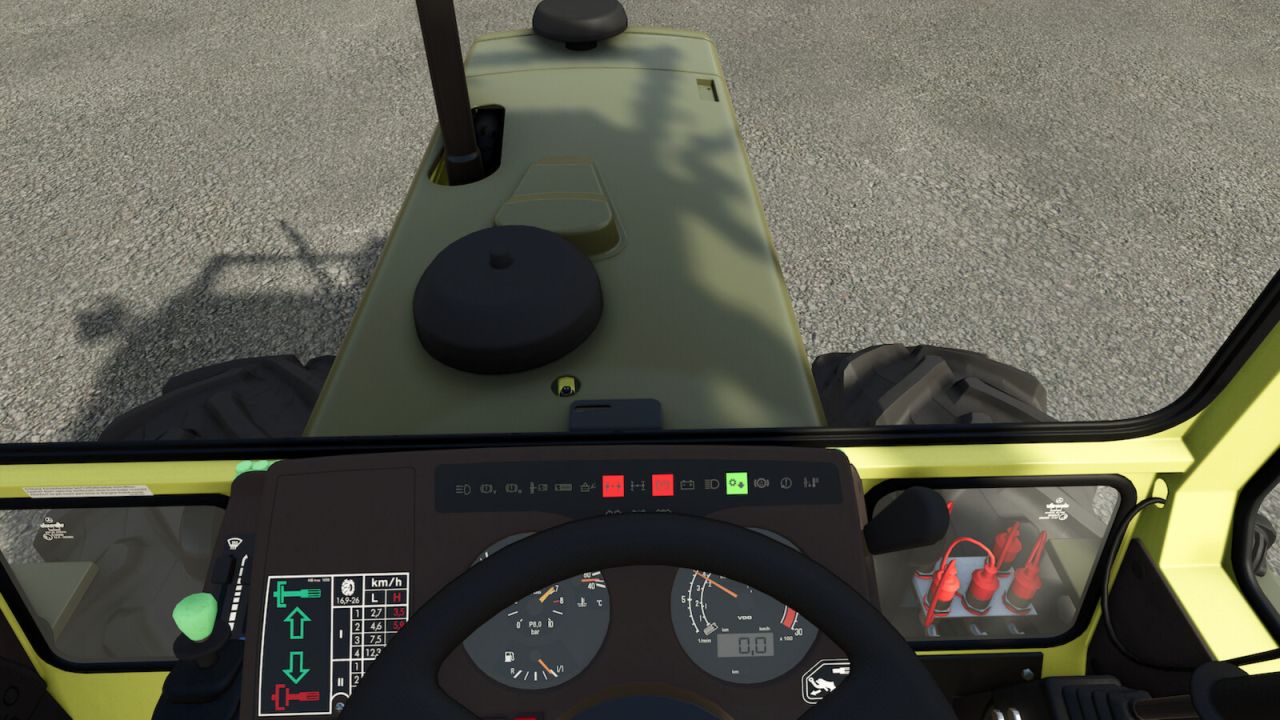
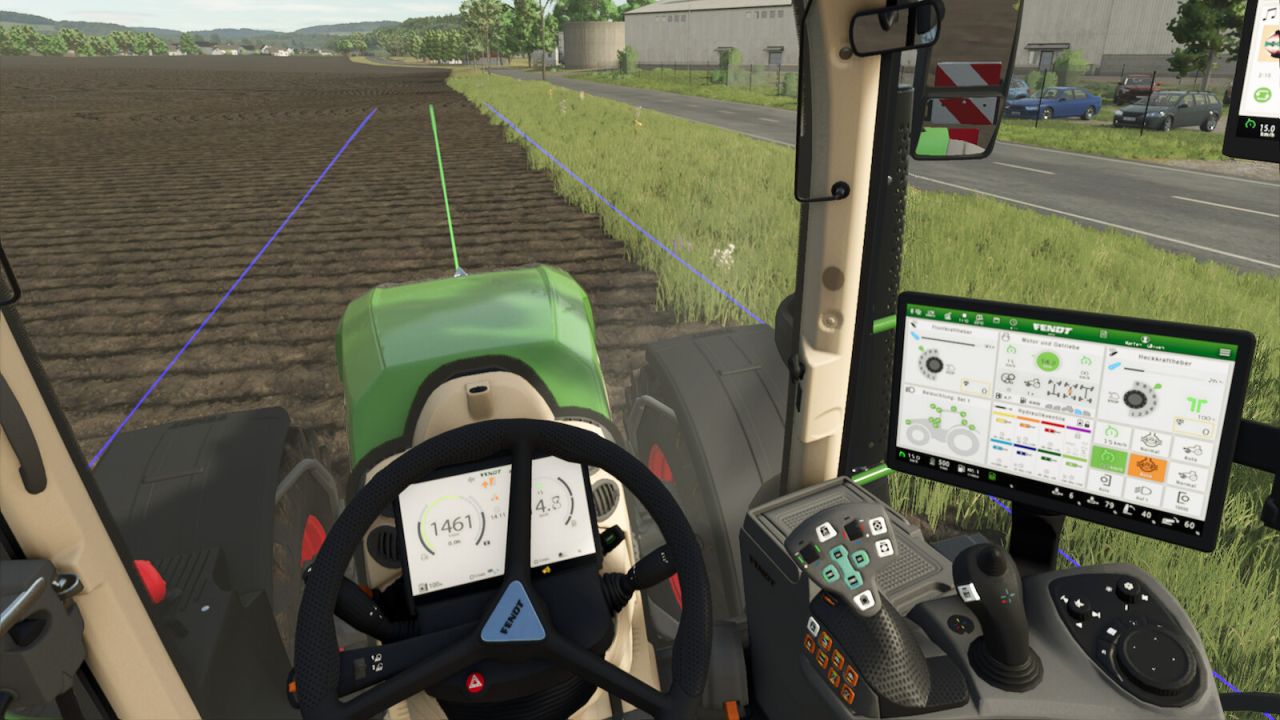
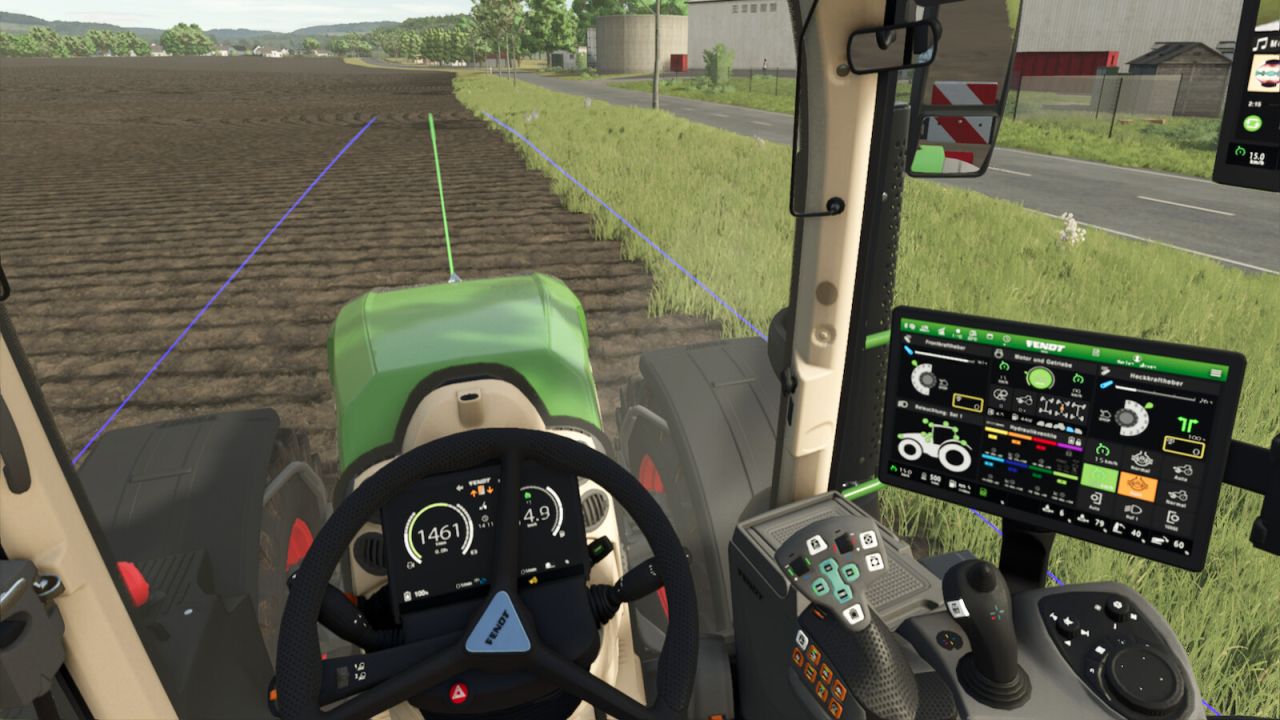
Dashboard Live (DBL for short) allows you to display all kinds of information in your board computers and/or dashboards in all kinds of tractors, regardless of brand.
A zoom function is included to make it easier to view displays:
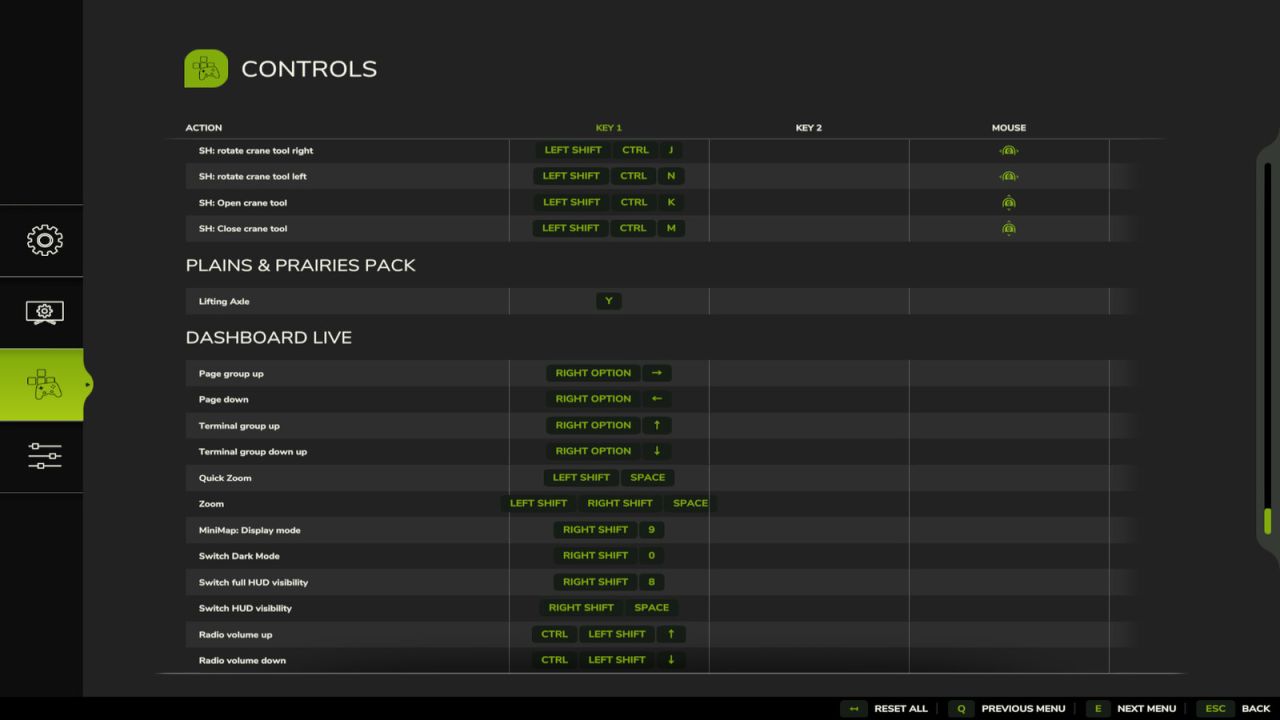
Left Shift key – Space bar: Short zoom
Both shift keys – space bar: Permanent zoom on/off
If supported in the vehicle, the right Alt key and left/right/up/down arrow can be used to scroll through displays.
In the MultiPlayer game, DBL synchronizes the engine temperature, fuel and air consumption from the server to the clients.
What can be displayed?
Basic game:
Status of the front and rear linkage
Status of attached devices and trailers
Filling levels
Compass heading
PTOs
Display of the currently active implement
Status of the folding/unfolding process
Tipping status
Tipping side
Course display (N/E/S/W, N/NE/E/SE/S/SW/SW/W/NE or degrees)
Field number
Weight of the loaded filling quantity
Real-time clock
Radio: On/Off, station and volume
Radio volume adjustable via buttons
Minimap:
Display of the surrounding map in the dashboard
Thresher:
Filling indicator
Status of straw chopper/swath delivery
Cutting height
Position of the transfer tube
Overloading process active
Bale press / Bale wrapper:
Bale size
Bale counter
Front loader:
Tool position
Further functions:
Dark mode
Acoustic signals
Supported mods (optional):
VehicleControlAddon:
Status of the differential locks
Status of the all-wheel drive
Hold speed
GPS status
Slip of the drive wheels
Park brake
Enhanced Vehicle:
Status of the differential locks
Status of the all-wheel drive
Park brake
More Vehicle Control:
Status of the differential locks
Status of the all-wheel drive
Park brake
Headland Management:
Status
Field/pre-turn mode
CombineXP:
Tonnes per hour
Engine load
Yield
High moisture warning
CVTaddon:
Speed steps
Acceleration ramps
Braking ramps
Various warning states
Important: Vehicles must be prepared for DashboardLive in advance in order to be able to use the functions and displays.
An installation guide and documentation are included, and video tutorials are also available.
Further ideas or requests are welcome at GitHub: FS25_DashboardLive
V2.1.2.0
Added the ability to check for specified fill types