LS25 Realistic 4×4 Traction System V1.0.1.0

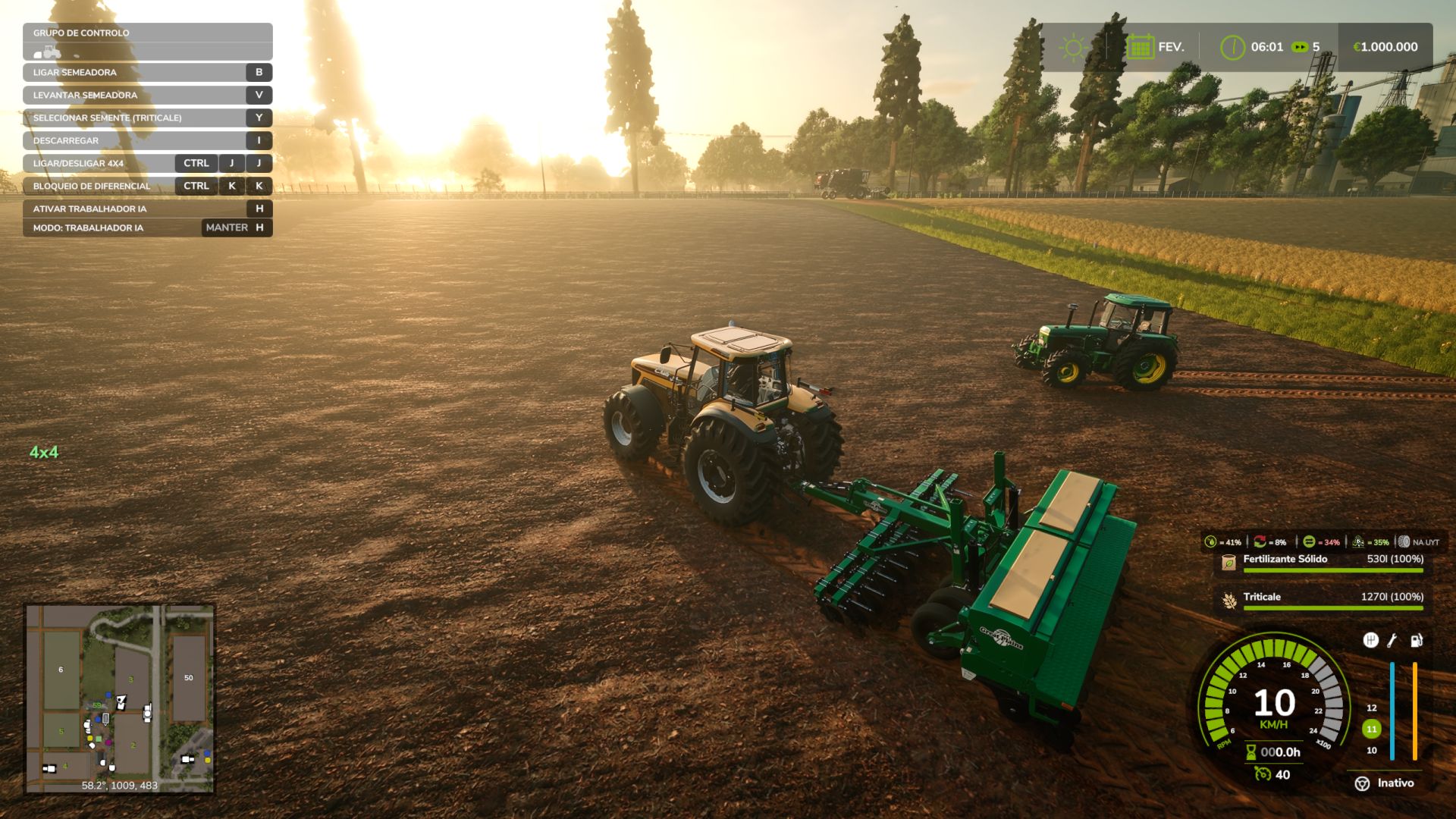
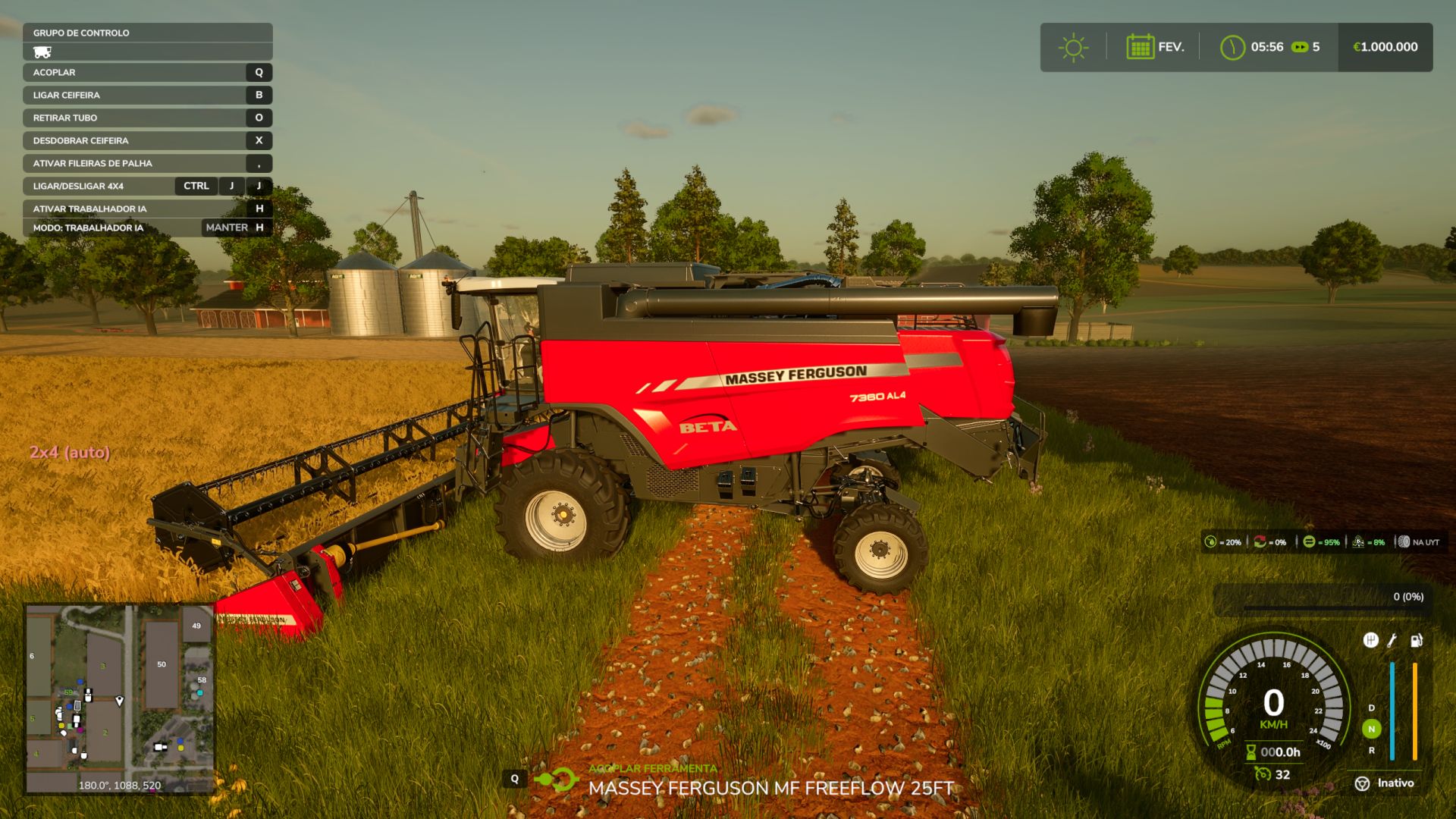
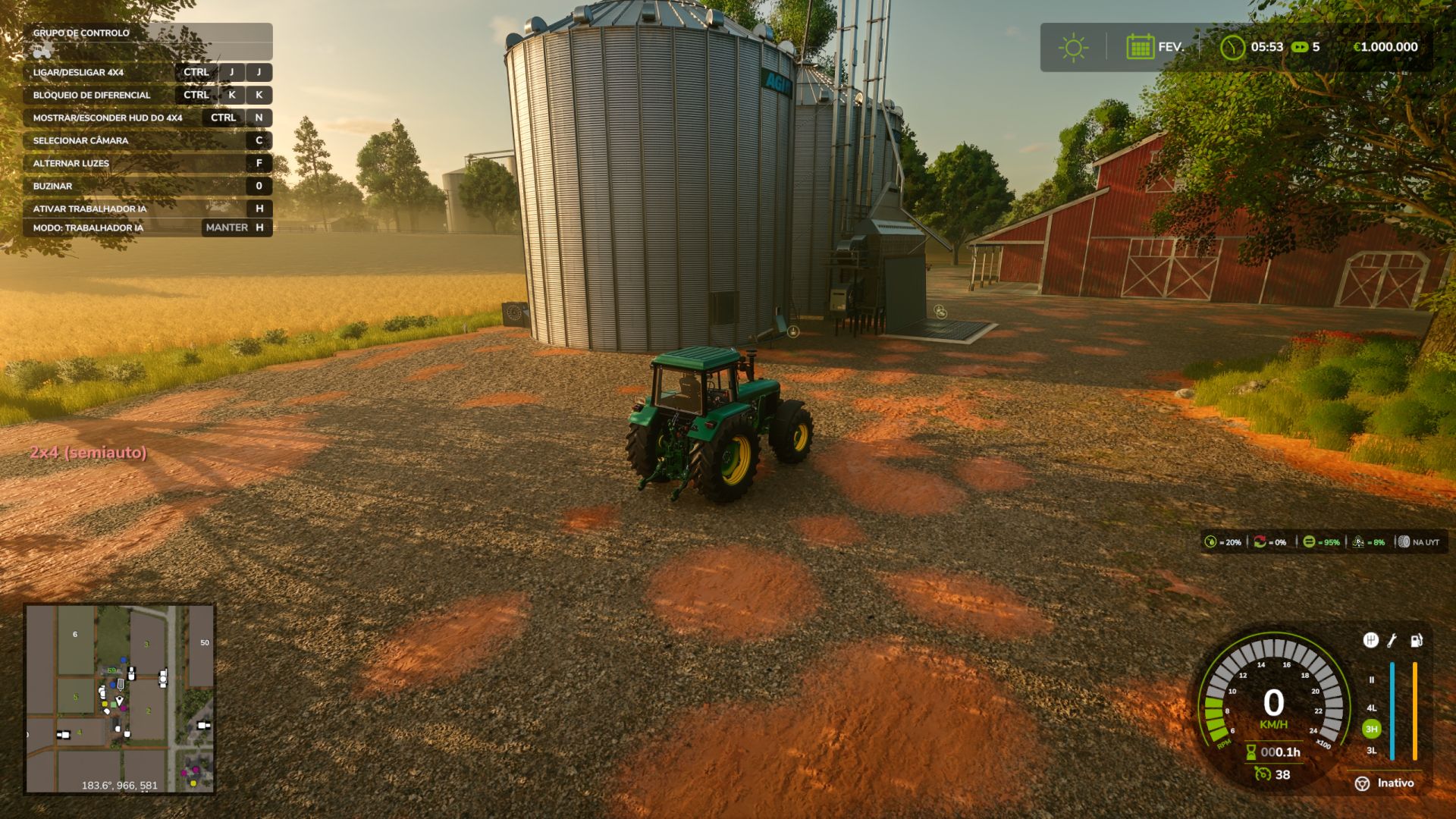
LS25 Realistic 4×4 Traction System V1.0.1.0
How to test the mod:
1. Choose a rear-wheel-drive (2×4) tractor in Manual mode
2. Accelerate uphill or on soft terrain
The rear wheels will spin
The HUD shows wheel slip
3. Switch to Semi-auto or Automatic
The mod detects actual wheel slip
4WD engages automatically
The HUD switches to 4WD
The wheel slip disappears
4. Test Smart mode (Fendt)
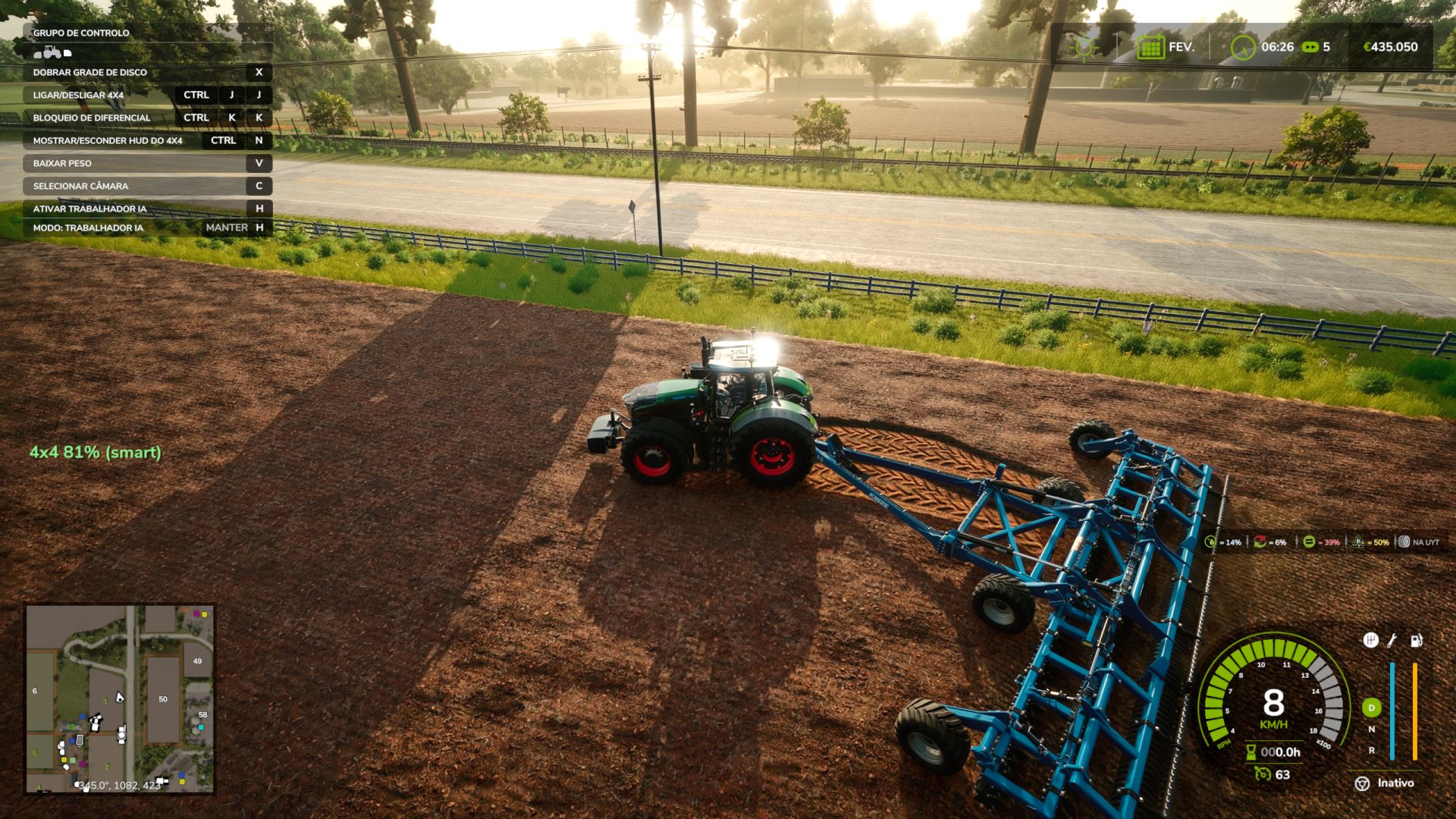
4WD increases gradually according to the amount of wheel slip
It is not simply on/off — it is progressive
A dream that took years to become reality.
4×4 Traction System (v1.0.1.0)
Take real control of your tractor’s traction — engage 4WD, lock the differential, and let the system react to actual wheel slip, not just a keybind.
This mod adds a fully switchable 4×4 traction system to compatible vehicles (tractors, trucks, harvesters, cars): engage/disengage the front axle on demand, and toggle a differential lock that trades turning radius for raw grip in mud, snow, or heavy pulls.
Features
Real rear-wheel slip detection — the automatic modes react to actual wheel slip physics, not just speed
Four drive modes, assigned per vehicle out of the box:
Manual — you’re always in control
Semi-auto — engages on real slip, manual override always available
Auto — same logic, tuned for vehicles with factory-automatic 4WD (CVT/IVT drivetrains)
Smart — Fendt-style continuous, proportional engagement (no hard on/off)
Native tire pressure simulation on engagement — no dependency on any other mod
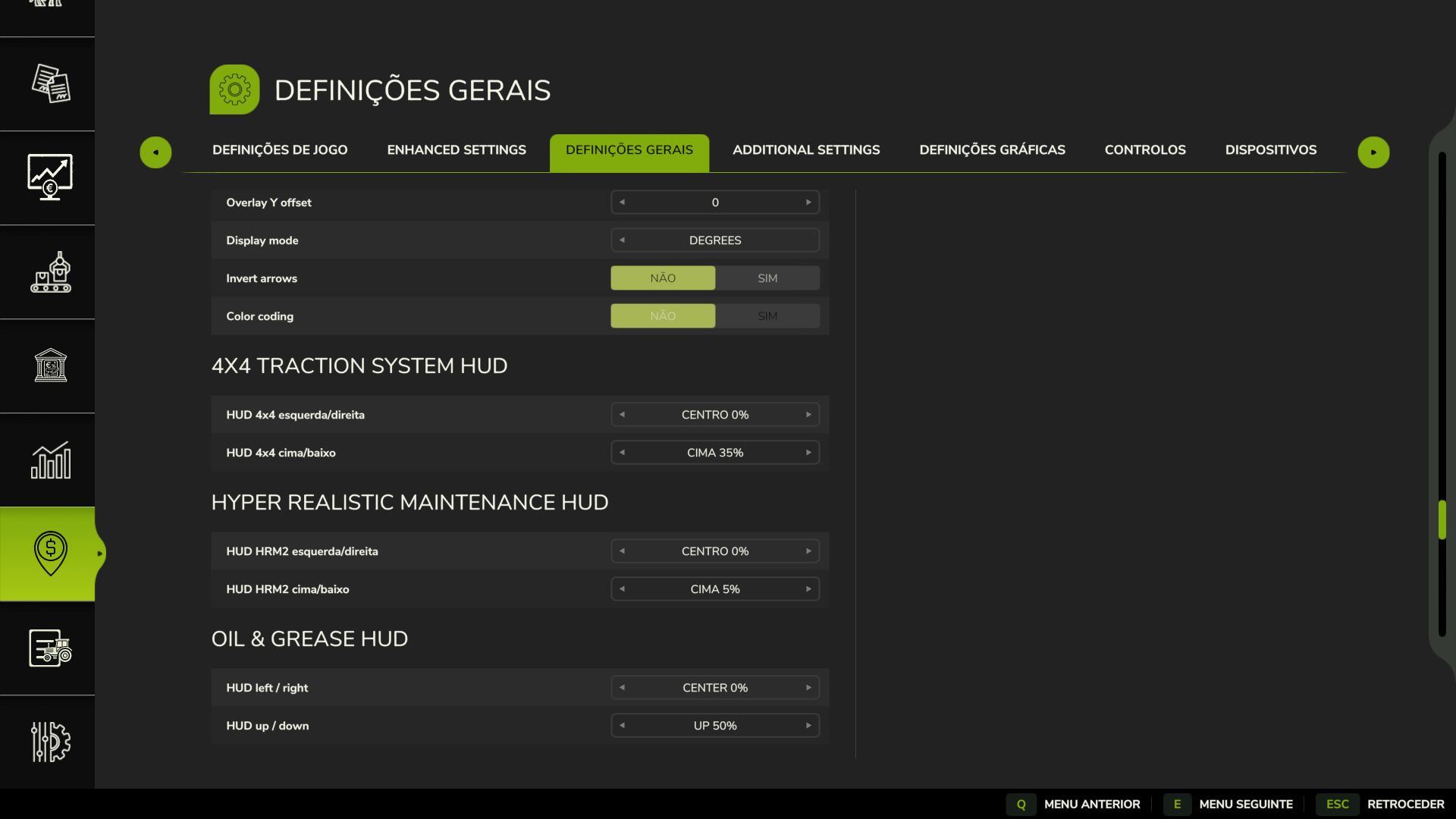
On-screen HUD with live status, adjustable position from the in-game Settings menu
Zero XML edits to any vehicle — the system injects itself into every compatible vehicle automatically
V1.0.1.0
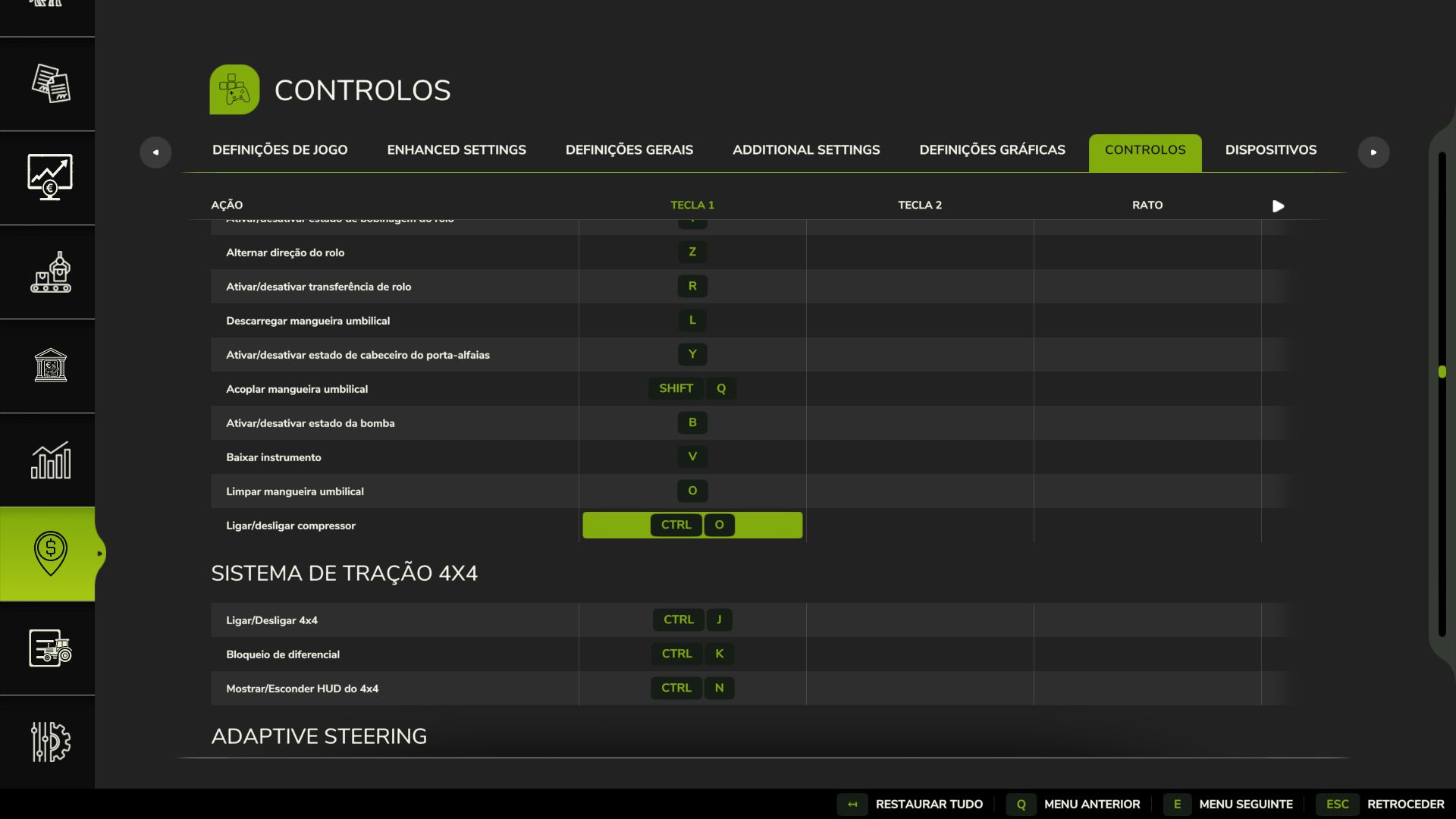
Keybinds changed to Shift+Ctrl+J/K/N to avoid conflicts with other mods
Auto/semi-auto response is much faster (confirm delay cut from 2.5s to 0.9s)
The 2WD↔4WD switch in manual/semi-auto/auto is now a short smooth ramp instead of an instant on/off — no more jolt or momentary speed loss when the front axle engages under load
Optional soft compatibility with Hyper Realistic Maintenance 2, if you also run it (see below) — fully standalone otherwise