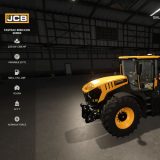
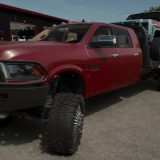
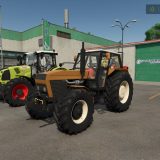
LS25 Advanced ChaseCam v1.0.0.0
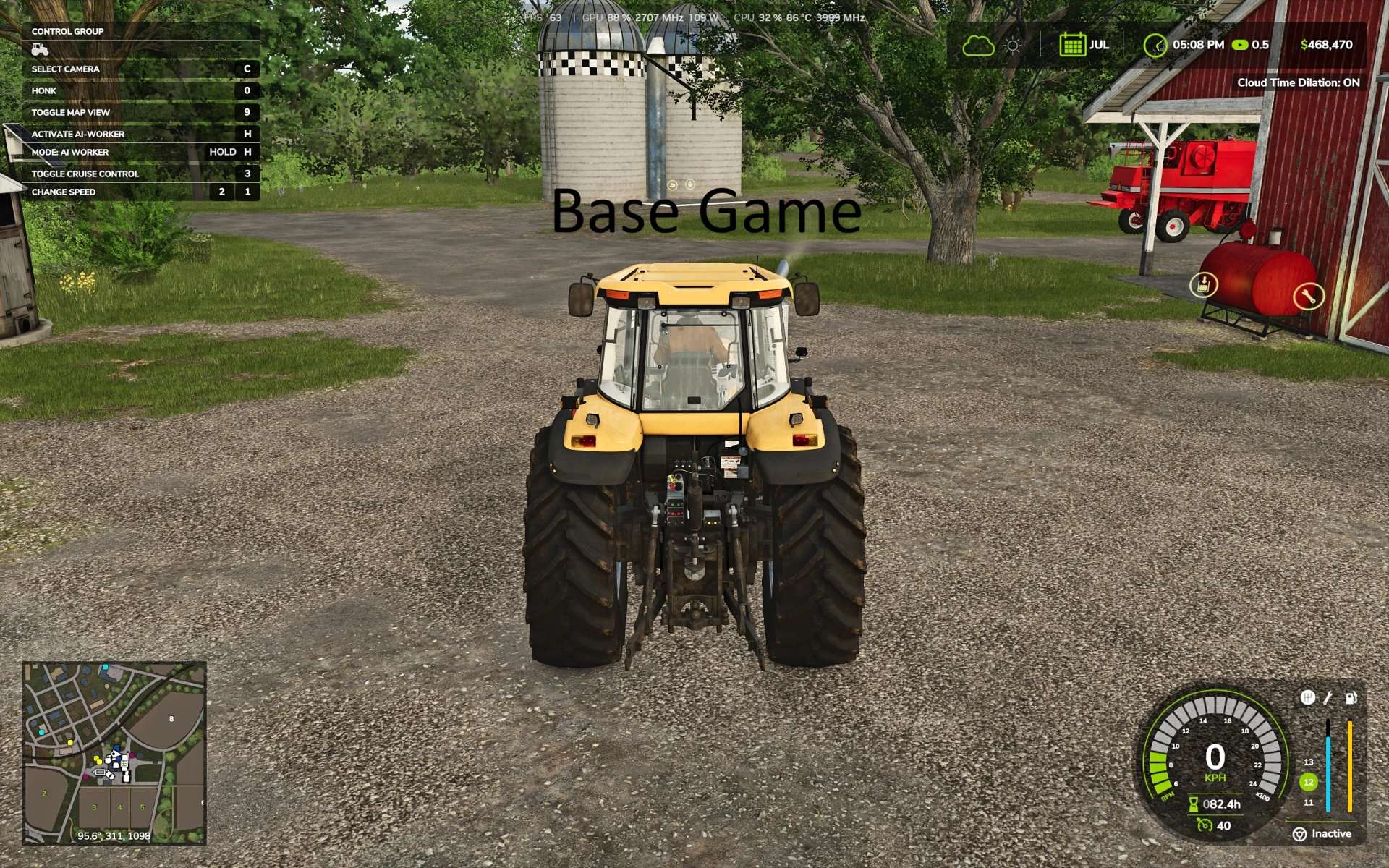

LS25 Advanced ChaseCam v1.0.0.0
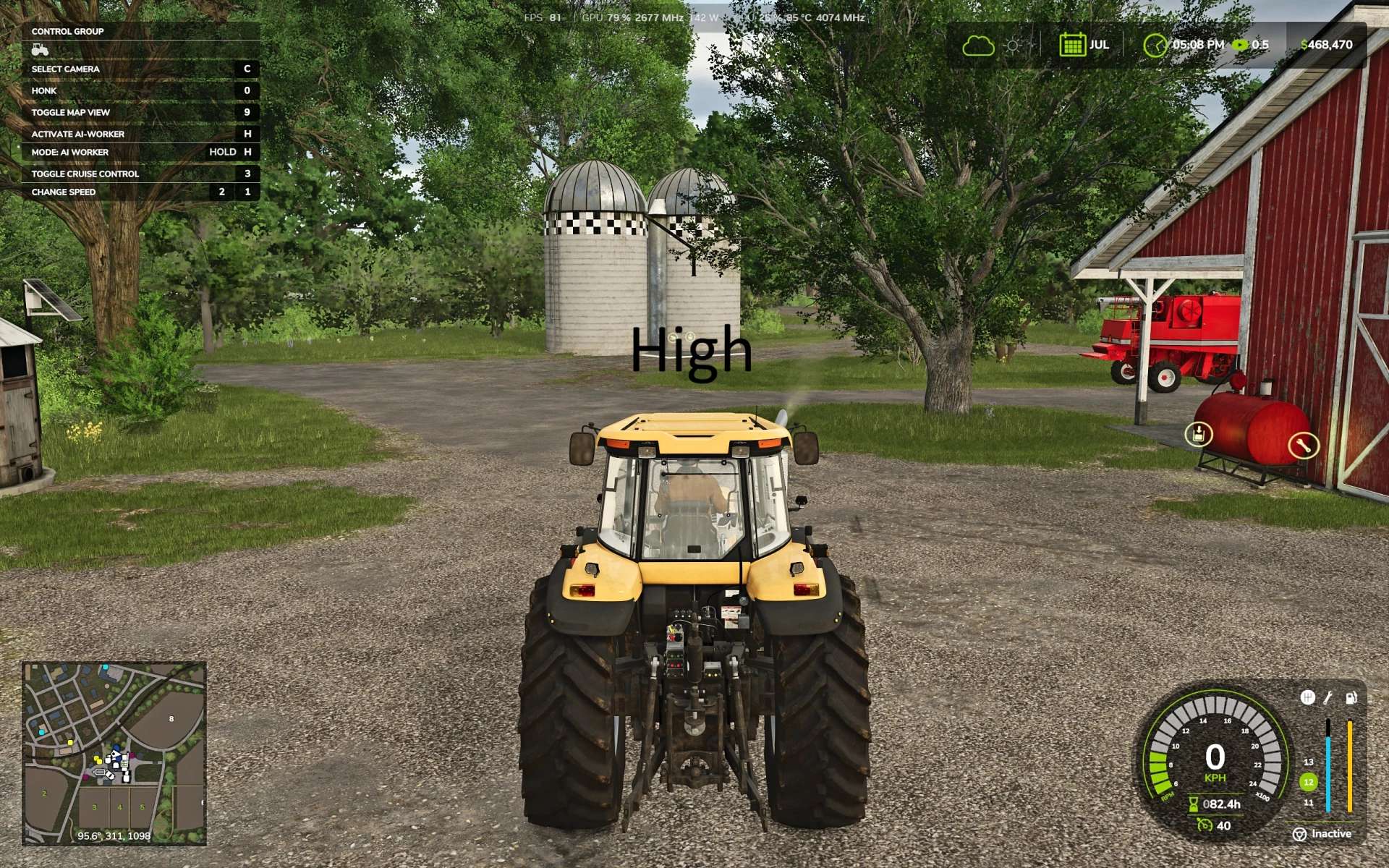
The base game chase camera is less than desirable. This mod fixes it the position of the camera and makes it much more functional.
Changes the Chase Camera to behave more like racing games. Changes how the third person Chase Camera is positioned without effecting in the Cab camera.
You can customize the behavior of the camera, all done within General Settings > Advanced ChaseCam.
If you just want the camera height adjustment WITHOUT any auto-alignment or reverse cameras, you can turn all other settings off and this mod will only change the camera height position.
– Camera Height: the camera sits above the vehicle so the vehicle sits low on the screen rather than the exact middle of the screen. Settings: High (Good all around, default) or Low (not great for combines).
– Chase Camera Dynamics: Normal (Default) holds its heading briefly, then catches up smoothly if you keep turning. Relaxed is slower and lets the camera trail more. Off is the base game camera.
– Free Cam Auto Alignment: swings the camera back behind the vehicle when driving straight after you look around. Immediate (Default), Delayed (good if you like to manually control the camera for a side profile shot but still want the camera to auto-align) or Off (no auto-align). This setting only applies to Free cam (mouse, right stick). The camera will still autoalign if Chase Camera Dynamics is on.
– Reverse Camera (on by default): Automatically turns the camera around while reversing, automatically turns back facing forward 1 second after reversing ends. If turned off, other Reverse Camera settings are also off.
– Reverse Camera Auto Center: Off (default)-Camera does not recenter if free cam is used, On-springs the camera back to center after look around with free cam in reverse.
– Reverse Camera Turn Speed: Adjusts how quickly the camera changes in & out of reverse. Smooth (default), Fast or Instant.