LS25 Auto Arm Position V1.0.0.5

LS25 Auto Arm Position V1.0.0.5
Credits to aaw3k on modhub for the base idea and foundation of the script.
This is a modified version of his Work Tool Position script which only allows 1 position
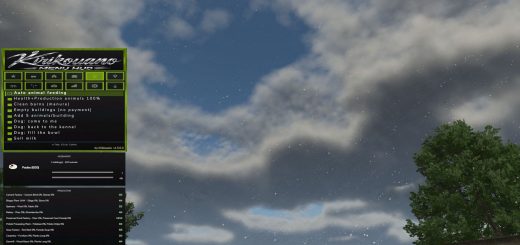
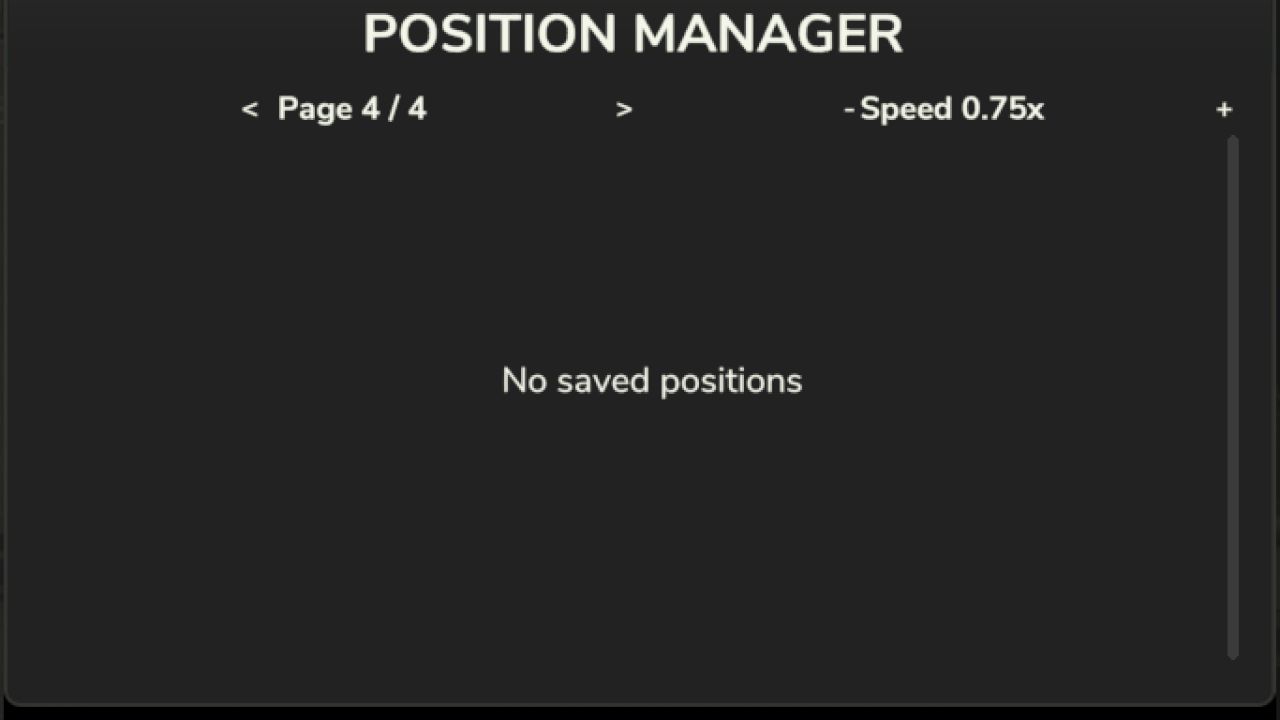
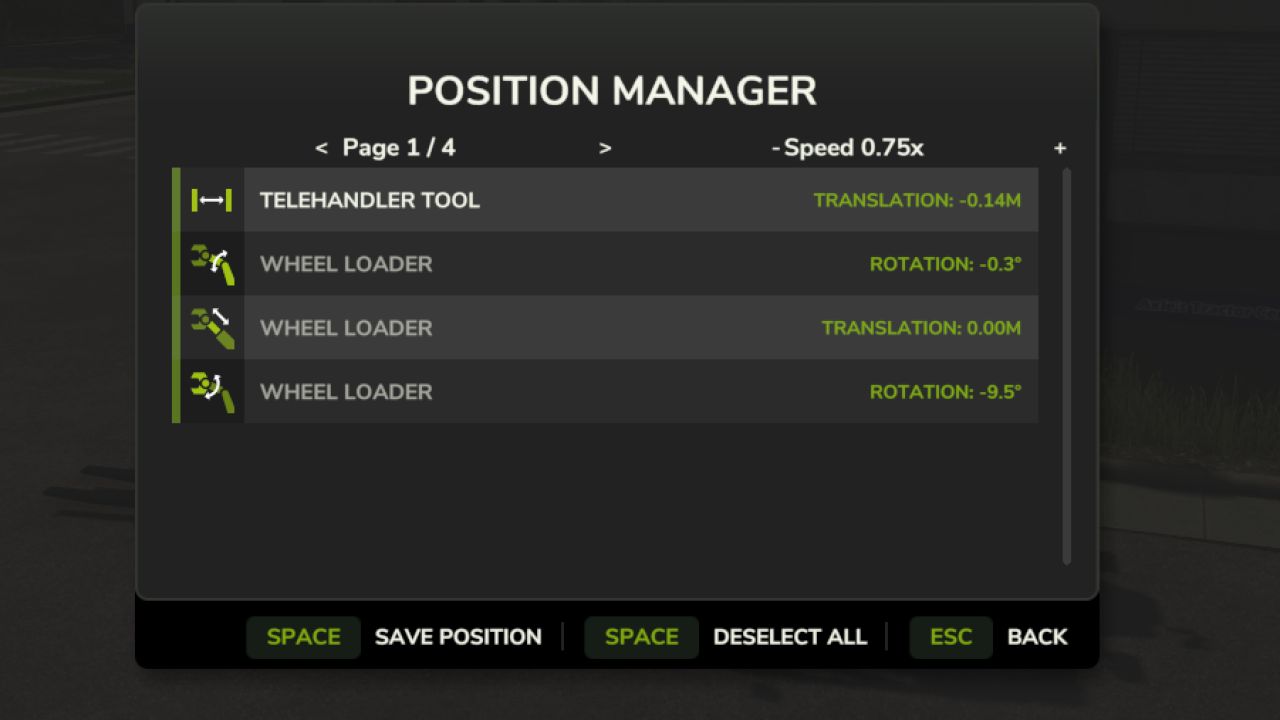
With this mod this gives you a fully bindable GUI (Default: HOLD LALT + Z) that allows you to have 4 different tool positions with customizable speed.
This helps with bunkers/silos and trailer loading.
How to use:
Put tool to desired height in telehandler etc, open gui and click save with space or your mouse. To save position 2 go onto page 2 and click save, Each page saves to its designated tool position.
Hotkeys
LALT + Z Open Menu
LCTRL + Z Load Position 1
LCTRL + X Load Position 2
LCTRL + C Load Position 3
LCTRL + V Load Position 4
Again credits to aaw3k for the base idea and this mod will not be updated if his develops further to be like this.
V1.0.0.5
Added Slot Naming in F1 Menu
Slightly Optimised
Removed Select/Deselect all (You can still manually click them) in favour of renaming