LS25 Auto Run V1.0.1.0

LS25 Auto Run V1.0.1.0
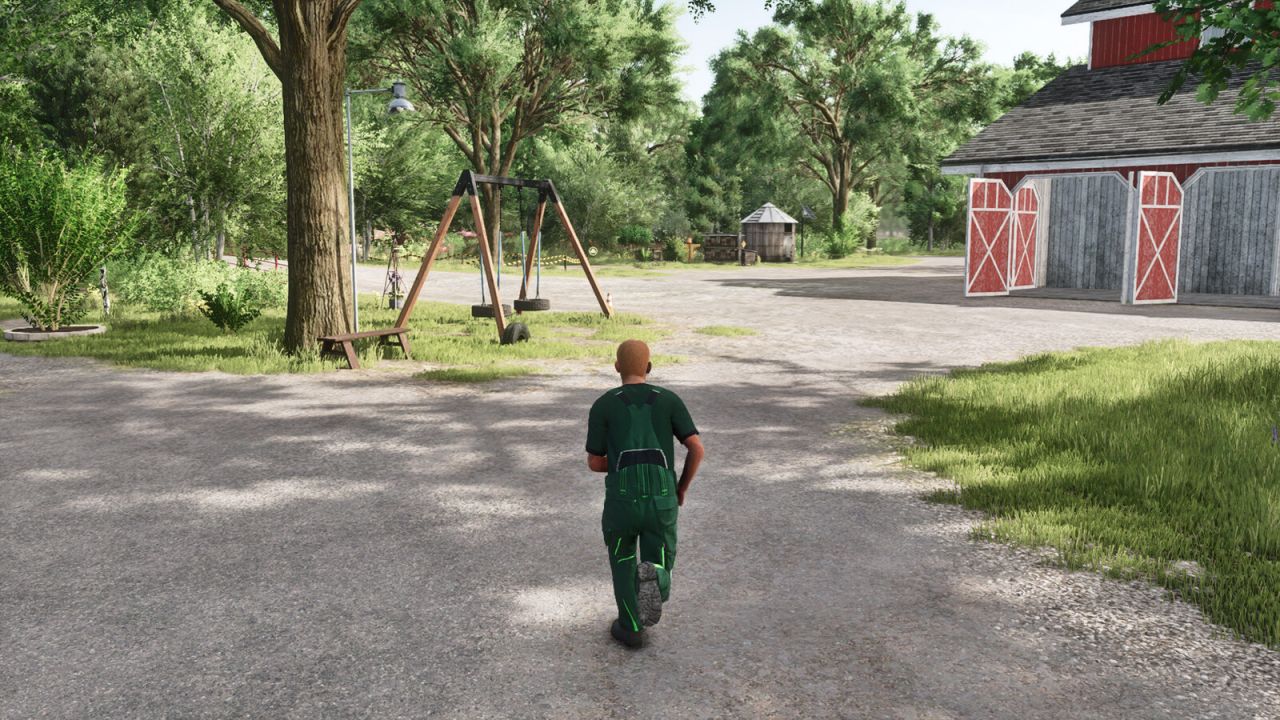
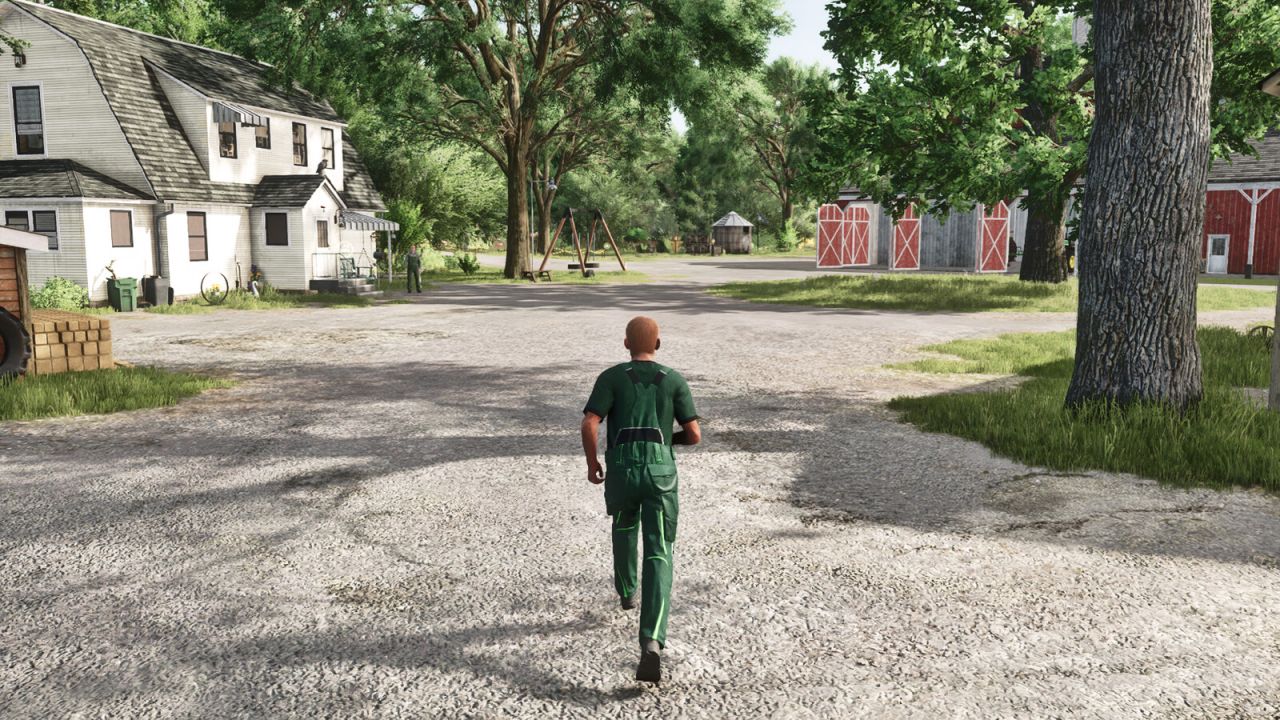
Adds simple on-foot auto walk and auto run toggles for the player.
Hotkeys:
– Toggle Auto Walk / Run: Default V, rebindable in Controls
– Shift while active: Toggle Walk/Run
– W or S: Cancel Auto Walk/Run
When enabled, your player keeps moving forward while on foot. Camera direction still controls where you go, and left/right movement remains available for diagonal movement. Use the same toggle again to turn it off.
V1.0.1.0
– Added diagonal movement while Auto Walk or Auto Run is active.
– Reworked input registration so the toggle key can be reassigned in the Controls menu.
– Removed repeated key-detection console messages.
– Removed on-screen activation and deactivation notifications.
– Improved automatic disabling when entering vehicles or pressing forward/backward movement.