LS25 Autodrive Mittelhessen V1.0.0.0
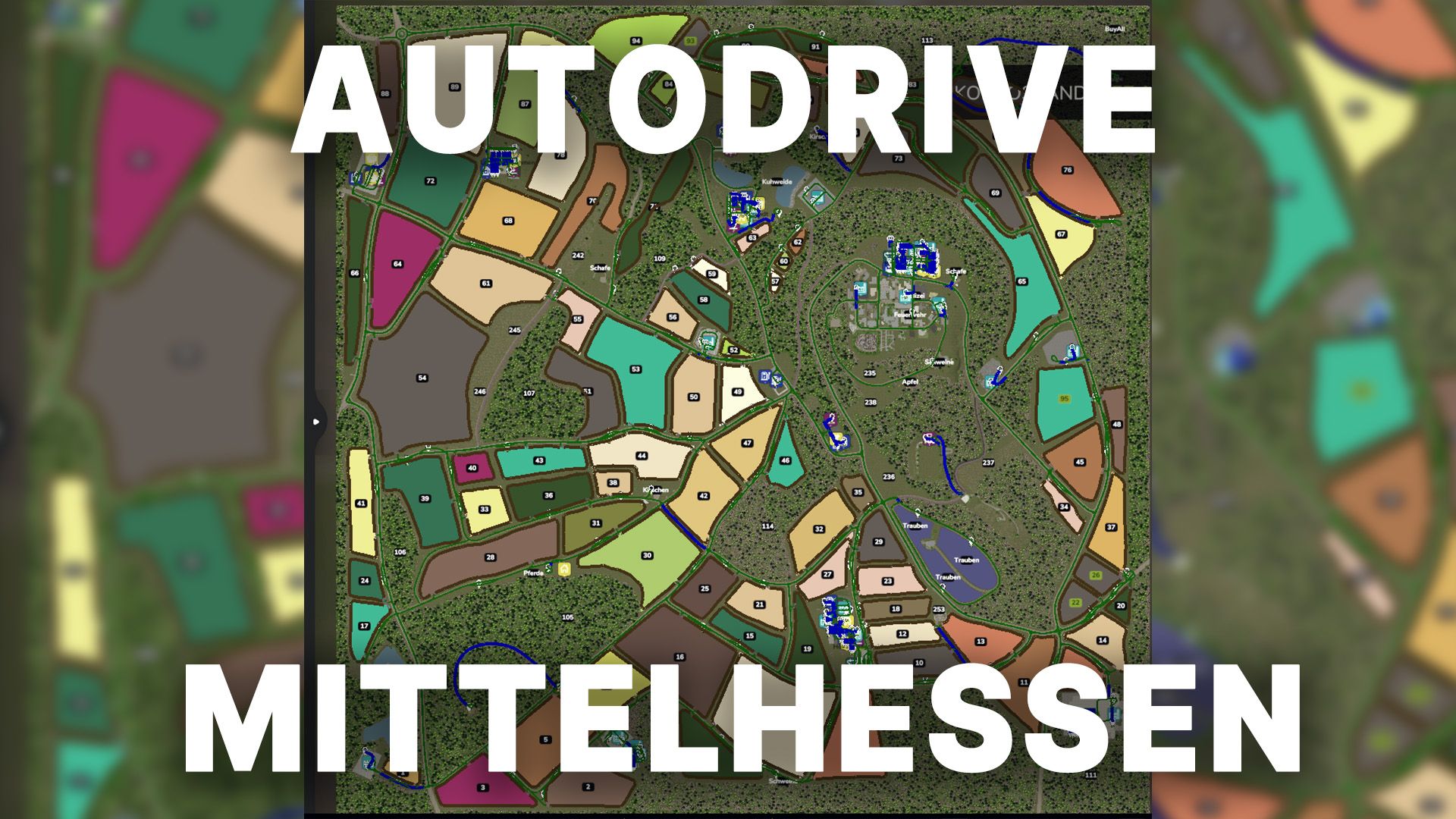

LS25 Autodrive Mittelhessen V1.0.0.0
So finally they’re here: the AD courses for Mittelhessen
These courses are best suited for medium-sized devices.
Most of the network also works smoothly for larger devices; however, there’s absolutely no guarantee
that you’ll be able to access every section, as there are a few bottlenecks.
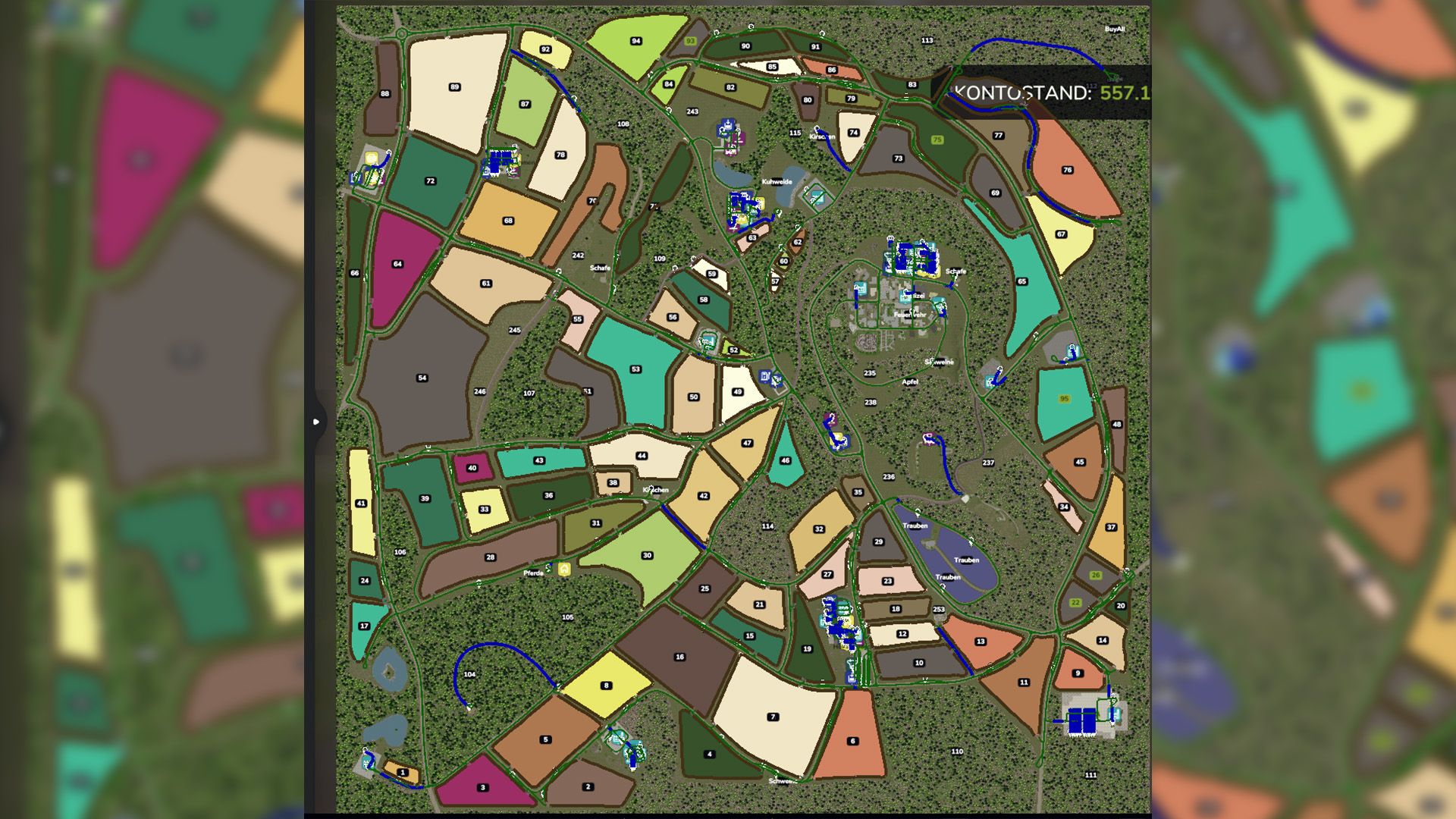
The following was recorded:
All main roads and secondary roads
All productions
All sales and shopping outlets
All fields including catch lines
All animal pastures
Explanation of symbols:
Anl. = Delivery / unloading
Ent. = Removal / Loading of pallets
PXX (Tractor) = Very short parking space for a maximum of one tractor
PXX (Short) = Short parking space, maximum one small trailer or attachment for the tractor
PXX (drive-through hall) = designed for long vehicles and with gates at both the front and rear
PXX (workshop) = Parking space that can be used normally but also contains a workshop trigger.
Farm XXX (BL) = Bunker silo left BR is the same only for the right bunker
Courtyard XXX (P) = Parking spaces of the respective courtyard
Farm XXX (K) = Compost silo of the farm
Required mods:
Mittelhessen
Autodrive