LS25 AutoDrive Pro V1.0.0.0

LS25 AutoDrive Pro V1.0.0.0
AutoDrive Pro is a companion app for Farming Simulator 25 that puts your entire vehicle fleet on autopilot. Record a route once every tractor, harvester, and transport vehicle drives it automatically from that point on.
Core features:
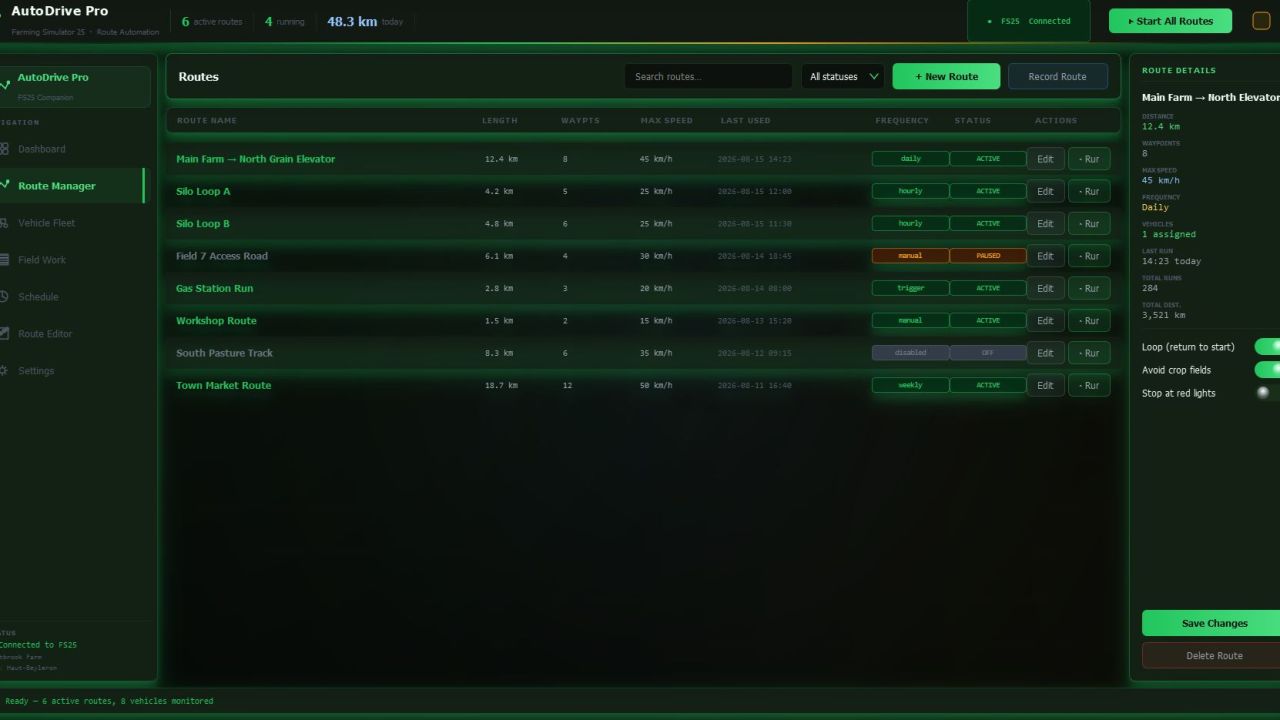
Route Manager — record routes in-game by driving normally, edit waypoints, set per-segment speed limits, and link routes into a smart navigation network
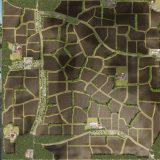
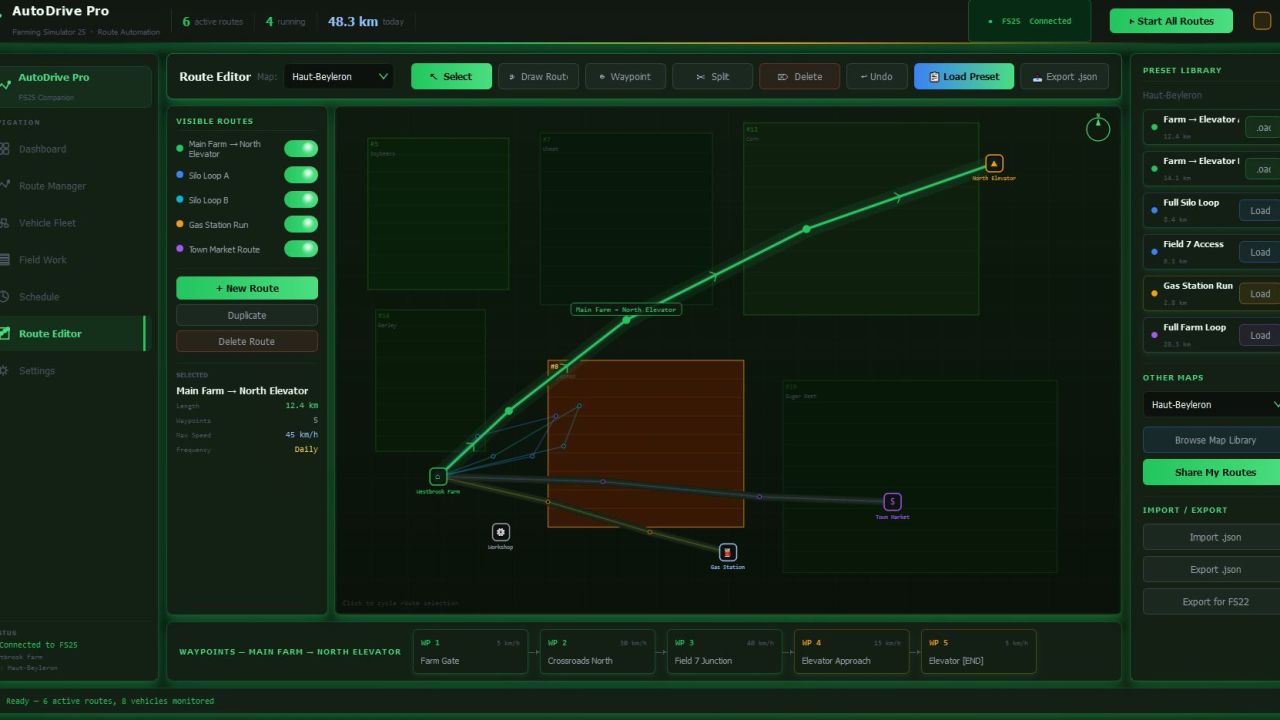
Visual Route Editor — draw and edit routes directly on your farm map without loading the game. Load ready-made presets for Haut-Beyleron, Elmcreek, Felsbrunn, Erlengrat, and Riverbend Springs — or import community routes via .json
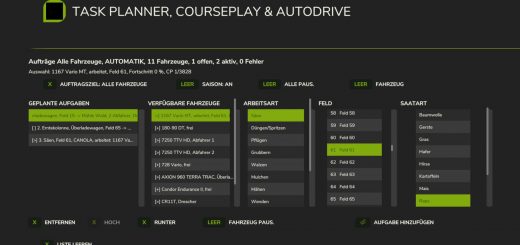
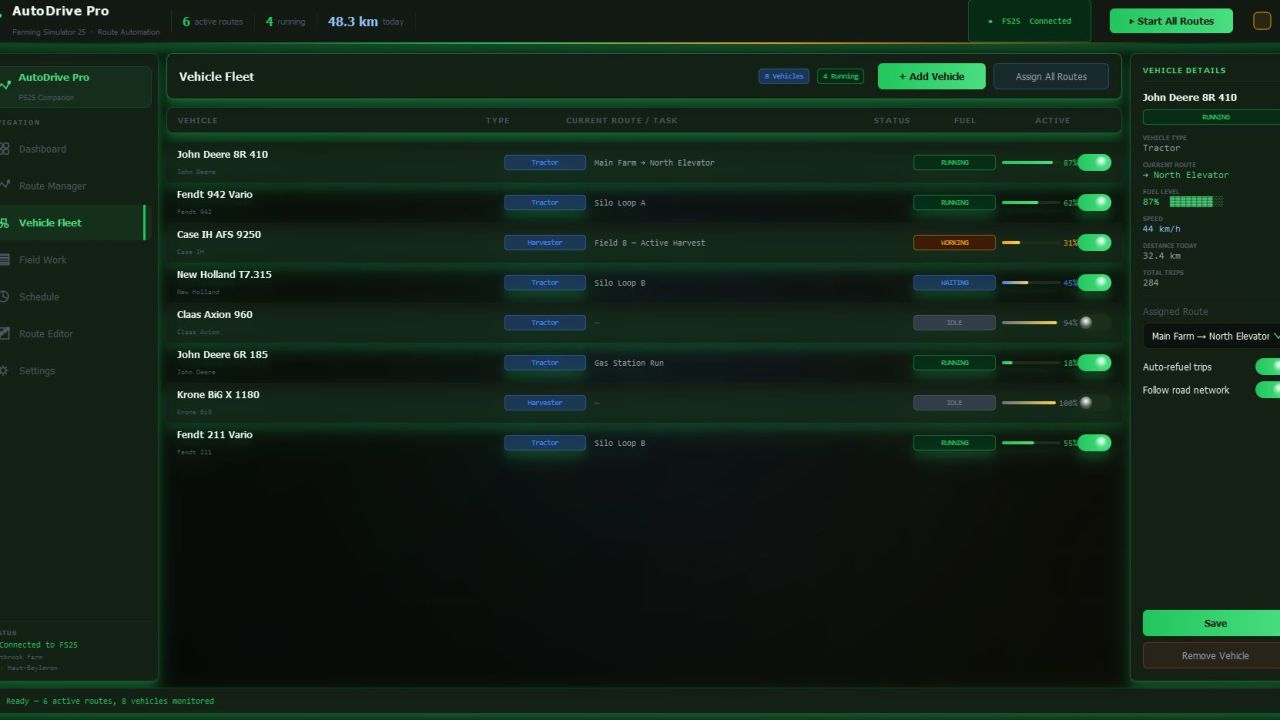
Vehicle Fleet — monitor every machine in real time: fuel level, current task, live status. Automatic refuel trips, multi-vehicle sync, route assignment in two clicks
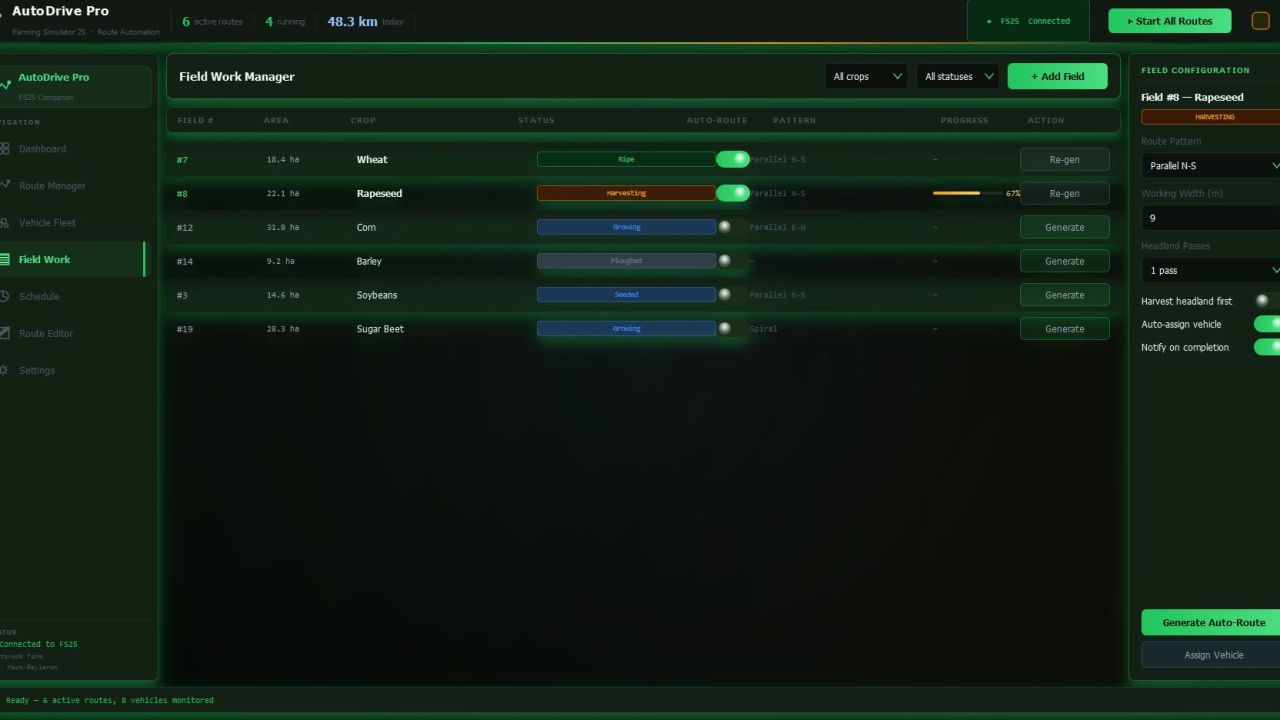
Field Work — auto-generate optimized driving patterns (parallel rows, spiral, diagonal), track harvest progress, auto-assign vehicles when a field is ready
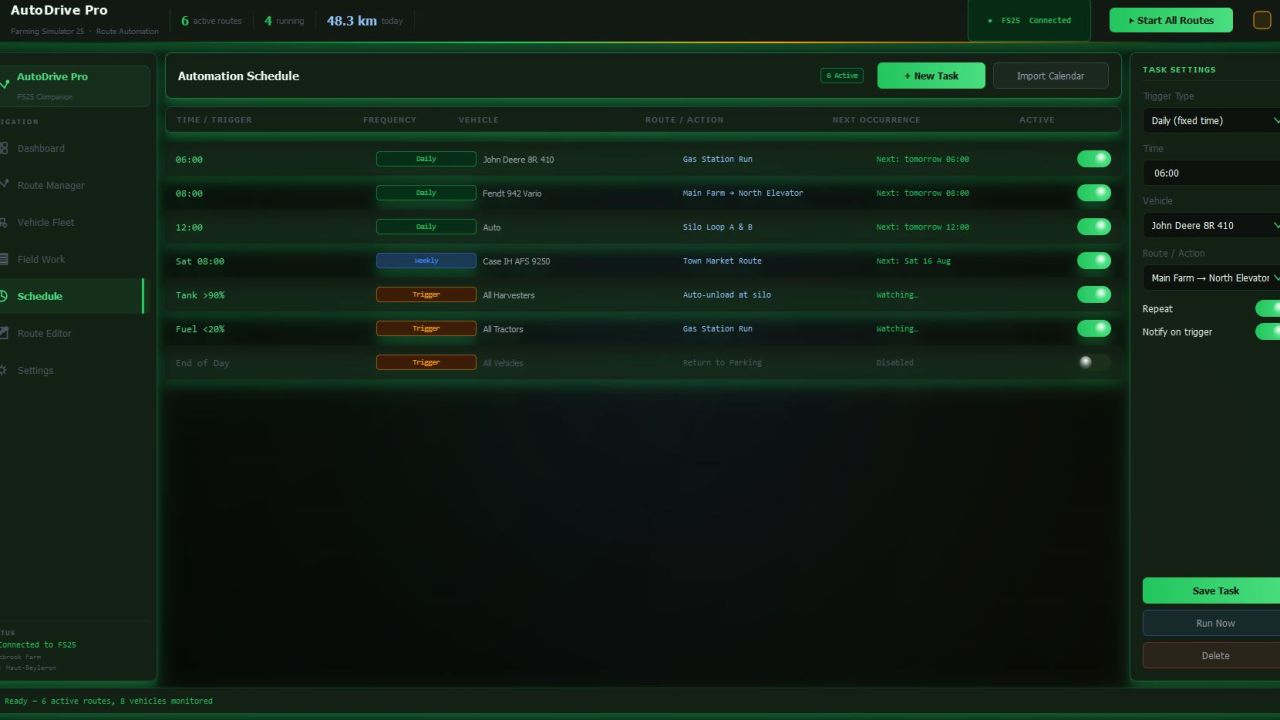
Automation Schedule — run routes on a fixed time (daily / weekly) or by trigger: grain tank full → auto-unload, fuel low → gas station, end of day → all vehicles return to parking
Live Dashboard — real-time overview of all vehicles, active routes, fuel levels, and today’s deliveries on a single screen
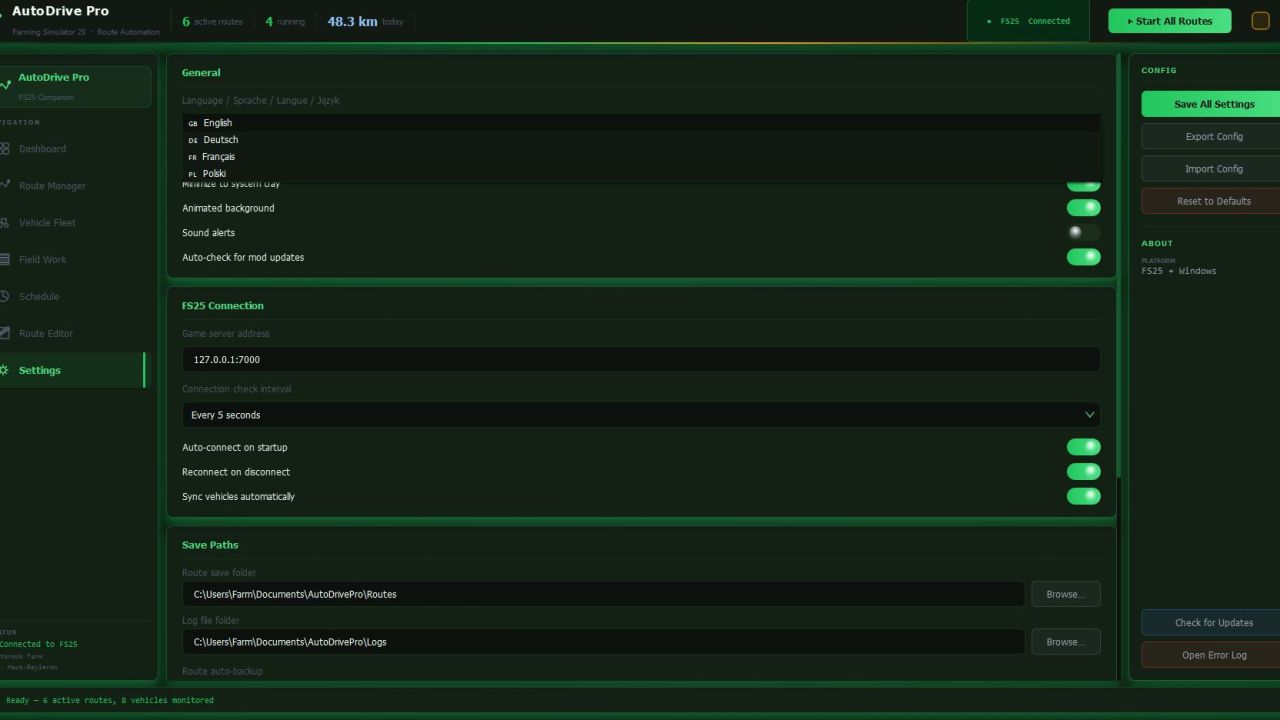
Available in: 🇬🇧 English · 🇩🇪 Deutsch · 🇫🇷 Français · 🇵🇱 Polski
Free. No installation required. Windows 10 / 11 · FS25 v1.10+