LS25 CabCam Assist V1.0.0.0

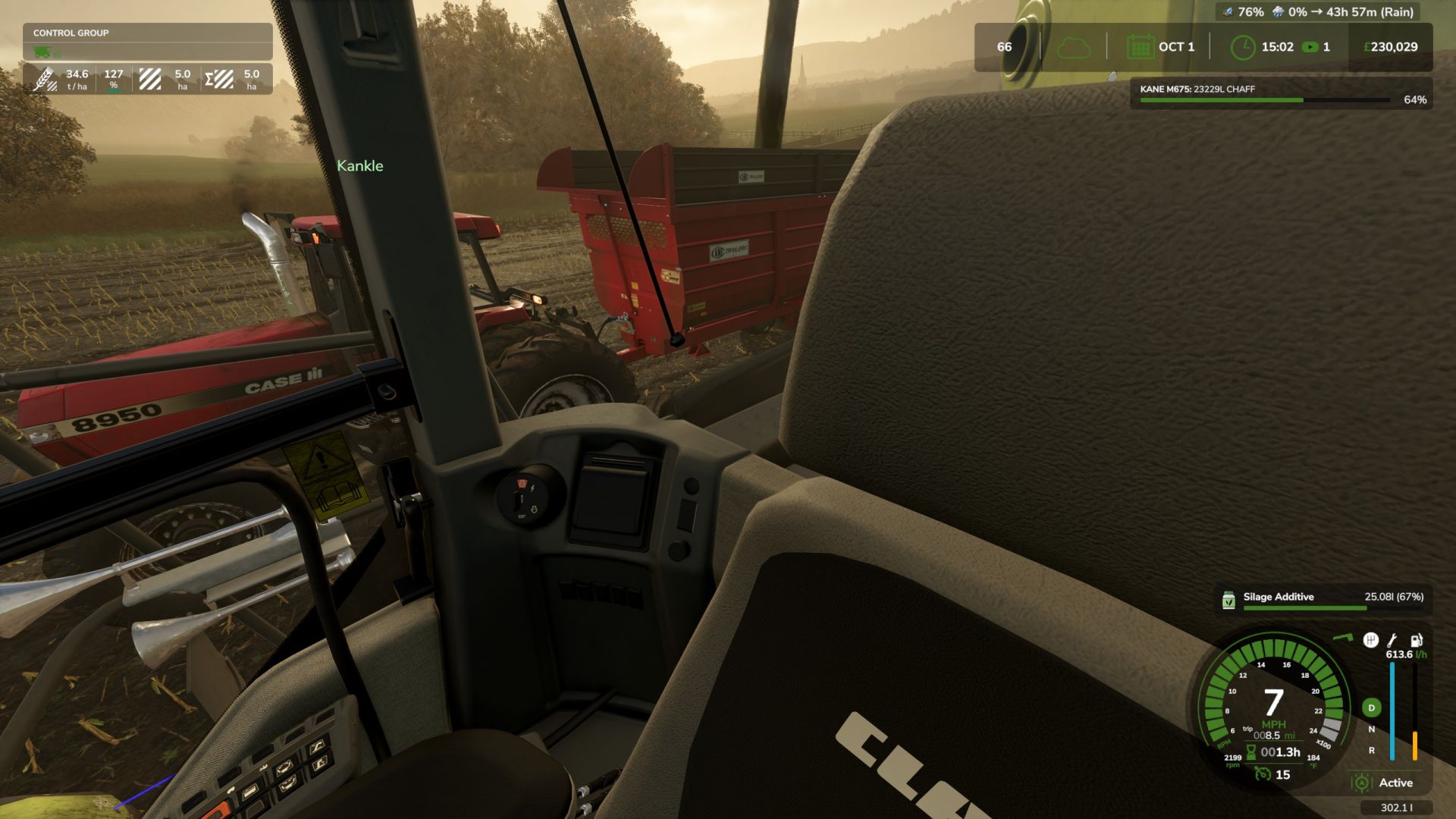
LS25 CabCam Assist V1.0.0.0
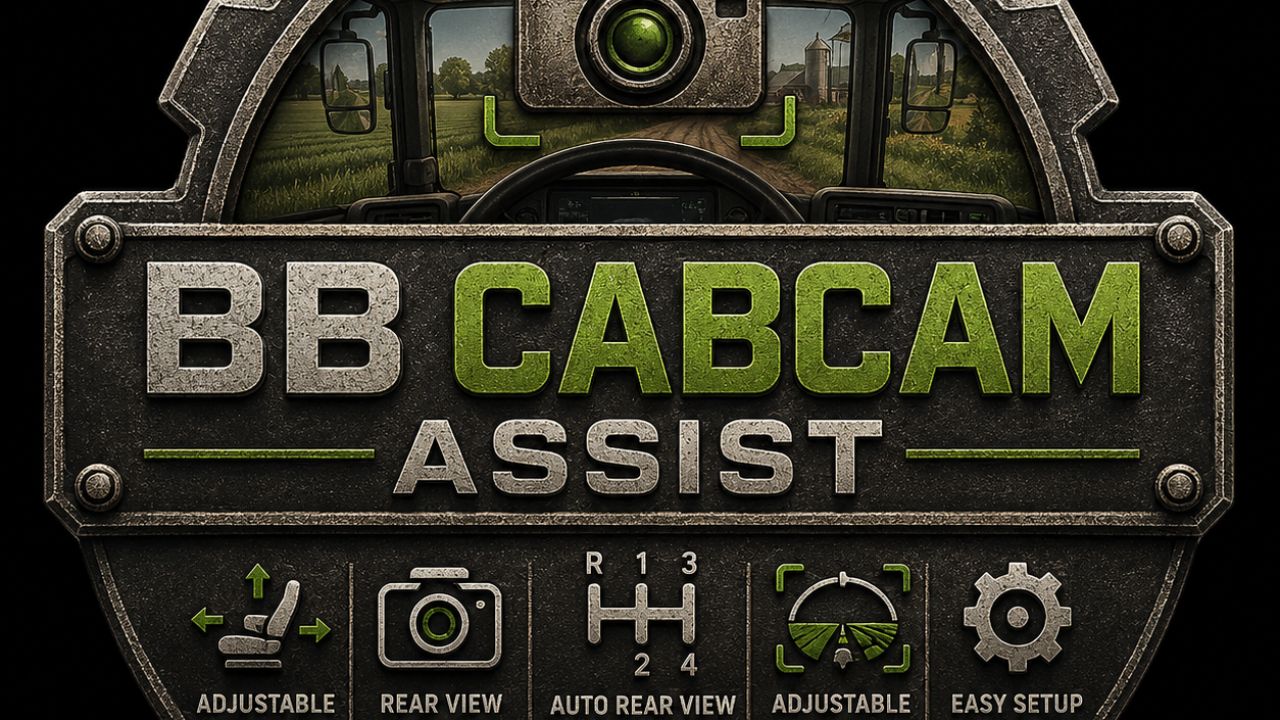
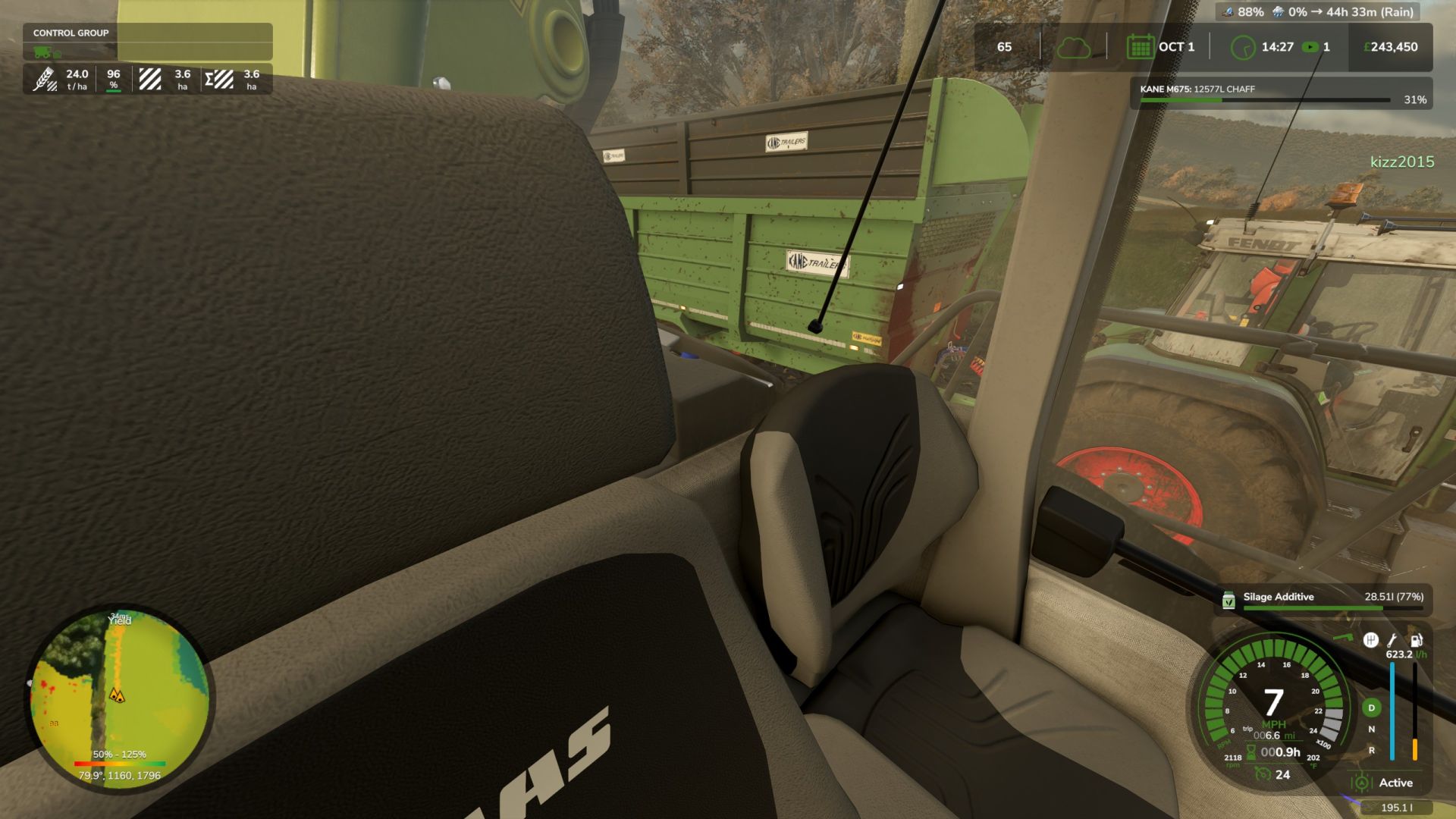
CabCam Assist brings extra in-cab camera control and visibility features to Farming Simulator 25, designed especially for steering wheel and simulator style players.
Fine tune your driving position with adjustable seat/camera movement controls and instantly glance behind you using configurable rear-view camera shortcuts, ideal for reversing trailers, loader work, trucking, and tight manoeuvres.
The mod keeps full vanilla mouse freelook support while adding practical quality of life camera controls for everyday gameplay.
Features
Adjustable in-cab camera position
Forward / Backward
Left / Right
Up / Down
Rear-view quick look cameras
Rear
Rear Left
Rear Right
Adjustable camera FOV controls
Optional automatic rear-view camera when reverse is selected
Works with Manual Direction Change mode
Fully configurable keybinds via the in-game controls menu
Multiplayer compatible
Default Hotkeys
Rear View Camera — NUMPAD 2
Rear Left View — NUMPAD 1
Rear Right View — NUMPAD 3
Toggle Auto Rear Camera — NUMPAD 0
All keybinds can be changed in:
Options > Controls > CabCam Assist
Recommended For
Steering wheel users
Simulator rigs
First-person gameplay
Trucking and loader operations
Players wanting improved cab immersion.
I WOULD RECOMMEND NOT RUNNING ANY OTHER CAM MODS WITH THIS AS IT WILL CONFLICT