LS25 Dark plowed ground texture V1.0.0.0

LS25 Dark plowed ground texture V1.0.0.0
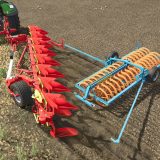
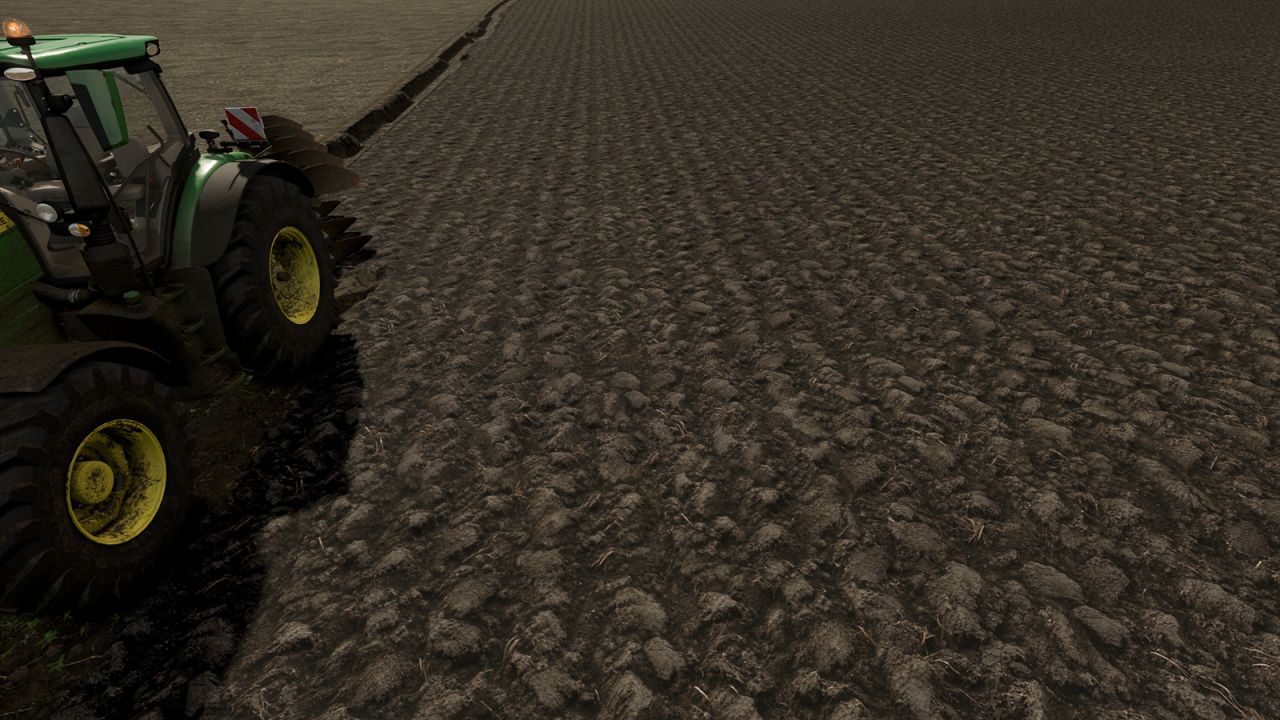
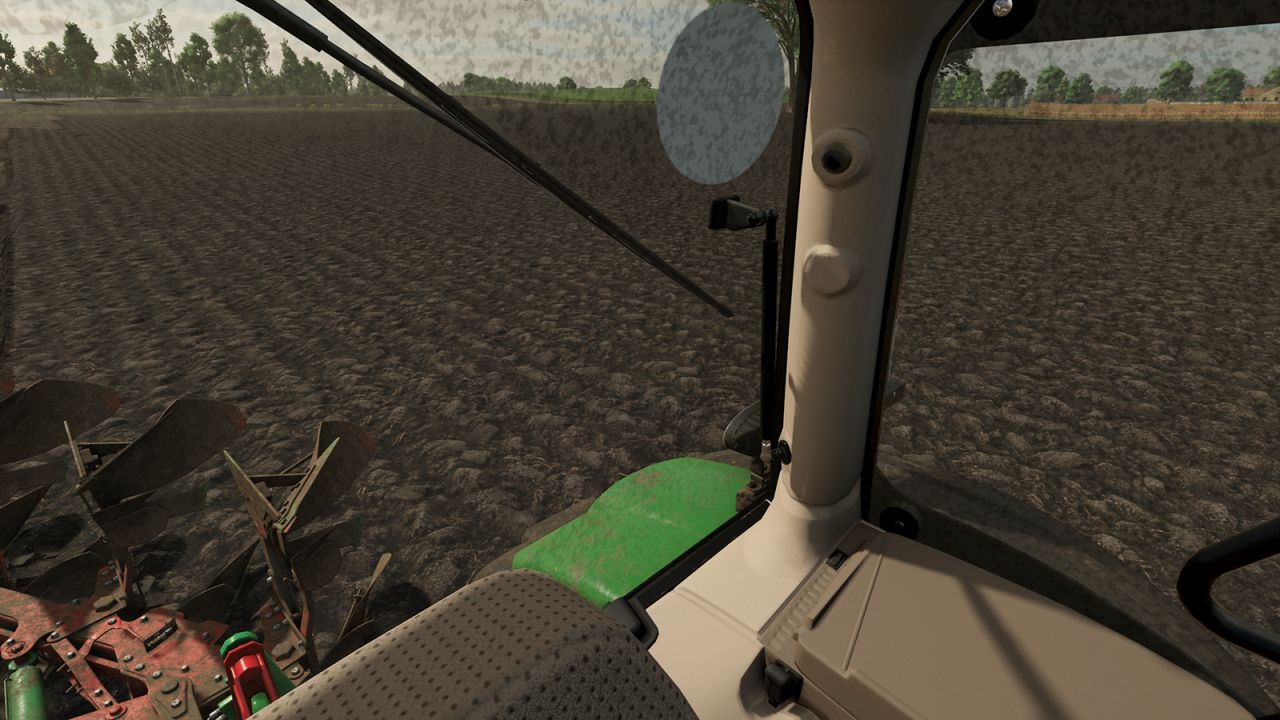
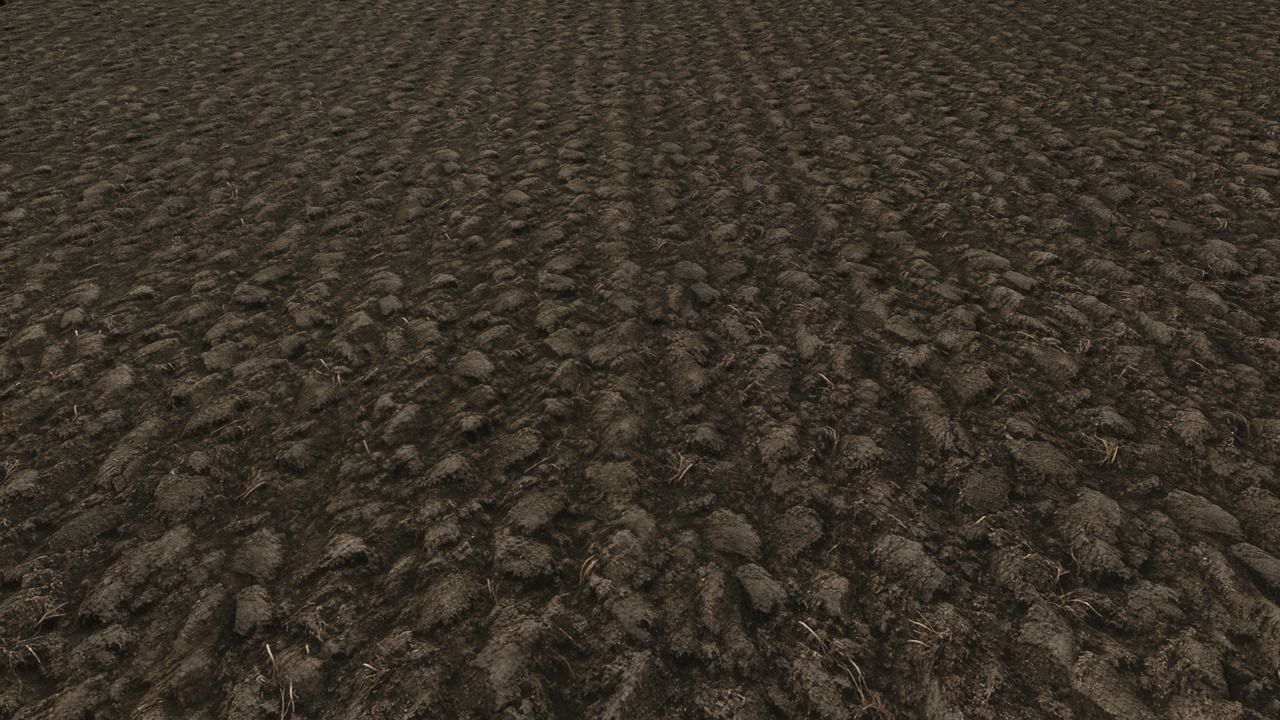
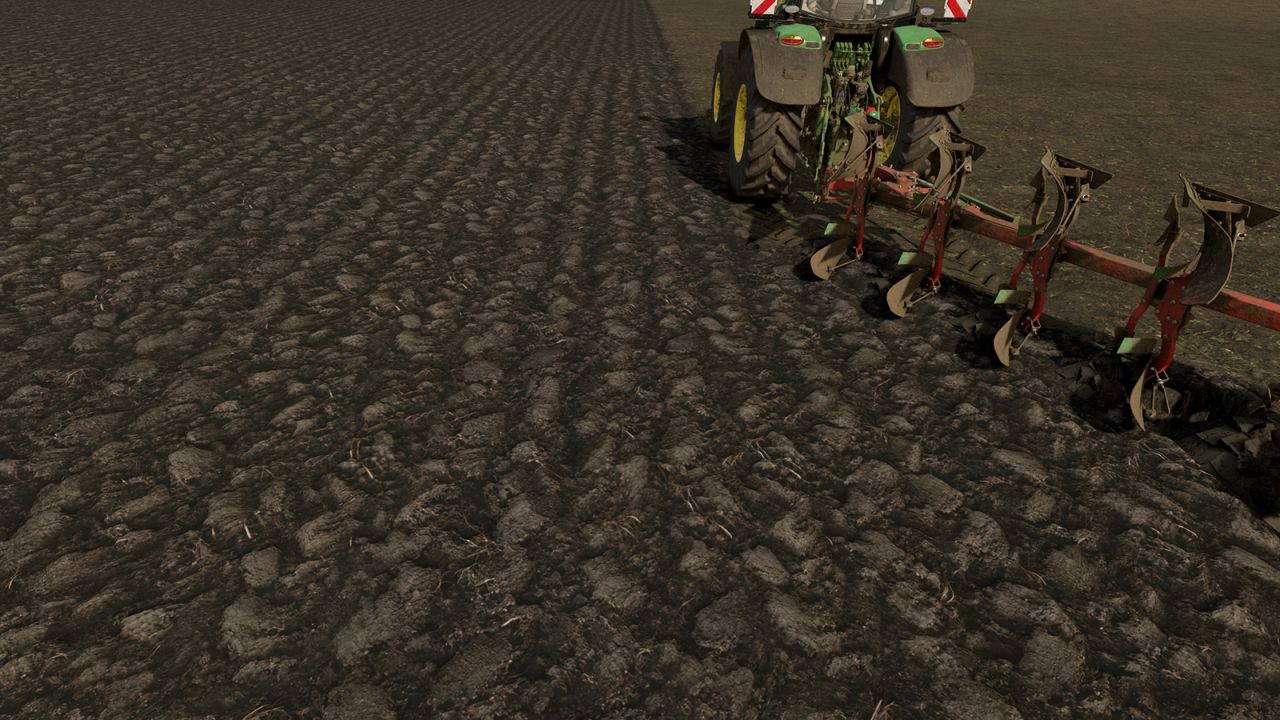
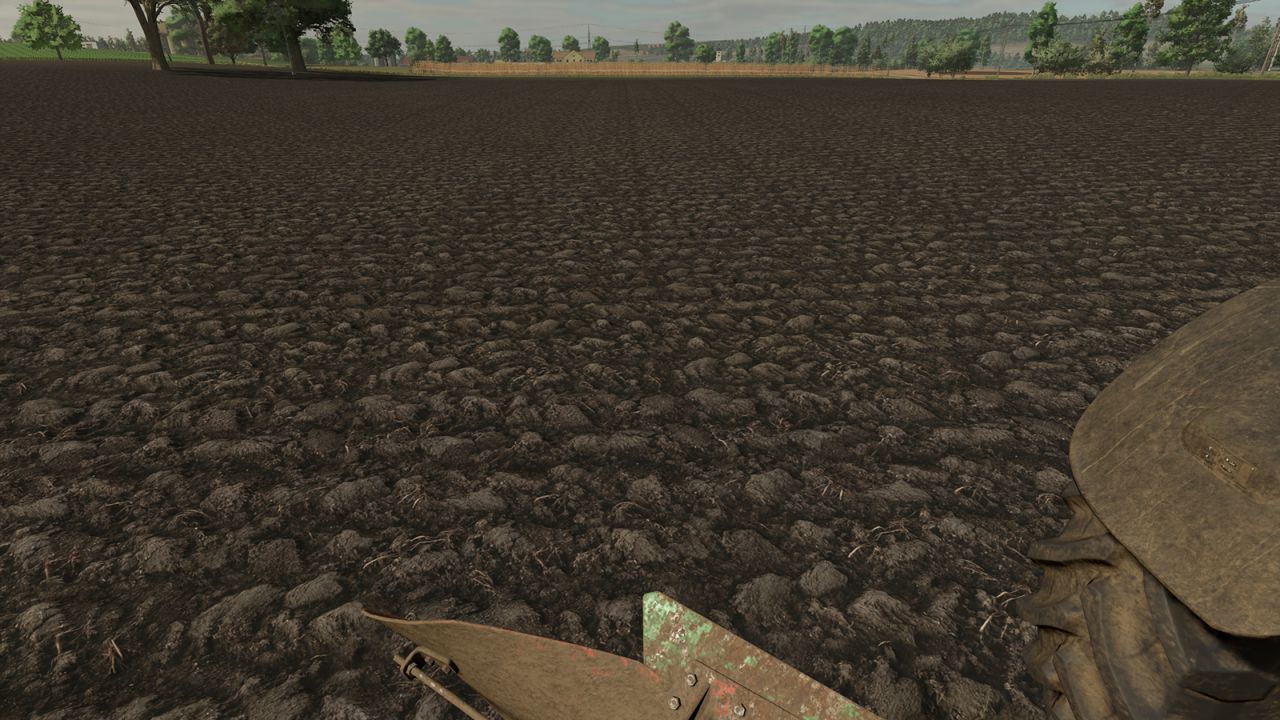
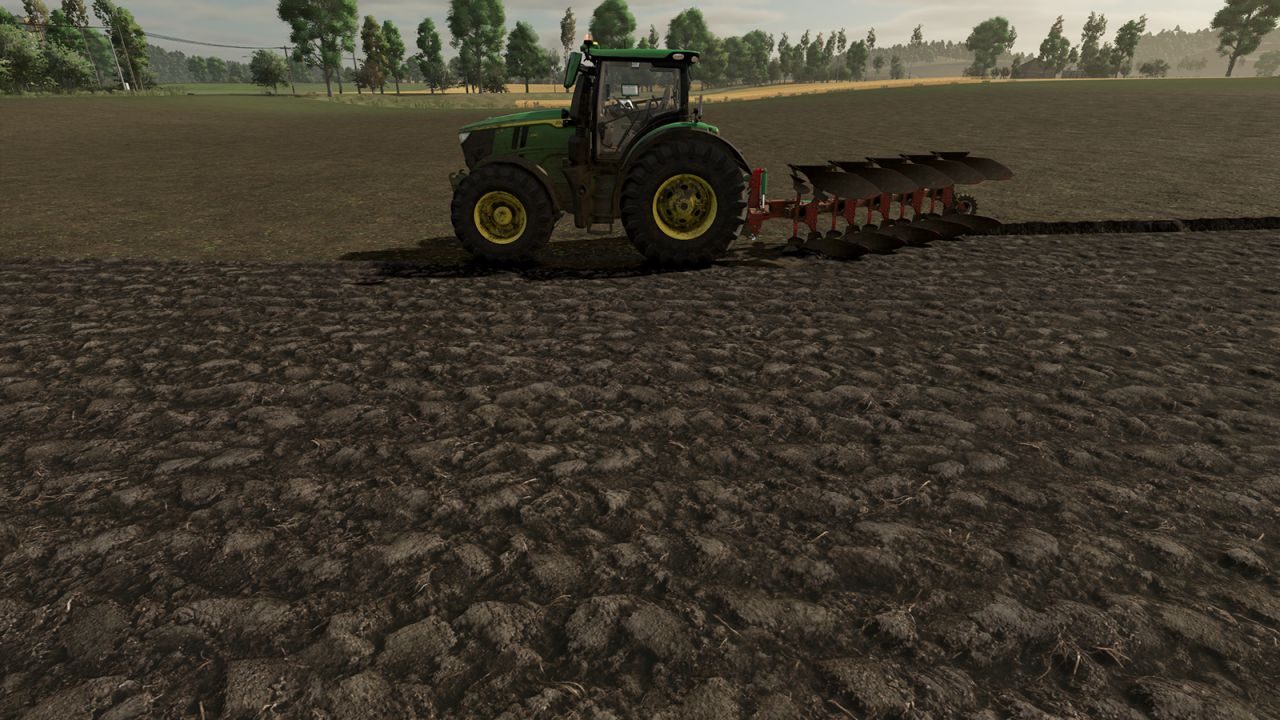
Dark plowed ground texture for Farming Simulator 25.
For replacing basegame textures:
MAKE A BACKUP FIRST
Locate your game’s data folder, find the “data/maps/textures/terrain/ground” folder and simply paste the textures (allow replacing files).
If you don’t like the textures, restore the originals from your backup.
Usually, replacing the base game files will change the textures since many mod maps also use them; if not, follow the guide below:
For custom maps:
Put the textures into your map files.
Open your map’s i3d file (e.g. map.i3d) with a text editor.
Find the reference for the plow texture, for example:
<File fileId=”545″ filename=”$data/maps/textures/terrain/ground/groundType_plowed01_diffuse.dds”/>
and replace the filename with the path to the textures in your map’s files.
Soon I will release more plowing, cultivator, and sowing textures with different looks and colors!