LS25 Dark plowed texture v1.0.0.0
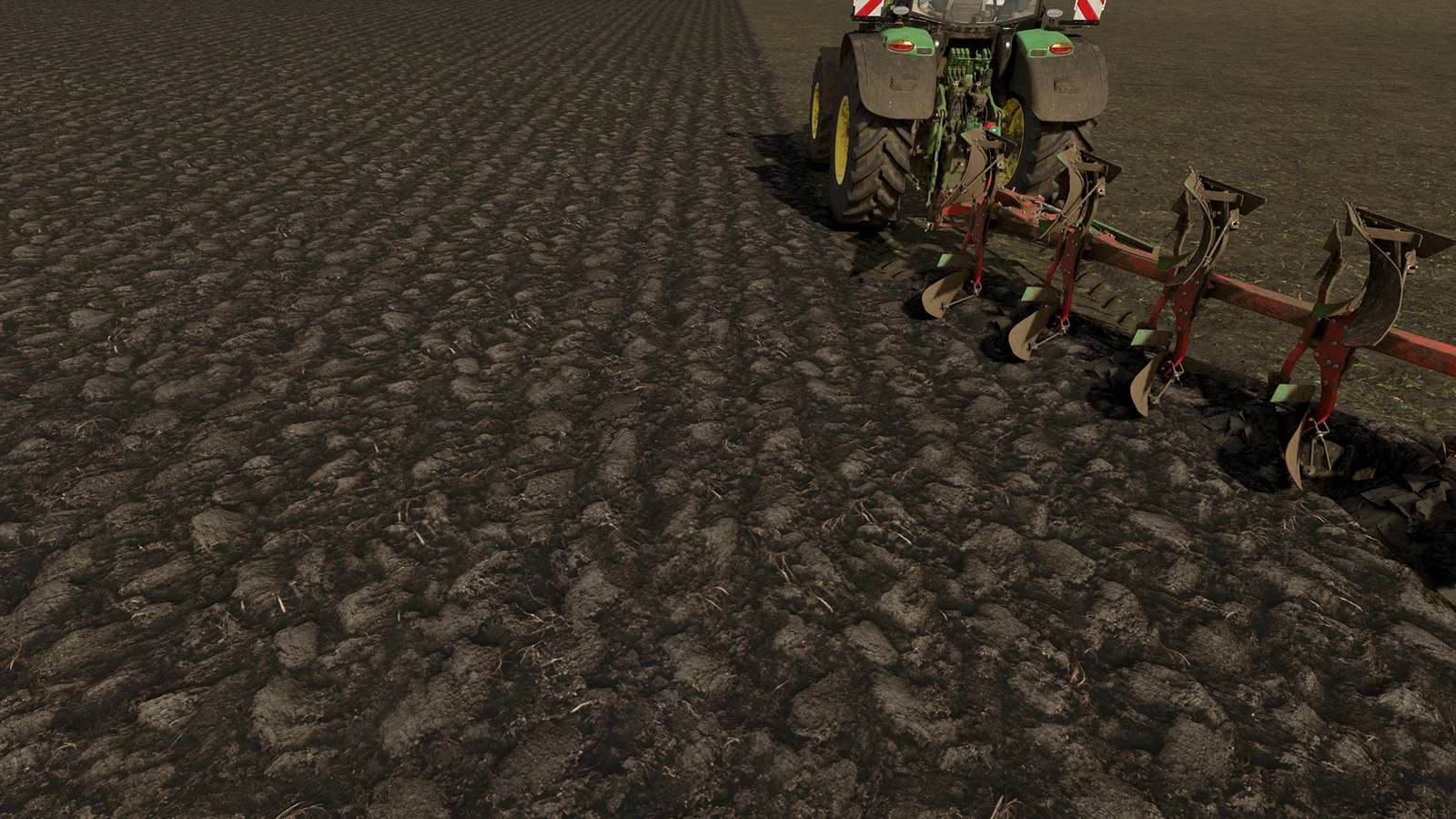

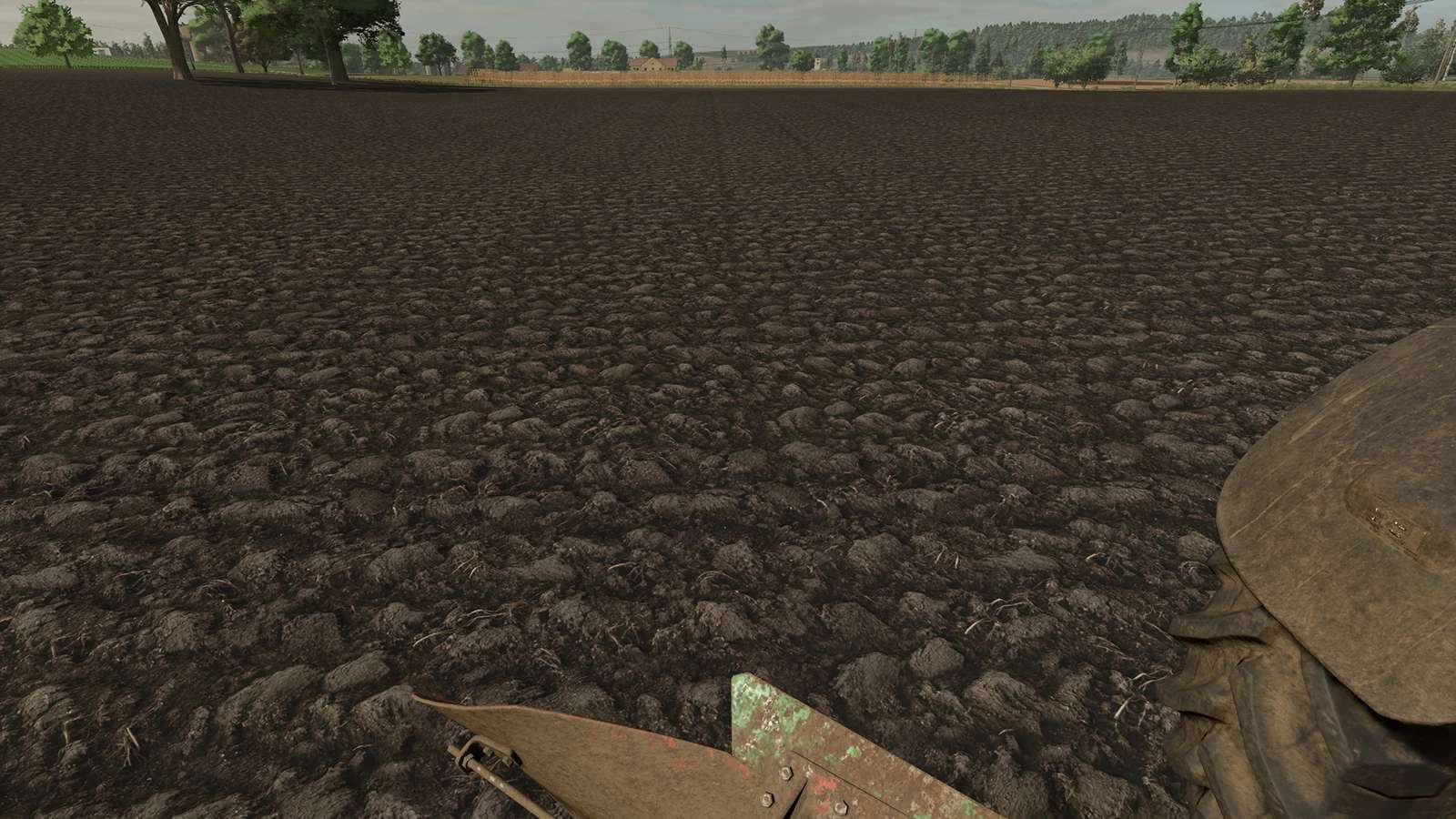
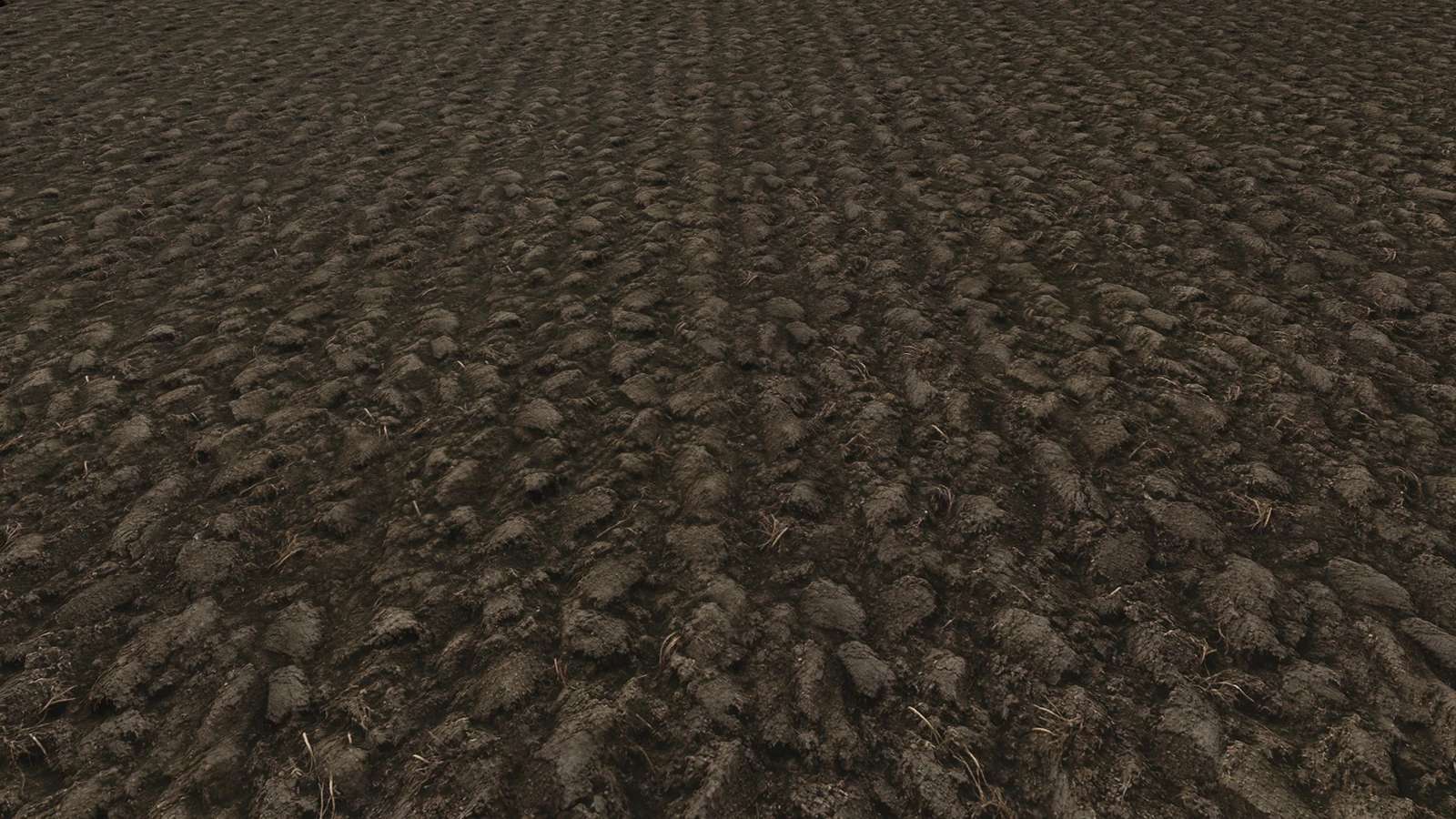
LS25 Dark plowed texture v1.0.0.0
Realistic, dark plowed-soil texture for Farming Simulator 25. Simply replace the files in your game directory or integrate them into your own custom mod maps.
Dark Plowed-Soil Texture
To replace base-game textures:
MAKE A BACKUP FIRST!
Locate the “data” folder in your game directory, navigate to “data>maps>textures>terrain>ground,” and paste the new textures there (allow the files to be overwritten). If you don’t like the new textures, you can restore the originals from your backup.
Replacing the base-game files will typically update the textures, as many mod maps also rely on these assets. If they do not update, follow the instructions below:
For custom maps:
Place the texture file into your map’s directory.
Open your map’s .i3d file (e.g., map.i3d) using a text editor.
Search for the reference to the plowed-soil texture—for example: <File fileId=”545″ filename=”$data/maps/textures/terrain/ground/groundType_plowed01_diffuse.dds”/> —and replace the filename with the path to the texture file within your map’s directory.