LS25 Demand-Oriented Organic Application V2.0.0.0
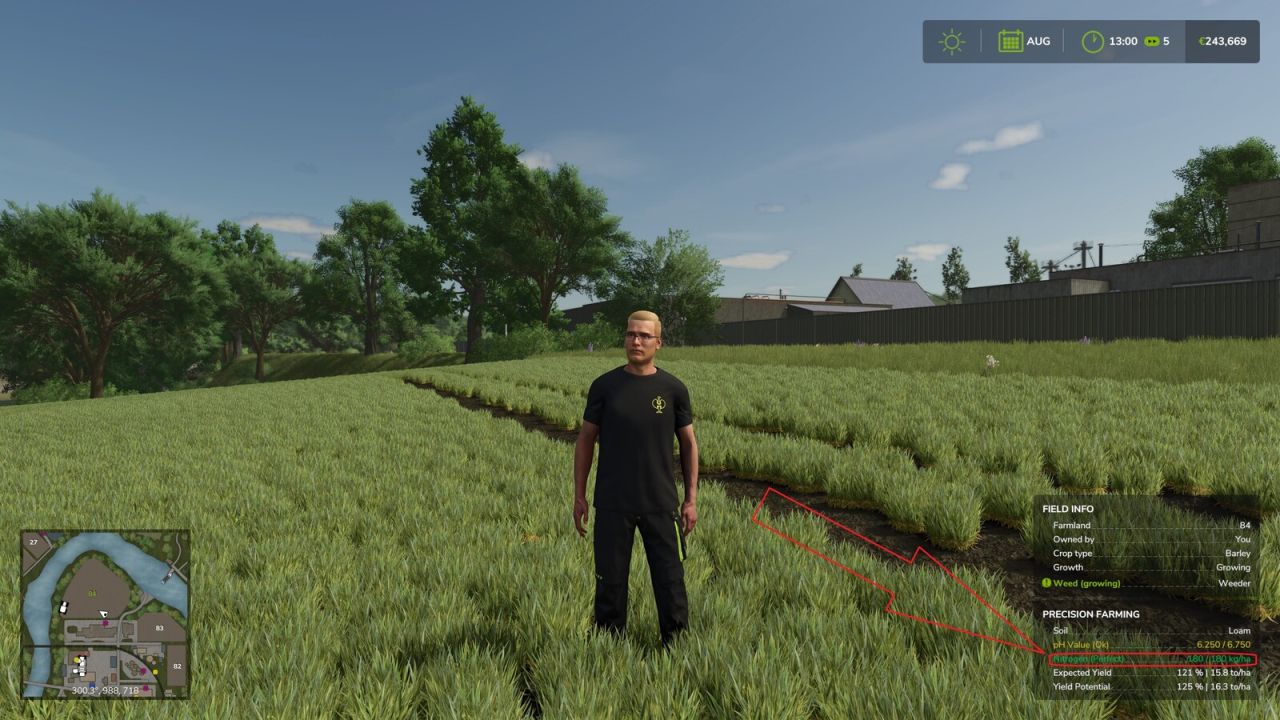

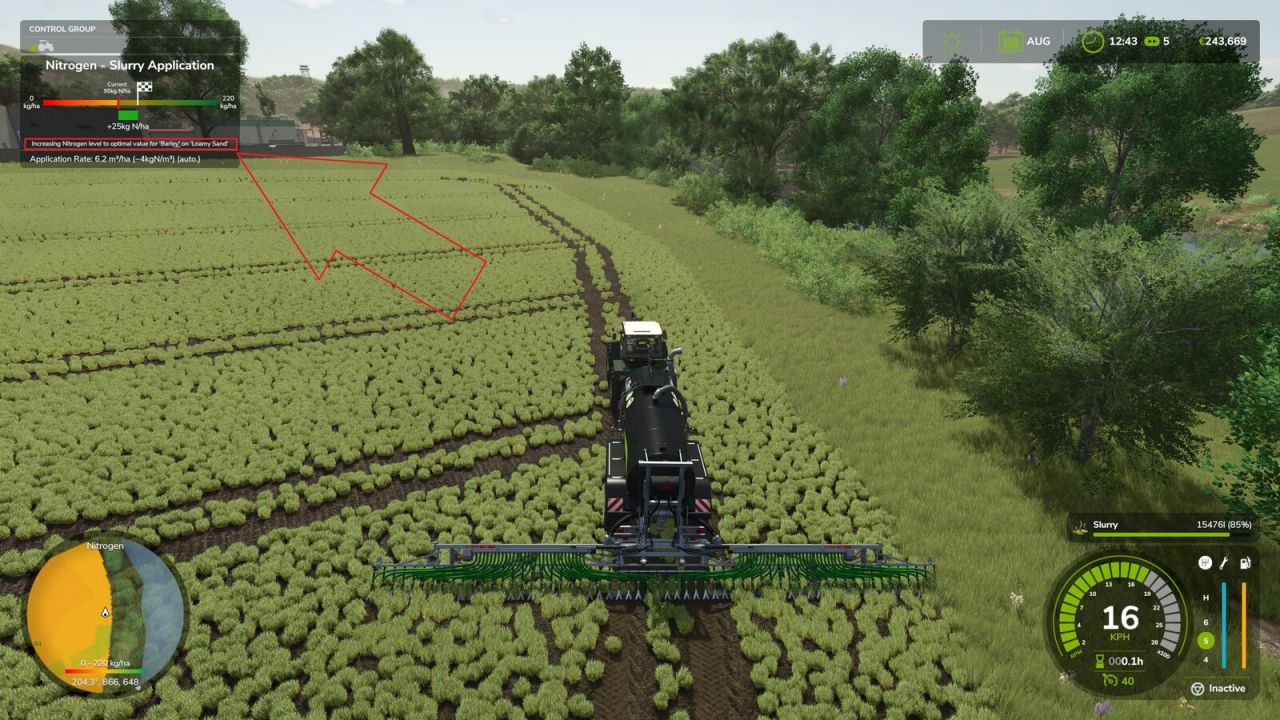
LS25 Demand-Oriented Organic Application V2.0.0.0
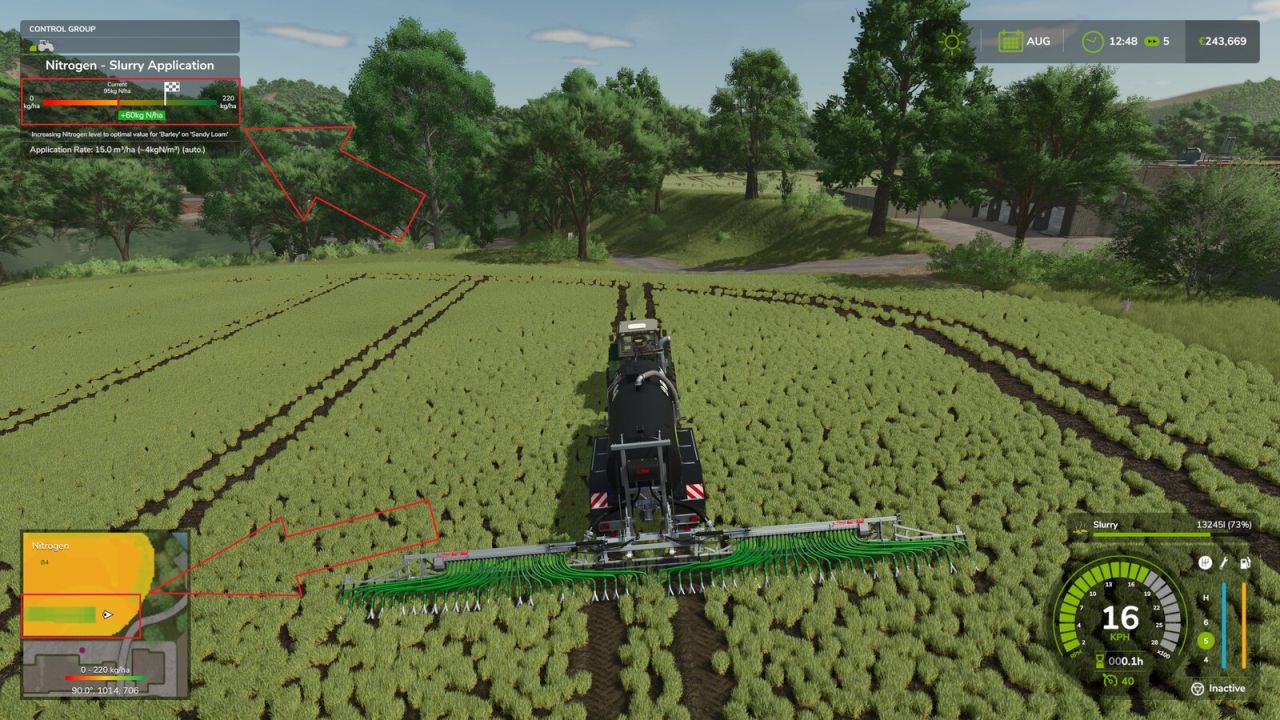
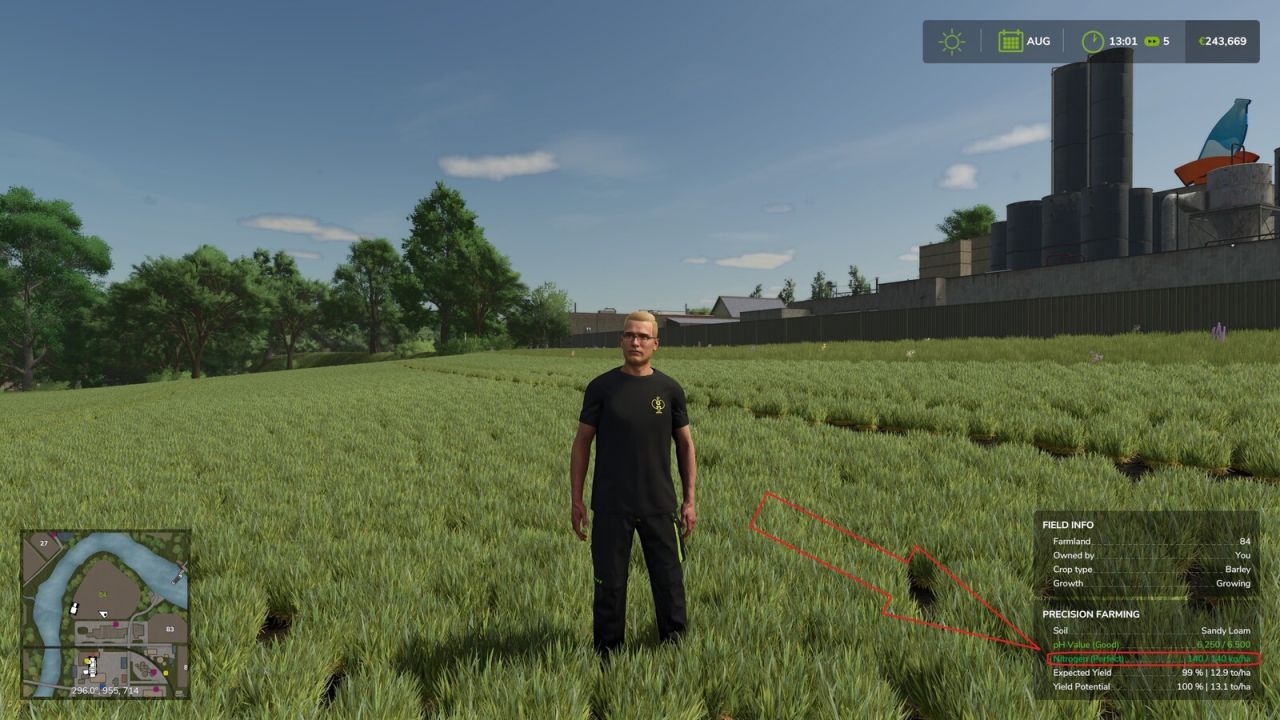
Enables demand-oriented organic fertilization with Precision Farming for slurry, digestate and manure and adds a freely selectable target crop.
While driving a vehicle combination with a compatible organic applicator, open the settings with the configurable “Select target crop” action. Default key binding: Left Ctrl + Z. The window is only available for compatible slurry, digestate and manure applicators.
You can choose between Automatic and all crops loaded by the current map. A manually selected target crop is used for Precision Farming’s nitrogen target calculation, so the following crop can already be fertilized before sowing. Each applicator stores its own settings across save/load.
For a selected target crop, the nitrogen target can optionally be reduced by X kg N/ha or the application can be limited to a maximum of X kg N/ha per pass. The target crop, fertilization mode and nitrogen value are stored per applicator and synchronized in multiplayer.
V2.0.0.0
Fixed dedicated-server savegame serialization for per-applicator target crop settings.
Fixed the mouse cursor remaining visible after closing the settings dialog.
Added a freely selectable target crop for demand-oriented organic fertilization.
Added a single GIANTS-style settings window for target crop, fertilization mode and nitrogen value.
Added “Target – X kg N/ha” mode.
Added “Max. X kg N/ha per pass” mode.
Settings are stored separately for each applicator and persist across save/load.
Added multiplayer synchronization for the per-applicator settings.
Manual target crops can be used for Precision Farming’s nitrogen calculation before sowing the following crop.
Improved compatibility with Precision Farming’s organic applicator logic.
Fixed a crash when refreshing Precision Farming settings in mixed vehicle combinations.
Corrected slurry, digestate and manure tank consumption when using a manually selected target crop.
Added French localization.
Required mods:
Precision Farming