LS25 Financial Dashboard v1.0.0.0

LS25 Financial Dashboard v1.0.0.0
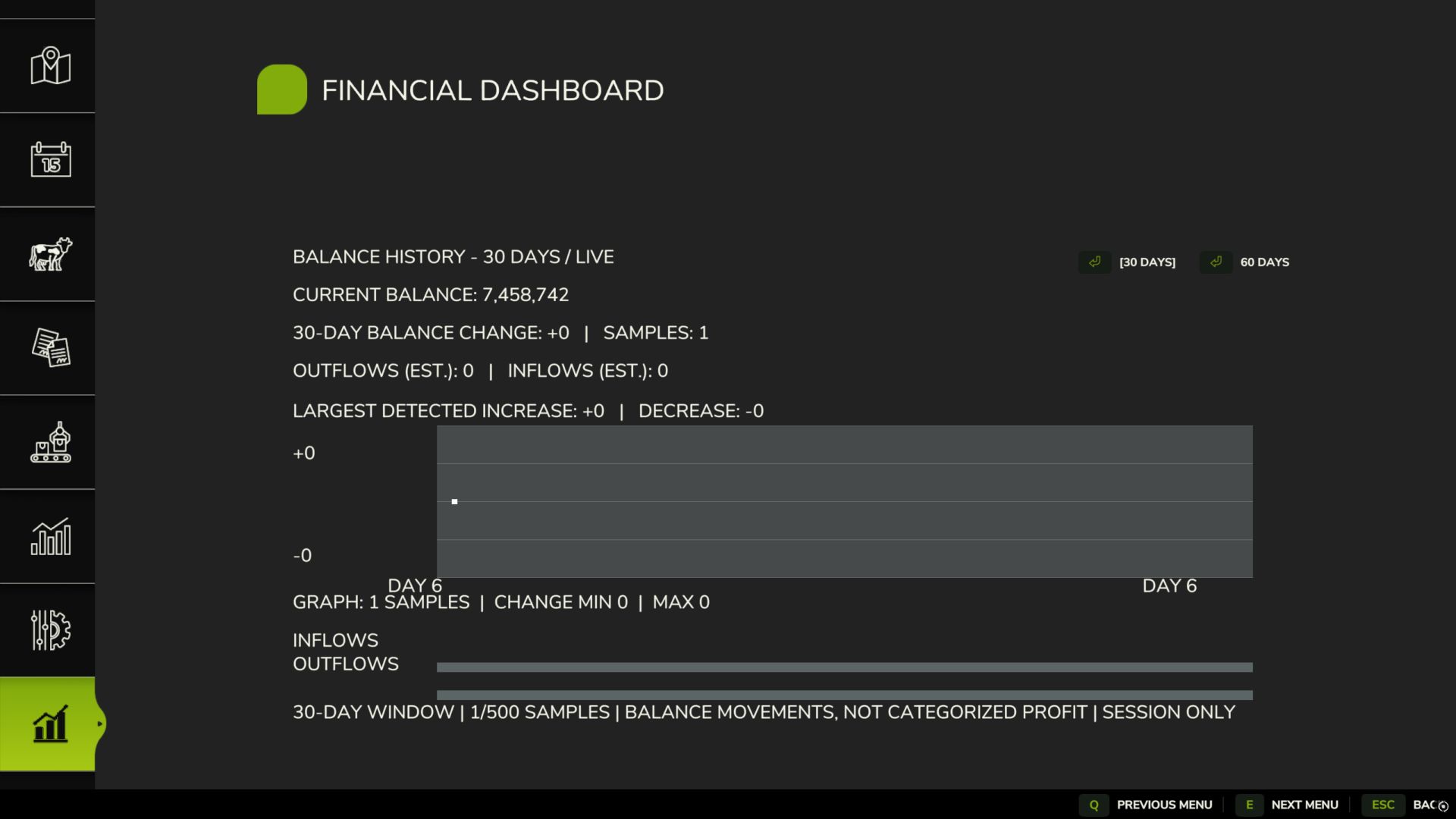
Financial Dashboard introduces a dedicated financial overview directly into the Farming Simulator 25 in-game menu, allowing you to monitor your farm’s financial performance through a clean, easy-to-read interface.
Whether you’re managing a small family farm or a large agricultural operation, Financial Dashboard helps you visualize how your money changes over time.
Features
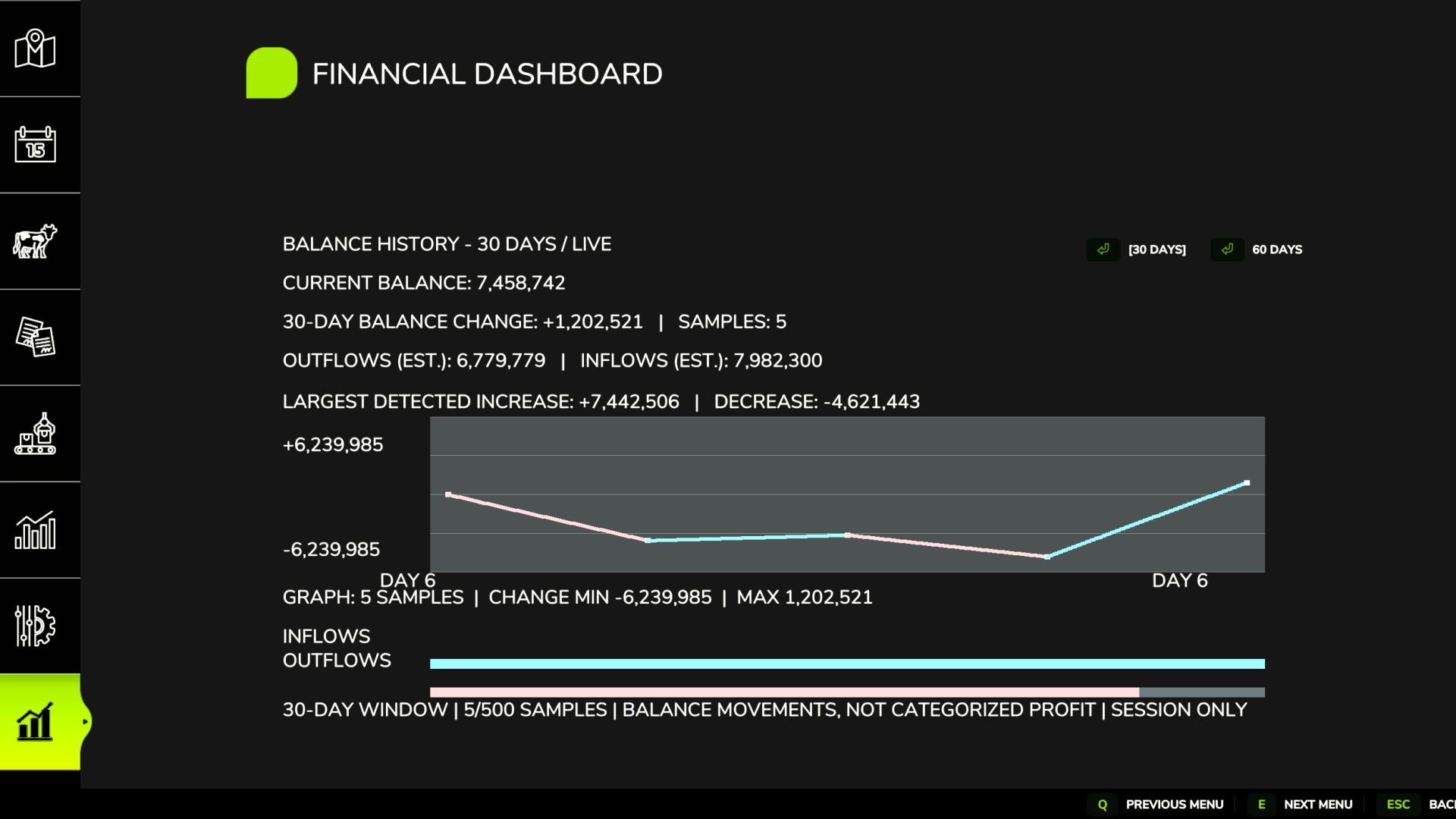
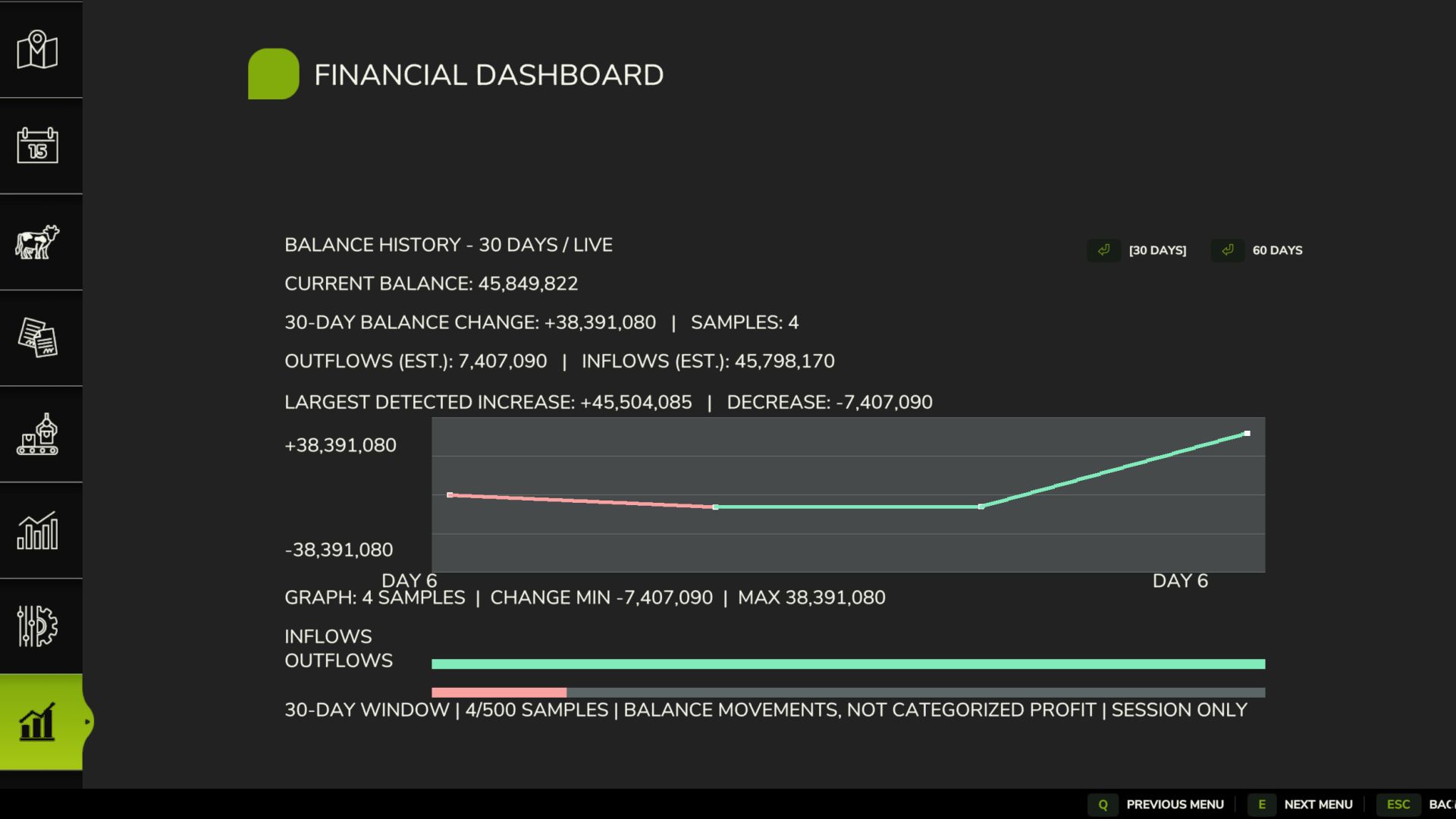
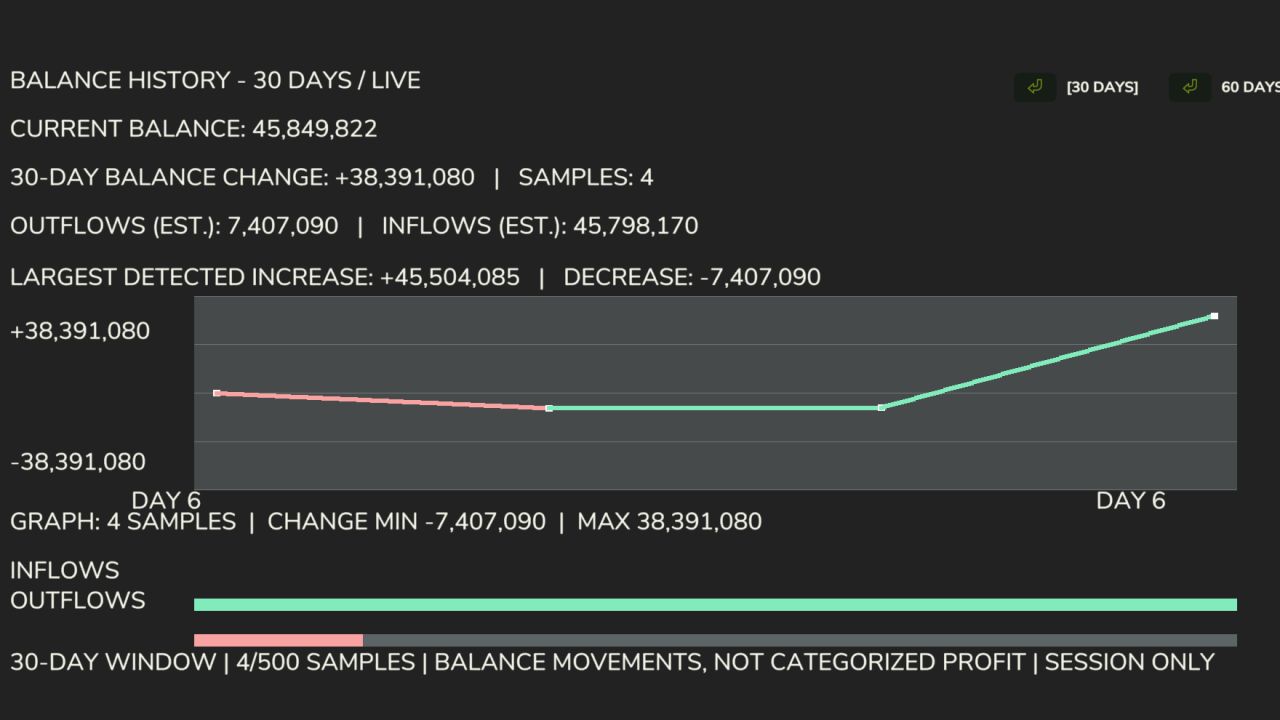
Live Financial Graph: Track your farm’s balance movements with a visual graph that responds to gains and losses.
Zero-Centered Tracking: Your starting balance is used as the baseline, so existing money isn’t incorrectly counted as profit.
Color-Coded Performance: Cyan/green indicates positive financial movements, while pink/red indicates negative movements.
30/60-Day Views: Switch between two selectable history windows.
Current Balance: View your farm’s available funds directly in the dashboard.
Estimated Inflows and Outflows: Monitor detected money gained and spent.
Largest Transactions: See the largest detected balance increases and decreases.
Integrated Menu: Access the dashboard through its own tab in the FS25 pause menu.
Important Information
Financial Dashboard tracks balance changes during the current gameplay session. Historical graph data is not saved between game sessions.
The dashboard records changes in your farm’s balance rather than categorizing individual transactions. Inflow and outflow figures are estimates based on detected balance movements.
The initial financial baseline is established when you first open the dashboard.
Compatibility: Farming Simulator 25 PC. Designed and tested for single-player use. Multiplayer and dedicated server compatibility have not been verified.
Version: 1.0.0.0
Developer: Panton (Factory Development Team)
Required mods:
Dynamic Market