LS25 GPS Lite V1.3.0.2

LS25 GPS Lite V1.3.0.2
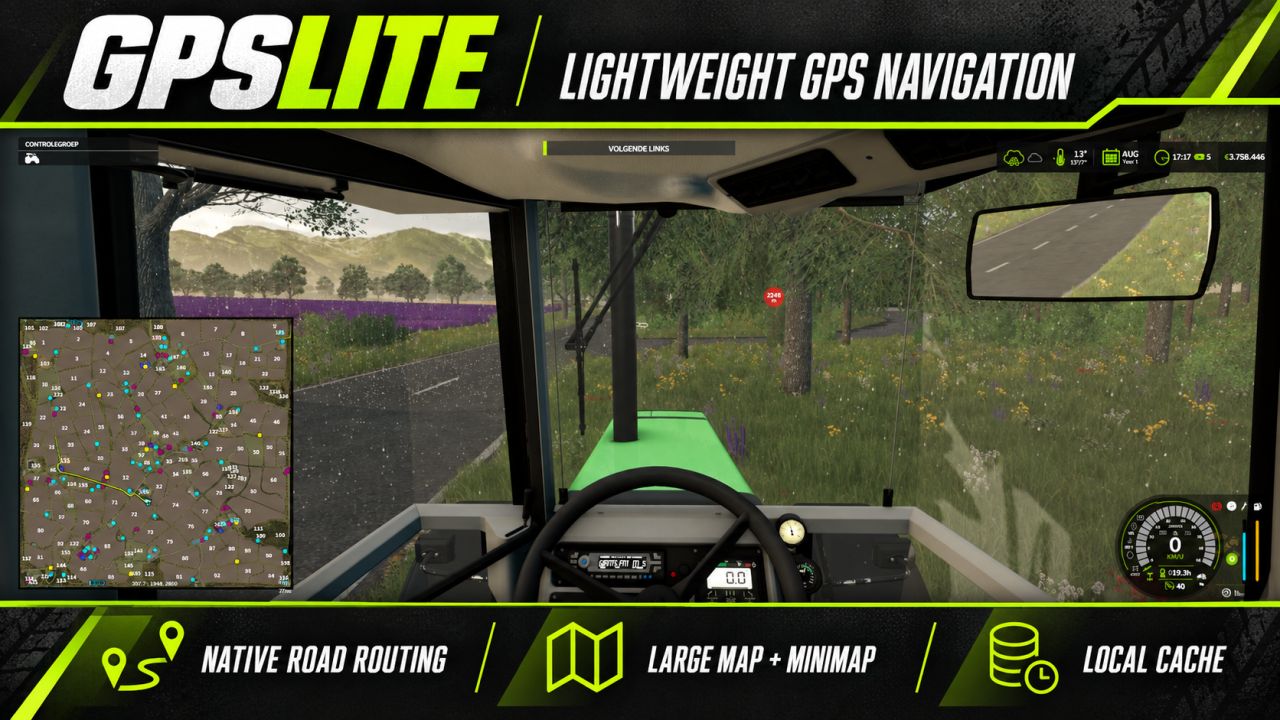
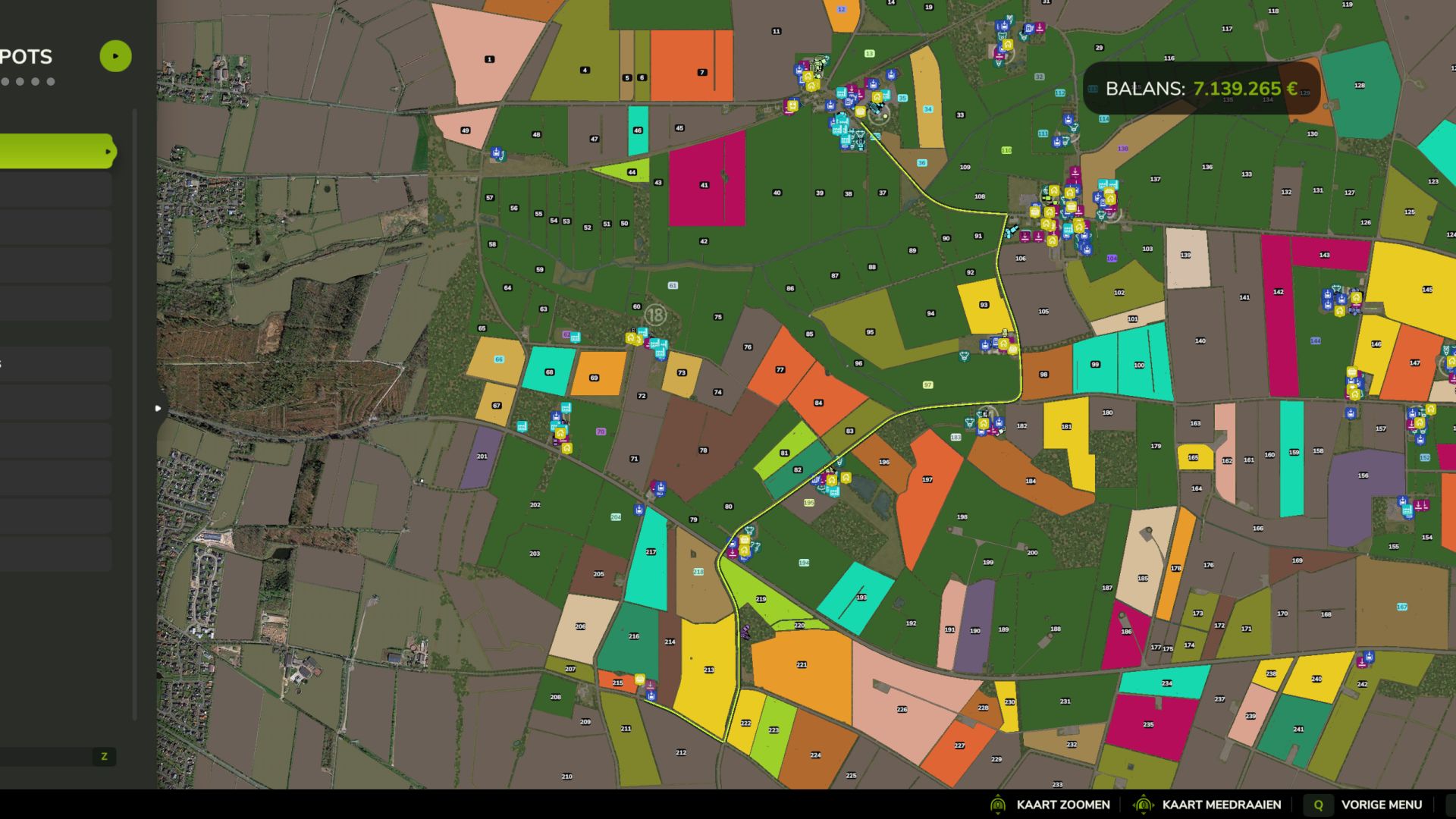
GPSLite is a lightweight navigation mod for Farming Simulator 25. Select a destination using the standard map marker, and GPSLite calculates a route using the roads provided by the map.
The complete route is shown on the large map, while the minimap displays the nearby section of the route. A small optional information bar provides simple instructions such as Ahead, Next Left, Next Right, or Turn Around.
The road network is cached locally for faster loading. Navigation, the route line, and the information bar can each be enabled or disabled under ESC > General Settings. Your choices are saved automatically and everything is enabled by default.
Features:
Lightweight, clean-room implementation
No keybindings required
Uses native FS25 map targets and road splines
Route display on the large map and minimap
Locally cached road network
Persistent player settings
Suitable for multiplayer and dedicated-server environments
Available in English, German, Dutch, and French
Compatibility depends on the map providing usable native traffic or AI road splines. Maps containing only painted roads without navigation splines cannot provide accurate street routing.
V1.3.0.2
On request of players biggest chqnge is the edition of a record function. for maps with poor road suport.
GPSLite settings have their own native section heading.
Ctrl+Alt+R starts/stops recording; rebind through Controls or disable the shortcut in GPSLite settings.
Stopping automatically saves and checks the recorded file; write failures are reported accurately.
Delete last recording removes the last complete recording, including its split segments, and rebuilds the road graph.
Existing files remain readable; old segments without recording-group metadata are deleted one segment at a time.
Select one of eight map/minimap line colors; the original green remains the default. Color persists locally.
Existing 8 m route samples, exact 15 m split threshold, native map targets and per-map client storage retained.