LS25 Halloween Hunt V1.1.0.0

LS25 Halloween Hunt V1.1.0.0
Celebrate Halloween on your farm with Halloween Hunt!
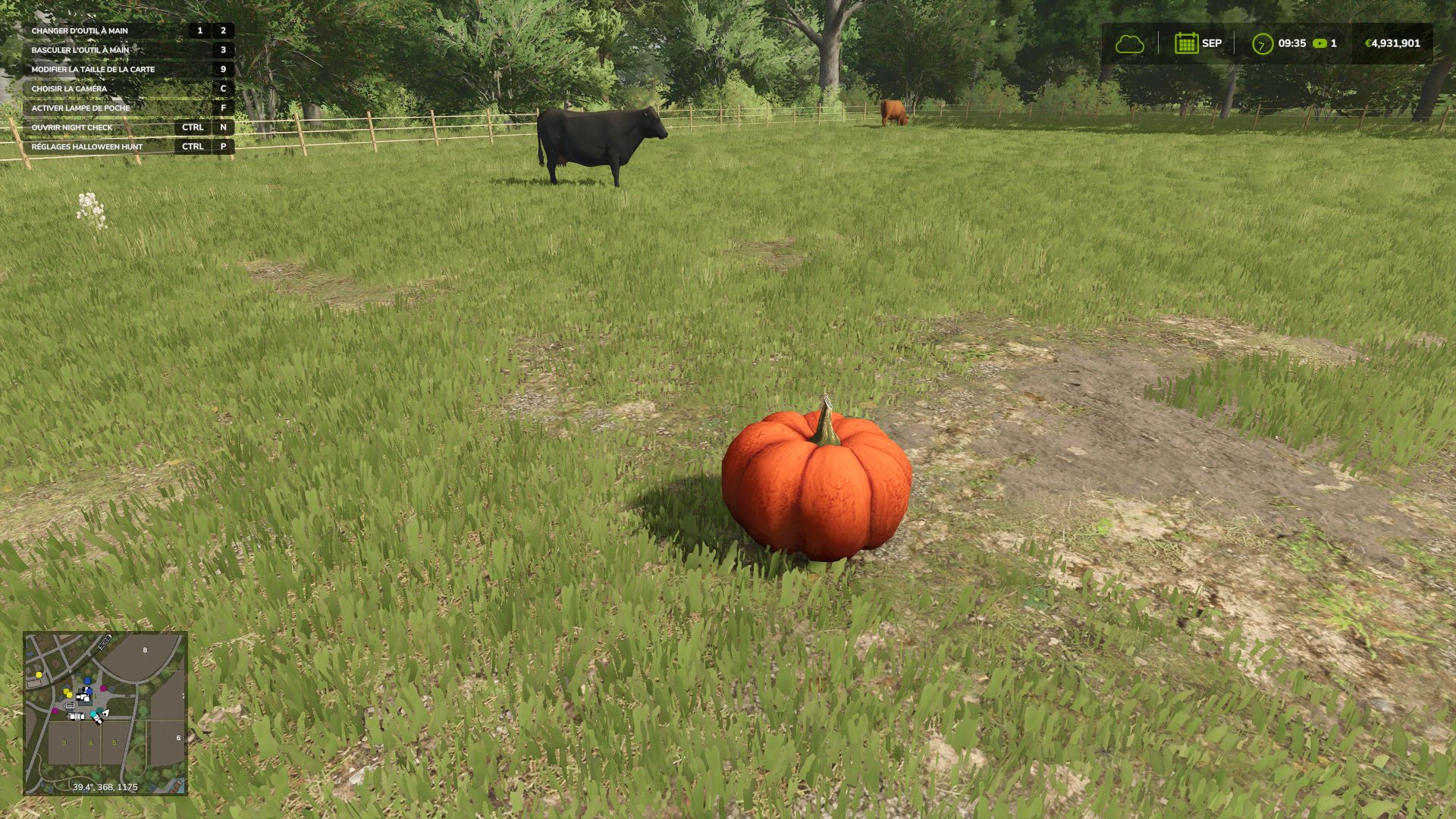
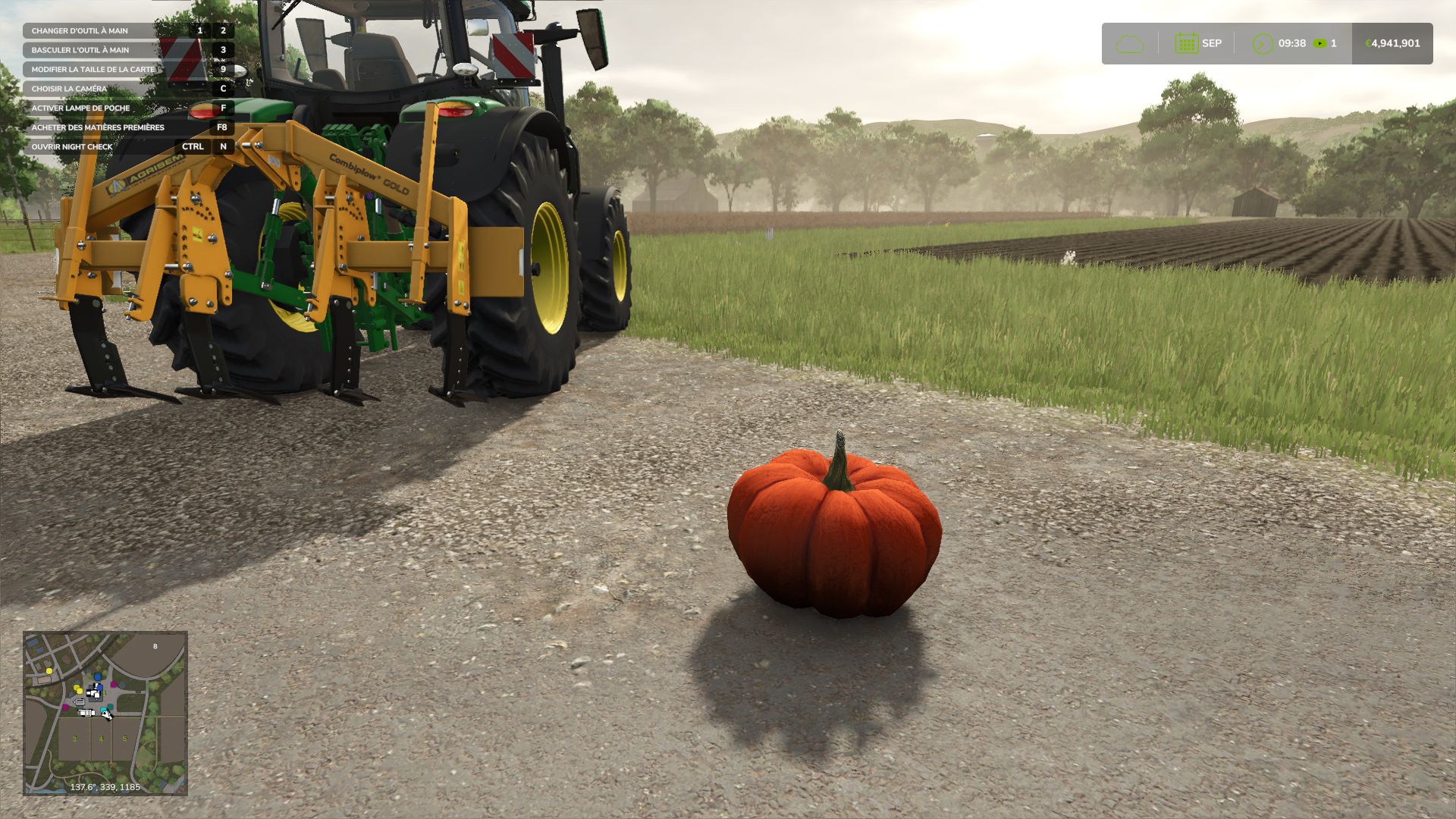
Pumpkins appear near players. Find them and approach on foot to within 1.8 m to collect them and earn money for your farm.
Rewards depending on the economic difficulty:
Easy: €10,000
Normal: €5,000
Hard: €2,500
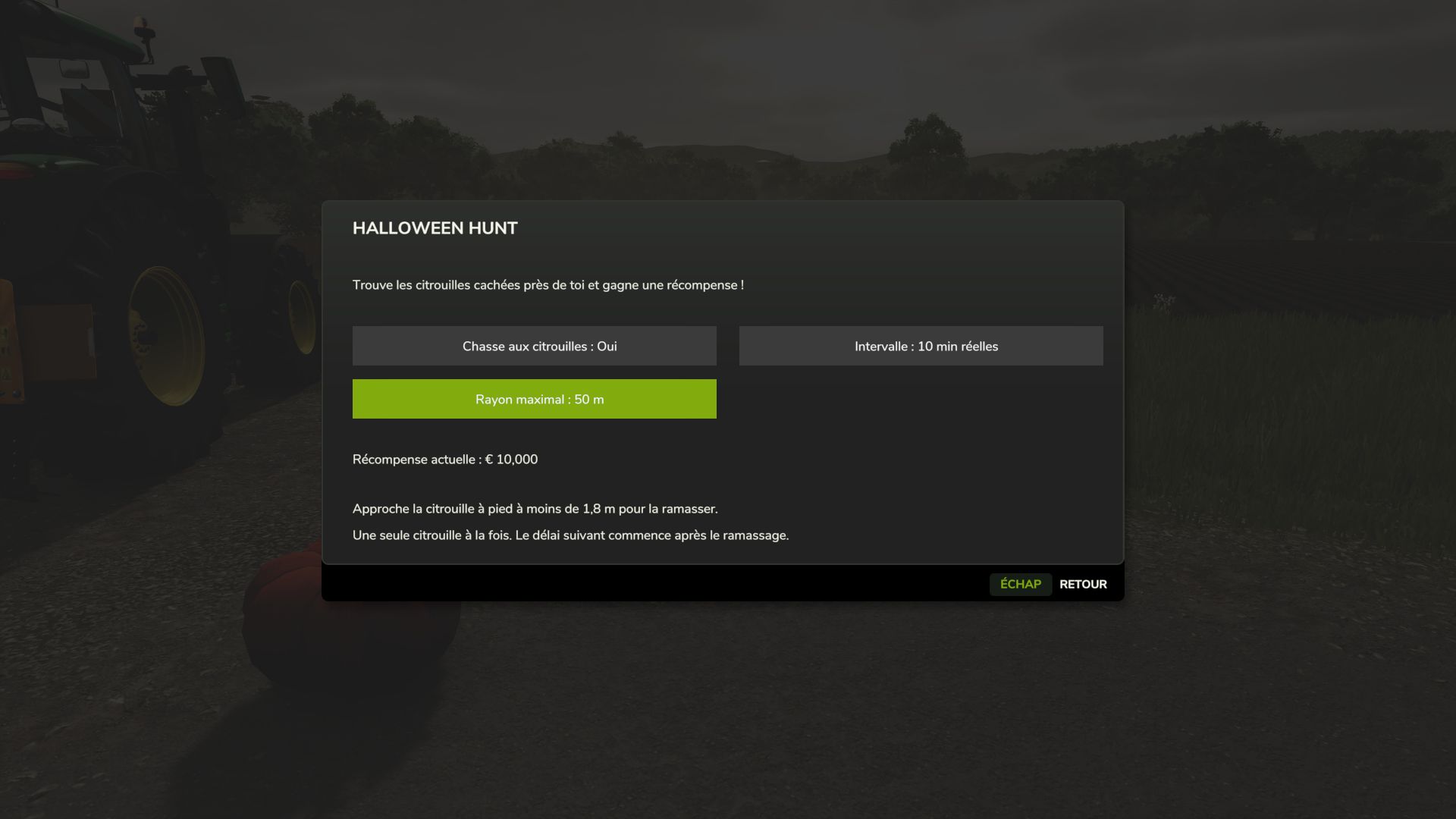
Settings:
Interval: 1, 2, 5, 10, 15 or 30 real-time minutes.
Maximum radius: 10, 20, 35, 50, 75, 100 or 150 metres.
Enable / disable the hunt.
Settings are saved automatically.
A native FS25 notification announces the appearance and collection. Placement searches for a location without obstacles, away from water and steep slopes. The pumpkin may be hiding in the grass!
Single-player and multiplayer servers:
One active pumpkin per farm.
Players on the same farm share the hunt.
Payment is controlled by the server and is made only once.
Positions and settings are synchronised for joining players.
Settings can be modified by the host. On a dedicated server, edit modSettings/FS25_HalloweenHunt.xml in the server profile before starting it. Clients can view the settings.
Install the same ZIP on the server and clients.
Key: Left Ctrl + P to open the settings, on foot or in a vehicle. The key can be changed in the game controls.
By default: one appearance after 5 minutes, within a maximum radius of 35 m. The next timer starts after collection. Pumpkins remain available all year round. Active pumpkins are not saved; a reloaded game starts a full timer again.
Installation: place FS25_HalloweenHunt.zip in the mods folder without extracting it and activate it when loading the game. PC / Mac only. French and English interface.
Version 1.1.0.0: new icon, server support, corrected accents, adjustable radius and native notifications. The single-player mode has been tested in-game. Network exchanges have been checked in simulation; the new server version has not yet been validated in a real multiplayer session.