LS25 HUD+ V1.0.0.0
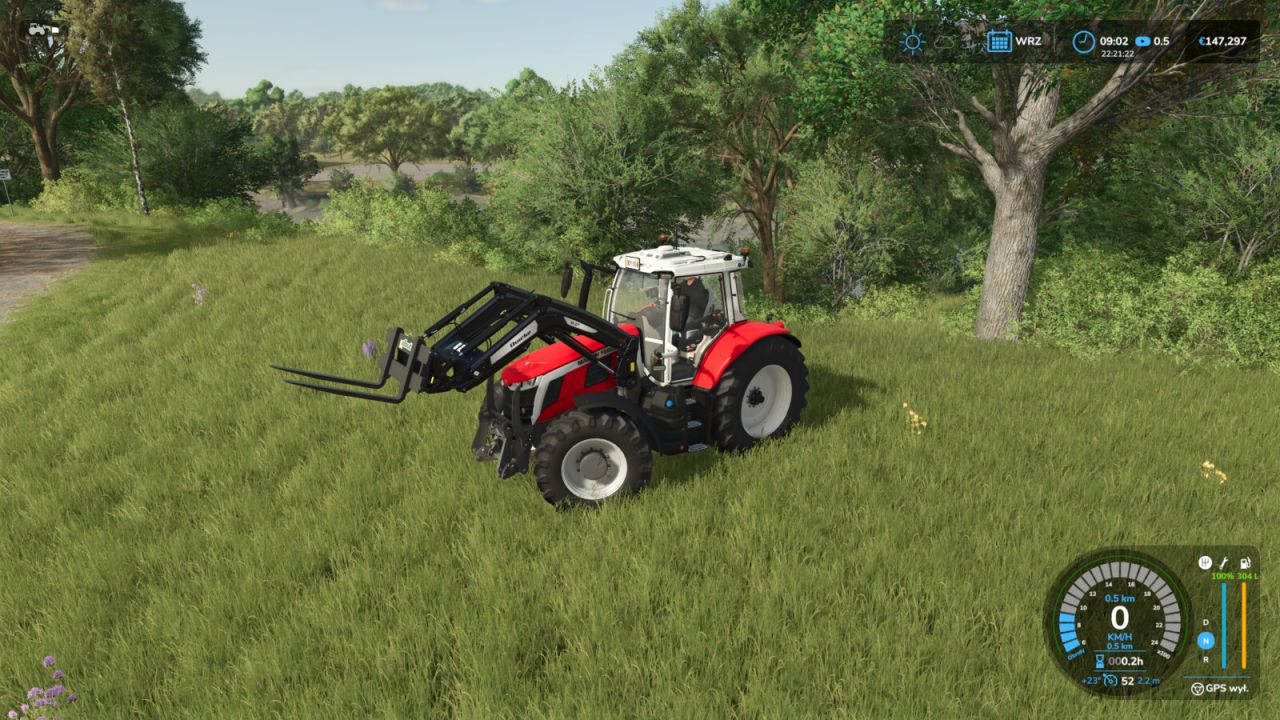

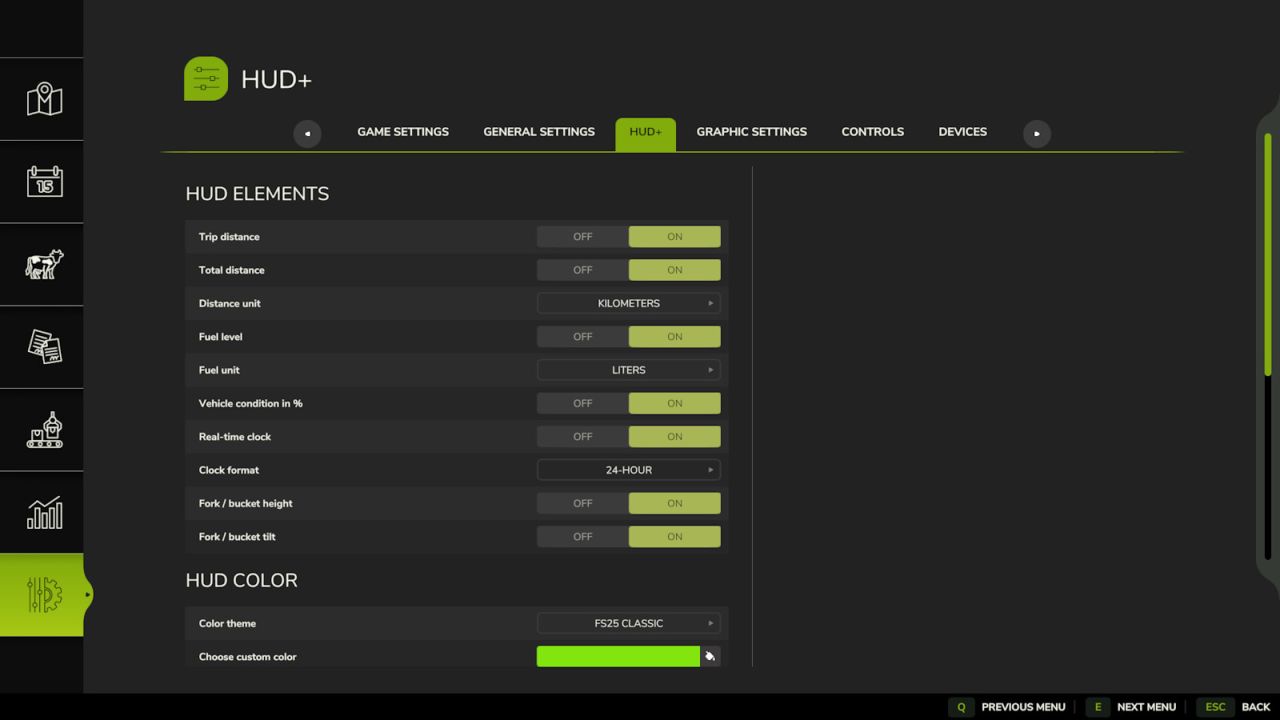
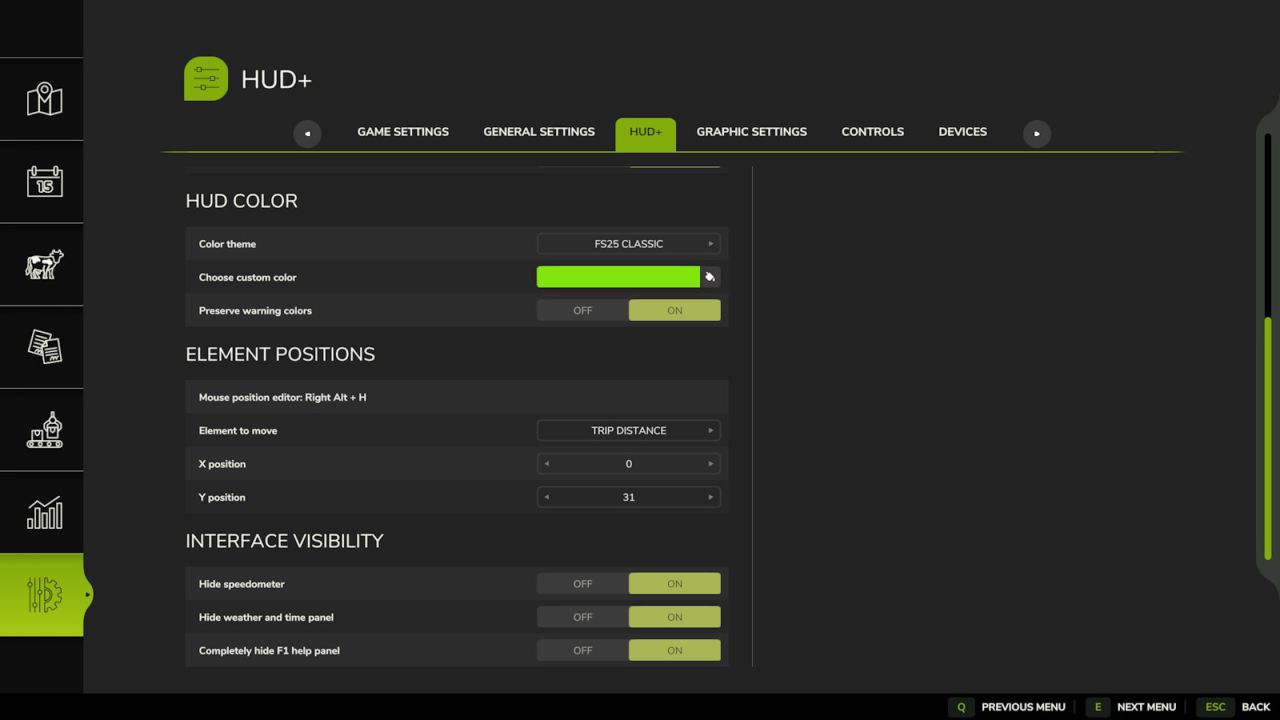
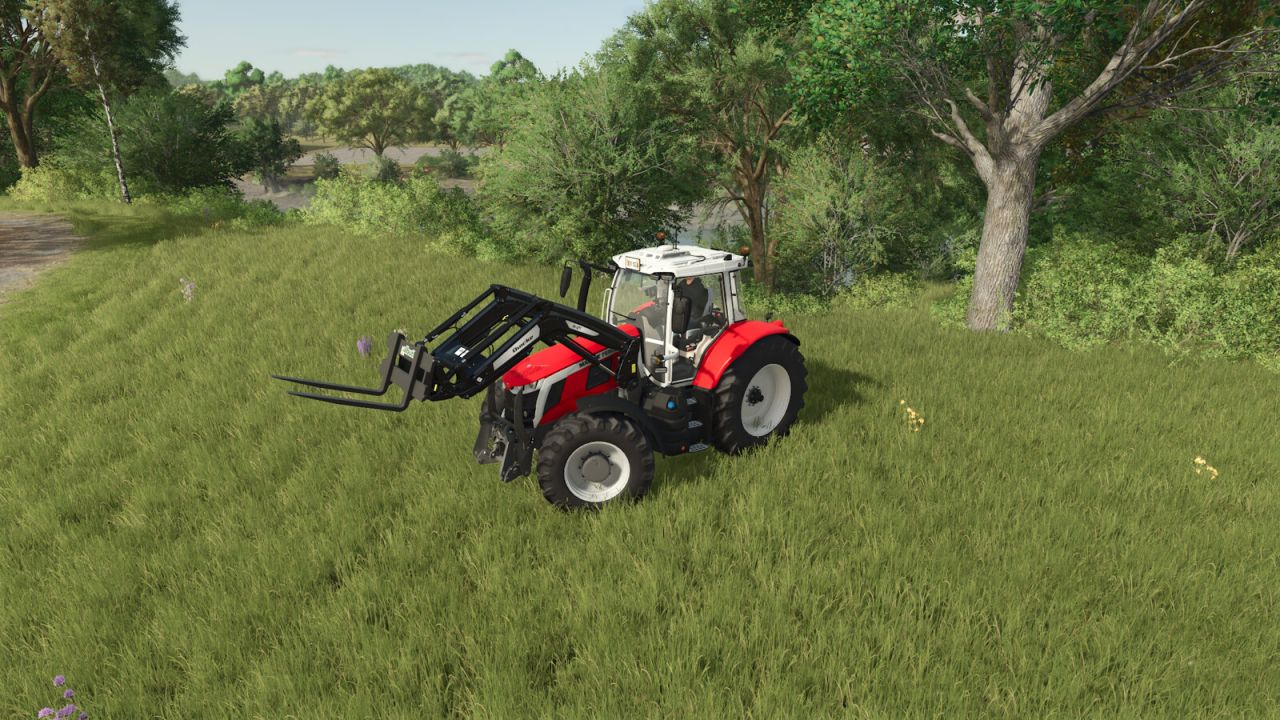
LS25 HUD+ V1.0.0.0
HUD+ expands the original Farming Simulator 25 interface while preserving the game’s visual style.
Features:
– trip distance and permanently stored vehicle total distance,
– fuel or battery level,
– vehicle condition percentage,
– real-time clock,
– loader tool height and tilt indicators,
– options to hide the speedometer, top information panel and F1 help,
– ready-made color themes and a custom HUD color,
– mouse-controlled HUD position editor.
HUD+ settings are available in the ESC pause menu under Settings.
Reset trip distance:
Right Alt + period
HUD editor:
Right Alt + H