LS25 Light Assistant V1.0.0.0

LS25 Light Assistant V1.0.0.0
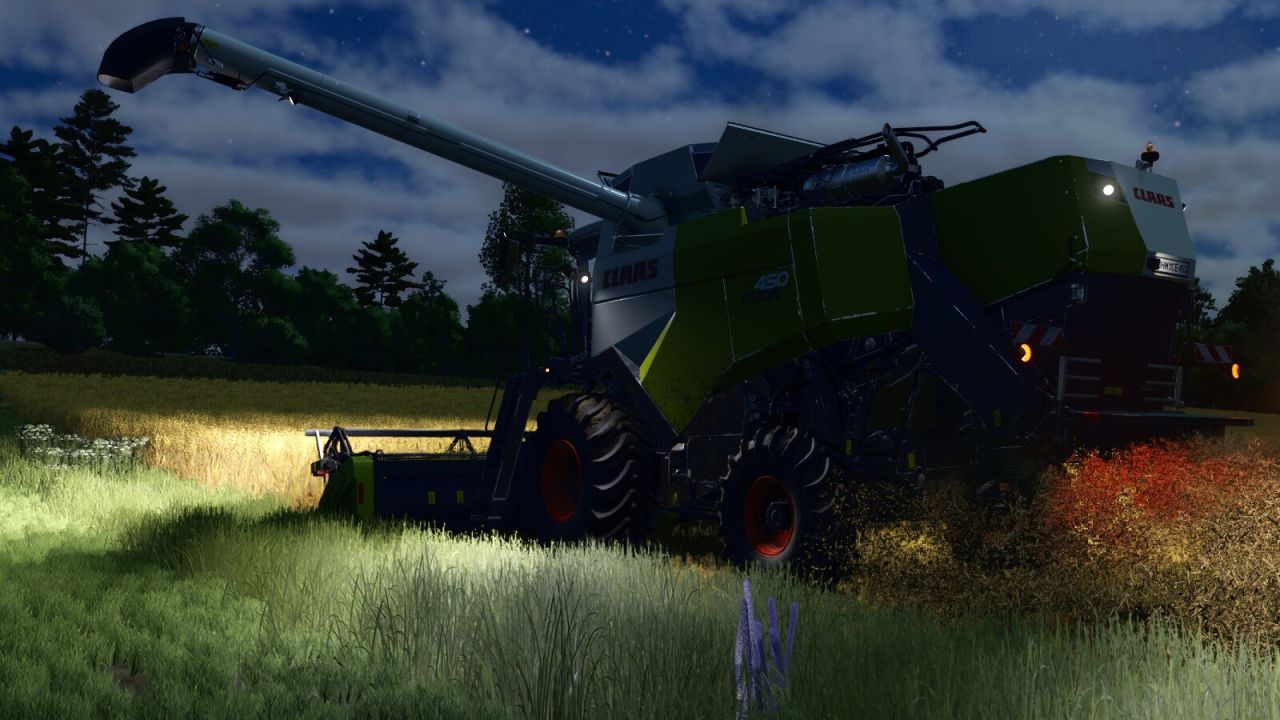
Light Assistant automates beacon lights, driving lights, work lights, turn signals and the emergency stop signal.
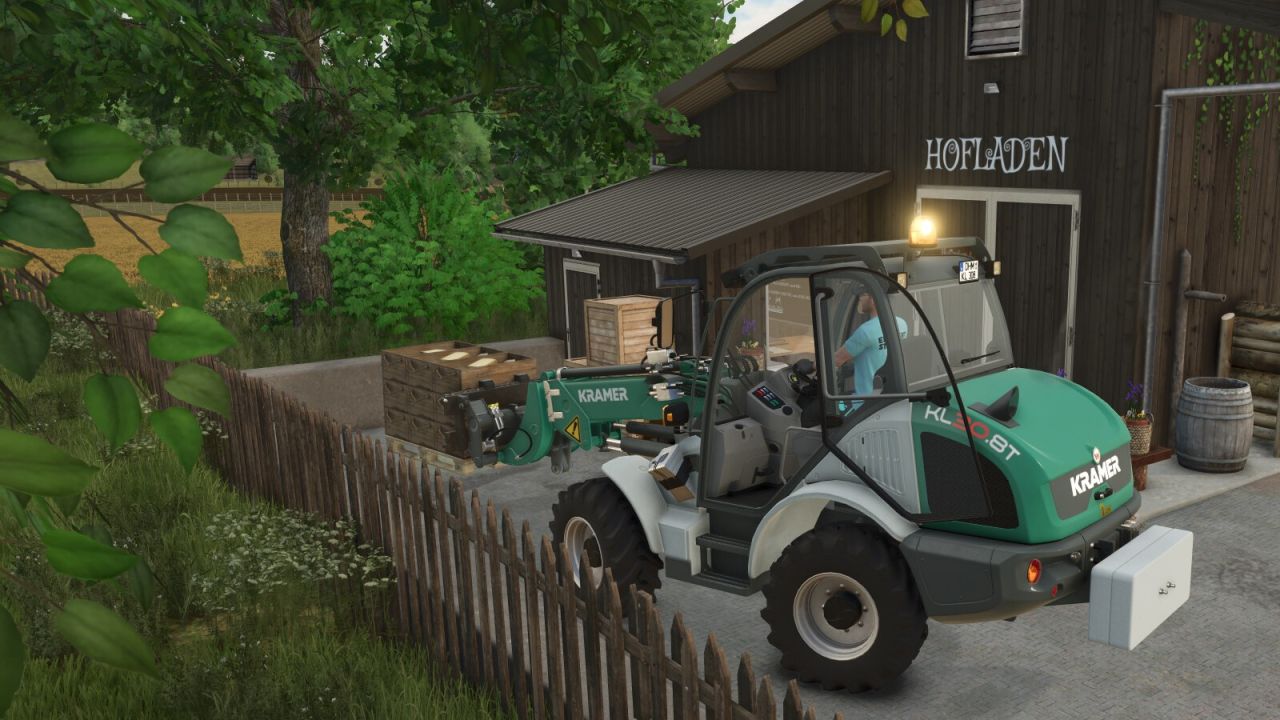
Beacon lights respond to relevant attached implements, loaded bale collectors and forklifts. On combines and harvesters, they also take the working state into account: while the machine is turned on, the beacons are activated at 80% tank fill level and deactivated again below 70%. Trailers, weights and front loaders are deliberately filtered out. In addition, the right beacon rotates/flashes at a reduced speed.
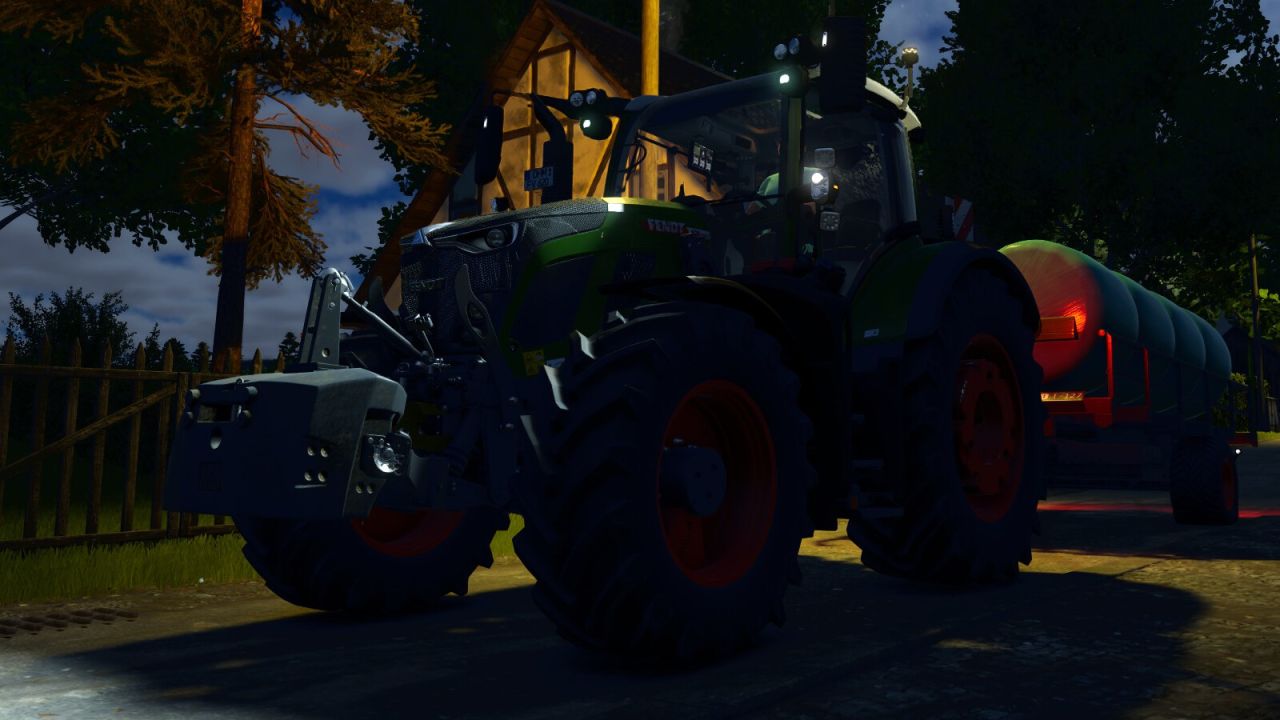
Driving and work lights take darkness, bad weather, implement status and working position into account. Holding the horn for at least one second also flashes the front work lights briefly.
Turn signals are activated at a certain steering angle on public roads along the AI traffic splines. An emergency stop signal is activated there during full braking lasting at least two seconds.
Manually switching beacon lights or driving lights disables the respective automatic function until the next engine start. Manually activated turn signals and hazard lights take priority until they are switched off again. AI helpers are deliberately excluded from Light Assistant.
Each module can be switched on or off separately for each player in the General Settings.