LS25 Live Visual Tuner v1.0.0.0
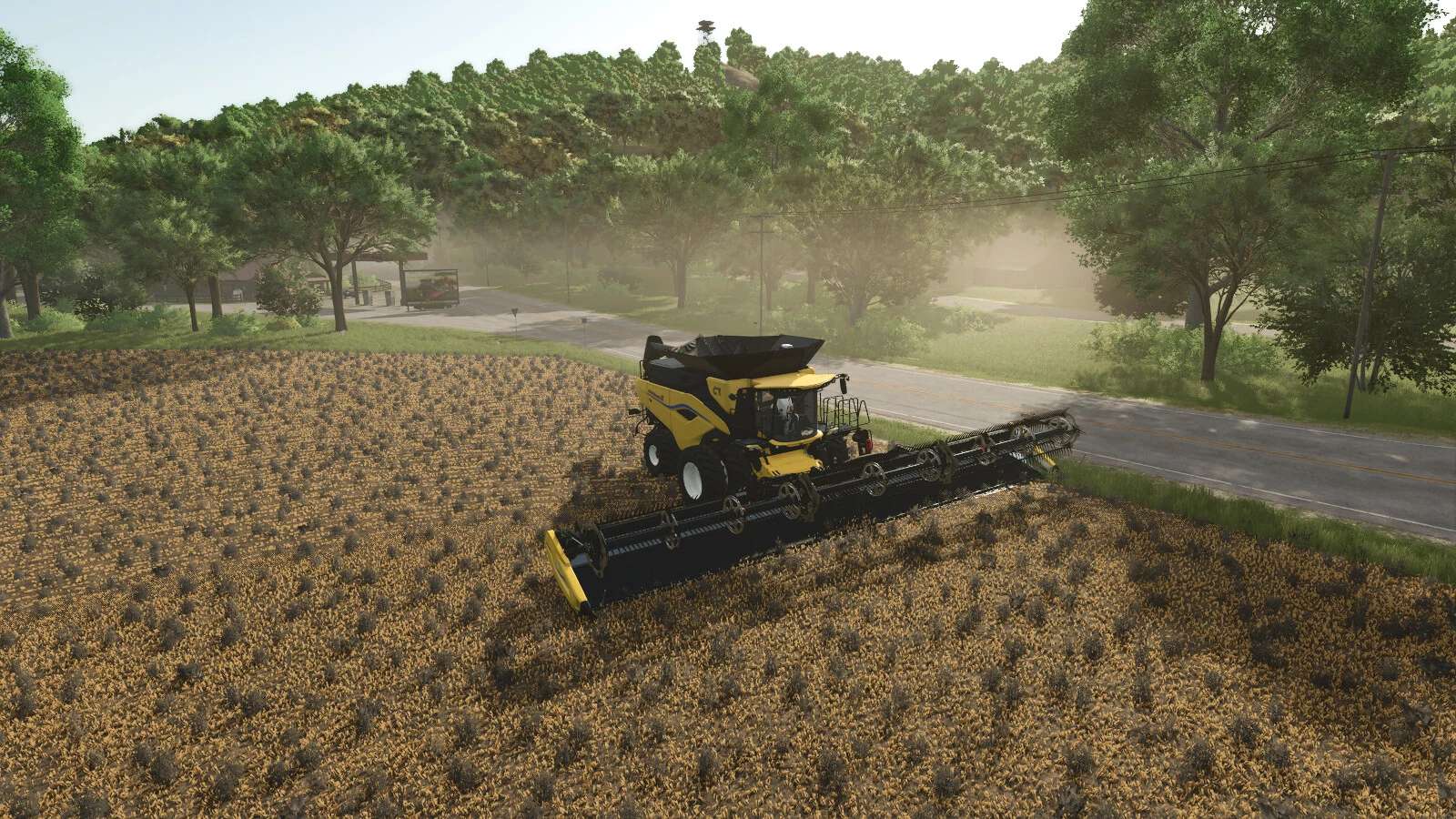

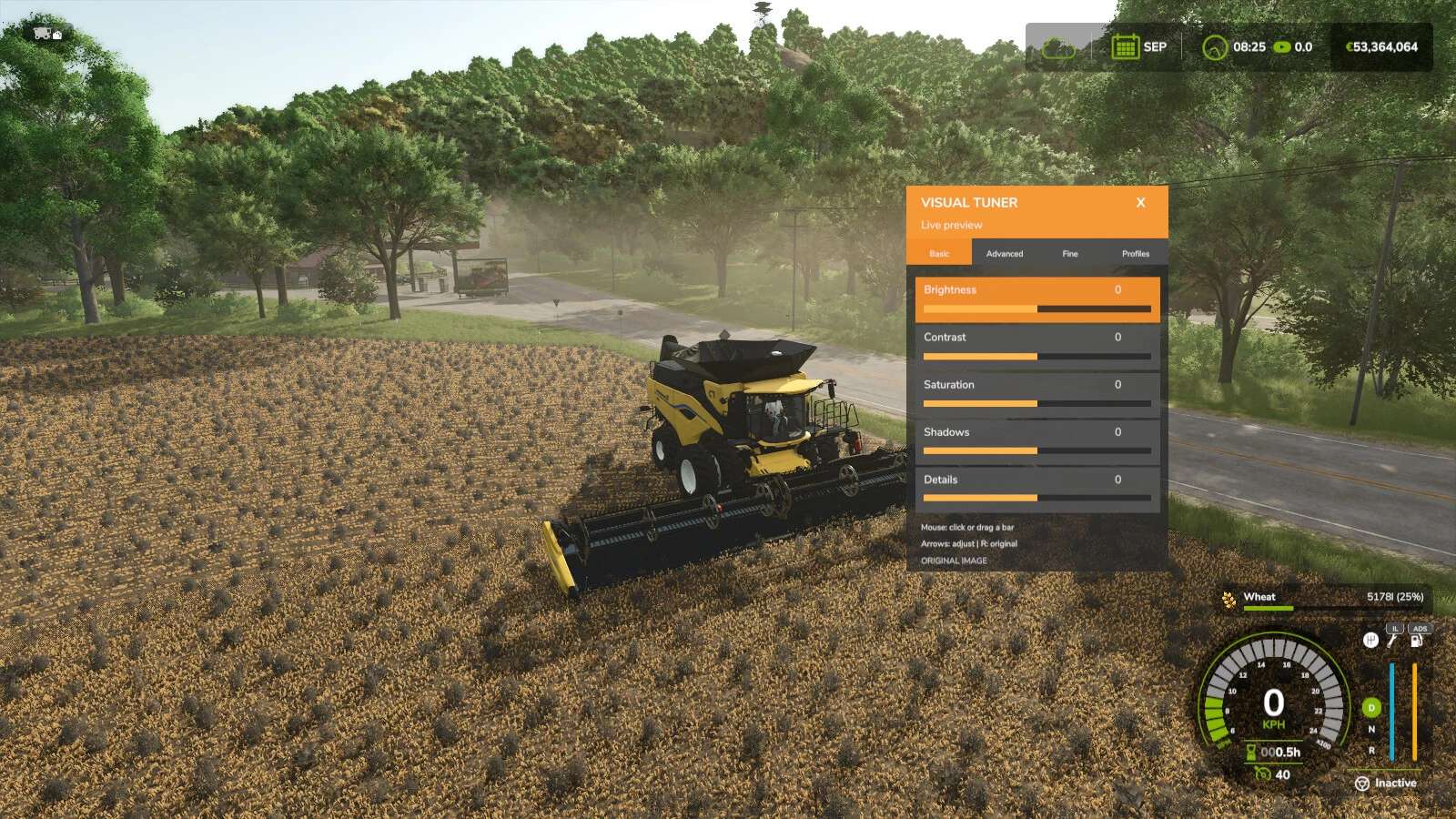
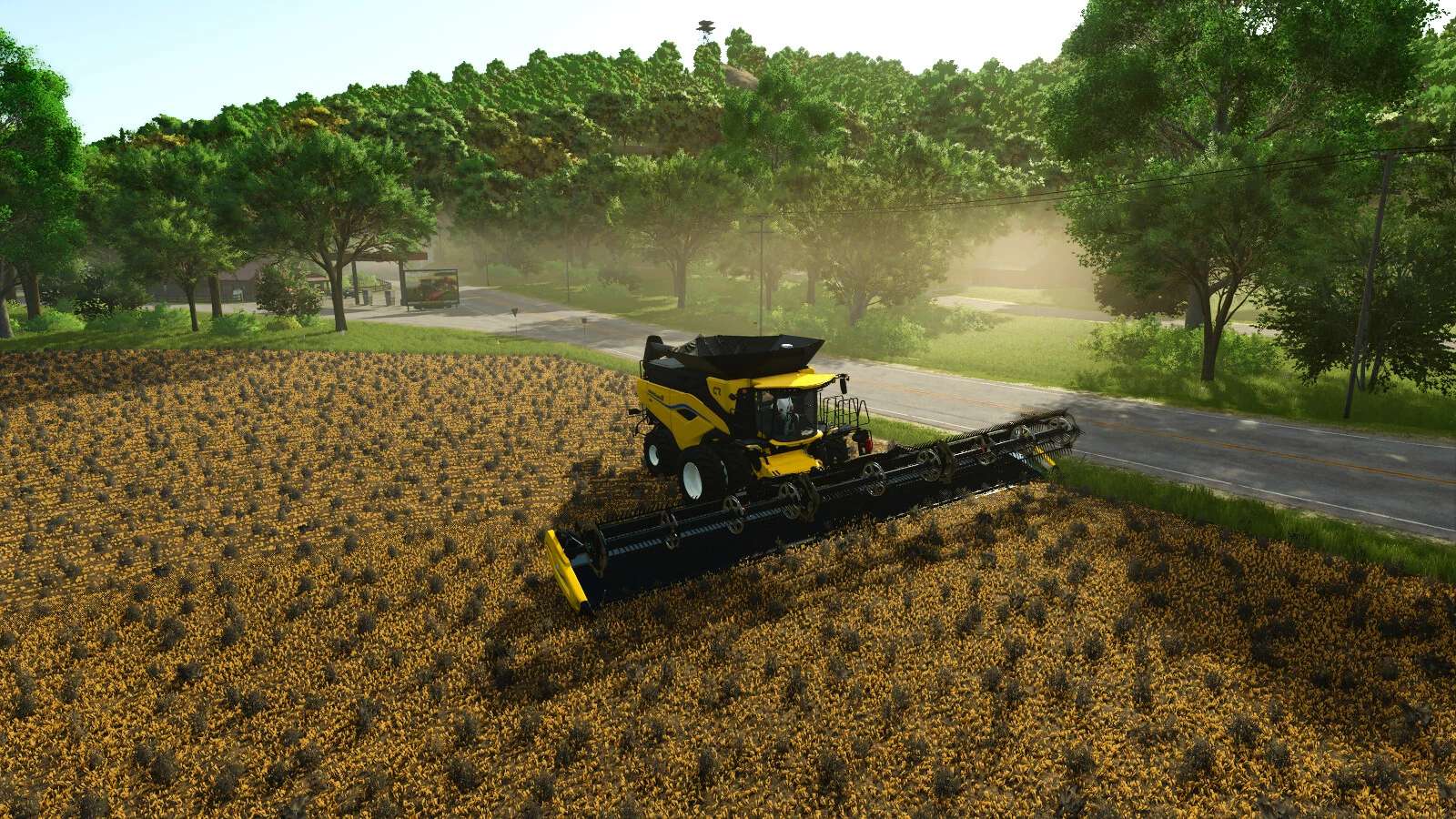
LS25 Live Visual Tuner v1.0.0.0
Customize the appearance of Farming Simulator in real time with a compact, draggable in-game panel.
Fifteen visual adjustments are organized across Basic, Advanced and Fine Tuning pages:
– Brightness, contrast, saturation, shadows and details
– Exposure, gamma, highlights, color temperature and bloom
– Midtones, tint, shadow contrast, highlight contrast and bloom reach
Create and name up to three visual profiles. Saved profiles can be loaded, edited or deleted at any time and remain available on other maps.
Controls:
– Open or close the panel: Left Alt + 7
– Click or drag a bar to adjust it
– Hold the middle mouse button to look around while the panel is open
– Arrow keys: select and adjust
– R: restore the original map image
The panel follows the game’s UI scale, can be moved by dragging its orange header and remembers its position.
All settings are stored locally on this computer. The mod does not change gameplay, weather, time or the image seen by other players. Multiplayer is supported and every player keeps their own visual configuration. No external dependencies are required.