LS25 Lord of the Weather – Summon TORNADOS V2.2.0.0

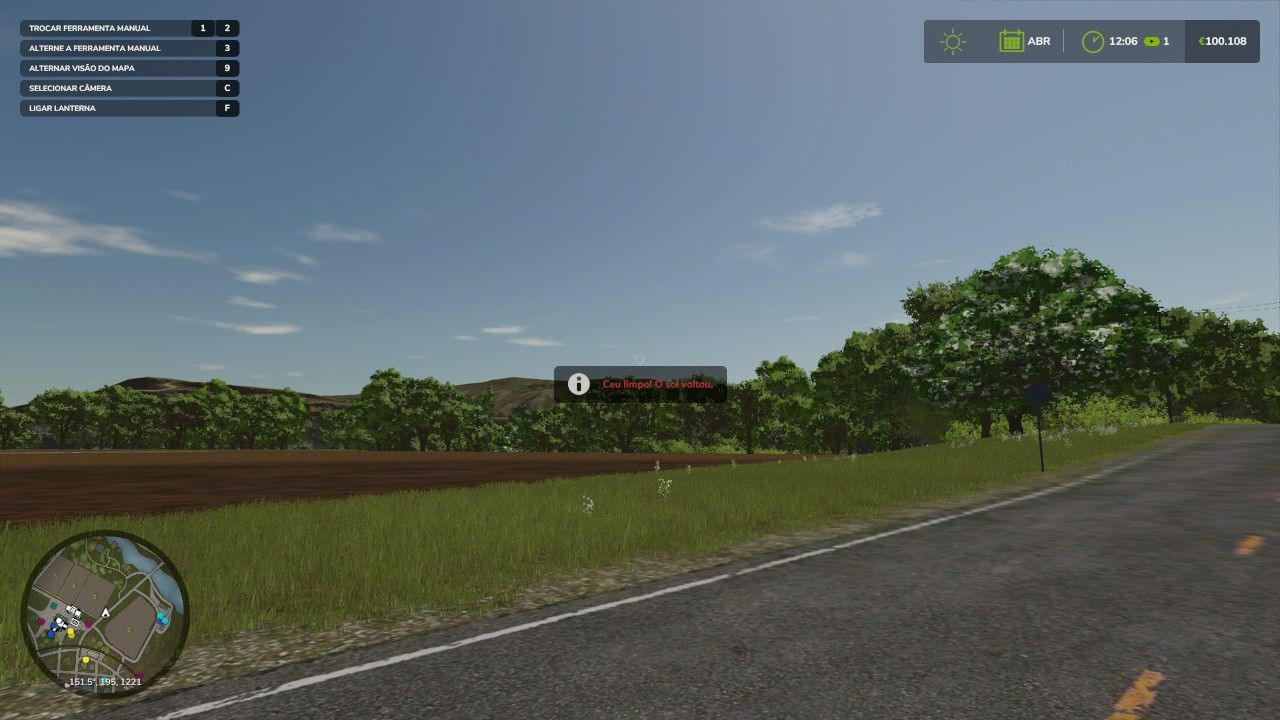
LS25 Lord of the Weather – Summon TORNADOS V2.2.0.0
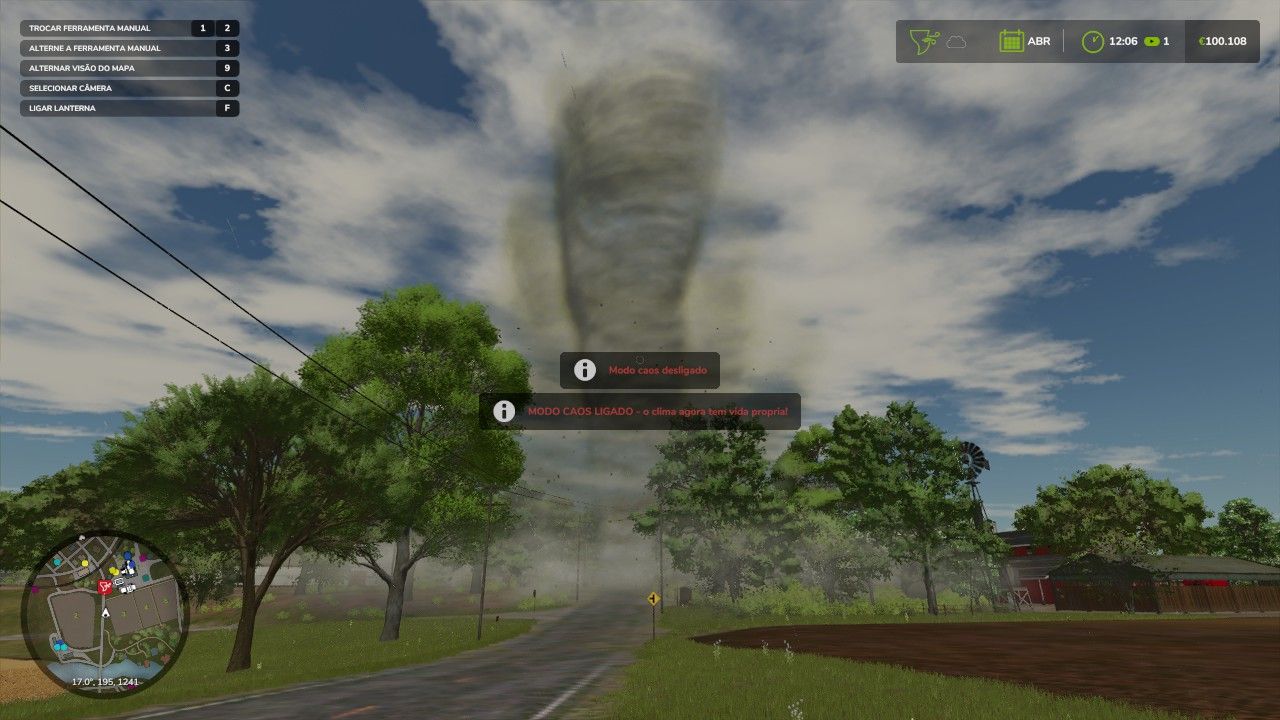
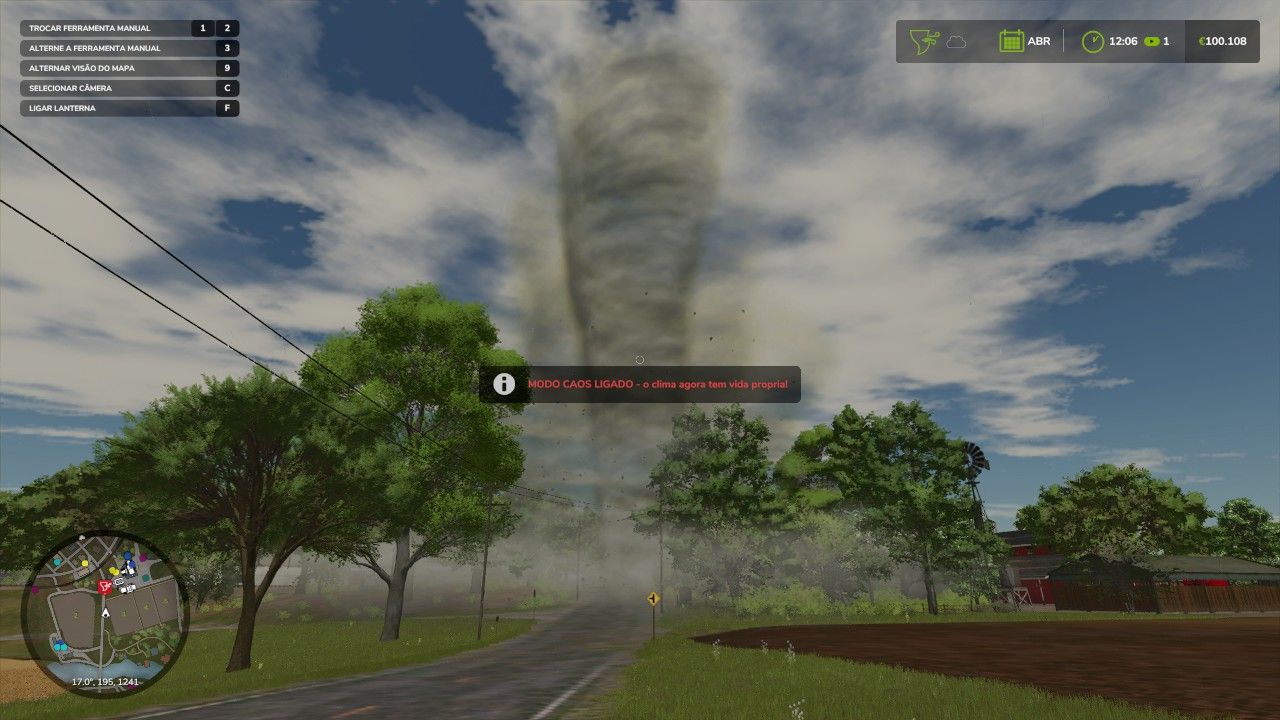
Become the lord of the skies! Shortcuts: LCtrl + LAlt + K toggles the weather (sun, partly cloudy, cloudy, rain, snow, hail, storm); LCtrl + LAlt + T summons a TORNADO right where you’re looking — aim and release!; LCtrl + LAlt + Y activates CHAOS MODE: the weather changes on its own every 30 seconds and tornadoes can appear out of nowhere; LCtrl + LAlt + B brings the sun back on time. Perfect for screenshots, videos, tests or just plain fun. Any map, singleplayer, save save, configurable shortcuts in options. NEWS v2.2: CHAOS MODE, gaze-directed tornado and instant sun key.
V2.2.0.0
NEW: CHAOS MODE (LCtrl + LAlt + Y) the weather changes on its own every 30 seconds and tornadoes can appear out of nowhere
NEW: Targeted tornado now the tornado forms exactly where you are looking, whether at your feet or hundreds of meters away
NEW: Instant sun (LCtrl + LAlt + B) clears the sky immediately without having to go through all weathers
Fix: Tornado no longer returns to the player’s position after being summoned
Rewritten and translated on-screen messages