LS25 New Holland DiscCutter F 320P + MegaCutter 1020 V1.0.0.0

LS25 New Holland DiscCutter F 320P + MegaCutter 1020 V1.0.0.0
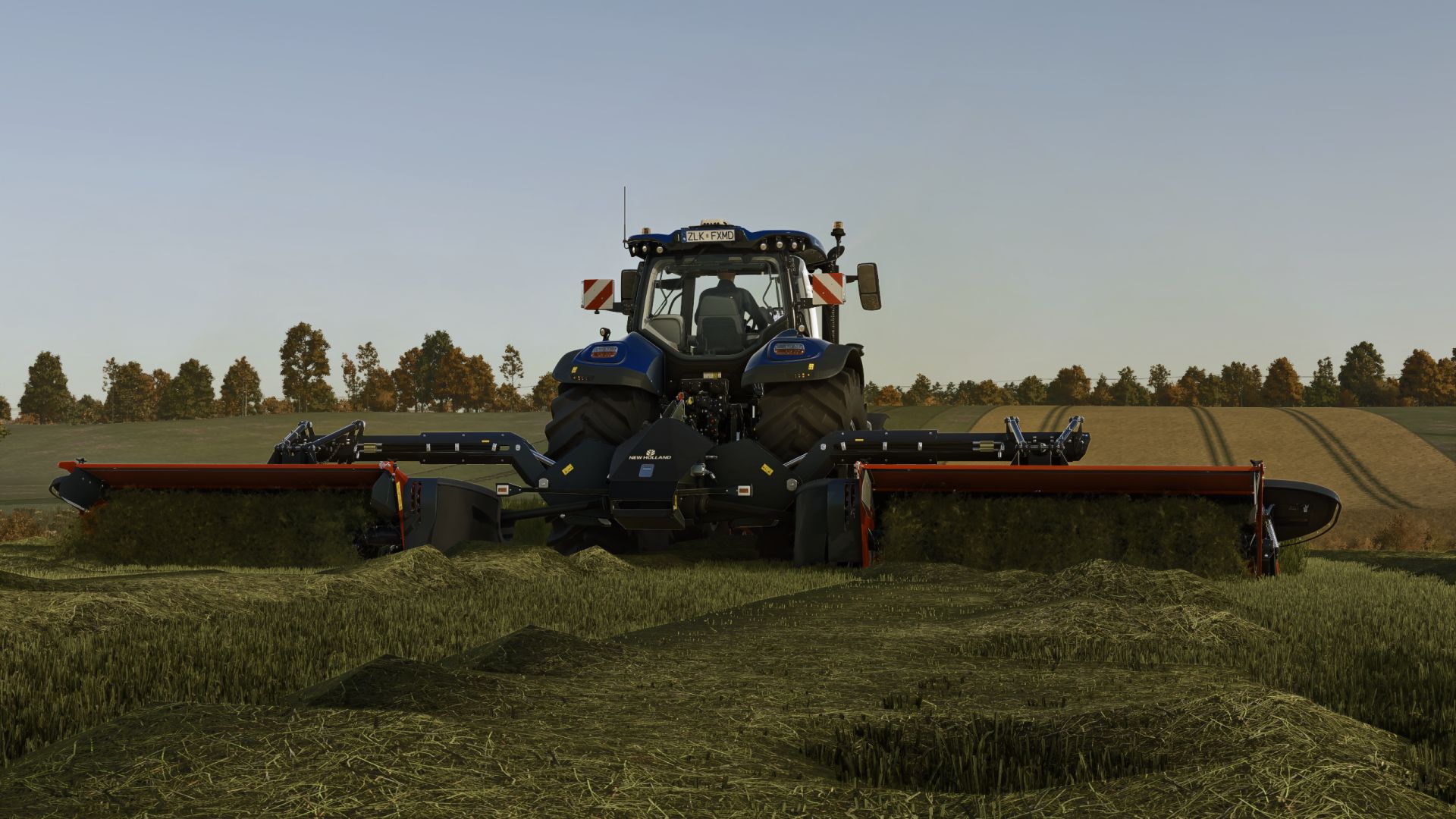
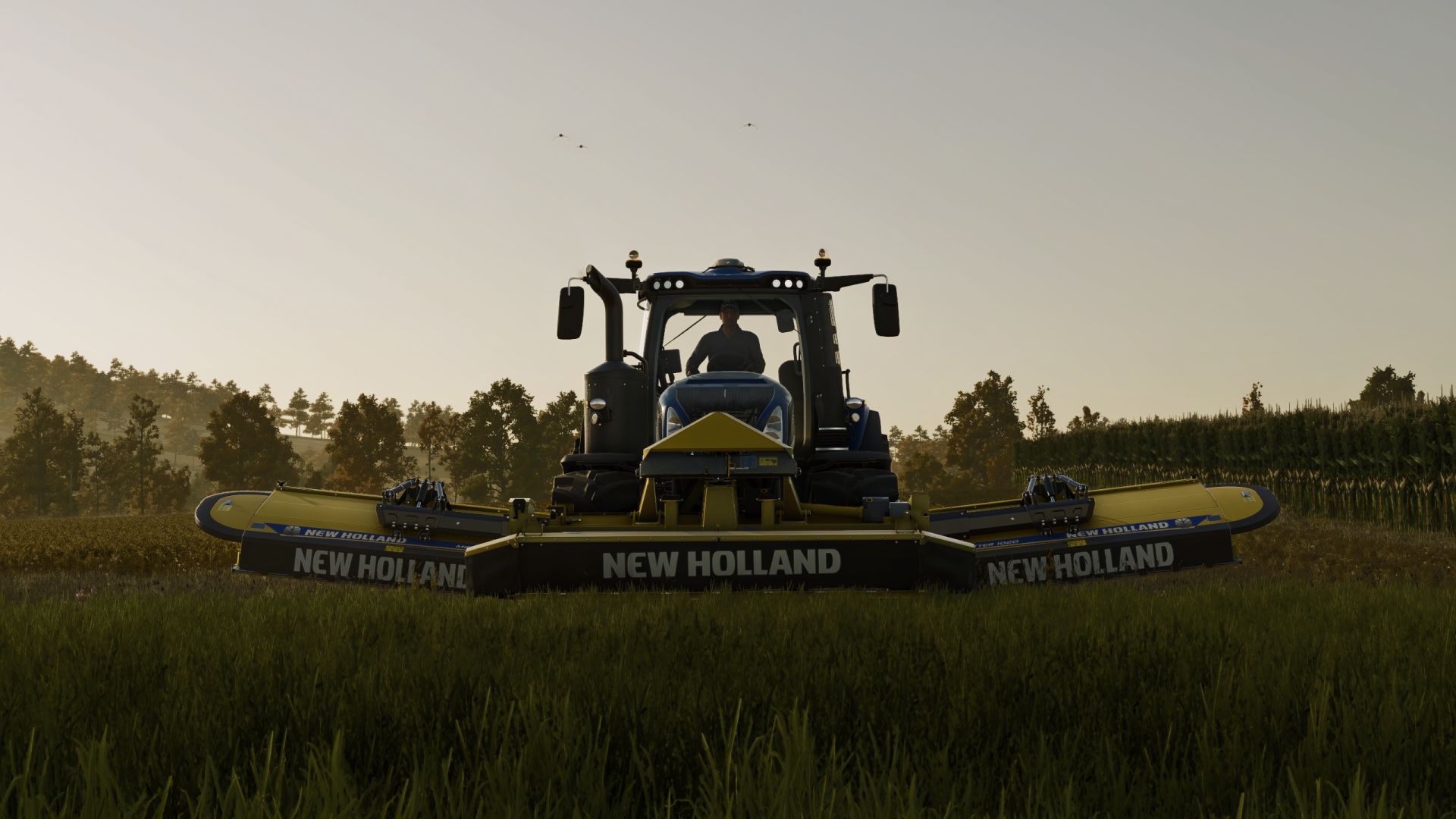
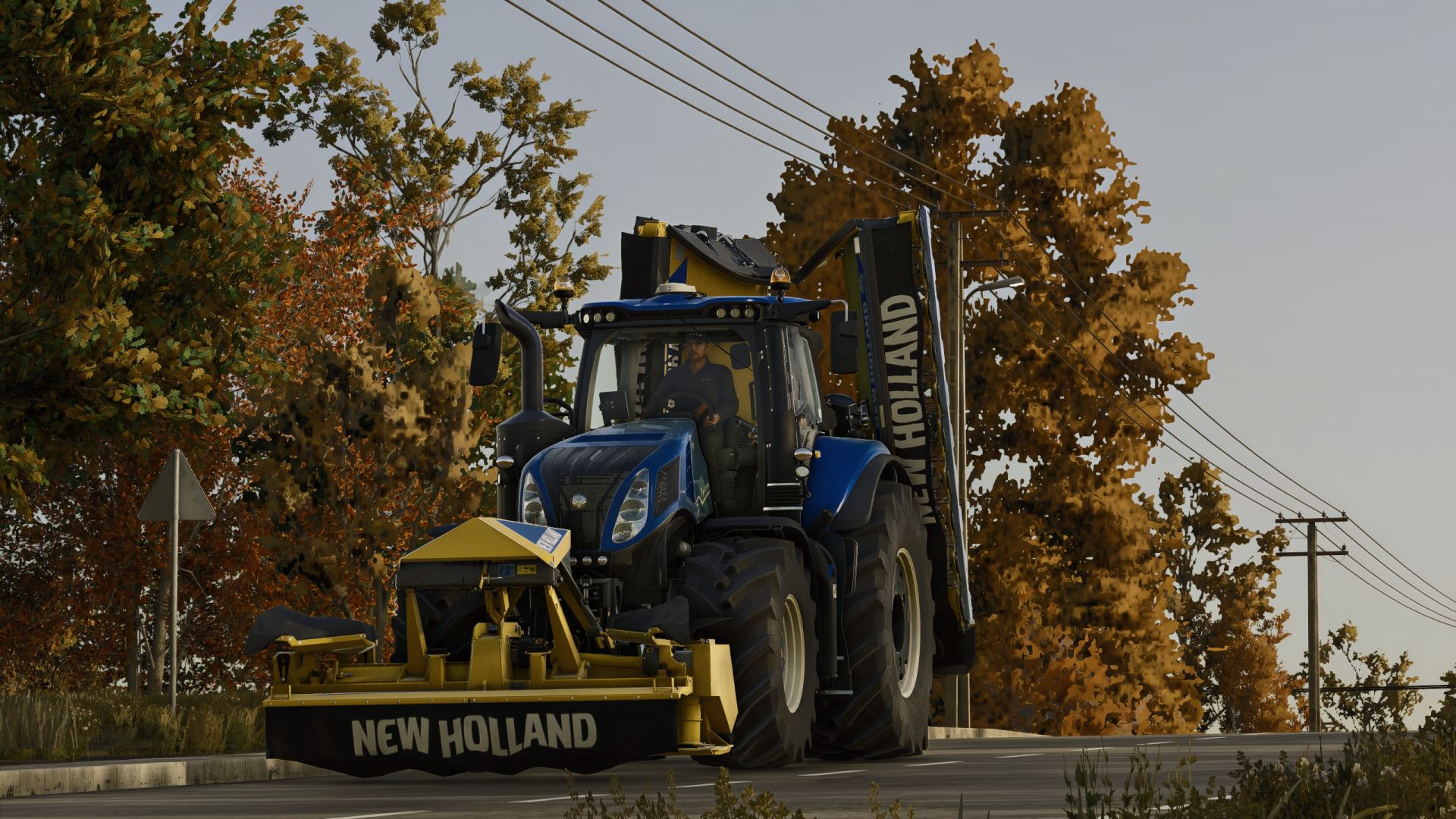
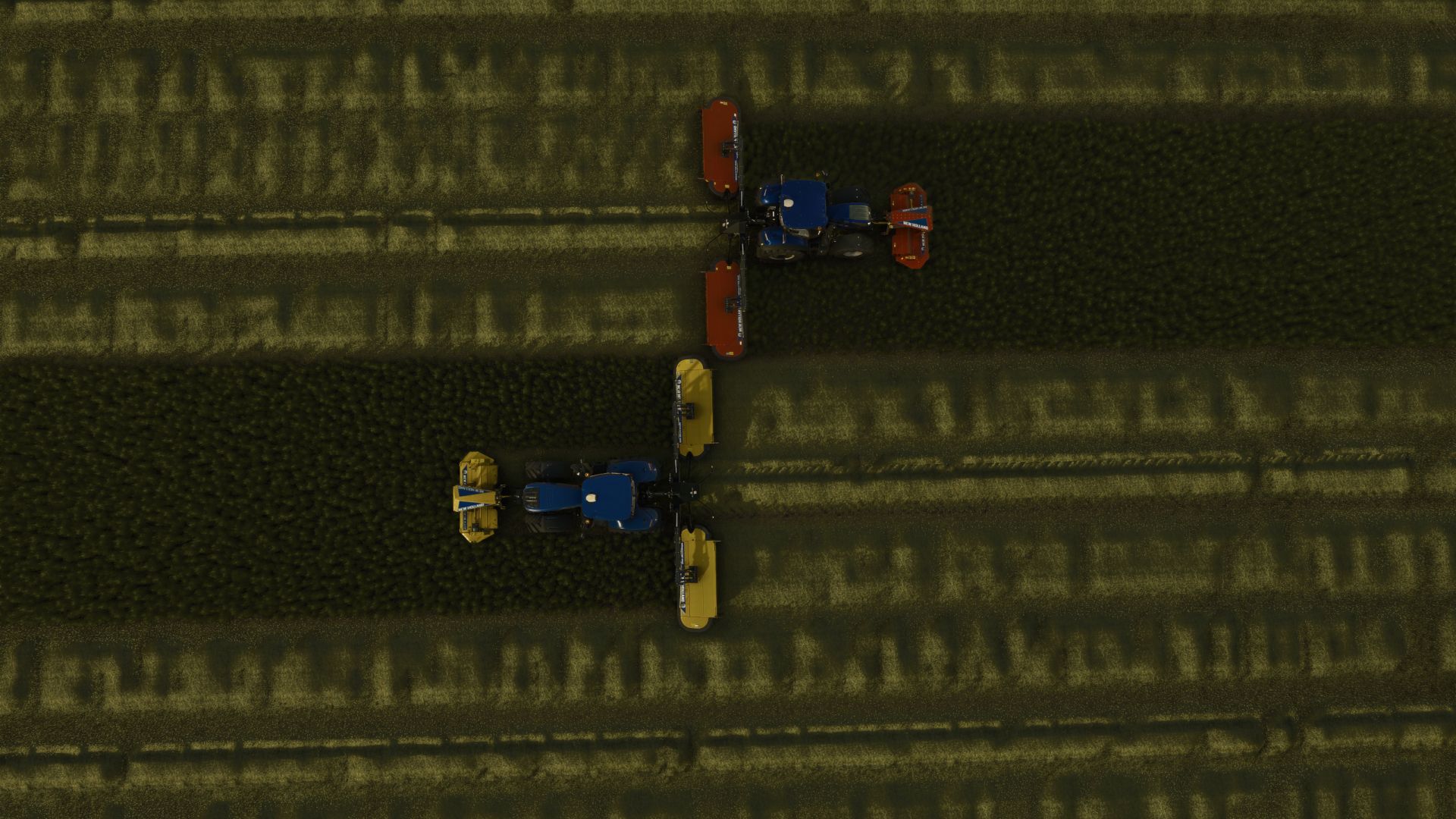
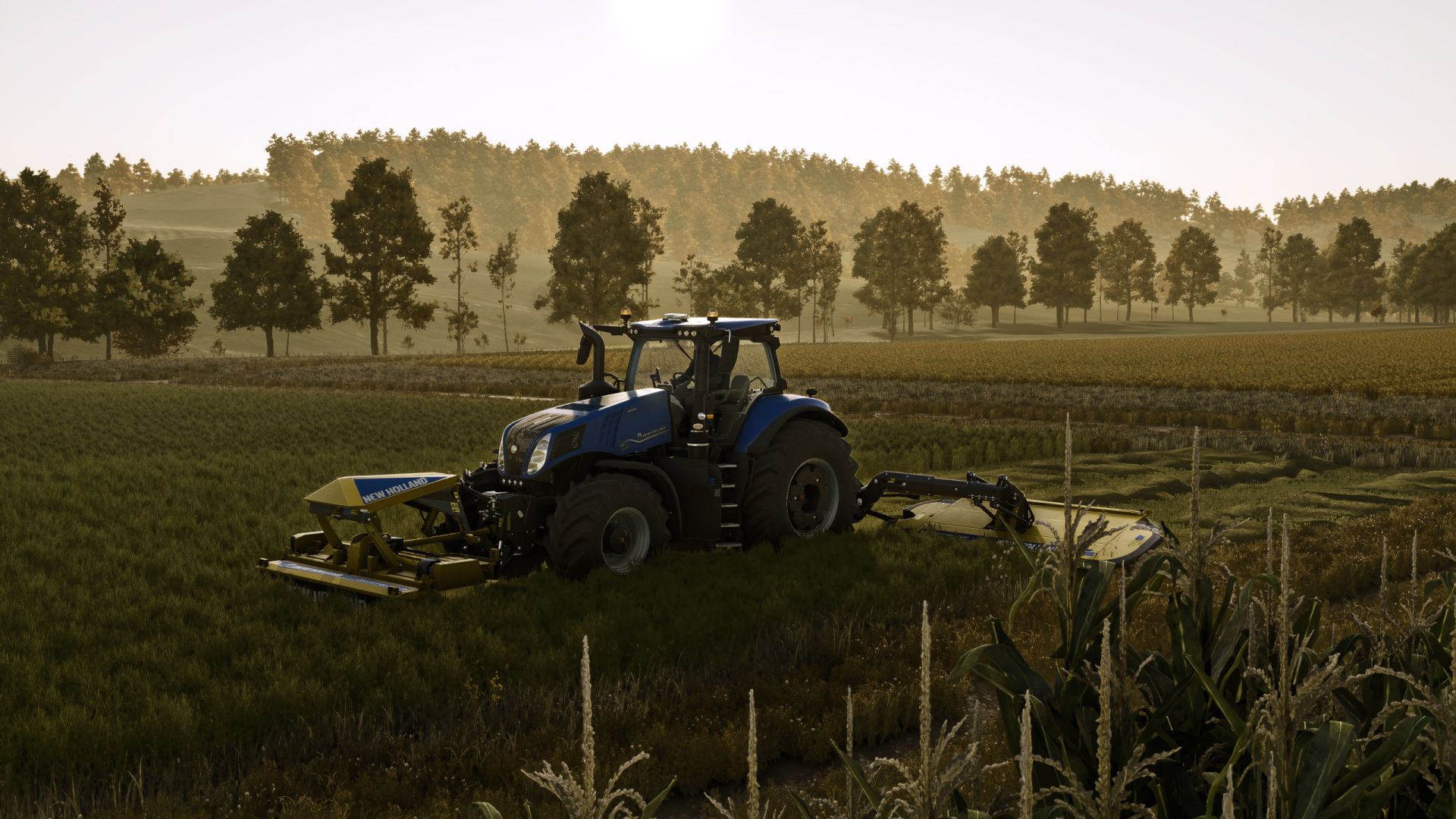
New Holland DiscCutter F 320P + MegaCutter 1020 for FS25
Front mower base: no.naim
Rear mower base: GIANTS Software
FS25 conversion, rework & New Holland adaptation: feataXe
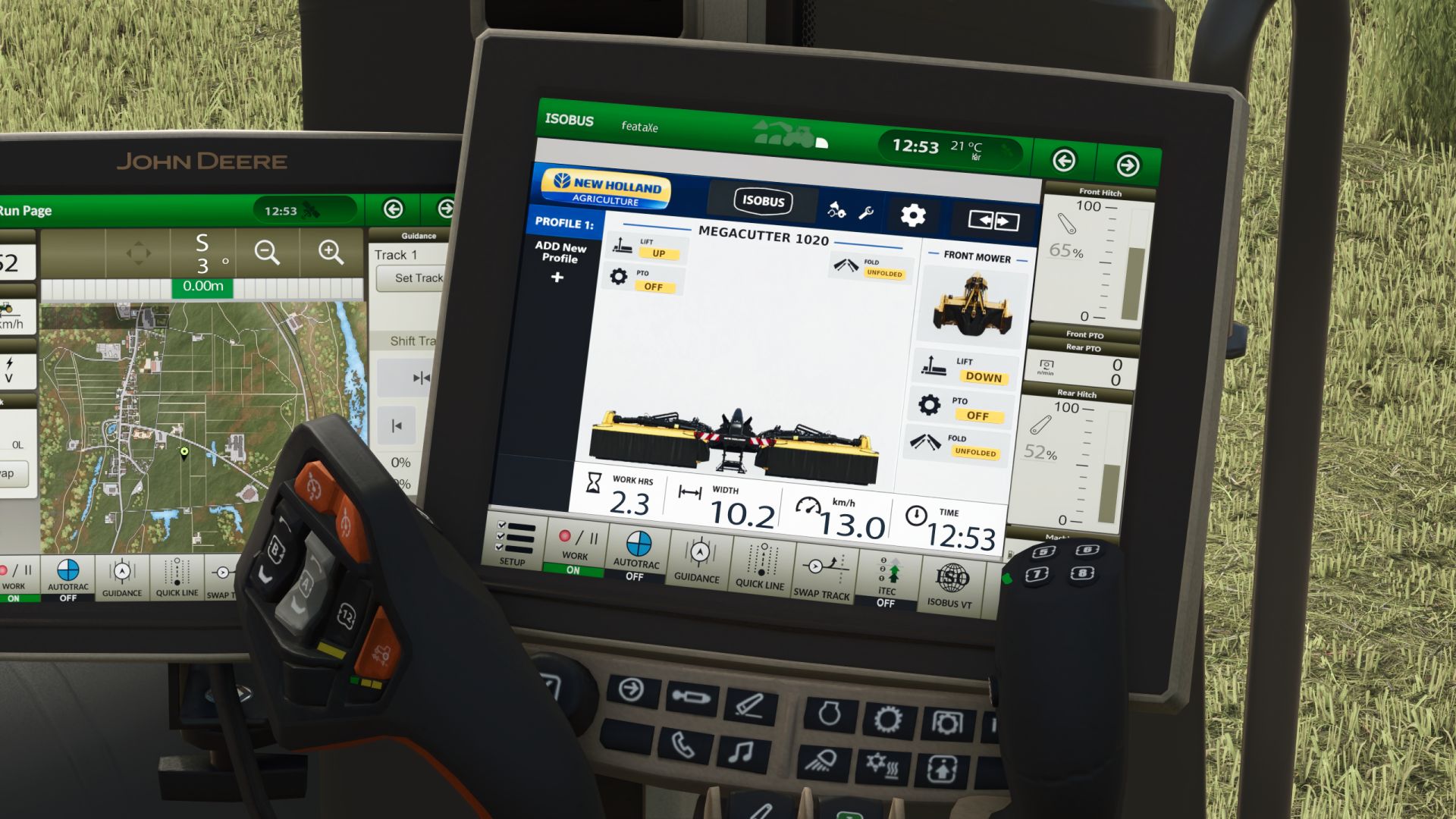
This pack brings a matched New Holland front and rear mower combination to Farming Simulator 25, featuring a custom dynamic ISOBUS interface for monitoring both mower units in real time.
The DiscCutter F 320P is paired with the fictional MegaCutter 1020, a 10.2 m extension of the New Holland MegaCutter concept designed as a simple high-capacity butterfly mower without collector belts.
Category: Mowers
DiscCutter F 320P
Price: 17,000 $
Required power: 82 hp
Working speed: 22 kph
Working width: 3.2 m
MegaCutter 1020
Price: 53,000 $
Required power: 200 hp
Working speed: 22 kph
Working width: 10.2 m
Complete combination price: 70,000 $
Finish options: Yellow / Red
Main features:
– Matched New Holland front and rear mower combination
– Custom dynamic ISOBUS interface for the DiscCutter F 320P and MegaCutter 1020
– Live front and rear mower status display
– Dynamic lift, PTO and folding status indicators
– Animated folding/unfolding direction display for the MegaCutter 1020
– Live working data including operating hours, working width, speed and time
– Dynamic mower visualization directly on compatible ISOBUS terminals
– Fictional 10.2 m MegaCutter 1020 rear mower with conventional windrow output and no collector belts
– Yellow and Red factory-style finish configurations with save/reload persistence
– Animated folding system, hydraulics, PTO driveline and parking supports
– Flexible rear covers with wind-bending behavior
– Terrain-following movement for the mower sections
– DiscCutter F 320P with mower-conditioner functionality
– AI worker support
– Farming Simulator 25 multiplayer support
Required mods:
Dashboard Live
Dashboard Live Vanilla Vehicles