LS25 Next Realsim Reshade Lighting V1.0.0.0


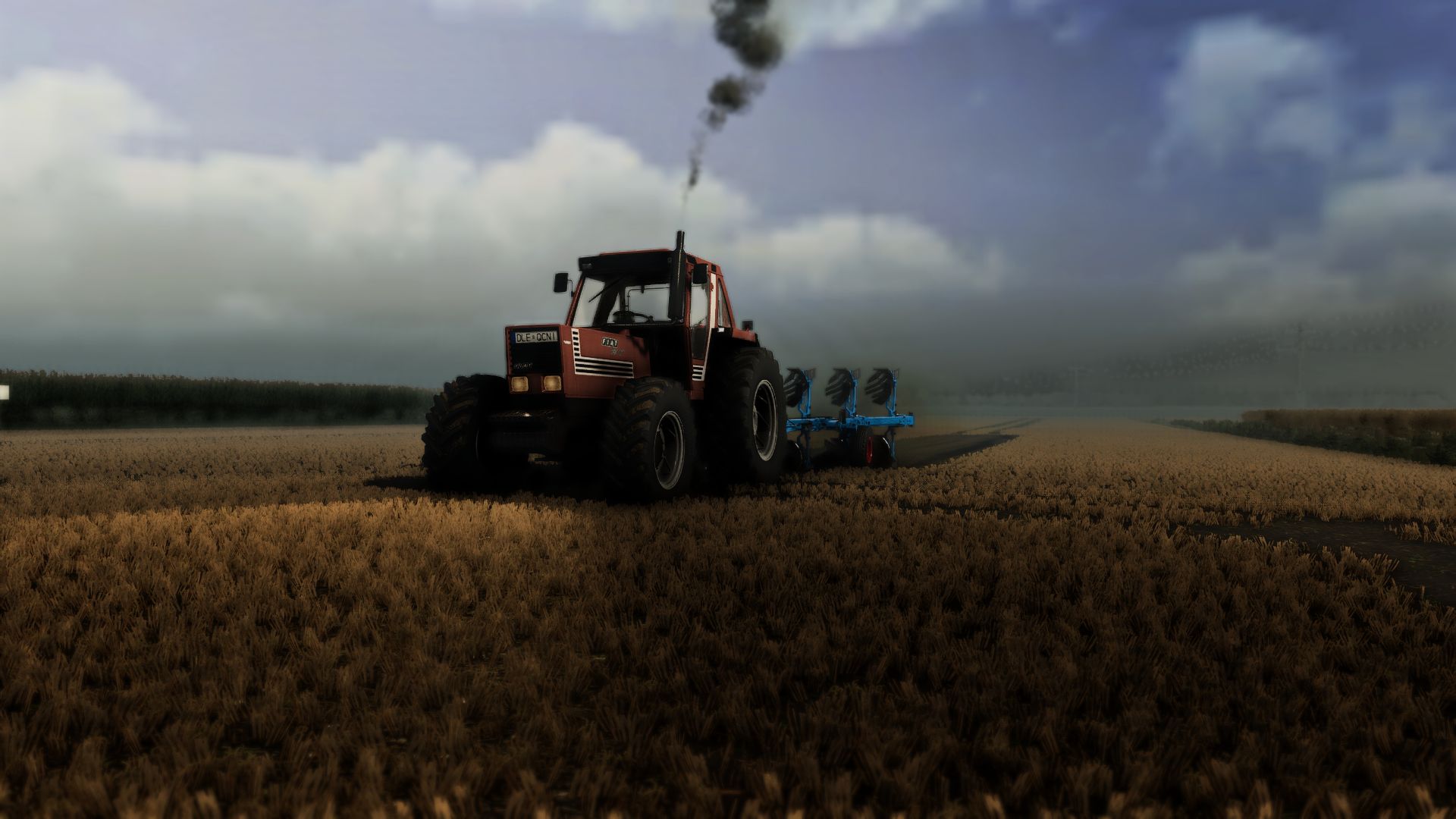
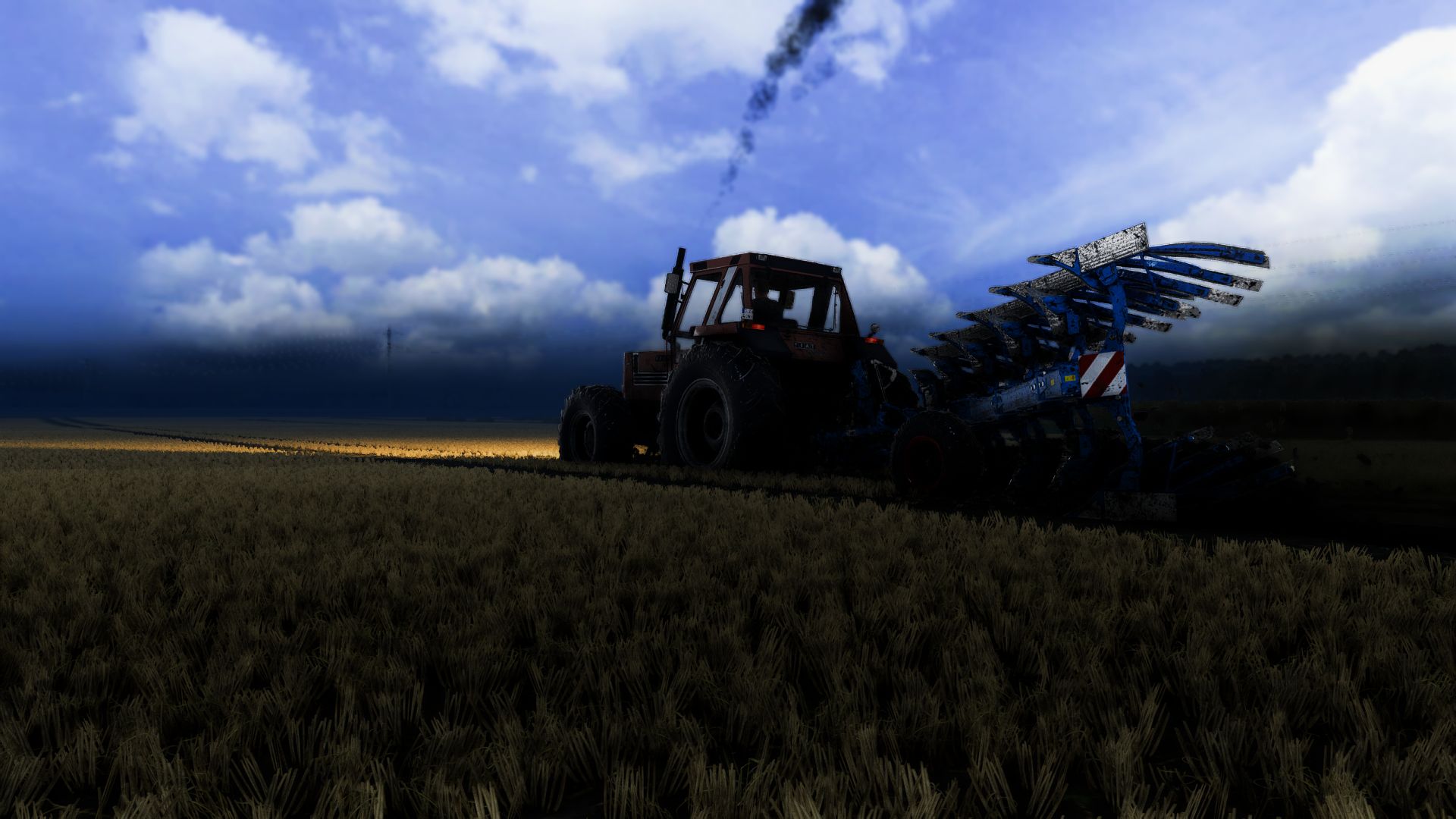
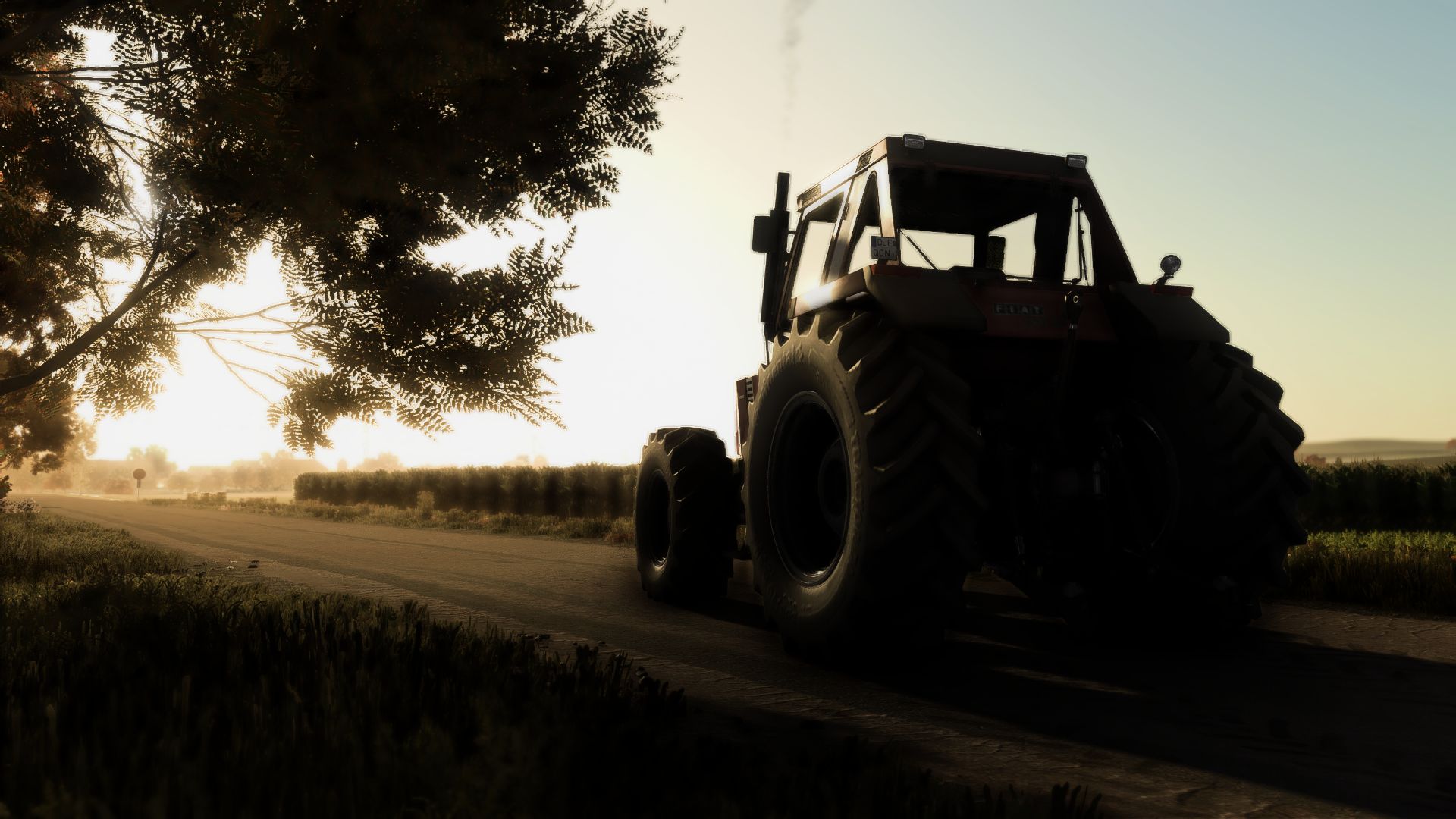
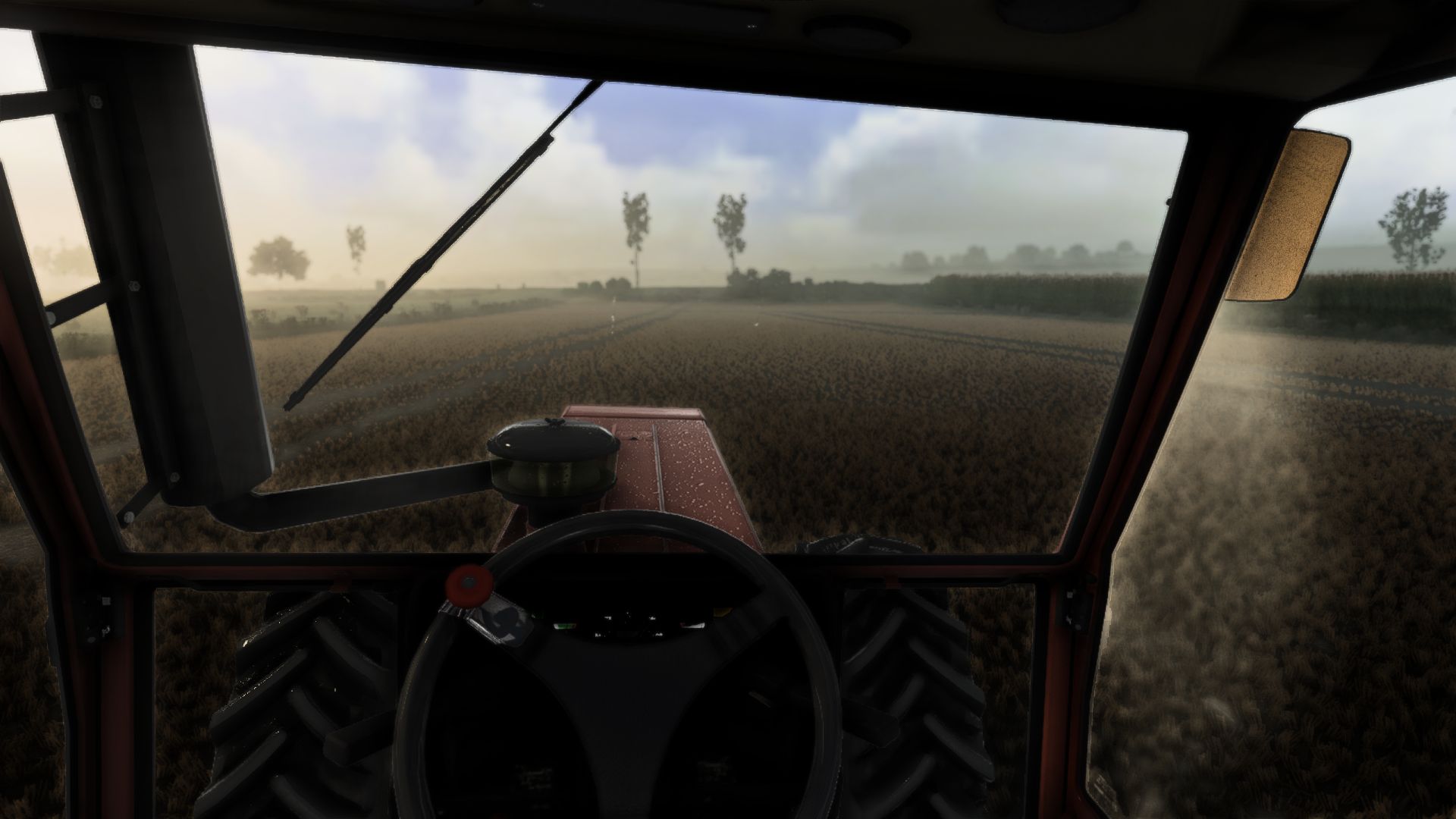
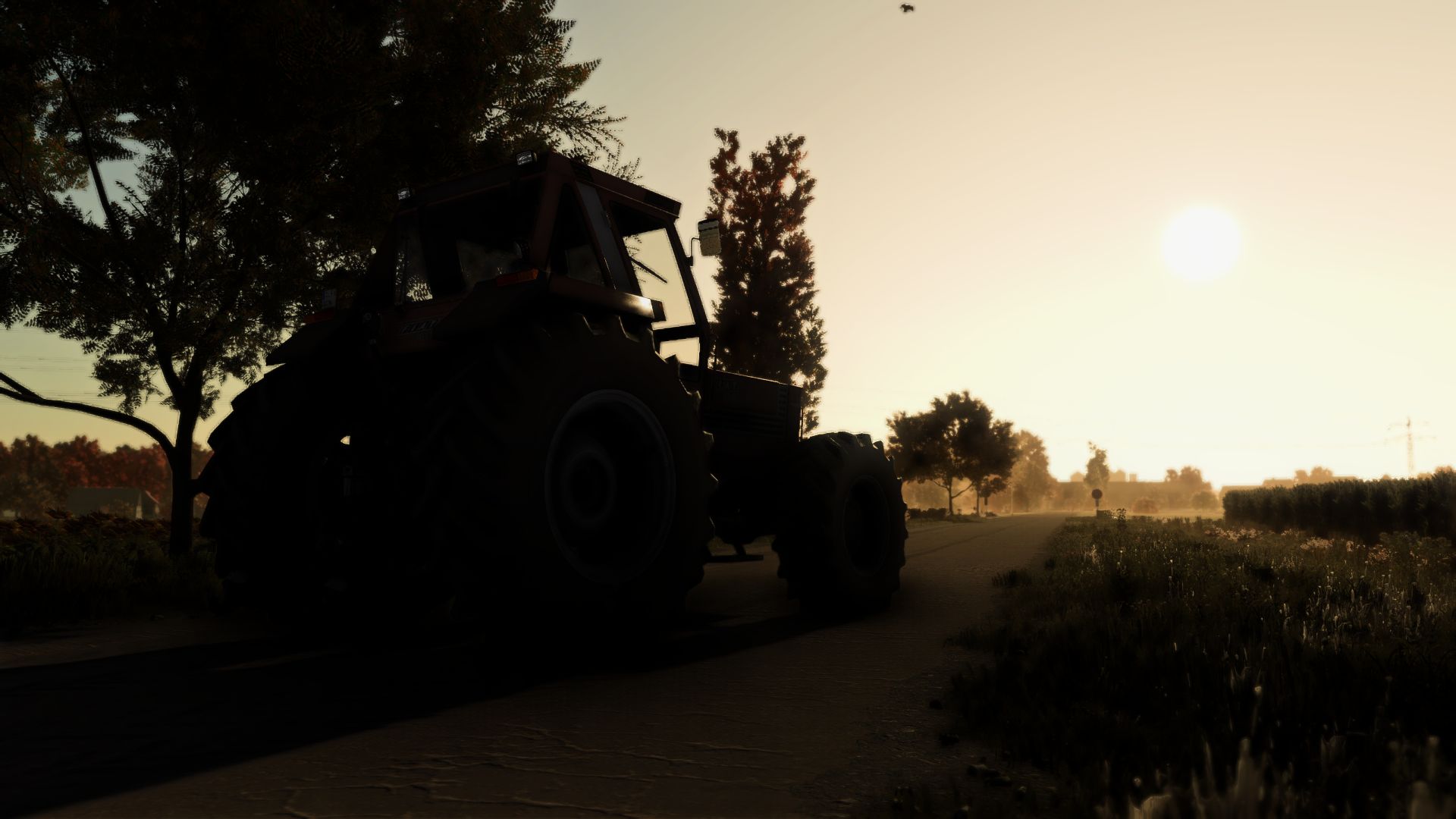
LS25 Next Realsim Reshade Lighting V1.0.0.0
Hi,enjoy the preset and happy farming!
1. Install ReShade (reshade.me) for FarmingSimulator2025.exe (select DirectX 10/11/12).
2. Extract the ZIP file:
– Copy the .ini file into the ‘x64’ folder next to FarmingSimulator2025.exe.
– Copy the ‘nextrealsim’ folder into modsettings -> additionalsetting -> lighting.
3. Launch the game and press HOME (or POS1) to open the ReShade menu.
4. Select the .ini file from the top drop-down menu and click ‘Select’.
More versions coming soon!
Enjoy the preset and happy farming!