LS25 PHOTOREALENV ReShade Preset V3.0.0.0

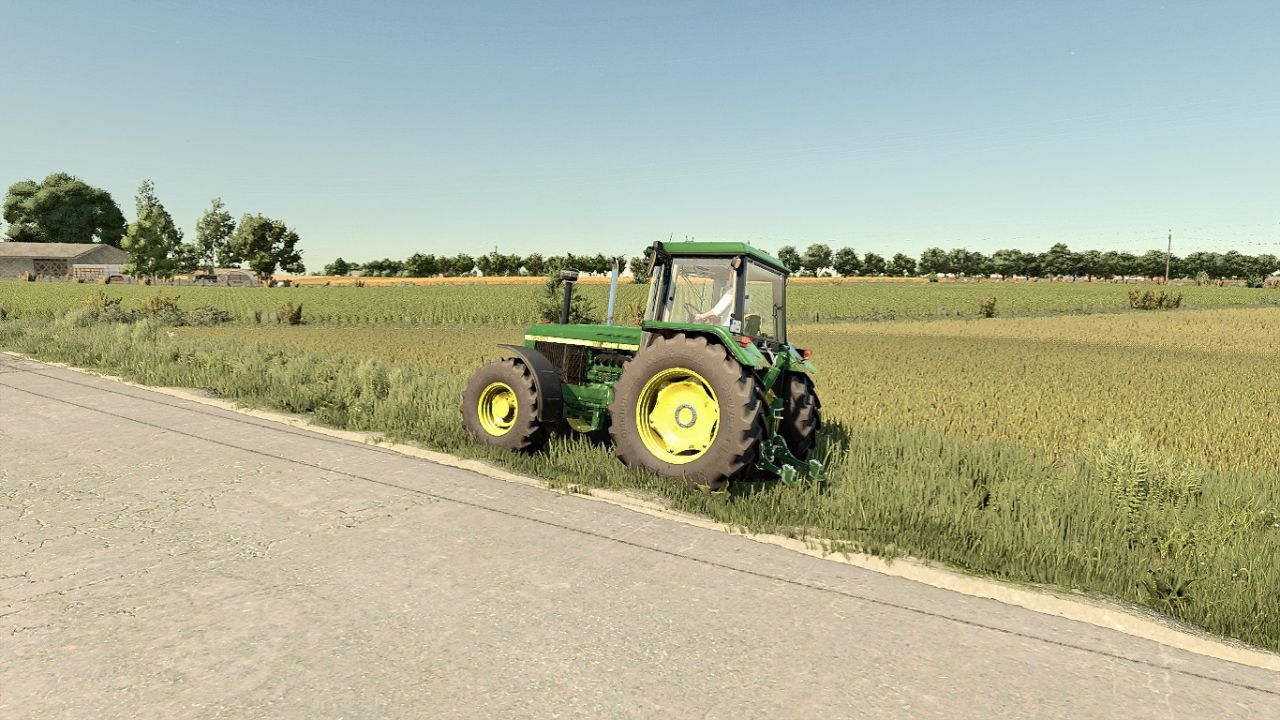
LS25 PHOTOREALENV ReShade Preset V3.0.0.0
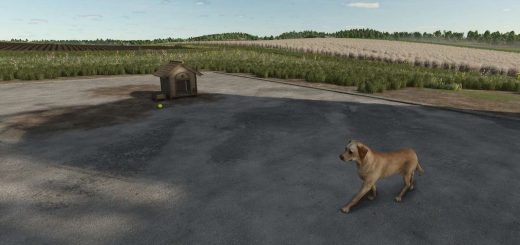
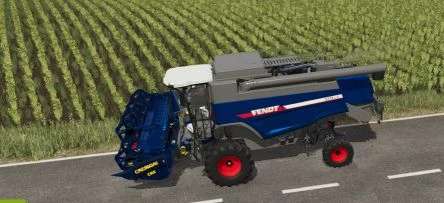
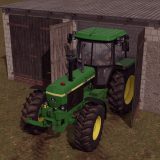
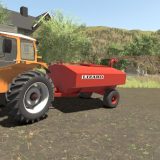
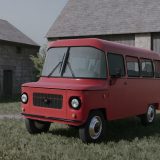
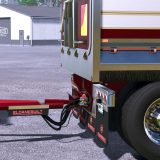
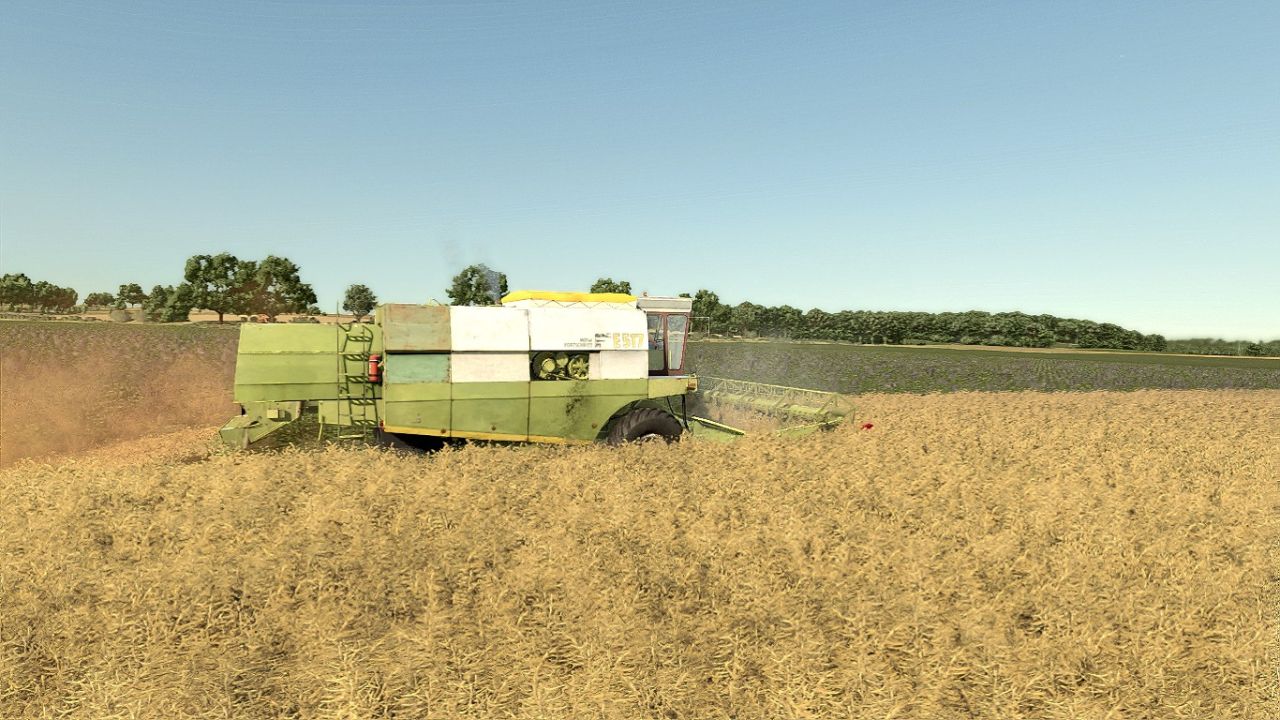
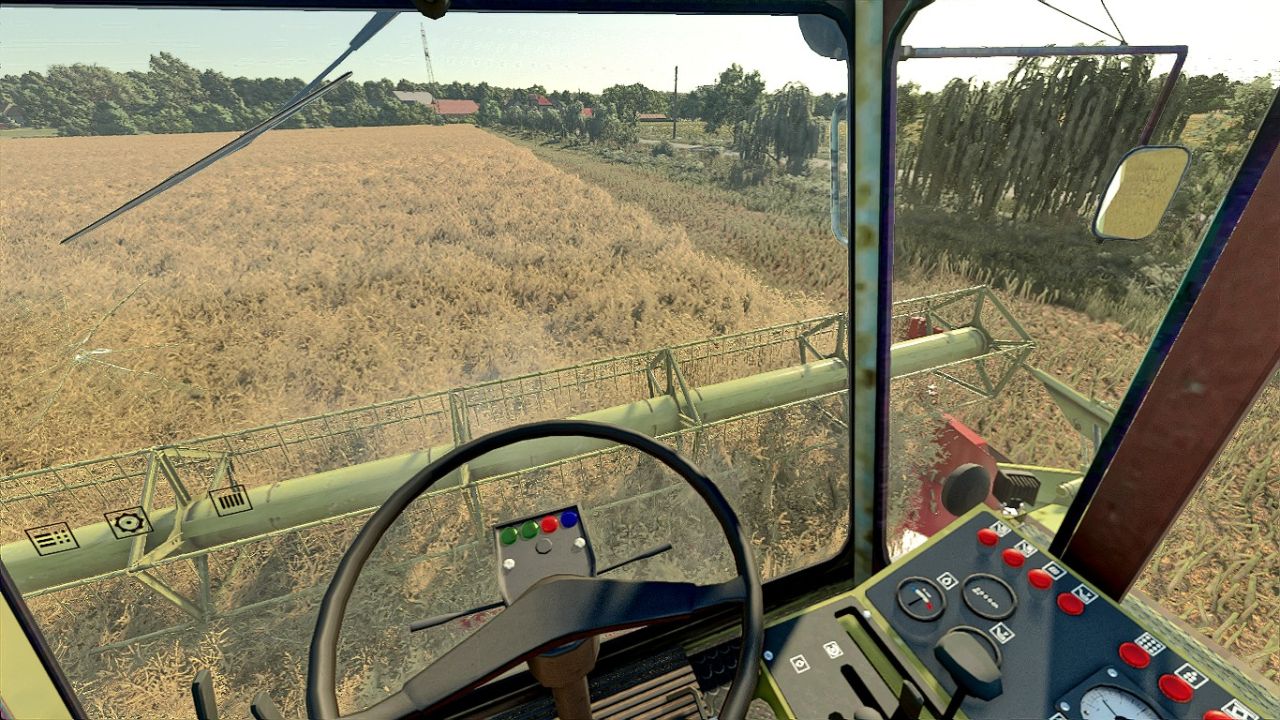
‘PHOTOREALENV III’ reshade preset pack for Farming Simulator 25! My own attempt to make the game look more realistic
RECOMMENDED MODS:
Additional Game Settings
EasyDevControls (for time and fog editing)
Witcombe Park Farm (A must-have mod, as the whole preset is based on its custom lighting)
Without this, the game won’t look like it does in my screenshots!
GRAPHICS SETTINGS:
Brightness scale 2.0
Sharpness 1.0
Note: On the Witcombe and Königshain maps, use a 1.5 brightness scale
V3.0.0.0
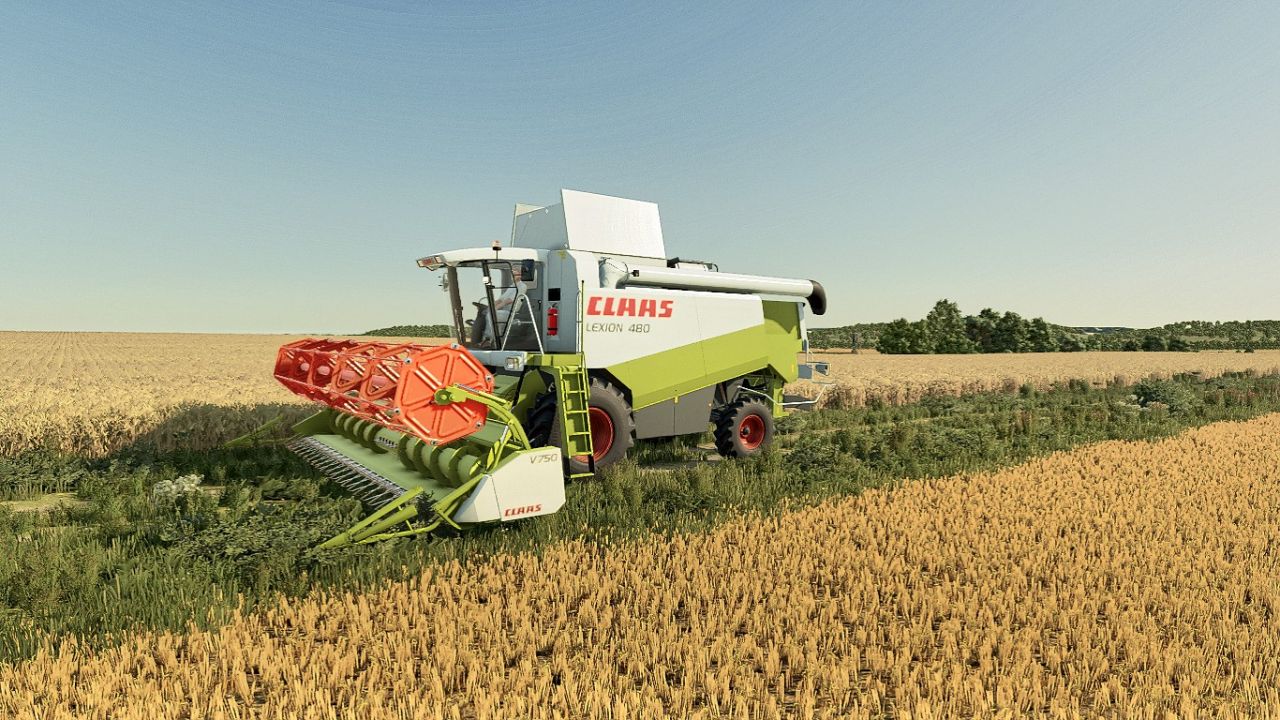
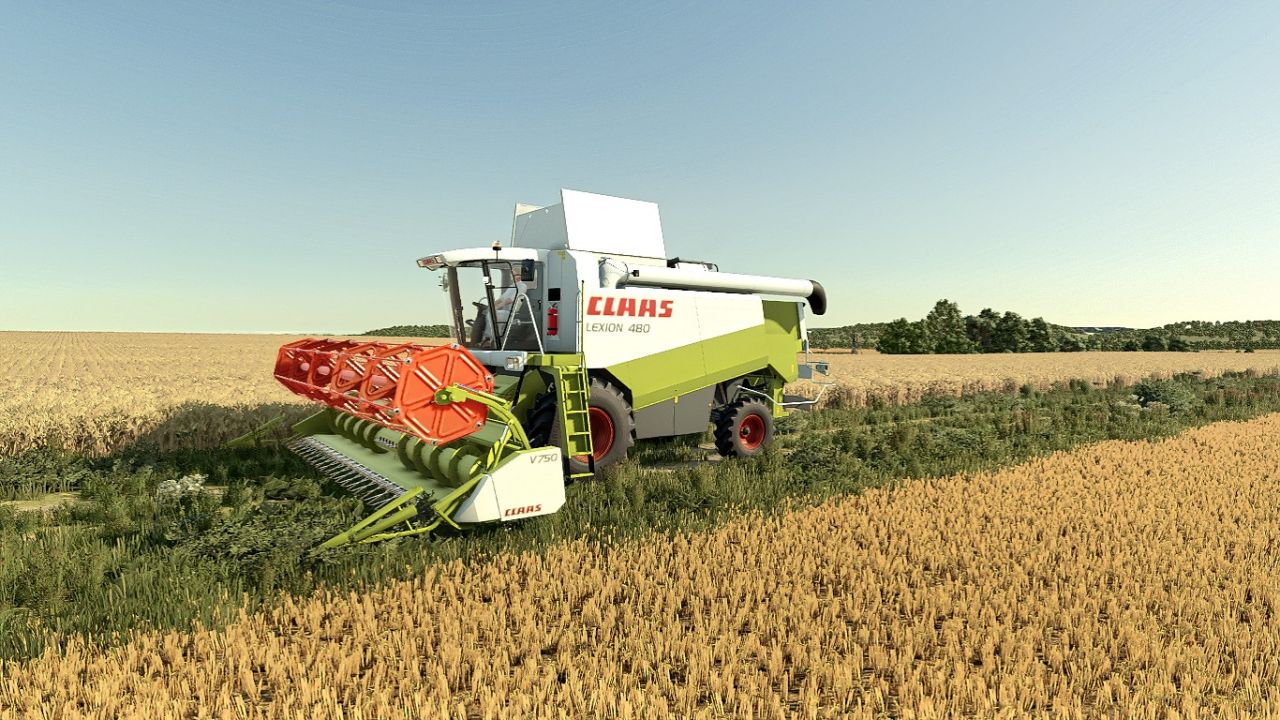
Two versions: normal and extreme (last two pictures)
Reworked green color