LS25 Player fatigue V1.2.0.1


LS25 Player fatigue V1.2.0.1
V1.2.0.1
Reuse of the native FS25 camera/sleep animation during naps.
V1.2.0.0
Added free sleep at any time.
Wake-up time selection in 30-minute increments.
Short nap management.
Fatigue recovery based on sleep duration.
8 hours of sleep = complete recovery.
Uses the native FS25 sleep point.
Reuses the native FS25 sleep camera/animation during naps.
New, more compact and cleaner custom sleep menu.
Improved icons and current time placement.
Fixed menu closing, cursor and return to character control issues.
Fixed saving issues and several Lua errors related to the sleep system.
Add a new dimension of realism to Farming Simulator 25 with a complete character fatigue system.
Fatigue gradually increases as long as the player remains awake. It also changes depending on the activity being carried out and increases more quickly during the night. Once fatigue reaches 75%, the first effects begin to be noticeable.
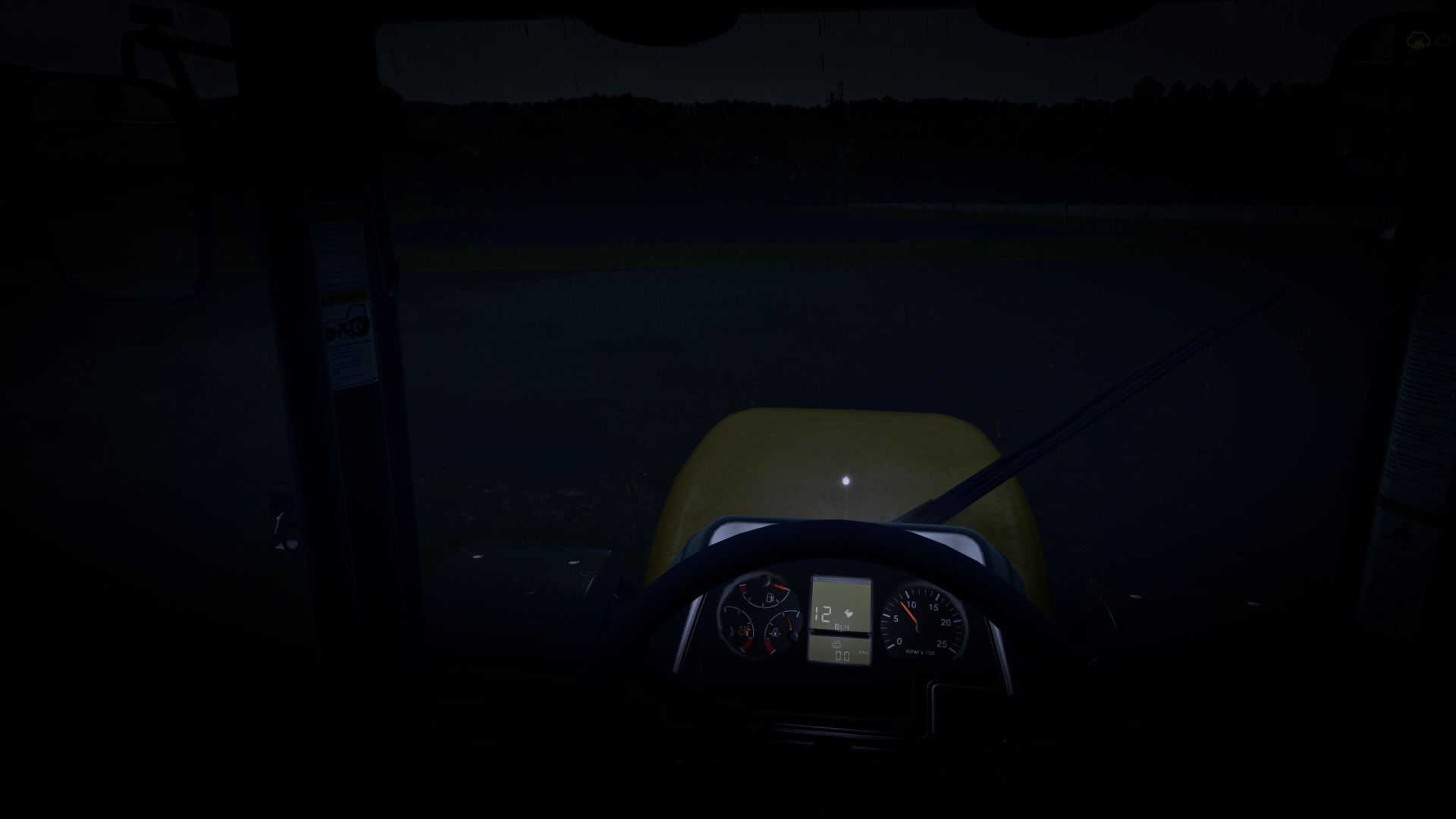
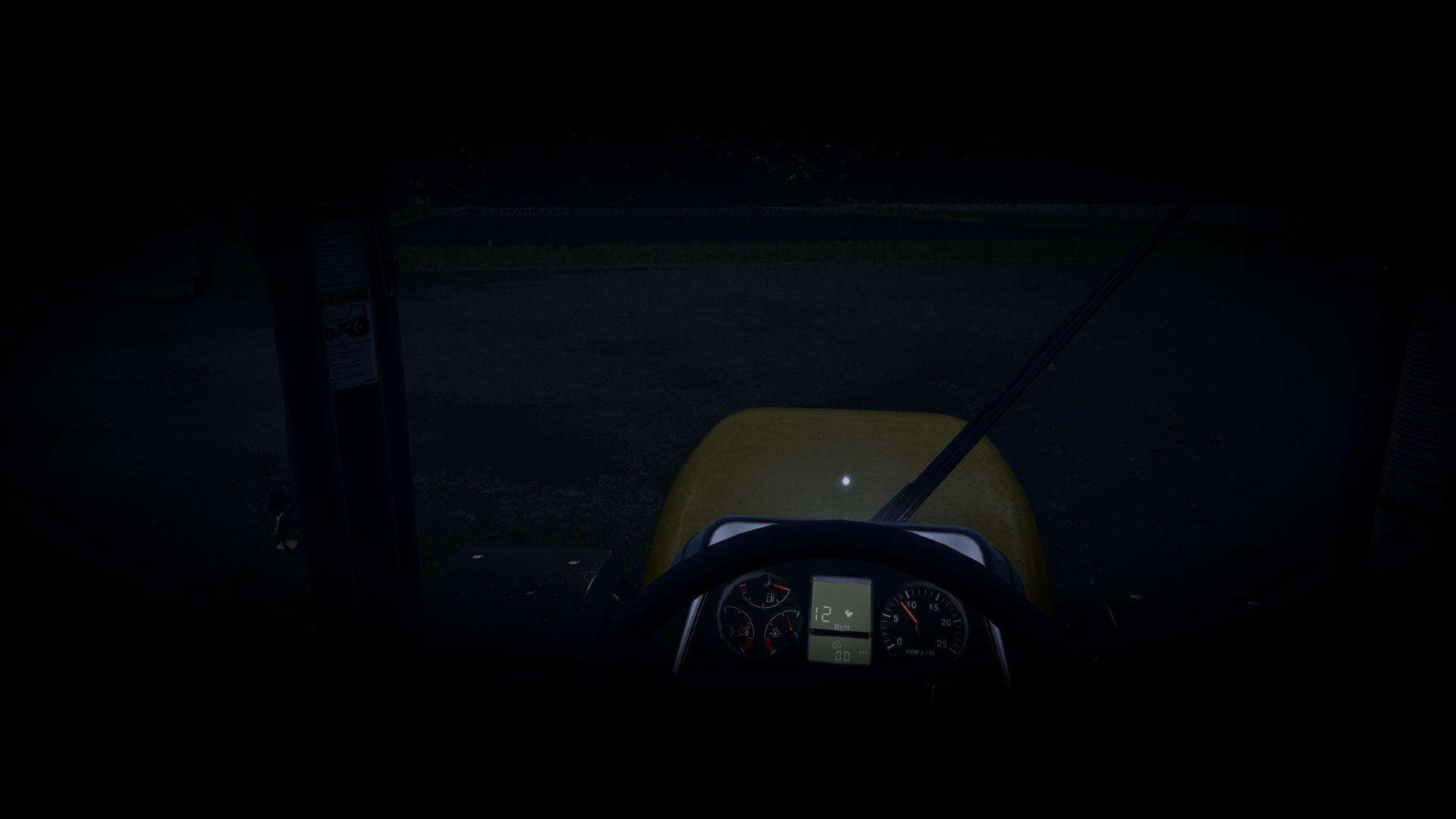
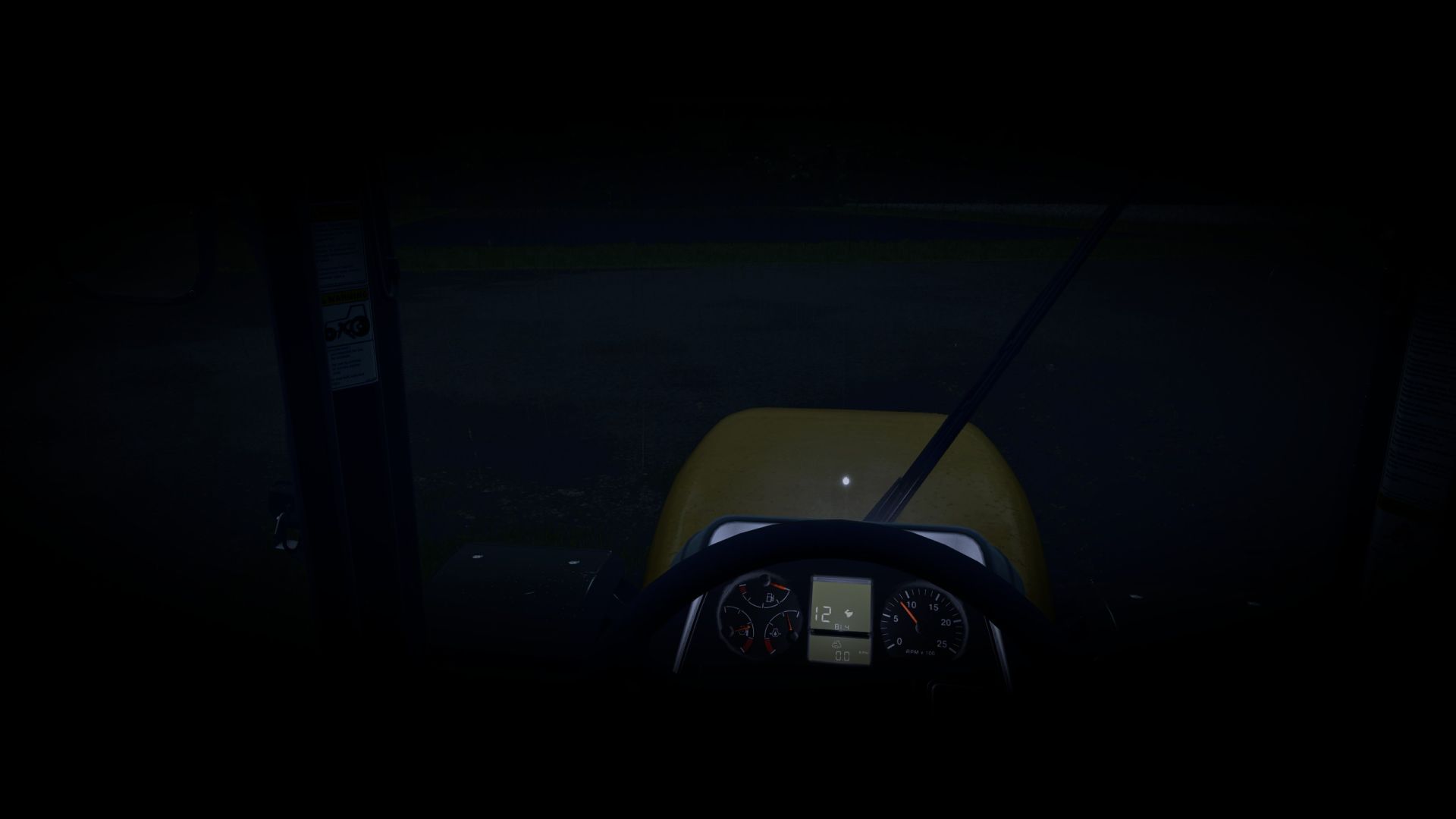
The more fatigue increases, the more visual effects appear: progressive vignette, reduced field of view, tunnel vision and micro-sleeps at very high fatigue levels.
Sleep allows the character to recover. A full 8-hour night completely restores the character, while a shorter sleep period only reduces part of the accumulated fatigue.
The mod does not use any permanent gauge on the screen. Important information is displayed only through the game’s native notifications in order to maintain a clean and immersive interface.
The settings are directly integrated into the game settings and allow you to enable or disable the fatigue system, adjust the rate at which fatigue increases, nighttime fatigue, visual effects and their intensity.
Main features:
Realistic character fatigue system
First effects starting at 75% fatigue
Increased fatigue during the night
Progressive visual effects based on fatigue level
Vignette and tunnel vision
Micro-sleeps at high fatigue levels
Native Farming Simulator 25 notifications
No permanent gauge on the screen
Recovery linked to sleep duration
8 hours of sleep = complete recovery
Settings directly integrated into the game settings
Multiplayer compatible