LS25 Player Speed V1.2.0.0

LS25 Player Speed V1.2.0.0
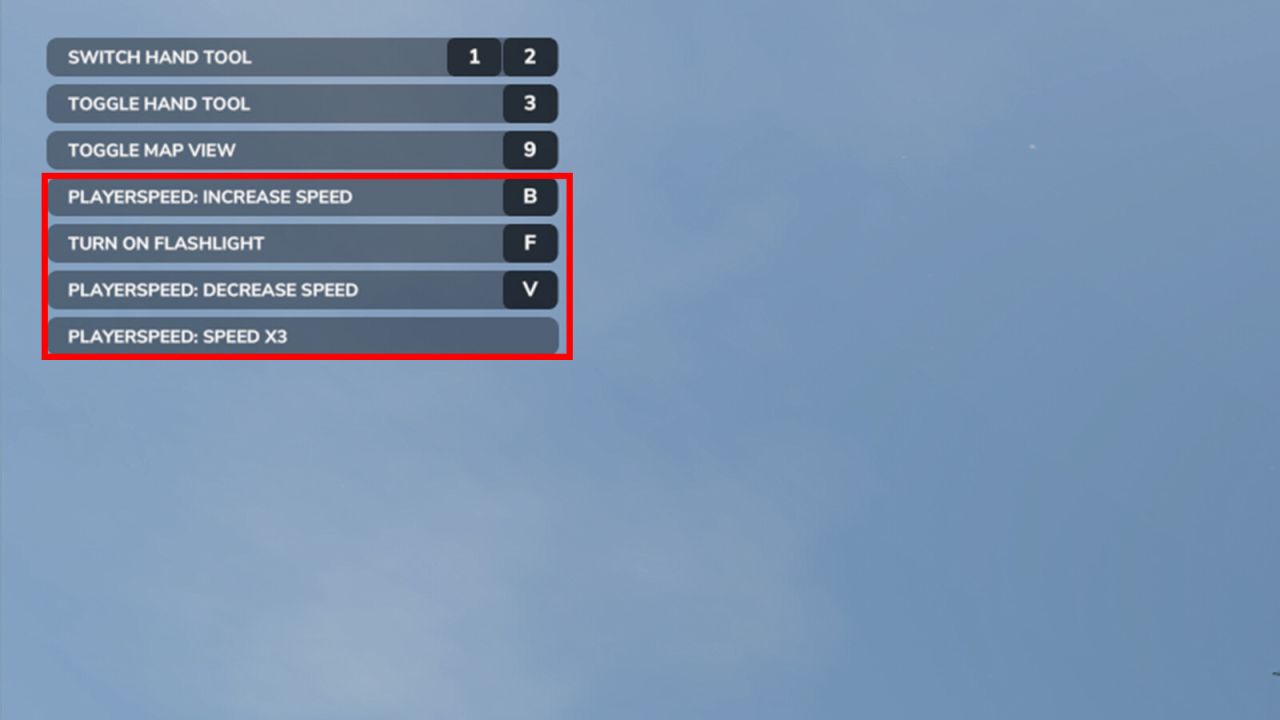
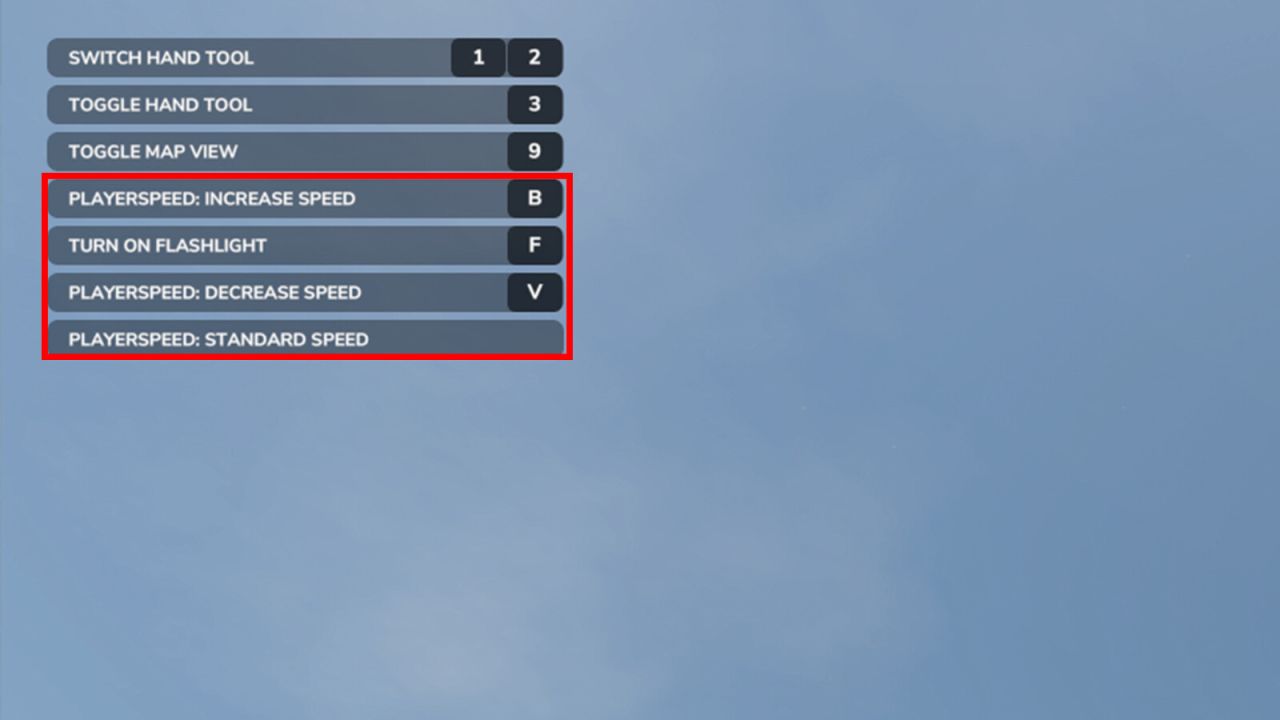
This mod lets you change the farmer’s movement speed by a selectable ratio.
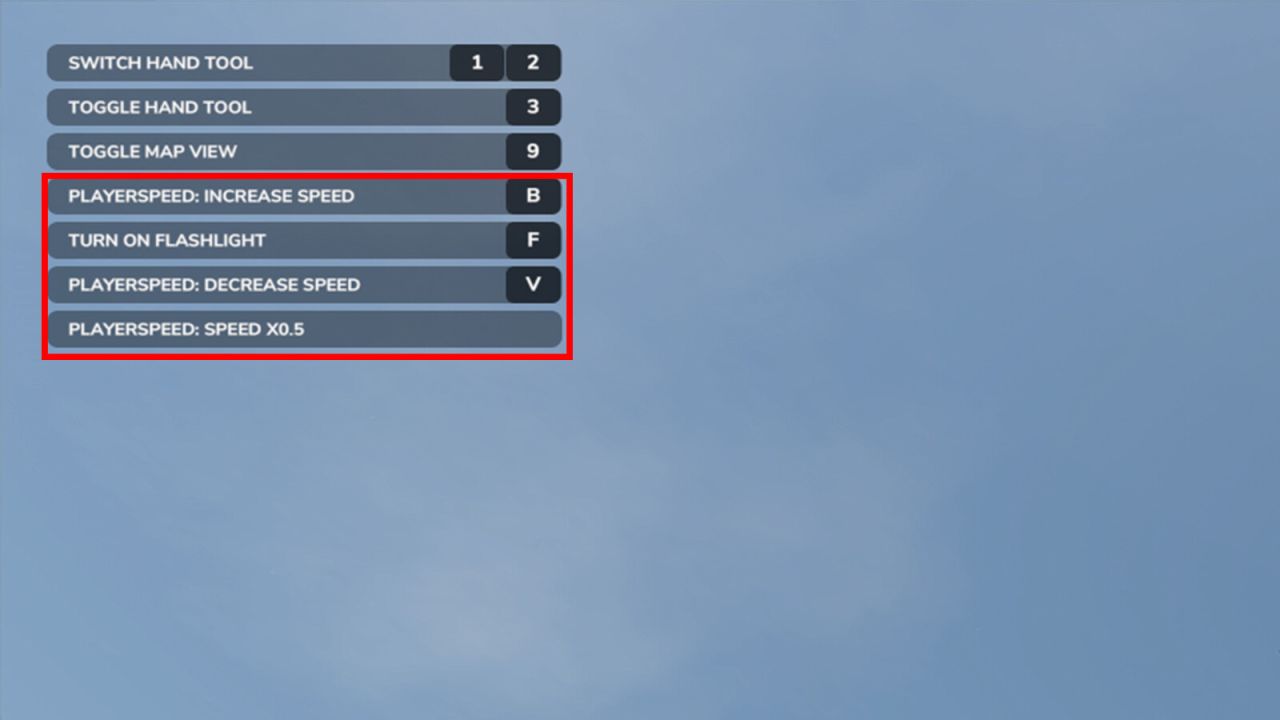
Default multipliers: x0.2, x0.5, x0.7, standard, x3, x8, x15
Hotkeys:
Increase the speed multiplier with keyboard B
Decrease the speed multiplier with keyboard V
Custom multipliers:
The file modSettings/FS25_PlayerSpeed.xml (in the game’s user folder) is created at the first start. It lists the selectable multipliers (up to 10, each greater than 0 and at most 50) applied to the farmer’s standard speed: edit, add or remove them freely, e.g. makes the farmer 25 times faster. Without any valid multiplier, the default ones are used. The last selected multiplier is stored there when you save the game and restored at the next start.
Warnings:
– you could encounter visual glitches, but they should not affect the performance nor savegame;
V1.2.0.0
Customize your preferred farmer multipliers in the file modSettings/FS25_PlayerSpeed.xml
Your last speed is saved when you save the game
Your speed also works in flight mode
The farmer no longer slides far when you slow down while walking
You can run while holding a chainsaw
The mod pauses while another speed boost is active (super speed, PowerTools, fast modded chainsaws)
Player Speed publishes its status so that other mods can subscribe to messages