LS25 Real Dirt Color V1.2.0.0
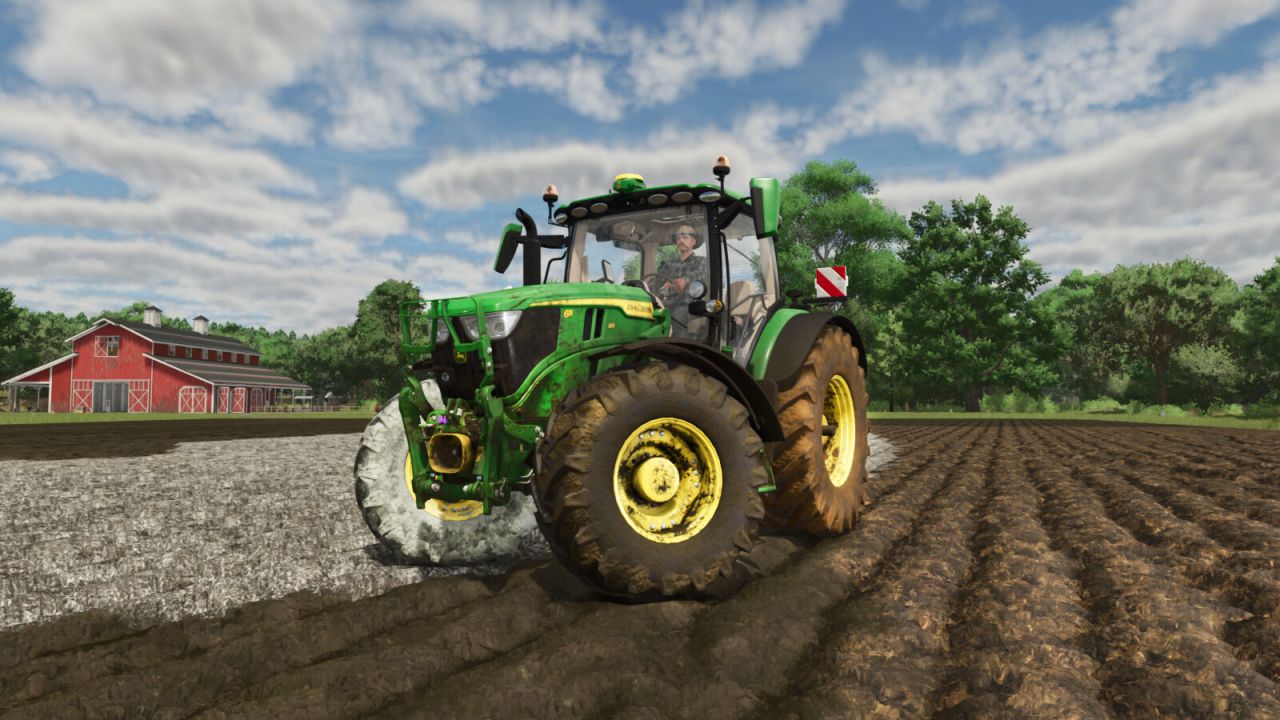

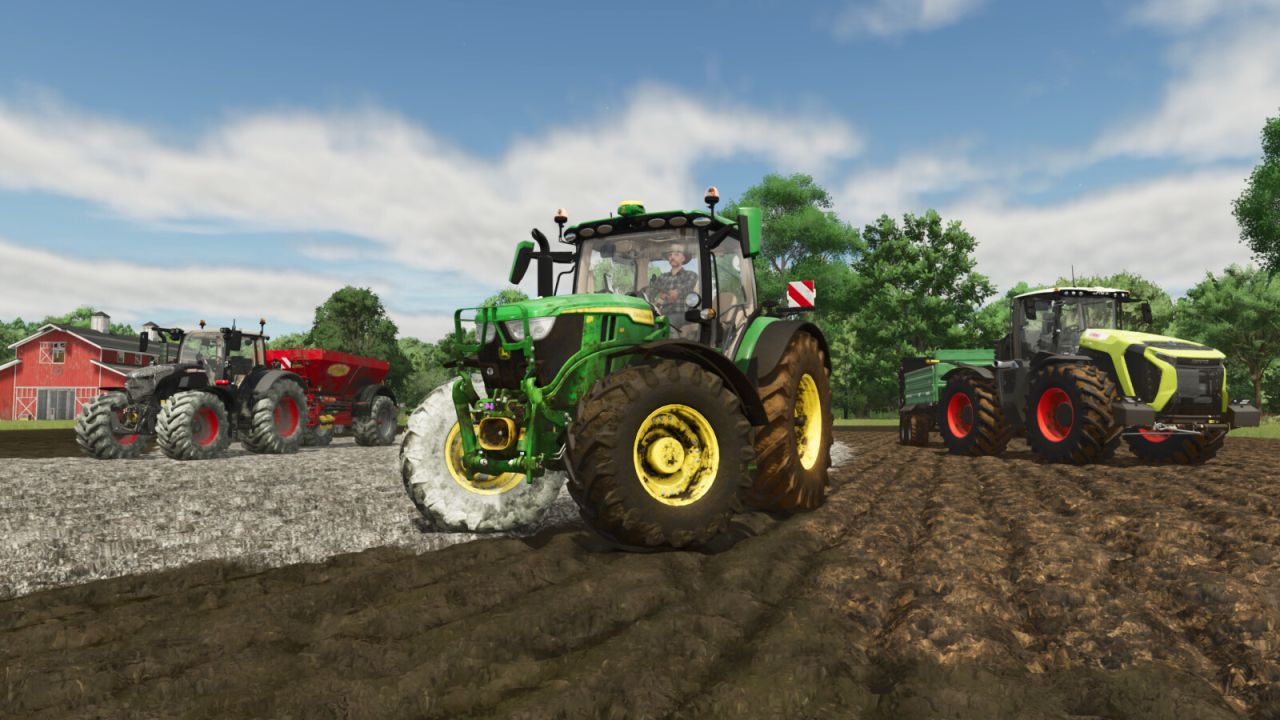
LS25 Real Dirt Color V1.2.0.0
Change Log v1.2.0.0.
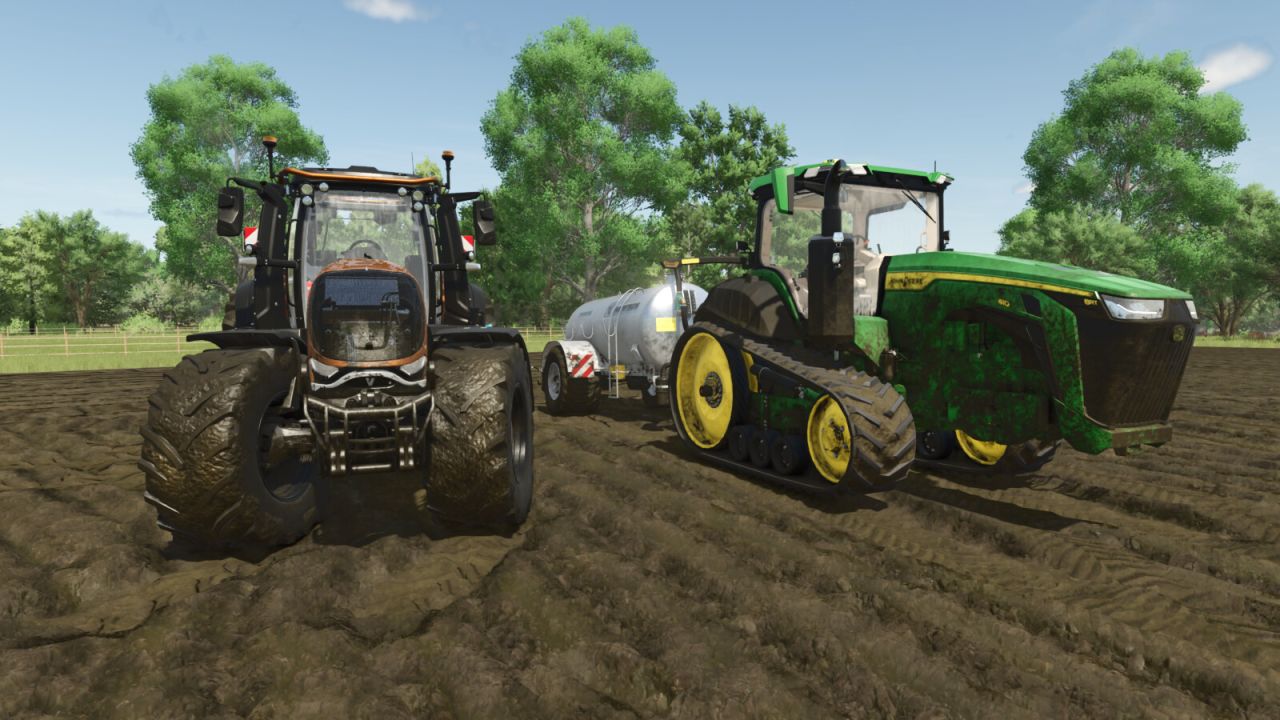
Added wet tire feature for slurry/digestate.
Slightly greener slurry/digestate color to better match the field’s sprayed color.
Re-added old method for detecting Maps with Red dirt, both methods now work (method 2: custom map’s set default color).
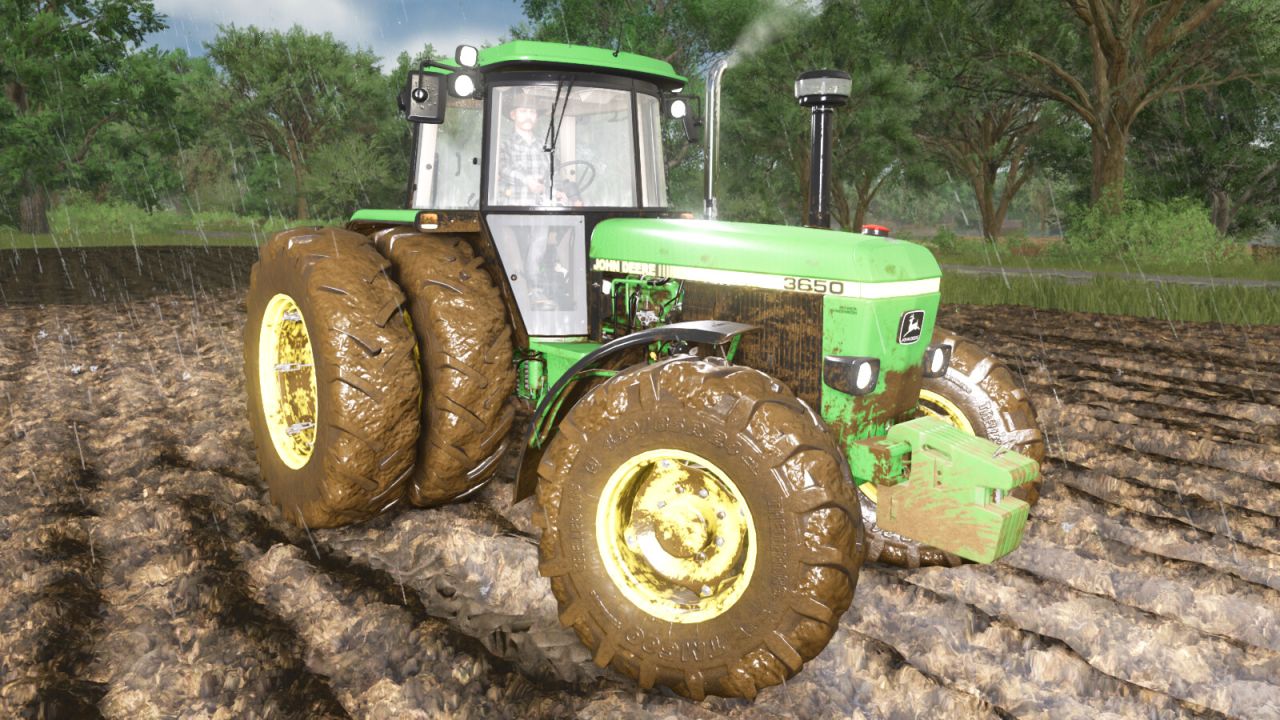
Fixed detection areas for vehicles with more than one wheel (duals, triples etc).
New bug fixes for vehicle parts.
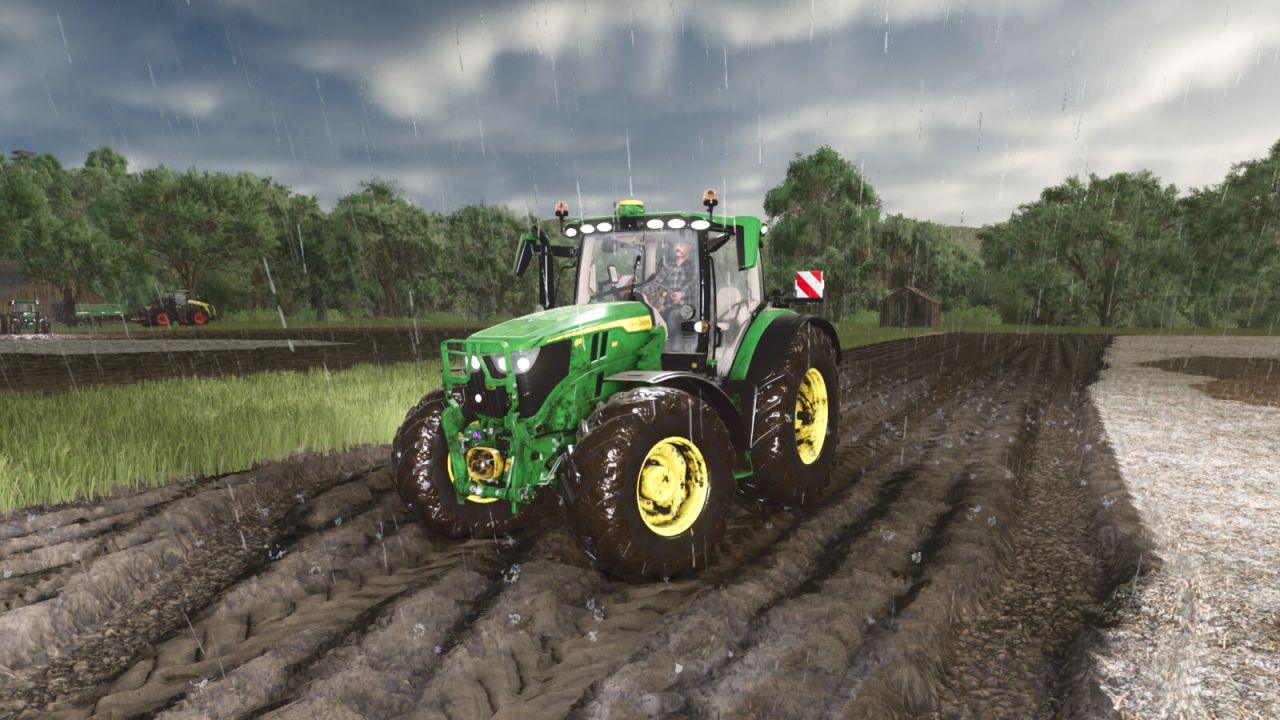
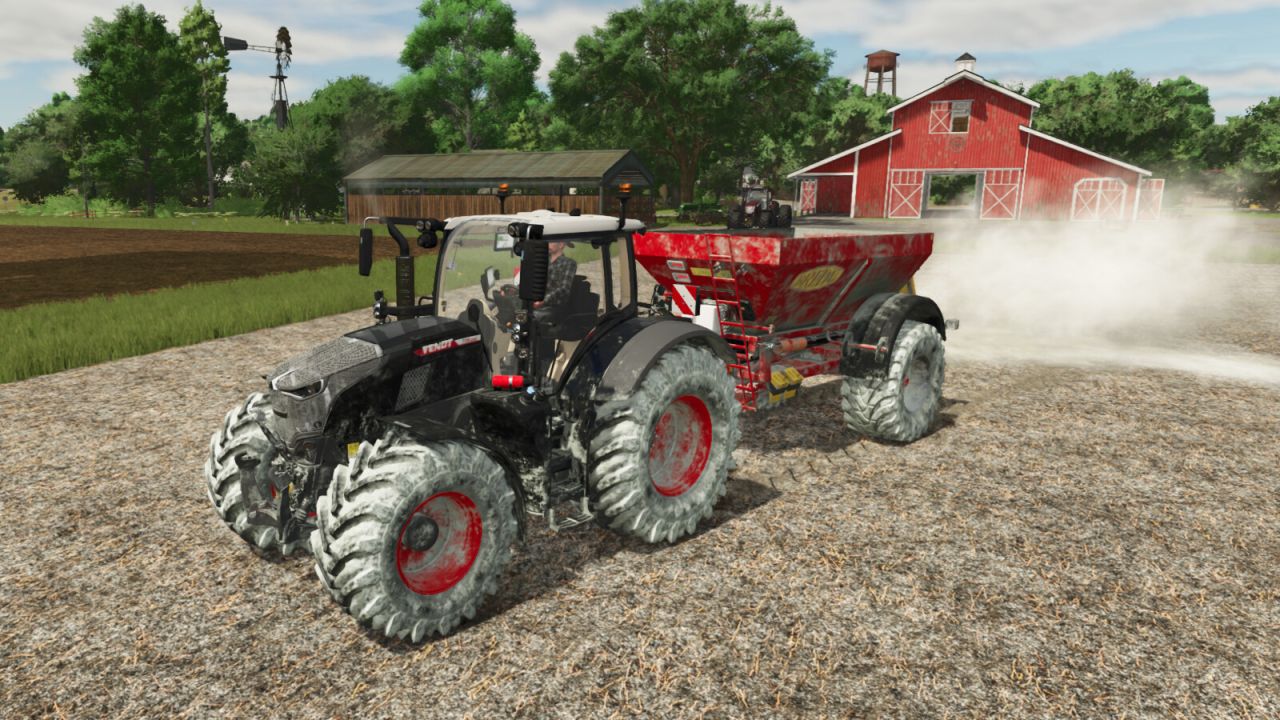
Real Dirt Color changes all vehicles/tools dirt color to the surrounding environment.
– 10 color variations including: Brown Dirt, Brown Mud, Red Dirt, Red Mud, Grass, Chaff, Manure, Slurry, Lime, and Snow.
– Colors are blended back and forth using a variable speed.
– 2 modes available via xml settings file: “Simple mode” and “Independent wheel mode”.
– Tweakable color change speed.
– See files in your game’s “modSettings folder” for modding options / information.
– Uses a map’s default dirt color as the default color.
– Real time snow melting detector changes the snow on your vehicles back to the normal dirt color.
V1.1.5.0
Bug fixes; updated the checks performed on vehicle parts .