LS25 Real Dirt Color v1.2.0.1

LS25 Real Dirt Color v1.2.0.1
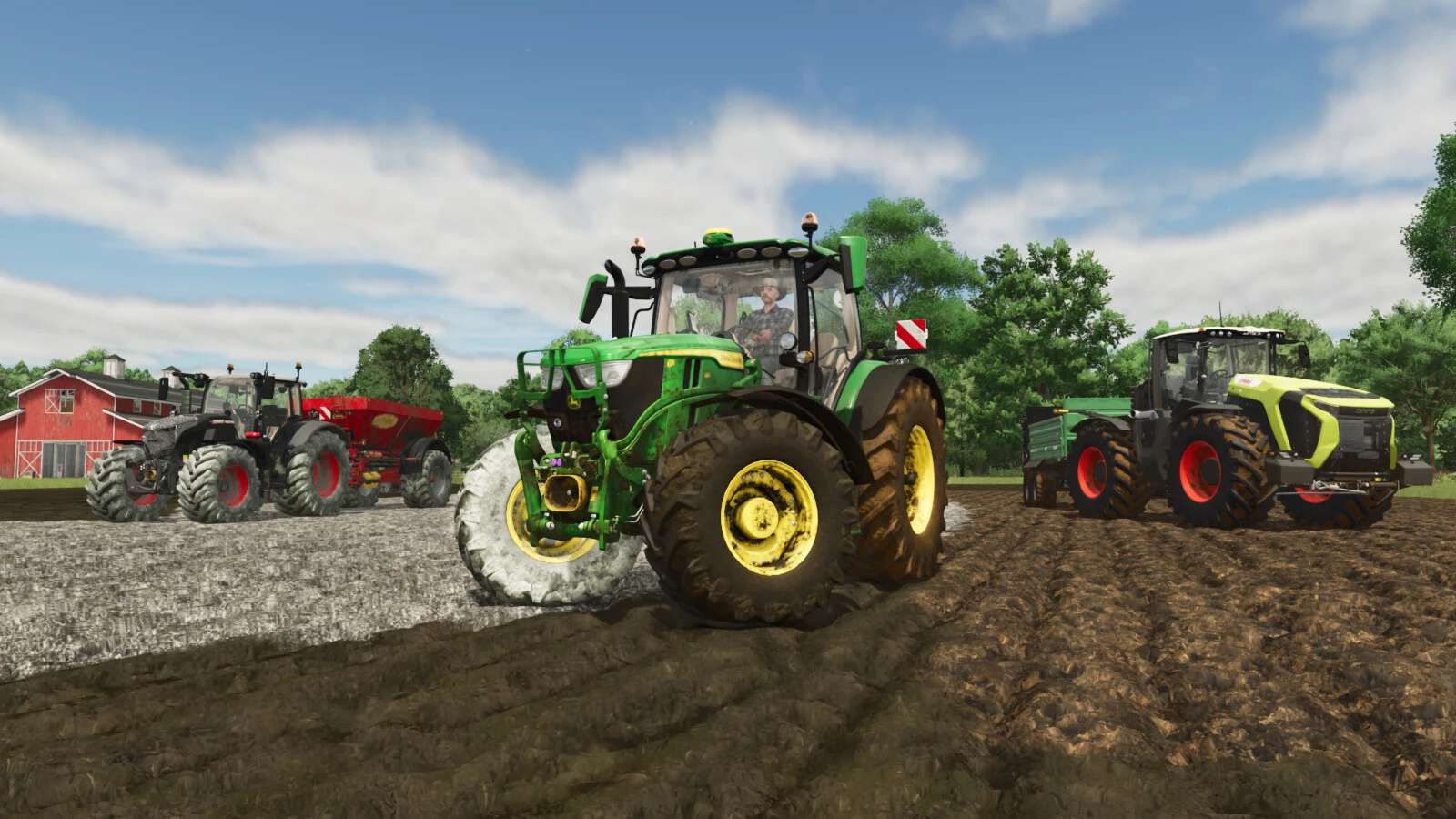
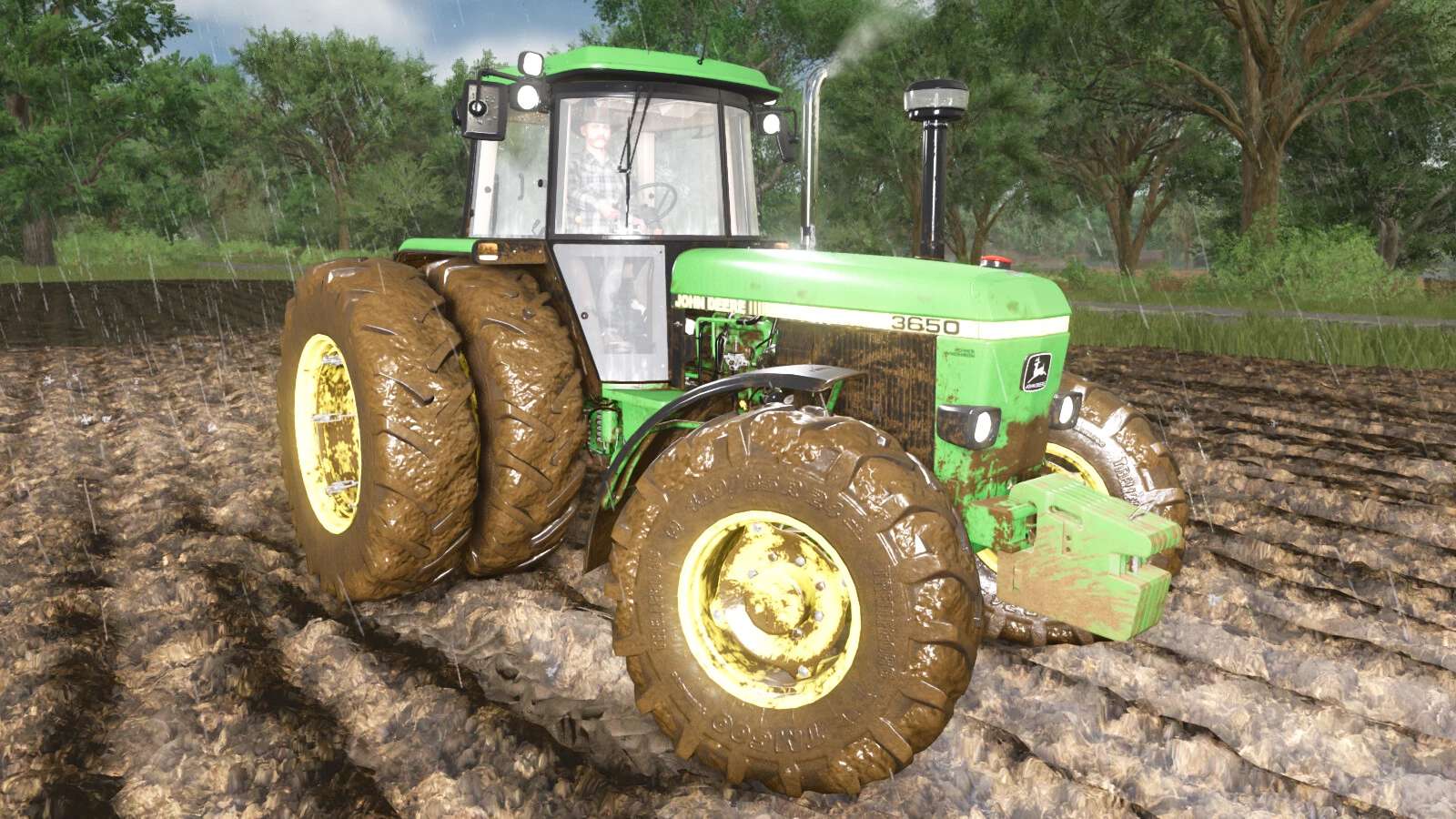
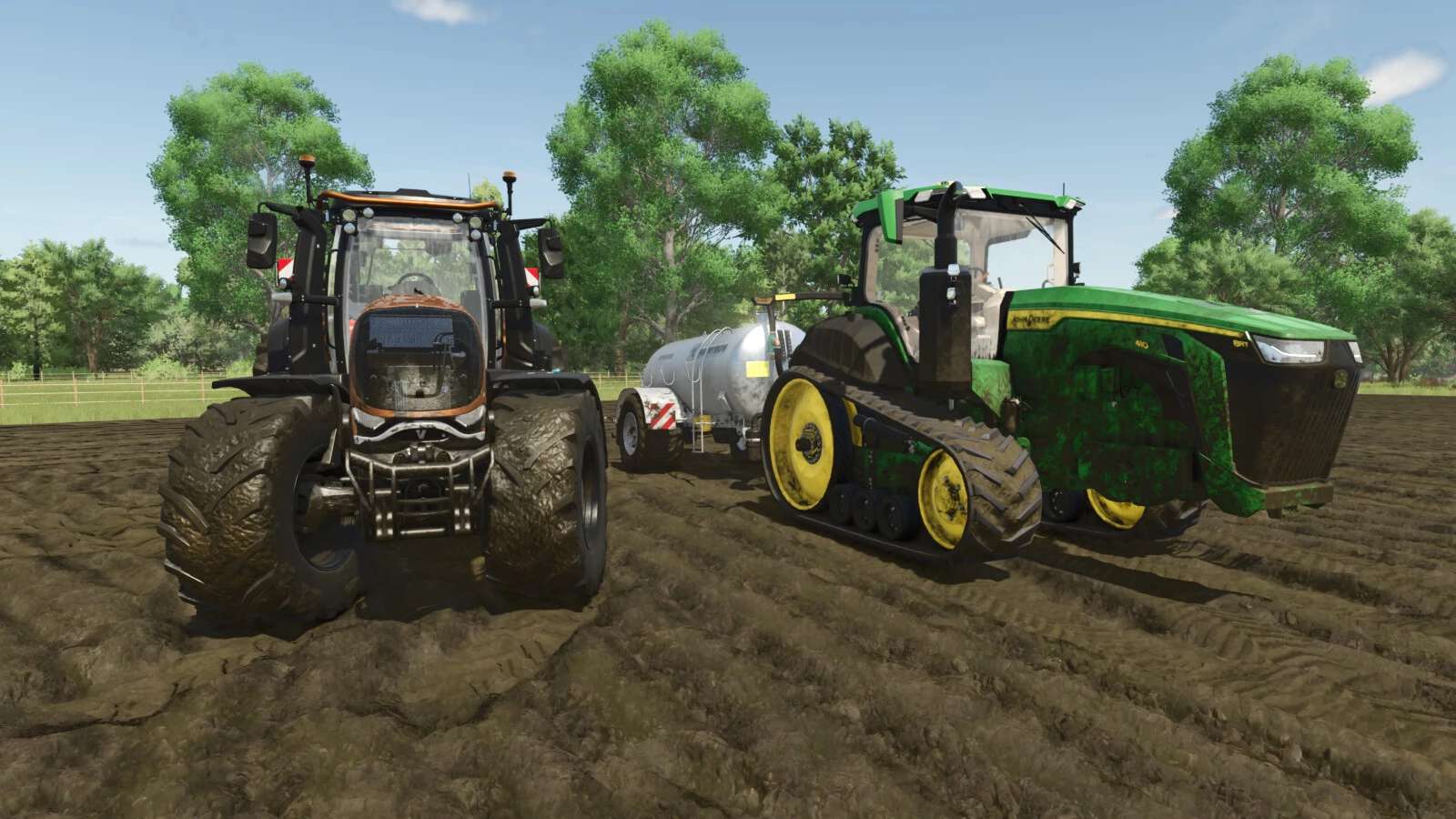
Real Dirt Color changes all vehicles/tools dirt color to the surrounding enviroment.
Change Log v1.2.0.1
Fixed error in snowmelting script.
10 color variations including: Brown Dirt, Brown Mud, Red Dirt, Red Mud, Grass, Chaff, Manure, Slurry/Digestate, Lime, and Snow.
Slurry and Digestate covered fields will make the tires wet, this setting can be limited or disabled via xml settings file.
Uses a map’s default dirt color as the default color. (Useful for southern maps with red dirt).
Any map detected with a name set in the settings file’s “Red Dirt Maps” section will use both red dirt and mud colors.
Colors are blended back and forth using a variable speed.
2 modes available via xml settings file: “Simple mode” and “Independent wheel mode”.
Tweakable color change speed.
See files in your game’s “modSettings folder” for modding options / information.
Real time snow melting detector changes the snow on your vehicles back to the normal dirt color.
Change Log v1.0.4.0
Added support to check the parts of vehicles which will prevent errors if the game removes any during gameplay.
Change Log v1.1.5.0
Bug fixes; updated the checks performed on vehicle parts.
Change Log v1.2.0.0
Added wet tire feature for slurry/digestate.
Slightly greener slurry/digestate color to better match the field’s sprayed color.
Re-added old method for detecting Maps with Red dirt, both methods now work (method 2: custom map’s set default color).
Fixed detection areas for vehicles with more than one wheel (duals, triples etc).
New bug fixes for vehicle parts.