LS25 Real Vehicle Monitor V1.0.0.0


LS25 Real Vehicle Monitor V1.0.0.0
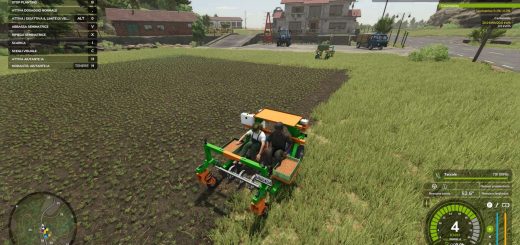
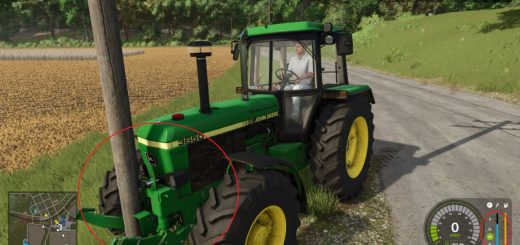
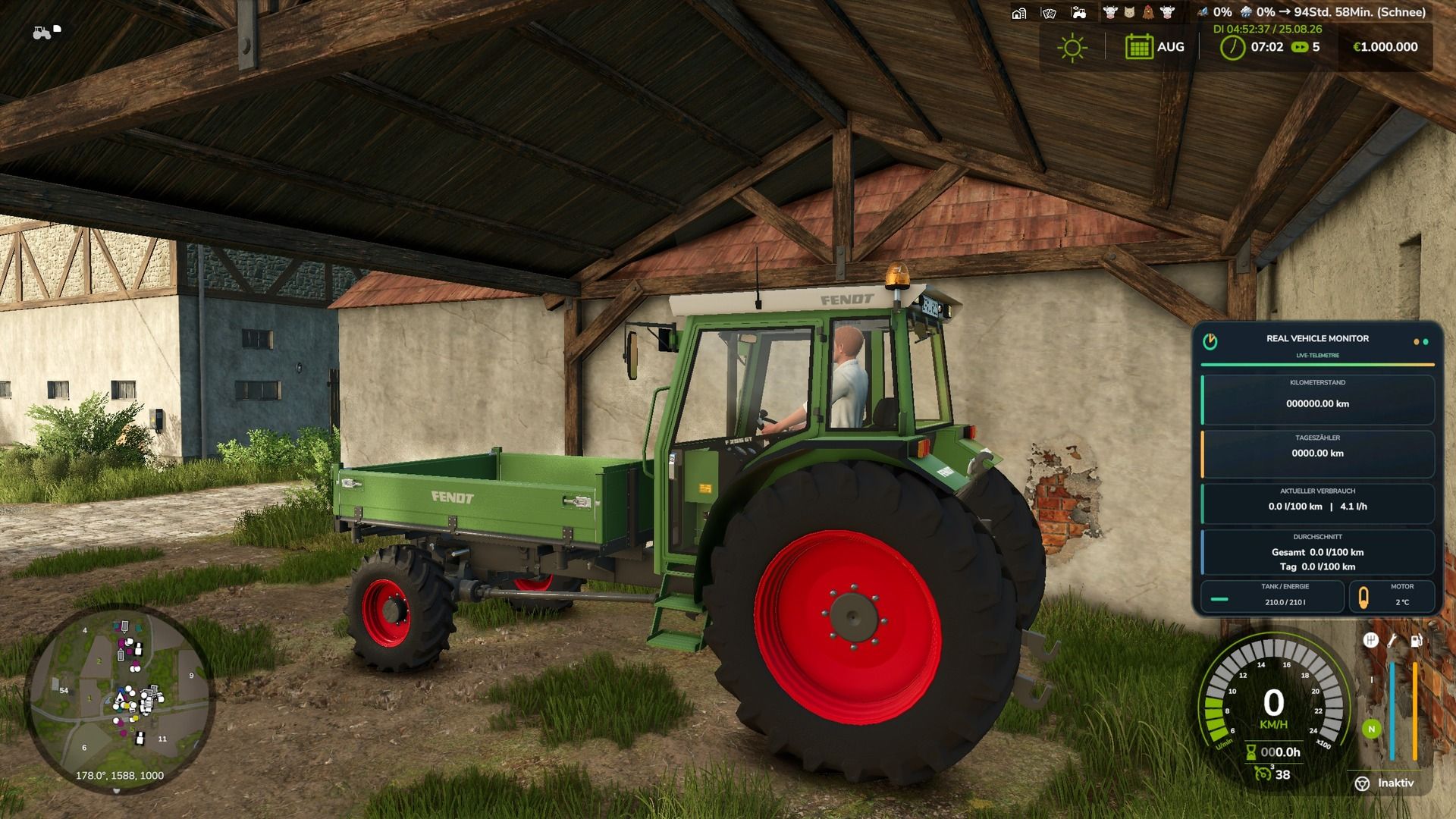
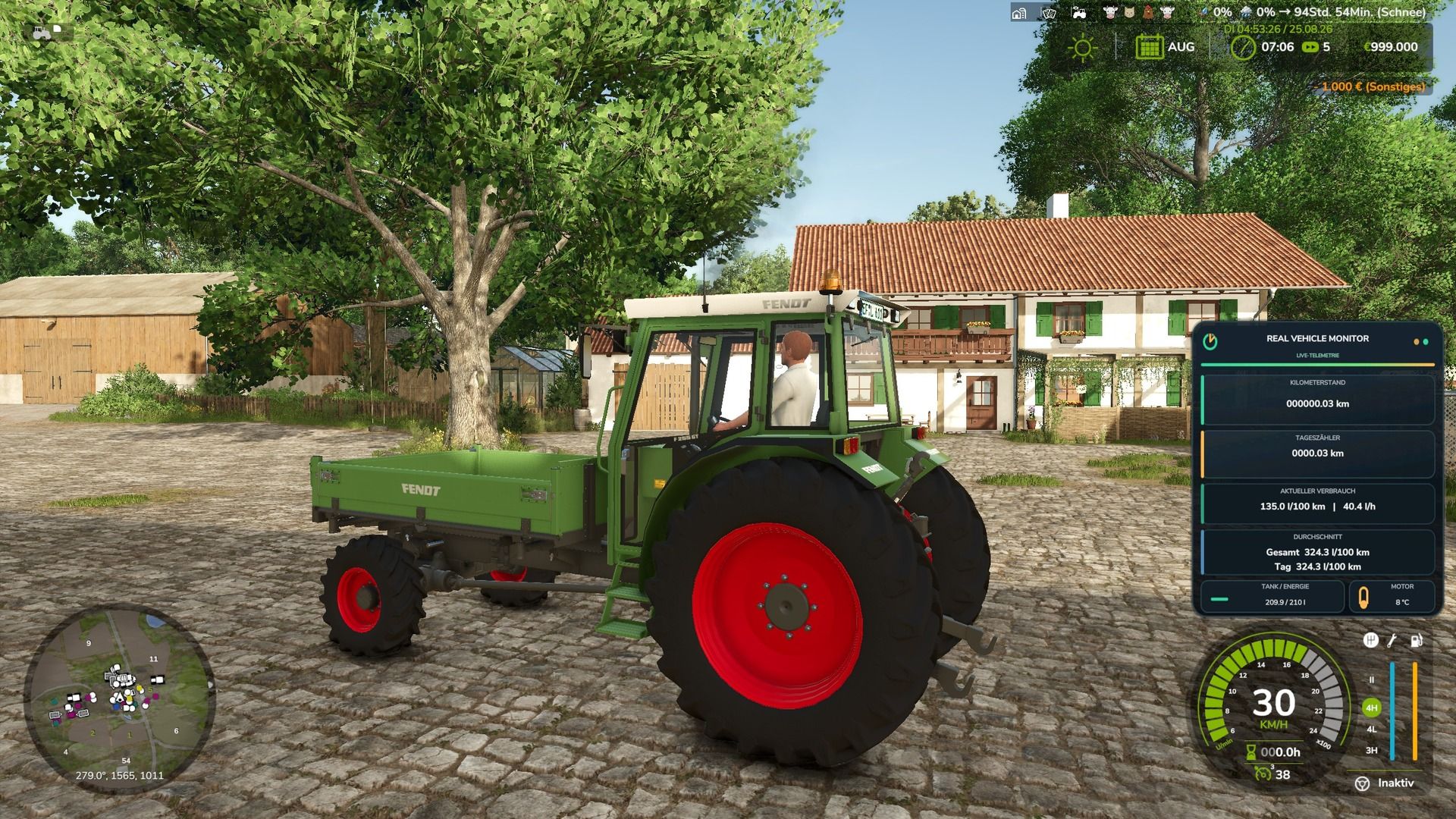
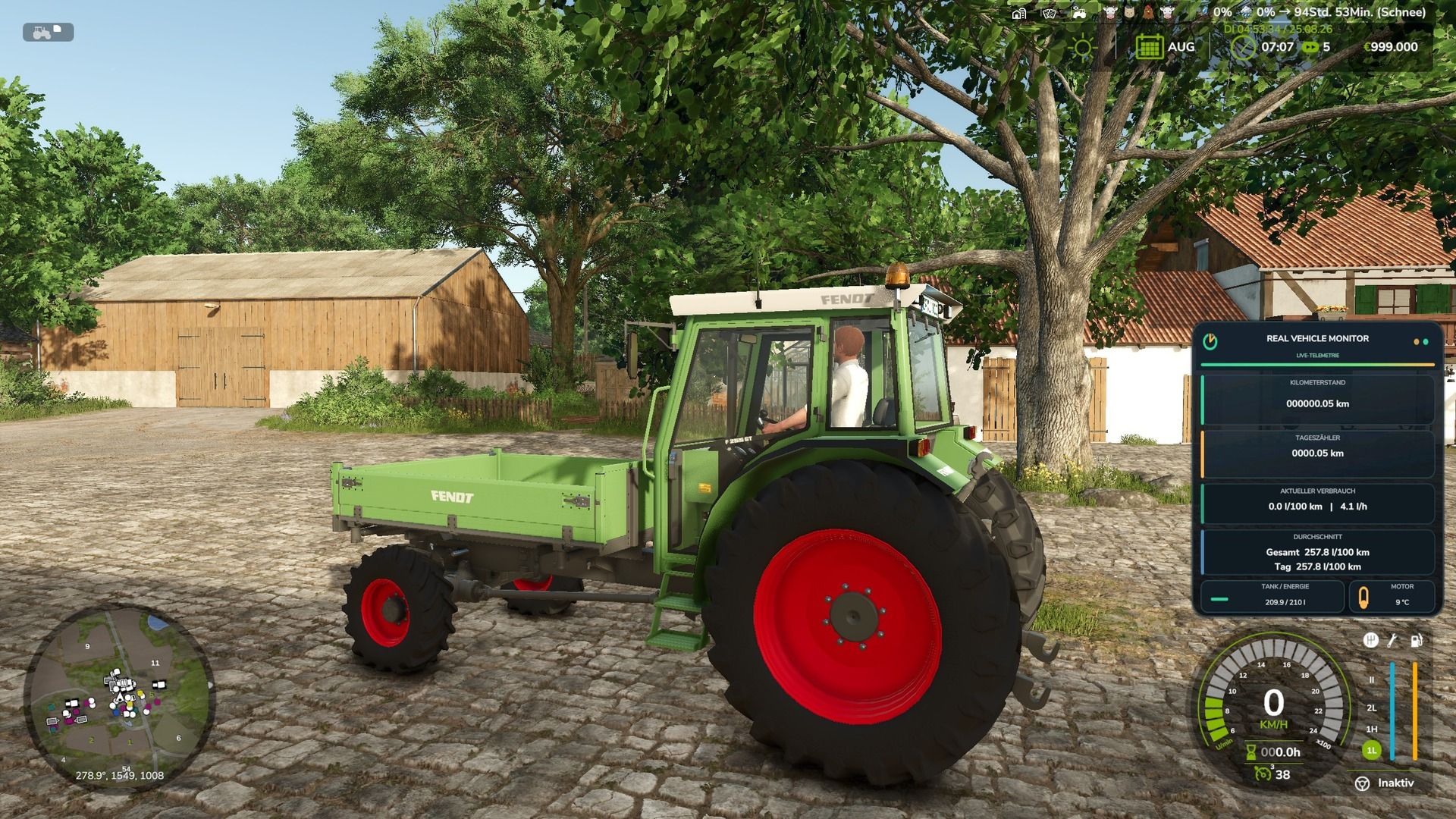
Real Vehicle Monitor expands Farming Simulator 25 with a modern and freely positionable vehicle data HUD.
Real Vehicle Monitor
The display shows important vehicle data clearly and in real time.
Odometer reading and trip odometer are saved for each vehicle and are retained even after saving and reloading the game.
Features:
Permanently stored mileage
Resettable day counter
Current consumption per hour and per 100 kilometers
Overall and daily average
Accurate display of the tank or energy level
Realistic engine temperature with warm-up and cool-down phases
Support for diesel, electric and methane vehicles
Movable and scalable HUD
Display can be set for individual vehicles or completely deactivated.
Multiplayer and dedicated server support
Standard key layout:
Left Alt key + R: Reset day counter
Left Alt key + F: Switch average display
Left Alt key + Number pad 4/6/8/5: Move HUD
Left Ctrl key + Num Lock Plus: Change HUD size
Left Ctrl key + Num Lock Minus: Show or hide help texts
Left Alt key + V: Turn the display for the current vehicle on or off.
Left Ctrl key + left Alt key + V: Turn the HUD completely on or off.
The key bindings can be changed in the game settings.