LS25 Realistic Shader V1.0.0.0

LS25 Other

LS25 Realistic Shader V1.0.0.0
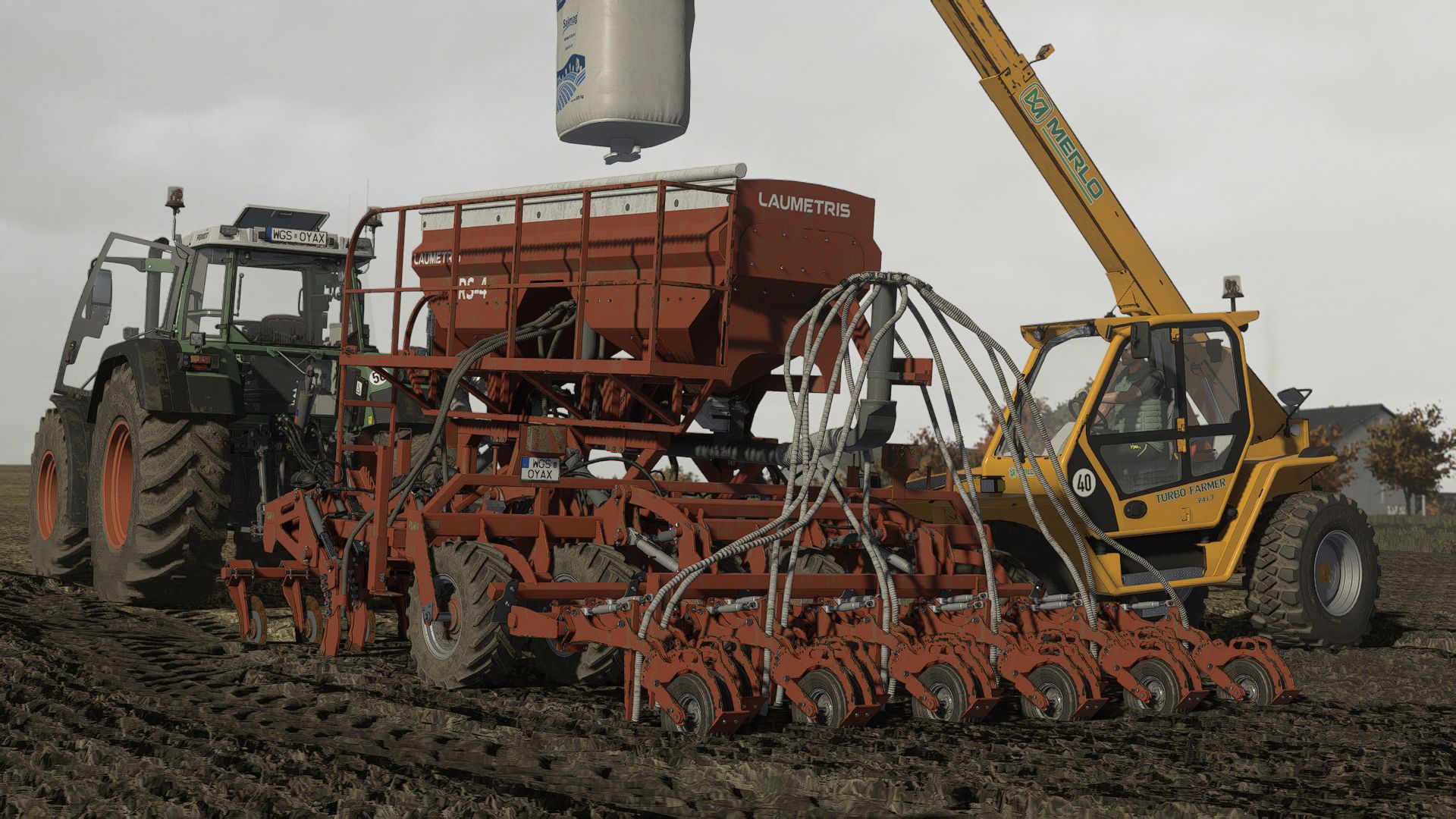
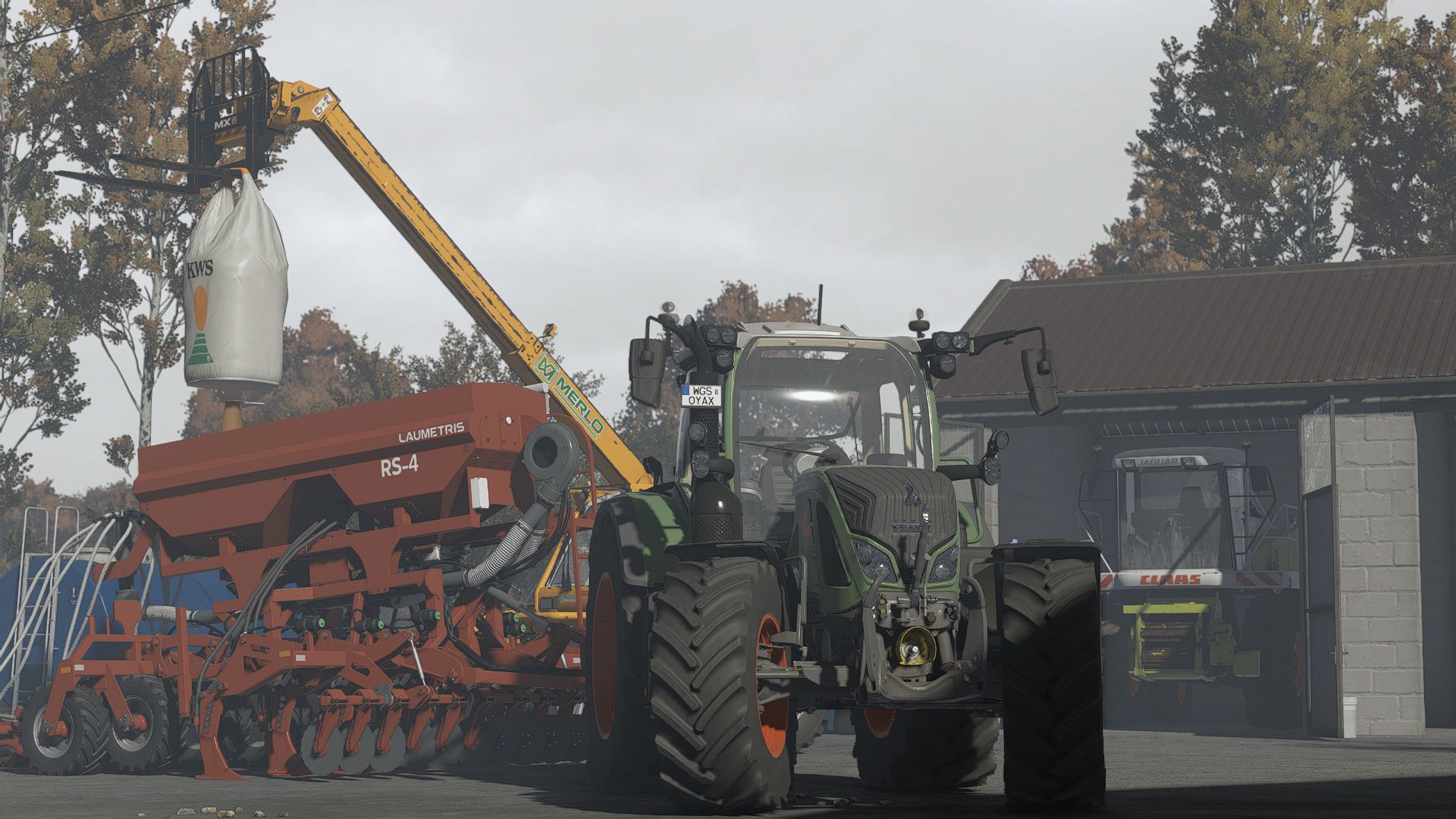
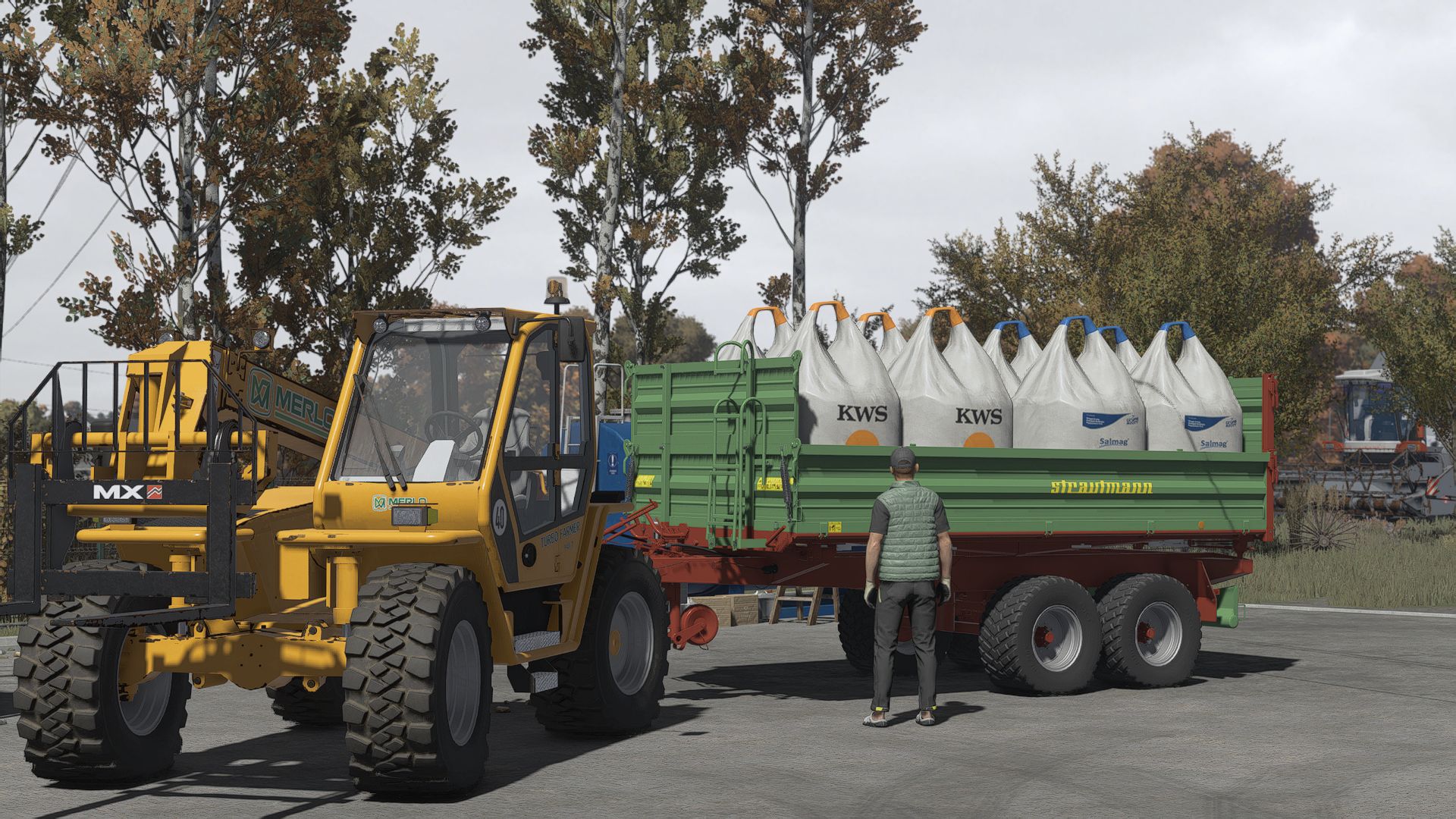
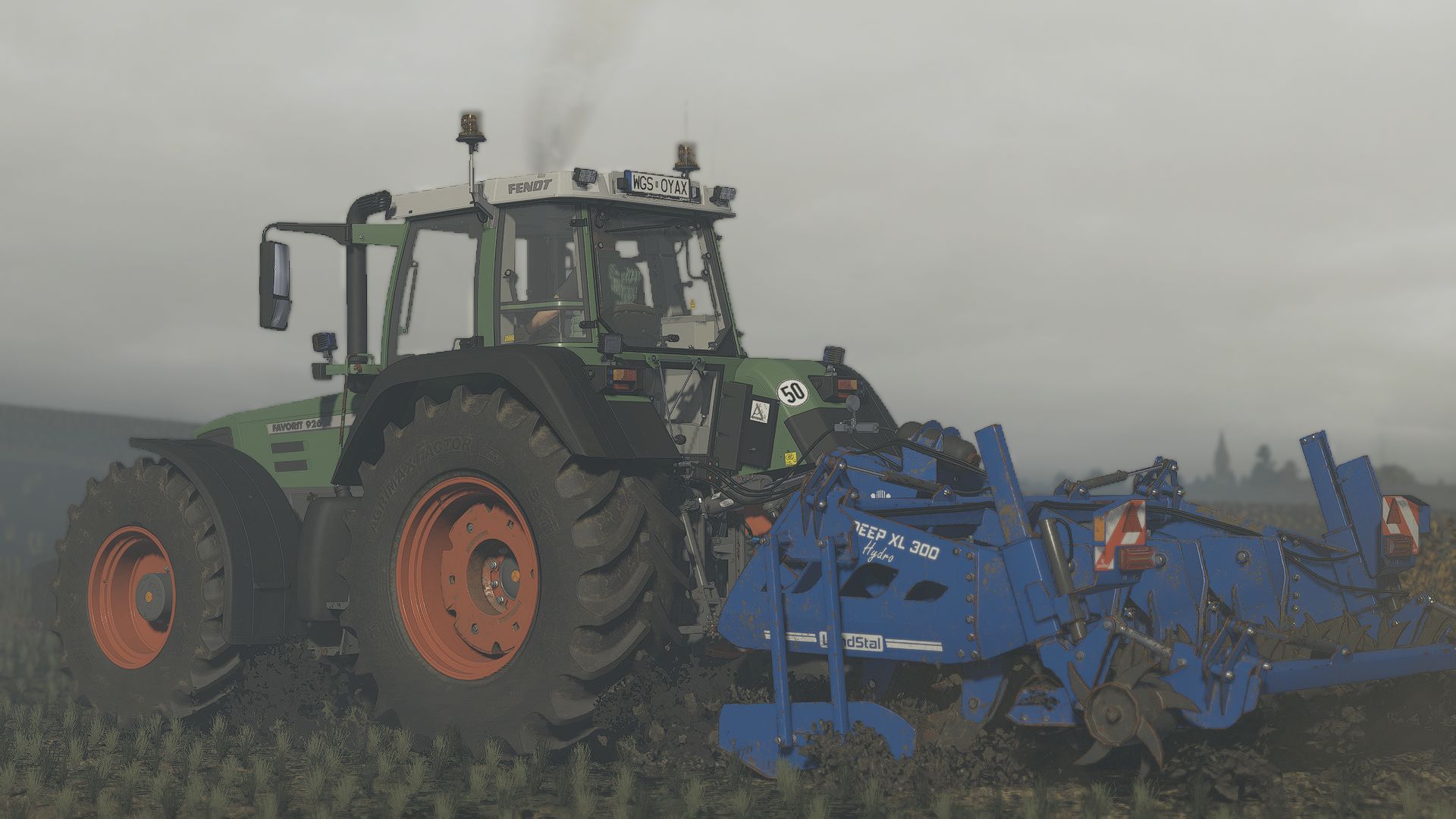
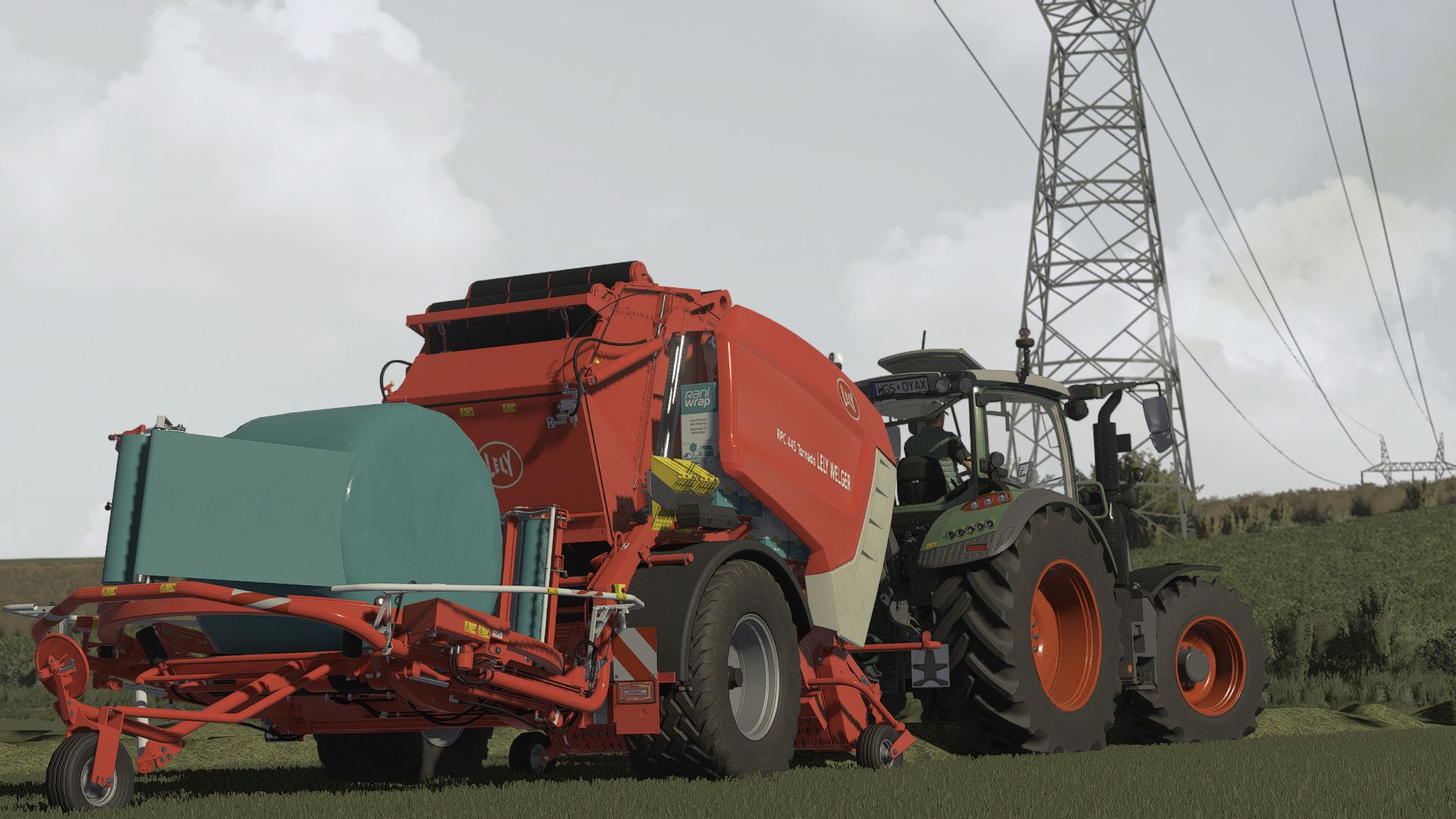
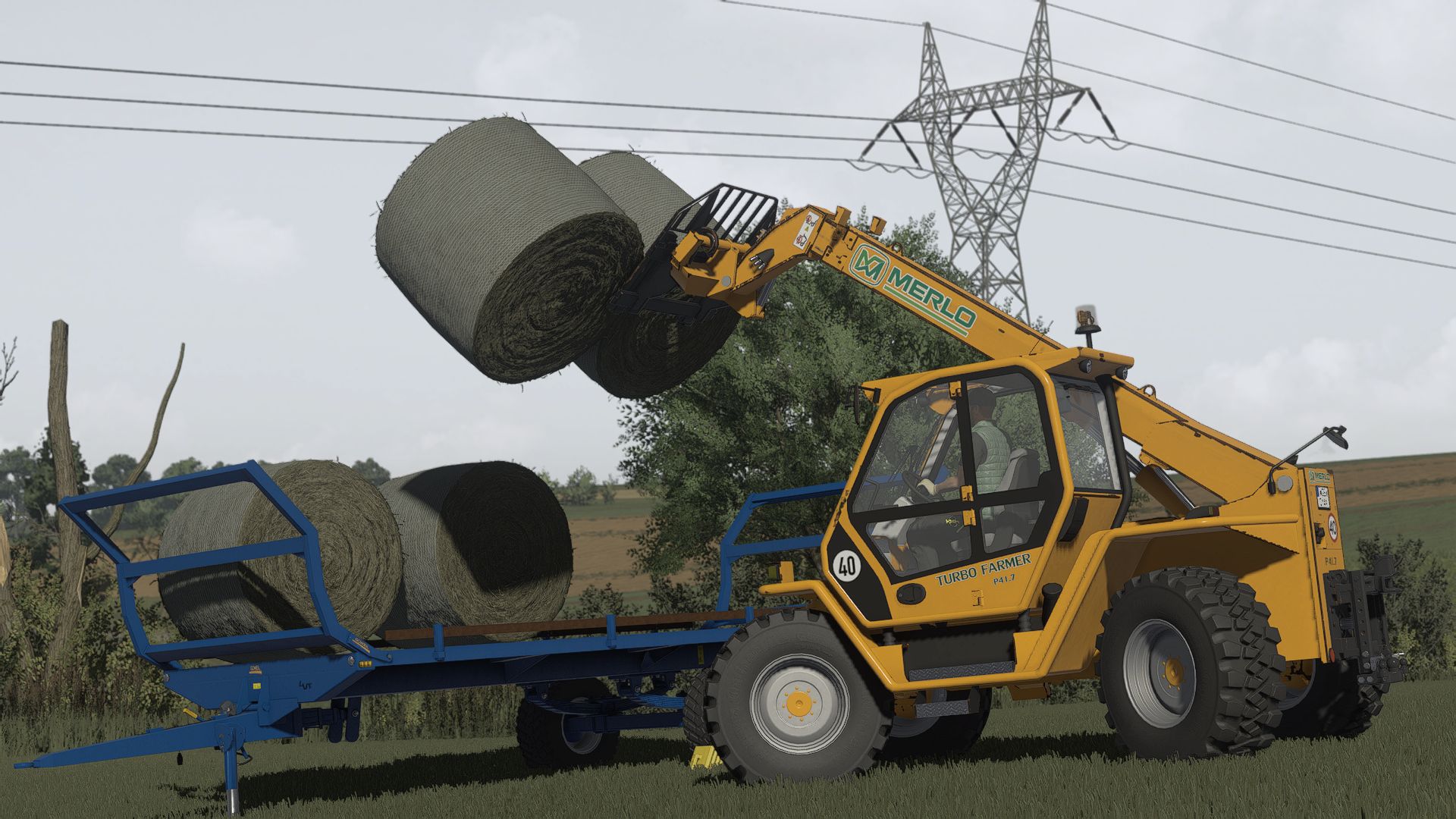
NO AI USED IN THE SCREENSHOTS!
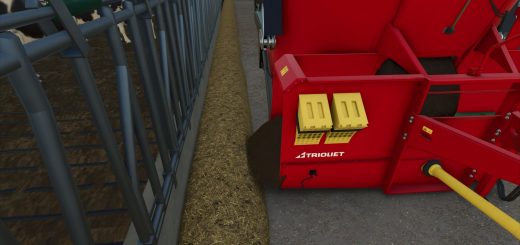
All screenshots were taken directly in-game using this shader preset.

MIKI Shader v4 enhances lighting, colors, contrast, and overall visual quality while keeping a realistic look and good performance.

Installation
Install ReShade 6.3.3
Select Giants Engine 9.0.0.0 and DirectX 10/11/12
Copy the included files into your Farming Simulator 25 folder
Press Home in-game and select MIKI_SHADER_4.ini
Choose your resolution in the Addons tab

Required mods:
Additional Game Settings

Authors:
mihajlomiki


Why & How to use FS25 mods

Have you tried Farming Simulator 25 Mods already? Downloading FS25 / FS22 mods is one of the best ways to upgrade your Farming Simulator 25 / 22 game by just installing it. All that you need is to select Farming Simulator 25 / 22 mod and upload it to your game mod folder. Here you will find modifications such as Tractors, Maps, harvesters mods for FS22 / FS22. However, the best way to see how it works is just to try and explore these LS25 / LS22 mods right now.


LS25 Other

Leave a Reply

Do you need help or to say thanks for mod author? Just leave a comment bellow!