LS25 Realistic Soil & Fertilizer V2.5.0.0


LS25 Realistic Soil & Fertilizer V2.5.0.0
NOT COMPATIBLE WITH PRECISION FARMING
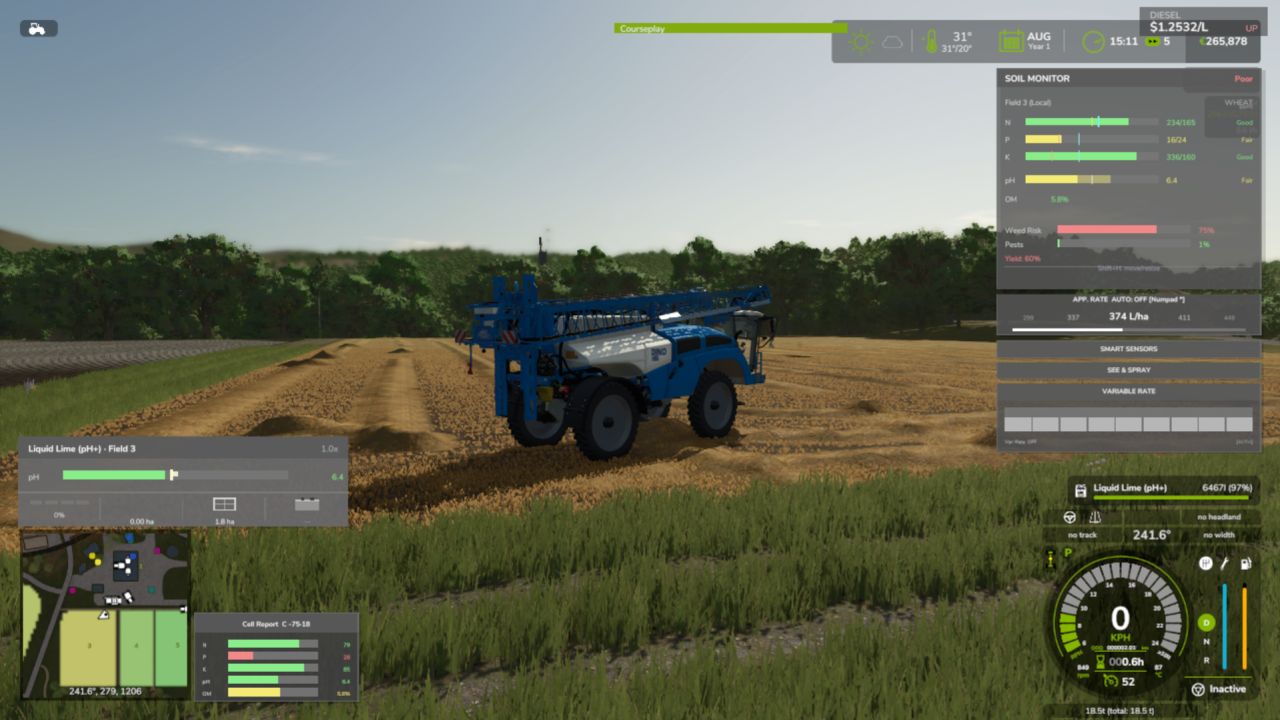
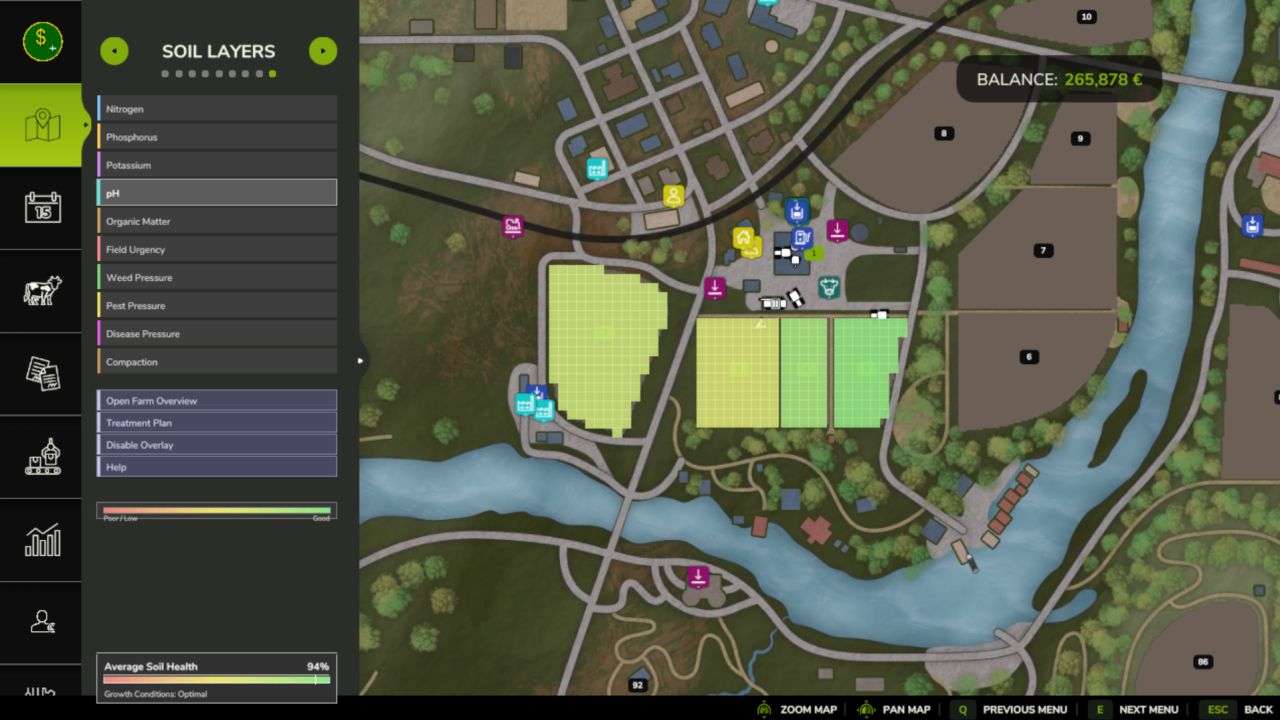
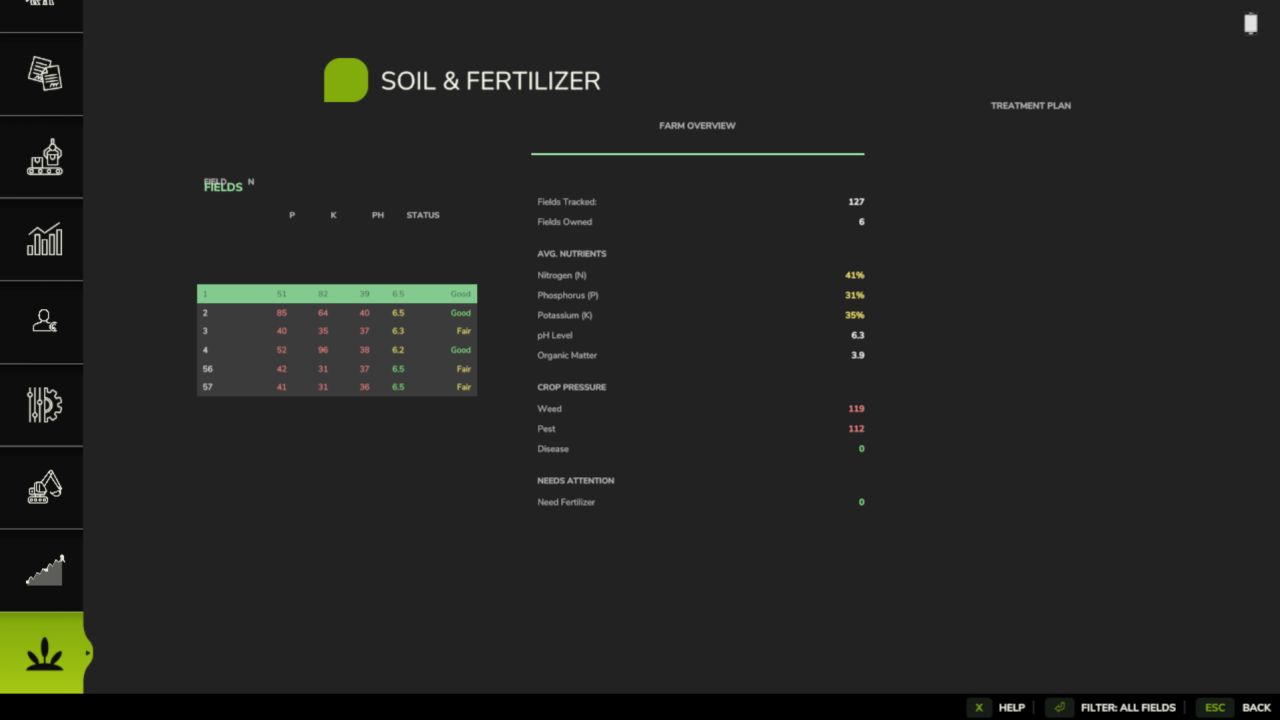
Every field has its own soil health — nitrogen, phosphorus, potassium, organic matter, and pH — that changes with what you grow, what you apply, and what the weather does. Ignore your soil and yields suffer. Manage it well and your farm runs more efficiently. Realistic depth without the overwhelming complexity.
Features
Per-Field Soil Health
Realistic Fertilizer Types
Sprayer Rate Control
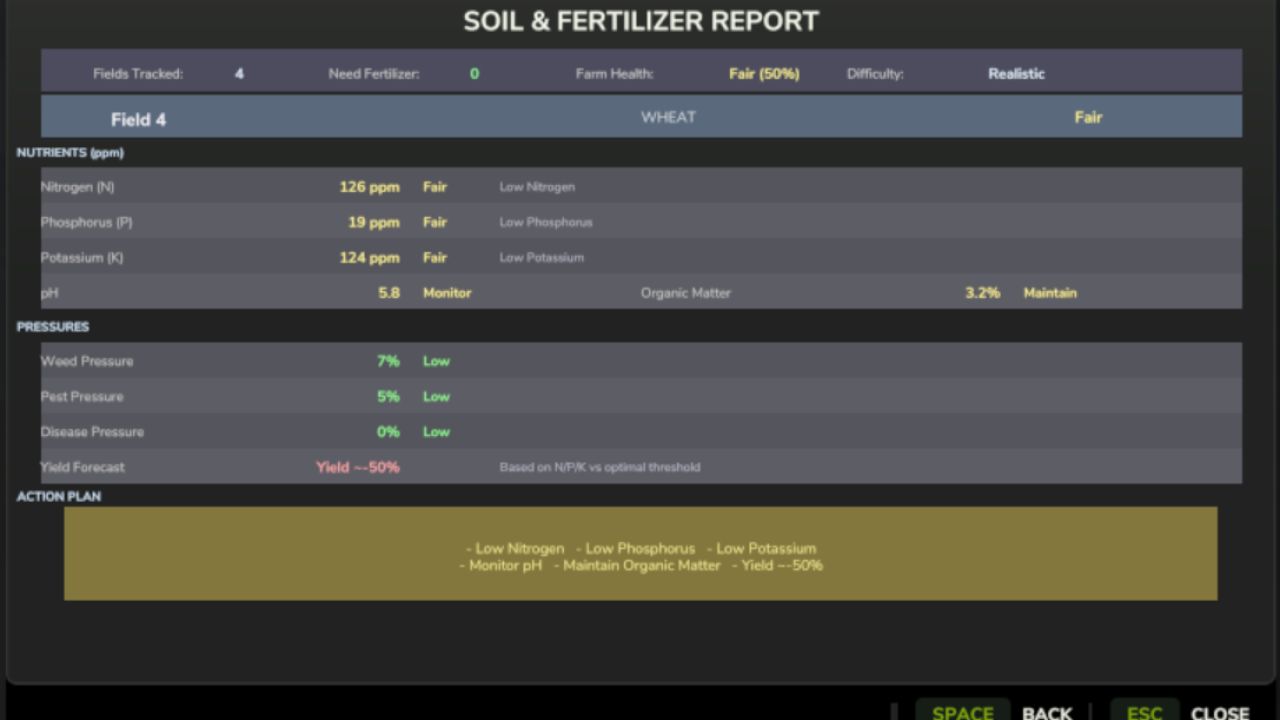
Yield Penalties
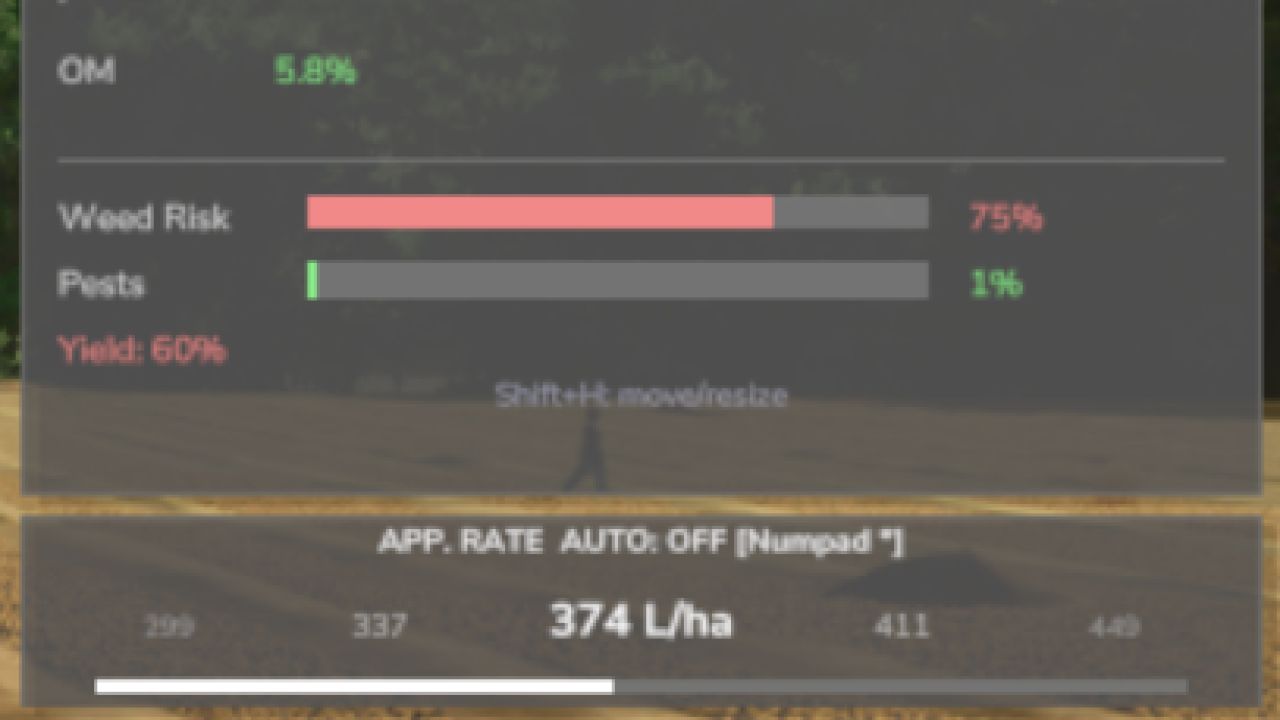
Pest, Weed & Disease Pressure
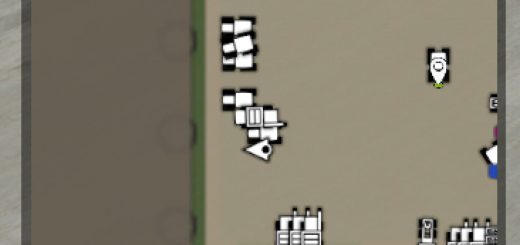
Live Soil HUD & Map Overlay
PDA Soil Report
Multiplayer & 26 Languages
Controls
Open Settings panel: Shift + O
Sprayer Rate Up / Down: assignable (in the cab)
Toggle HUD / open Soil Report: assignable keybindings
Note that low nitrogen, phosphorus or potassium cuts your yield, so keep your fields fed, plow and rotate your crops, and watch the soil map for trouble before it spreads!
V2.5.0.0
New in this version:
The release gate. New systems (disease resistance, hybrid strains, tank mixes, the ground-material family, spatial soil, and Read the Dirt) now ship LOCKED until they are deliberately released. A stable playthrough never meets unfinished systems by default.
Turn experimental systems on under Settings > Experimental, independent of your difficulty, at your own risk.
A Release Gate status dialog, opened from the version/changelog screen, shows what is locked and why. The SoilRelease console command does the same.
The gate is orthogonal to difficulty: it has its own opt-in and the two locks stack.
Everything from the proven baseline is unchanged: the per-pixel soil engine, pest and disease pressure, the six fungicides, harvesting-contract underwrite, weather presets, and the rotation planner.
Notes:
Experimental systems stay locked until they are observed in-game, have a player-visible surface, pass their defect checks, and are balance-safe. Releasing them is a deliberate act, not a default.
Bug fixes flow freely past the gate; only new systems wait.
Required mods:
Density Layer Installer