LS25 RealPhysics Steering v1.0.0.4

LS25 RealPhysics Steering v1.0.0.4
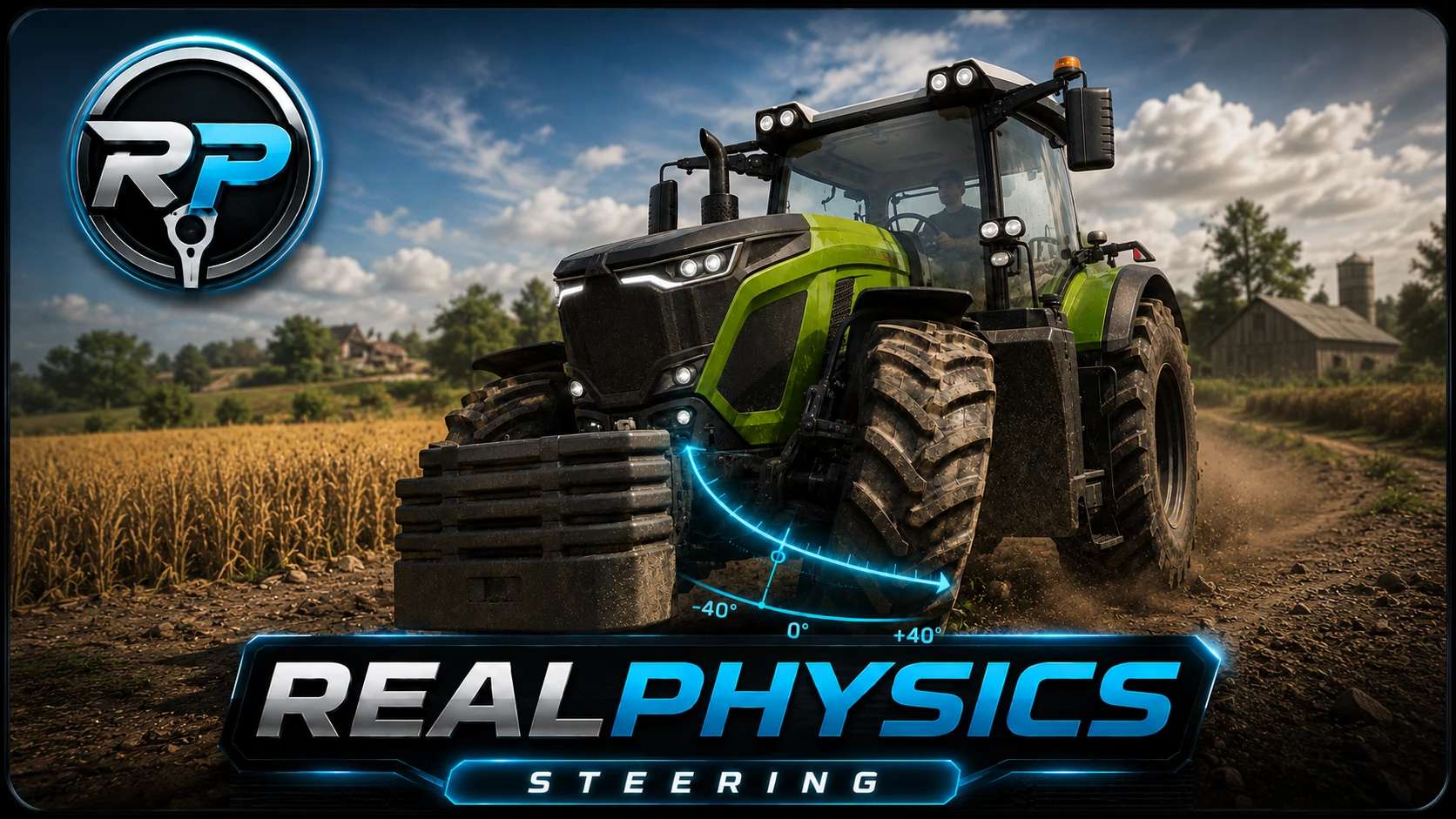
RealPhysics Steering brings a heavier, smoother and more realistic steering feel to Farming Simulator 25.
V1.0.0.4
Added RealPhysics Steering shop configuration. RealPhysics Steering is enabled by default, but can now be disabled per vehicle.
It replaces the default snap-back steering with a RealPhysics steering controller where the wheels stay at the angle you leave them. Steering angle is also remembered when leaving and re-entering a vehicle.
At higher speeds, steering can automatically become calmer by reducing steering speed and maximum steering angle. Optional self-centering can smoothly return the steering toward center without using the aggressive default GIANTS snap-back behavior.
New Wheel Load Feedback reads changing tire load from steerable wheels and sends small physical bumps back into the steering when there is no player input, making rough ground and impacts feel more alive.
Key features:
1. Non-centering steering
2. Persistent steering angle
3. Optional speed-based self-centering
4. Speed-adaptive steering speed and angle reduction
5. Optional Wheel Load Feedback from steerable tire load
6. Adjustable in-game settings
7. Compatible with Vehicle Control Addon
RealPhysics Steering is the first release in the RealPhysics series, with RealPhysics Core already in development to expand vehicle, terrain, grip, wetness, weight, ground and implement physics.