LS25 Removing the lifting balls V1.0.0.0

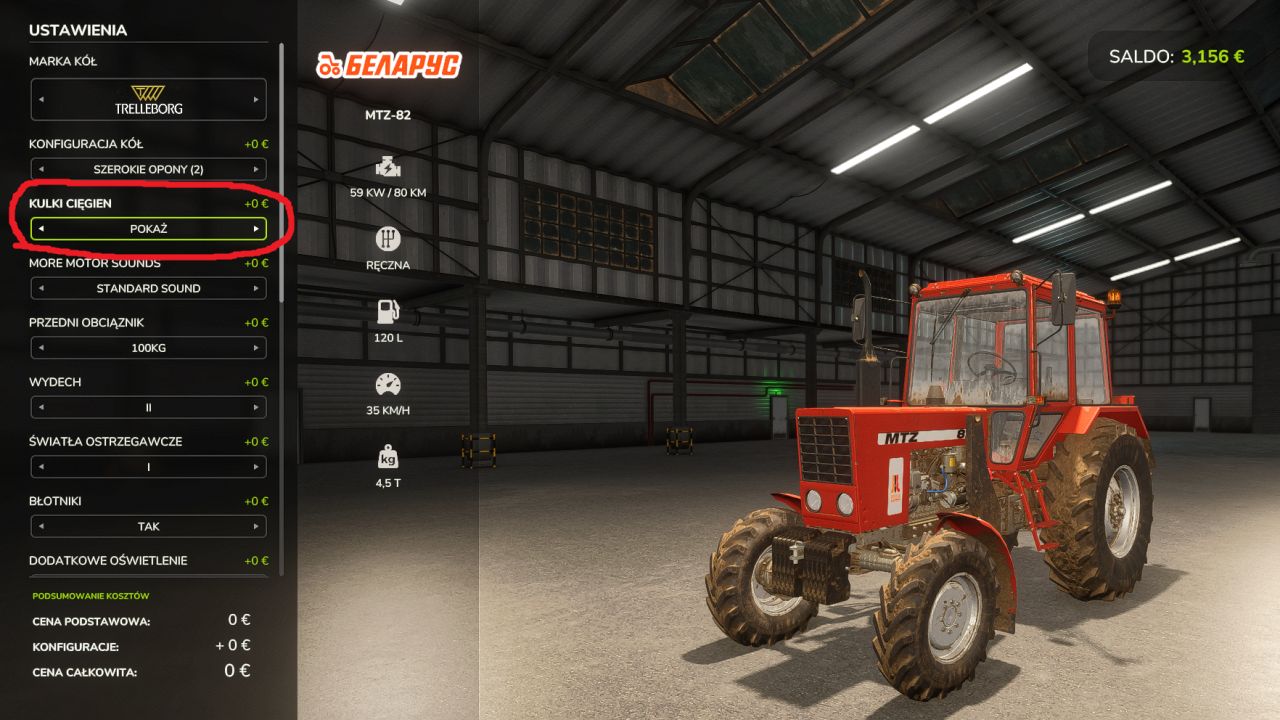
LS25 Removing the lifting balls V1.0.0.0
A simple mod that allows you to hide or restore lift balls when connecting machines.
Mod features
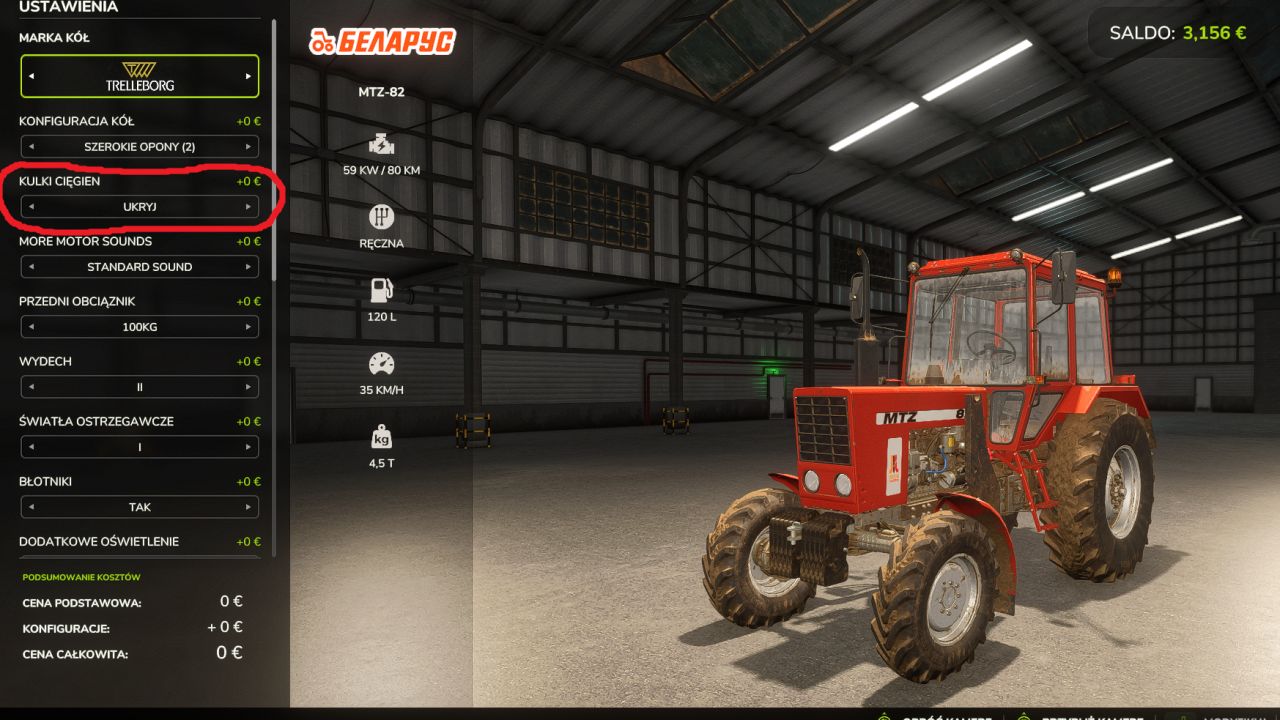
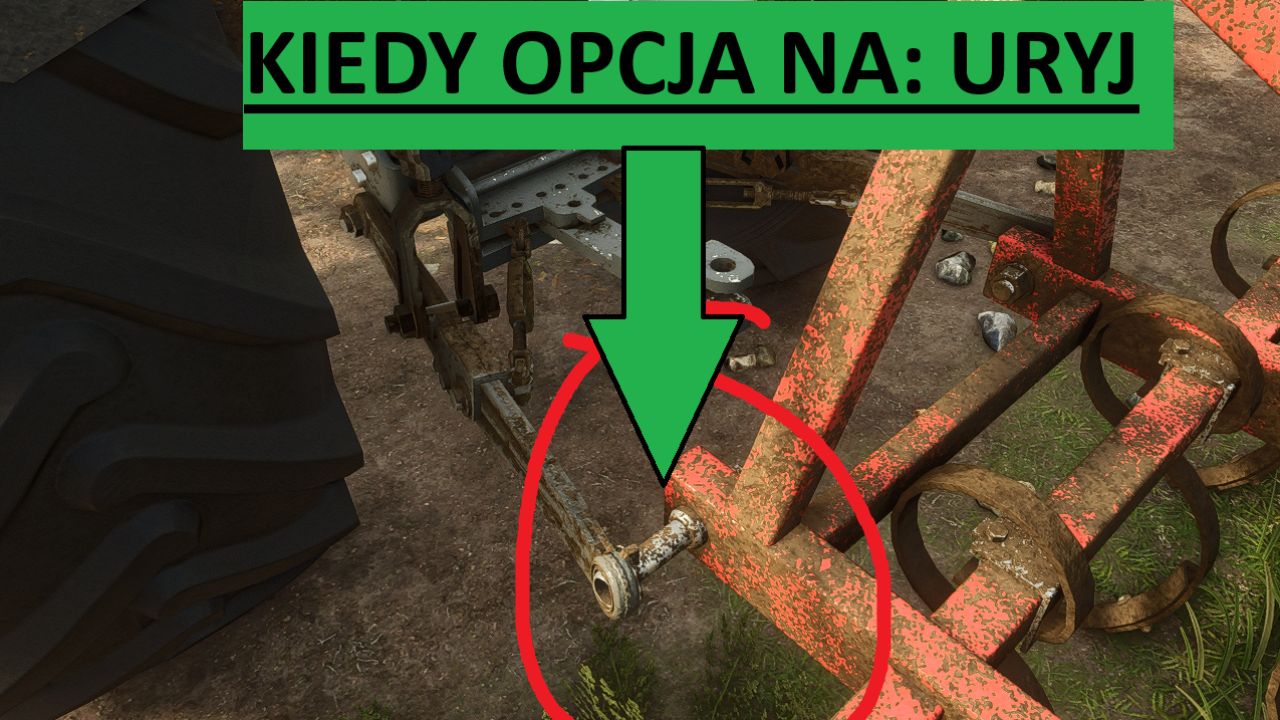
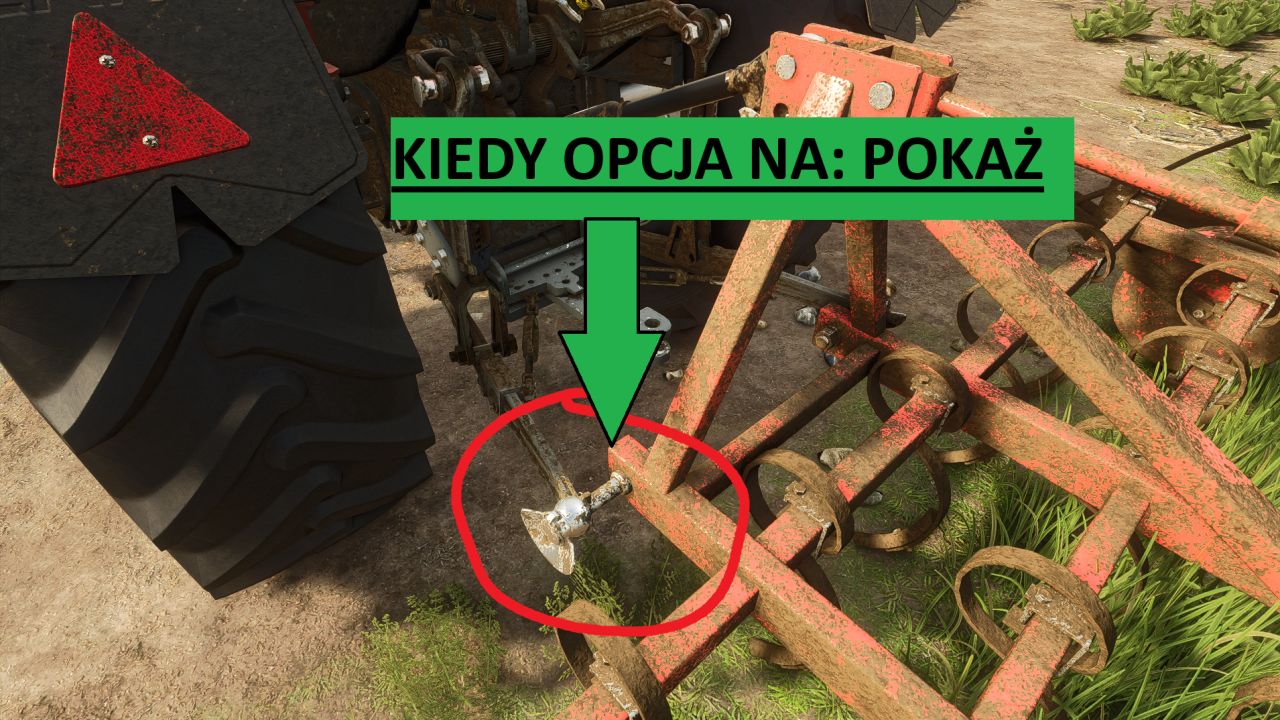
ability to choose Show / Hide lift balls,
configuration available in the store,
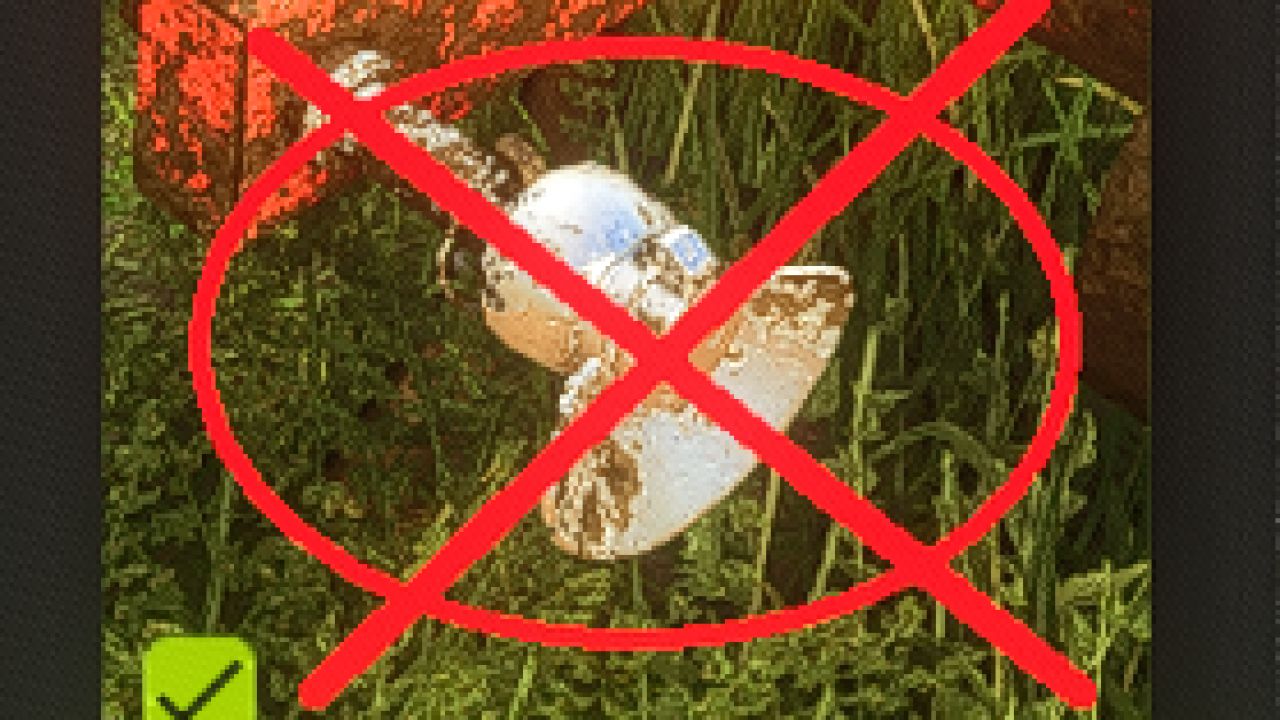
after selecting the Hide option, the lift balls on the connected machine become invisible,
works, among others with seeders, tillage units and other machines,
useful especially in the case of older tractors, such as C-360 or MTZ-82, where additional balls often look unsightly or do not match the model.
Installation
Download mod.
Place the .zip file in the folder:
Documents/My Games/FarmingSimulator2025/mods
Launch Farming Simulator 25.
Enable mod when selecting save.
Select the appropriate configuration in the store.