LS25 Settings Search V1.1.0.0

LS25 Settings Search V1.1.0.0
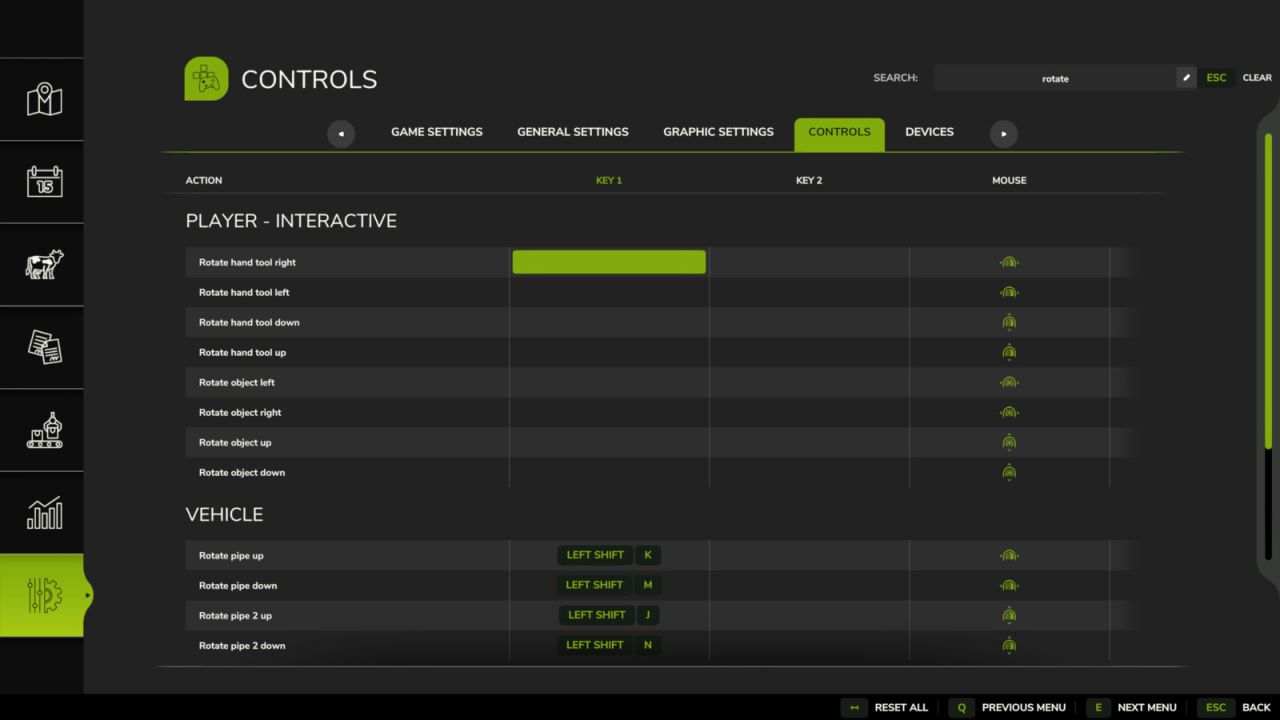
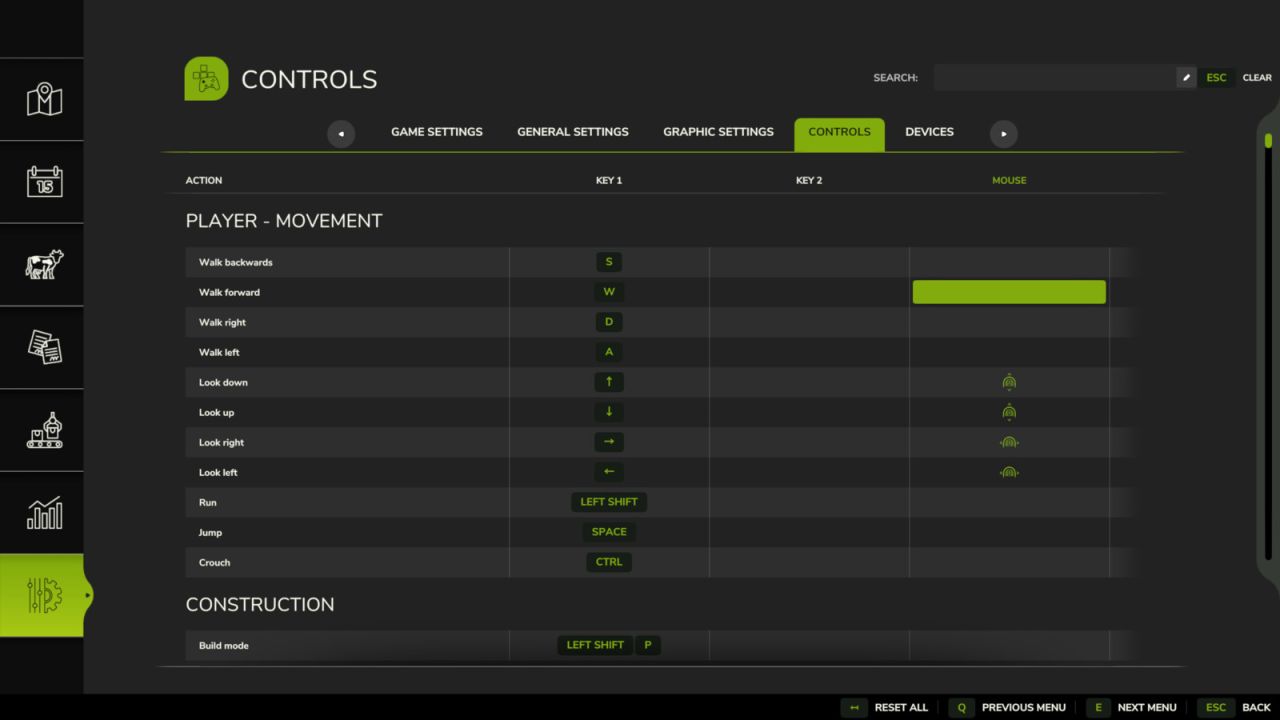
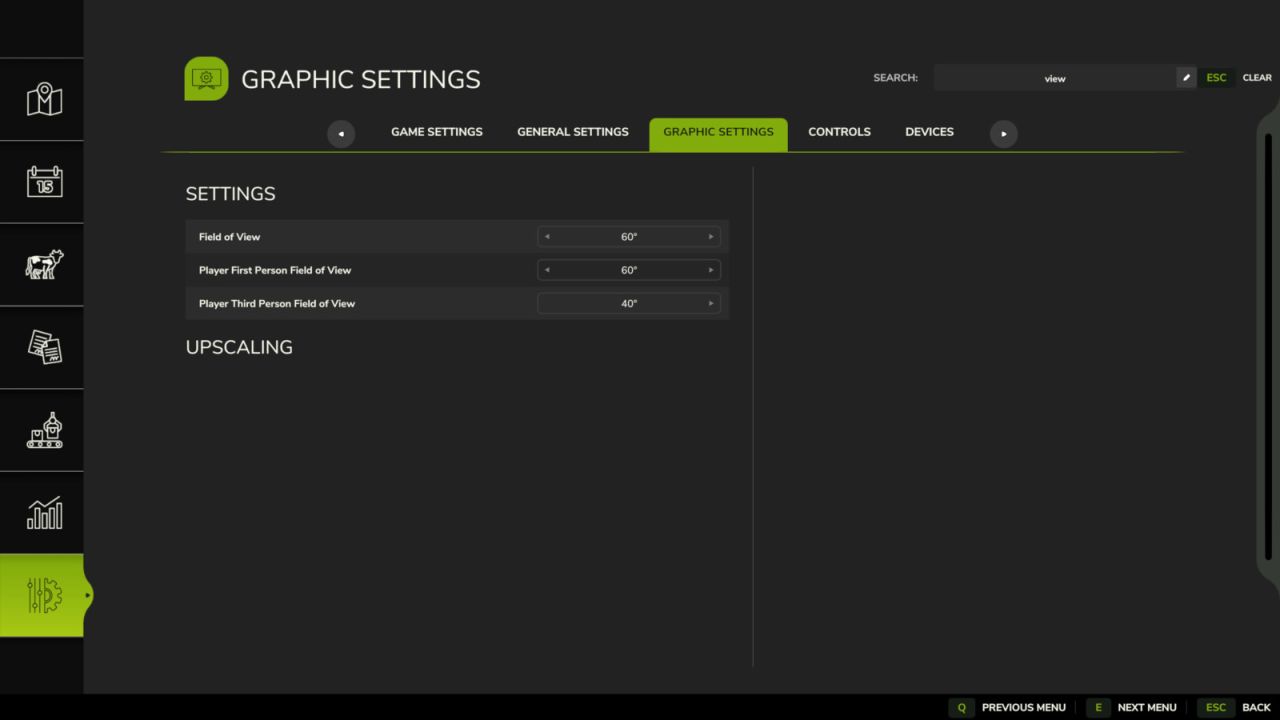
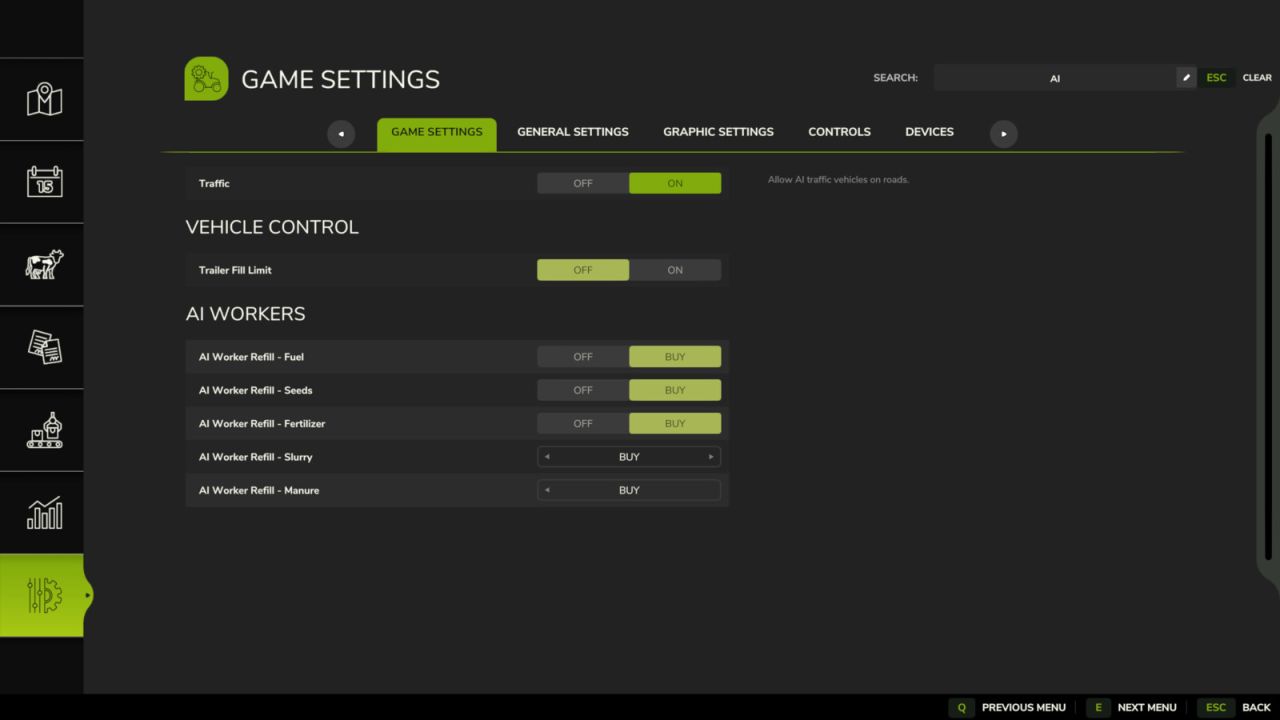
Search across every tab in the settings menu: Game, Graphics, Audio, Controls, Additional, Accessibility, and whatever other mods add. Jump to a tab and type, or search first and see which tab the result is hiding in. Searching for a section name like “Camera” shows the whole section. In the Controls tab this also works for mod names, for example “AutoDrive” or simply “AD” and “CP”, to see all of their key bindings at once.
V1.1.0.0
Controls tab: search for abbreviations such as AD for AutoDrive or CP for Courseplay
Searching for a section name such as “Camera” now displays the entire section in every tab
Fixed: the controls list could get stuck when there were very few results