LS25 Simple-Navigator V1.1.0.0

LS25 Simple-Navigator V1.1.0.0
New: AutoDrive is now also included dynamically.
Who doesn’t know this… a new map, very winding or large maps, and you’re constantly searching for where to go?
Then allow me to introduce the Simple-Navigator.
Mod description (including server):
Route guidance using the map’s splines and/or an AutoDrive course (if AutoDrive is installed); this is decided dynamically.
Note: Route guidance is only possible via splines (usually not field paths).
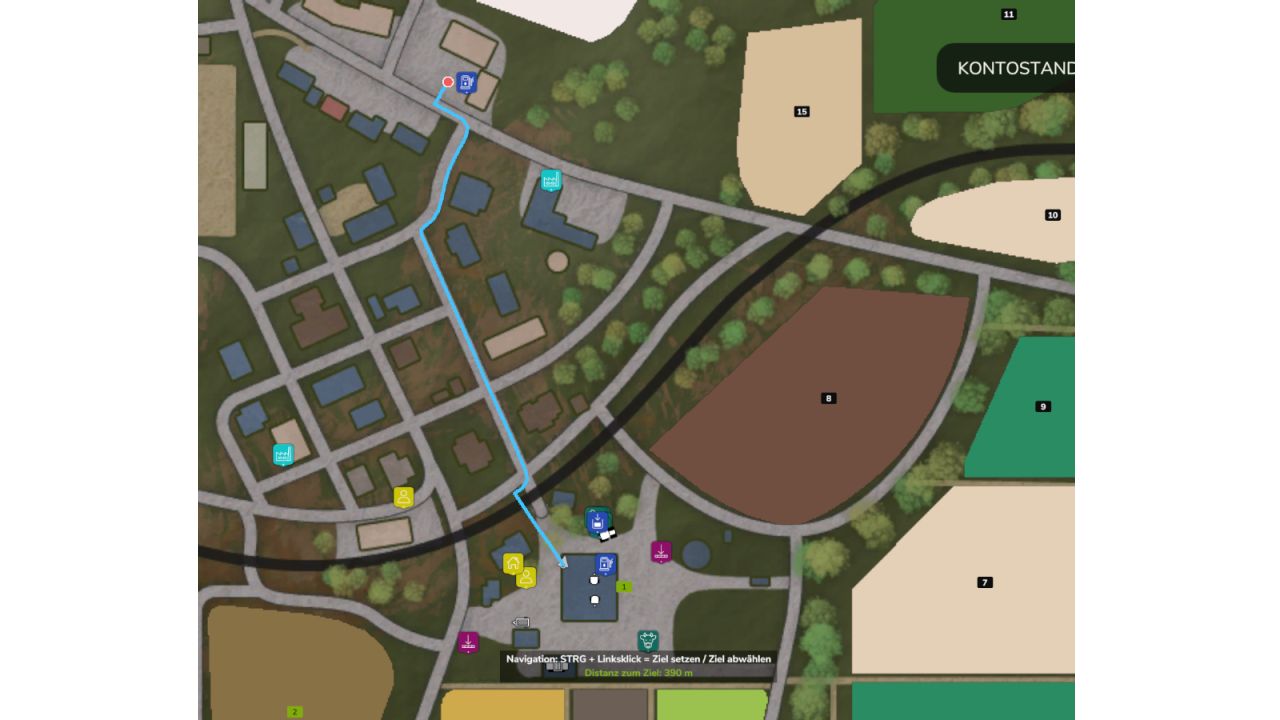
Set a destination: Open the overview map (ESC menu) and press CTRL + left-click on the destination.
Pressing CTRL + left-click on the same spot again removes the destination.
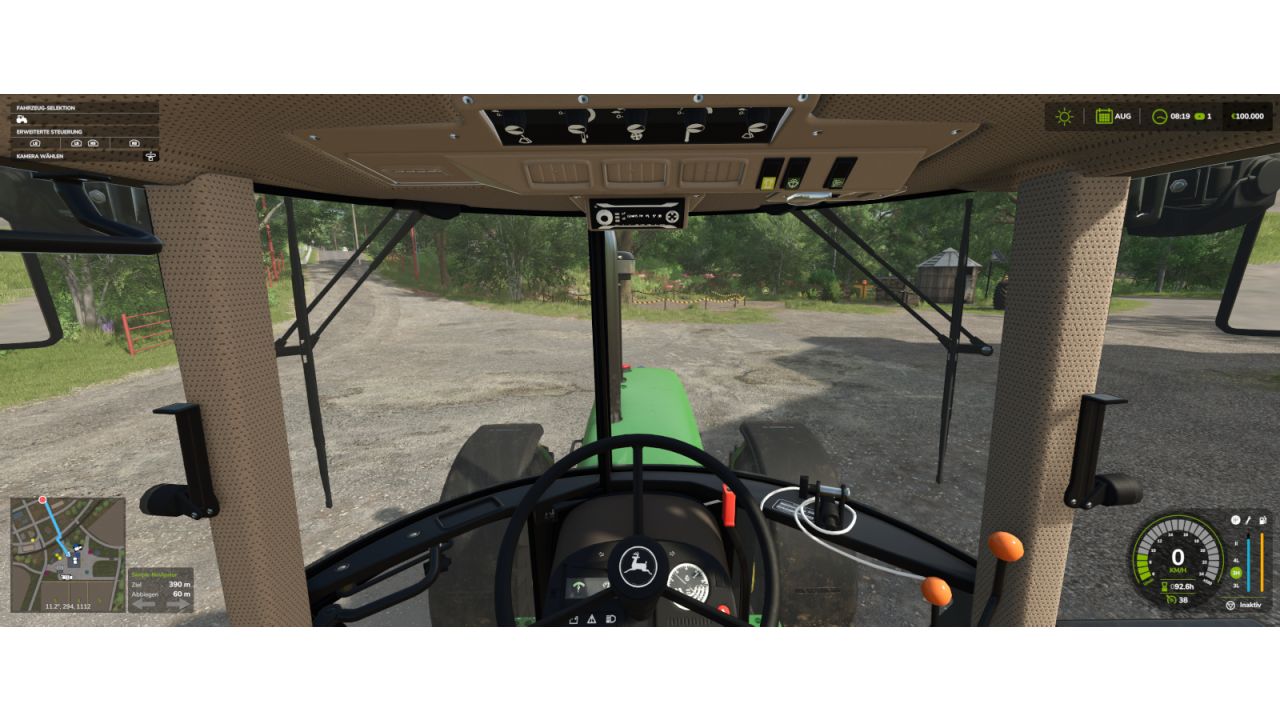
The route is displayed on the minimap. Next to the minimap, a panel shows the distance to the destination, the distance until the next turn, and blinking arrows for left/right.
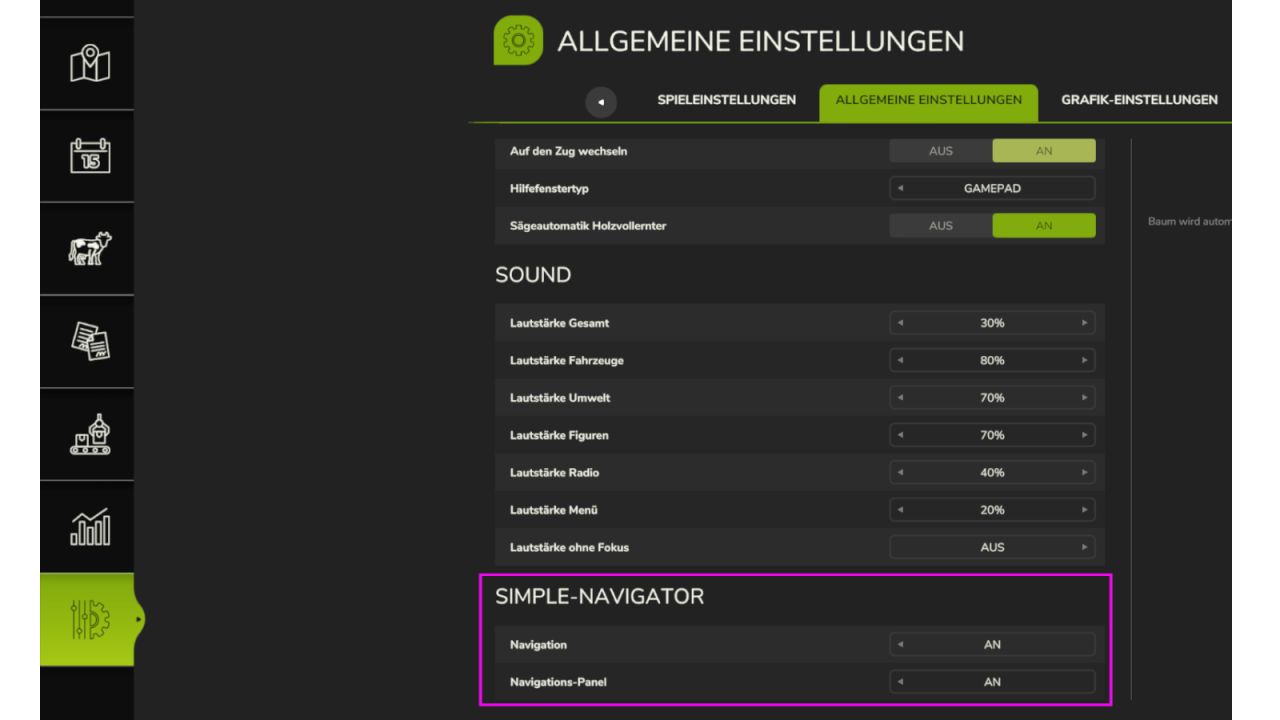
Under Settings > General, each player can enable or disable the navigation and the panel completely for themselves (also on servers).
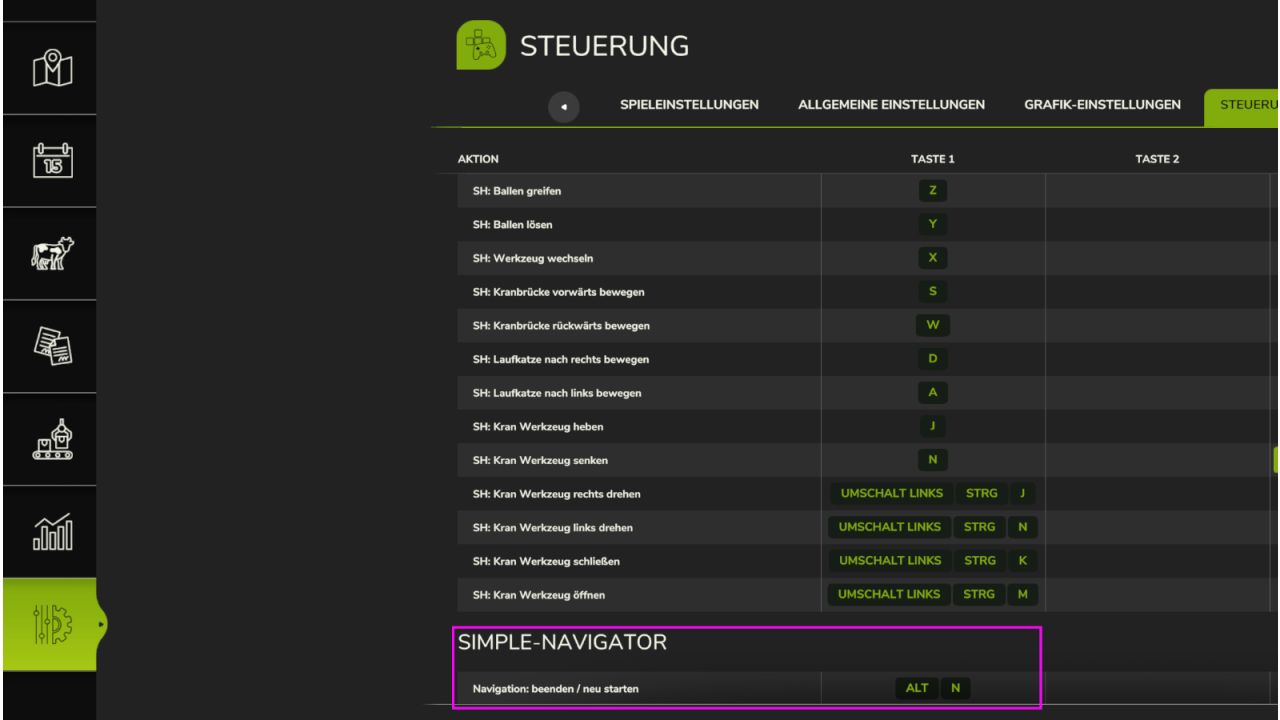
ALT + N: End / restart navigation
*Has not yet been tested on large 4x maps; if you find any errors or have any comments, feel free to write*
V1.1.0.0
In addition to the maps splines, AutoDrive is now also dynamically taken into account, making routes possible on maps without splines. Routes are now calculated either via splines, AutoDrive, or both together.