LS25 Thunder Warm Shader v1.0.0.0
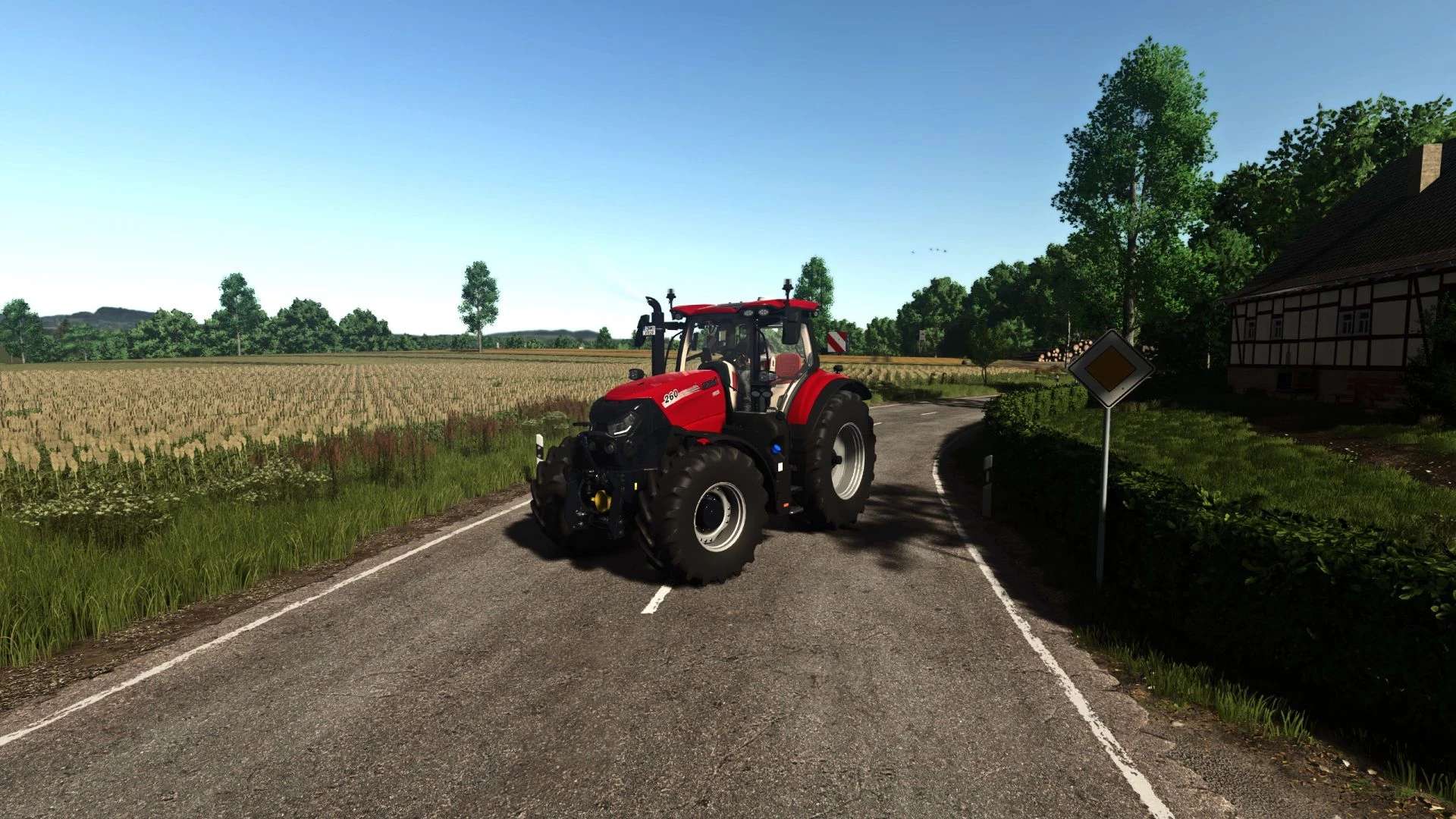

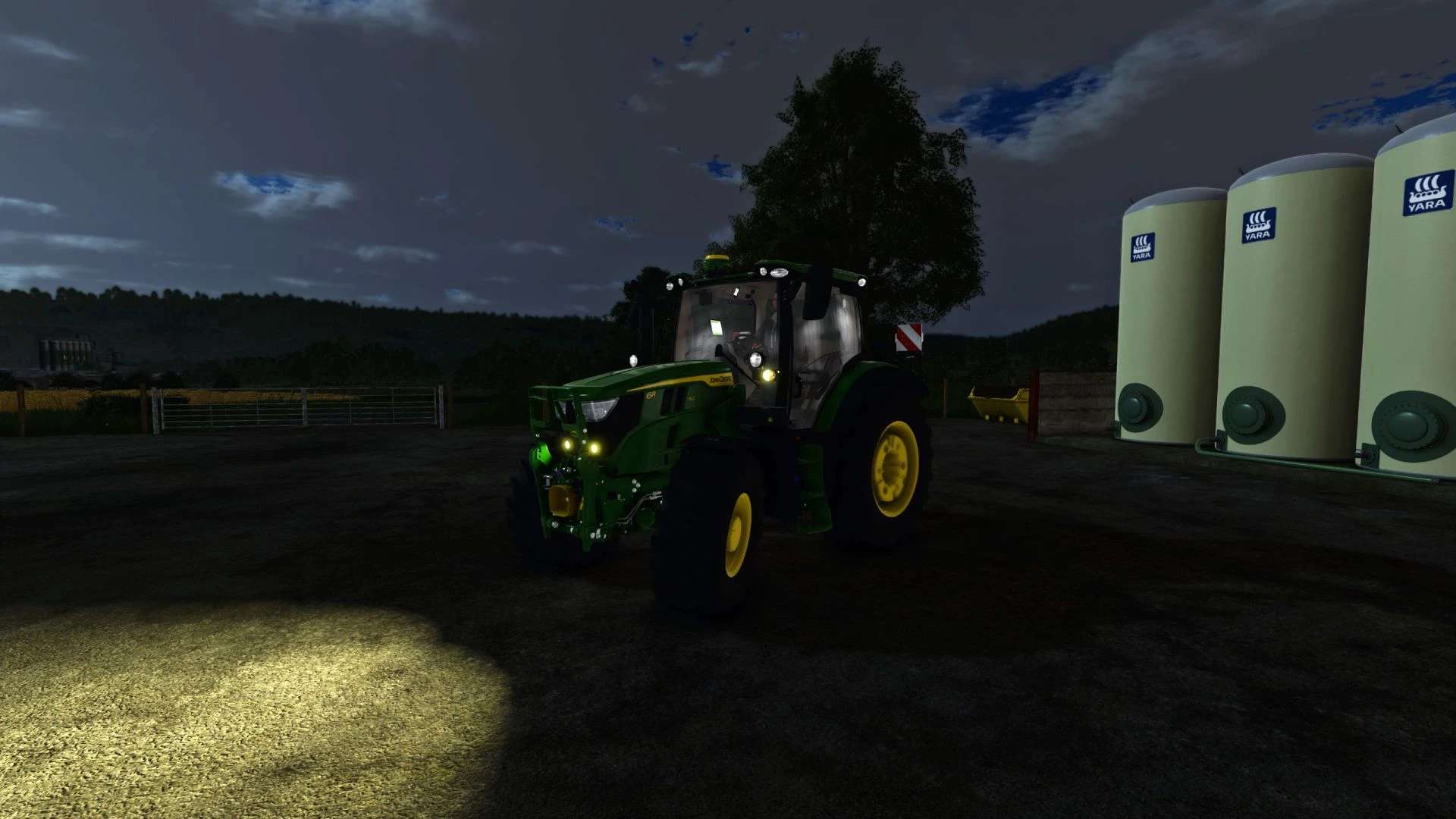
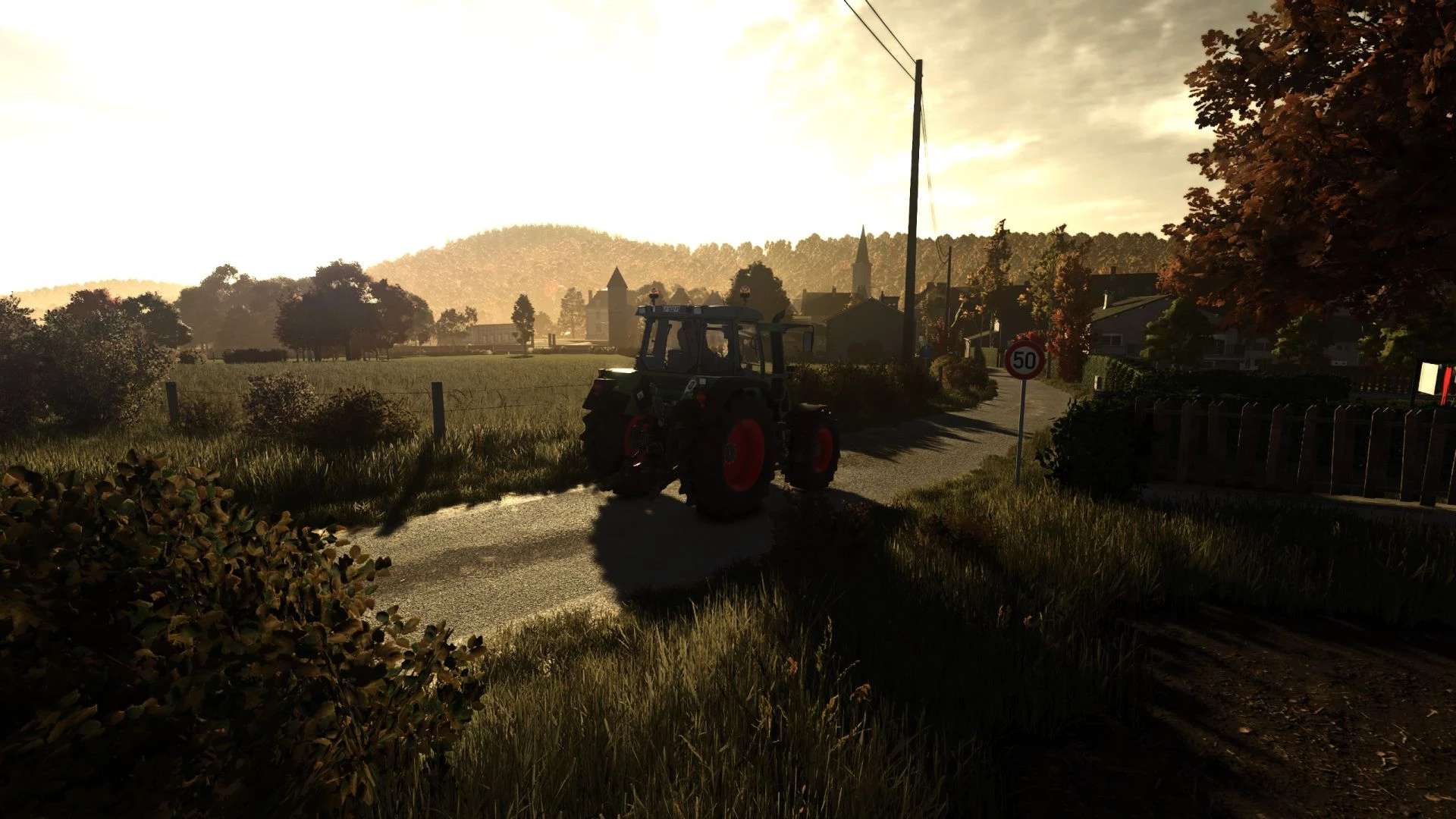
LS25 Thunder Warm Shader v1.0.0.0
Simple warm tone realistic shader. Nothing special, just what I like and always run.
How to install:
1. Install the most recent version of Reshade
2. Download and unzip the “ThunderWarmShader.zip” file
3. Move .ini file into your “/Farming Simulator 25/x64” folder
4. Load into game and press “Home”
5. Select the “ThunderWarmShader.ini” preset
6. You should be set
Feedback:
Please leave helpful feedback on changes I can make for future versions and if you have any problems please let me know. This is my first upload to KingMods and I am sort of new to the PC side of Farming Simulator so please be kind.